Zero ETL: Replicating Data from PostgreSQL to Snowflake Using pg_lake
The year is 2026 and the data engineering world is still arguing about the best way to move data from PostgreSQL to Snowflake. ETL…
Zero ETL: Replicating Data from PostgreSQL to Snowflake Using pg_lake

The year is 2026 and the data engineering world is still arguing about the best way to move data from PostgreSQL to Snowflake. ETL pipelines, CDC connectors, custom Kafka jobs — the solutions are plentiful but complex. Then Snowflake quietly dropped pg_lake in November 2025 and changed the conversation entirely. This isn’t another connector. It’s a fundamentally different model for how PostgreSQL and Snowflake share data.
The Death of the ETL Pipeline
Before we dive in, it’s worth being precise about what pg_lake is — because the name is slightly misleading and the internet has not fully caught up.
pg_lake is not a traditional replication tool. It won’t stream row-level changes from your PostgreSQL tables into Snowflake the way Debezium or Fivetran does. There’s no agent to install on your Snowflake side, no COPY INTO statement, no Kafka topic in between.
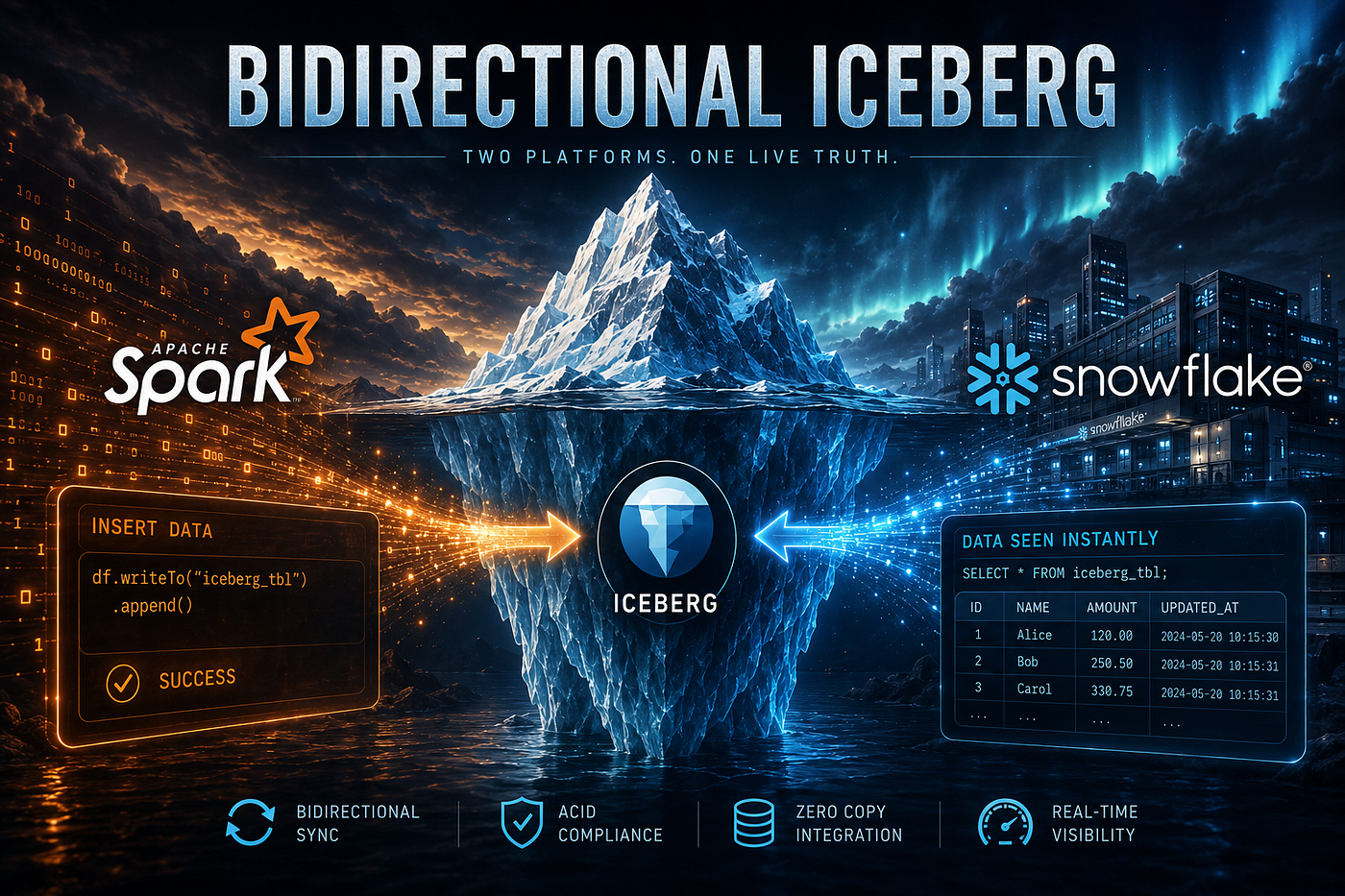
pg_lake changes the game by allowing Postgres to write directly to Apache Iceberg tables. Because Snowflake can read Iceberg as a native format, the replication becomes a background process of the database itself.
Think of it this way: instead of copying data from PostgreSQL to Snowflake, you write data once — to an Iceberg table in your object store — and both PostgreSQL and Snowflake can query it directly. No duplication. No pipeline latency. Zero ETL.
How pg_lake Works: The Architecture
A pg_lake instance consists of two main components: PostgreSQL with the pg_lake extensions and pgduck_server. you connect to PostgreSQL as you normally would. Under the hood, when you query or write to an Iceberg table, pg_lake transparently routes the heavy lifting to DuckDB — a high-performance, columnar, in-process analytics engine. DuckDB reads and writes Parquet files directly in your object store. Users see only standard PostgreSQL SQL.
The architecture looks like this:
Your Application
      │
      ▼
  PostgreSQL
  + pg_lake extensions
      │
      ├──► DuckDB (pgduck_server)
      │         │
      │         ▼
      │    Apache Iceberg Tables
      │    (S3 / GCS / Azure Blob)
      │         ▲
      ▼         │
   Snowflake ───┘
   (reads same Iceberg tables natively)
Step 1: Initialize pg_lake in Postgres
First, you need to install the extension in your Postgres instance. If you are using Snowflake Postgres (the managed service), this is already built-in. If you are on-prem or on another cloud, you can install the open-source version.
-- Install the extension and its dependencies
CREATE EXTENSION pglake CASCADE;

-- Set your cloud storage destination (e.g., S3 or Azure Blob)
SET pg_lake_iceberg.default_location_prefix TO 's3://my-data-lake/replicated_tables/';
Step 2: Create a “Mirror” Iceberg Table
Instead of a standard heap table, you create an Iceberg table. This table lives in your Postgres catalog, but its data is physically stored in your S3 bucket in the open Iceberg format.
-- Create a table that Postgres and Snowflake both understand
CREATE TABLE users_replicated (
    id INT PRIMARY KEY,
    email TEXT,
    created_at TIMESTAMP
) USING iceberg;
Step 3: Transactional Replication
The beauty of pg_lake is that you can move data from your standard “Operational” tables into your “Iceberg” tables using simple SQL. You can even automate this using a tool like pg_cron.
-- Replicate new changes from your operational table to the Iceberg table
INSERT INTO users_replicated
SELECT * FROM users_operational
WHERE created_at > (SELECT MAX(created_at) FROM users_replicated);
Because this happens inside Postgres, it follows full ACID transactions. If the write to the S3 data lake fails, the Postgres transaction rolls back.
Step 4: Accessing the Data in Snowflake
Now for the “Zero-ETL” magic. In Snowflake, you don’t “import” this data. You simply create an Iceberg Table that points to the same S3 location.
-- In Snowflake
CREATE ICEBERG TABLE users_analytics
  EXTERNAL_VOLUME = 'my_s3_volume'
  CATALOG = 'SNOWFLAKE'
  BASE_LOCATION = 'replicated_tables/users_replicated/';
That’s it. The moment Postgres commits a transaction to the Iceberg table, the data is available for your Snowflake analysts to query.
Why This is the Future of Data Engineering
- Cost: You stop paying for expensive ETL vendors and per-row transfer costs.
- Speed: Latency drops from minutes (or hours) to seconds.
- Openness: Your data is stored in Apache Iceberg, an open standard. You aren’t locked into Snowflake or Postgres; any engine that speaks Iceberg (Spark, Trino, etc.) can read it.
- Simplicity: One language (SQL) manages the entire lifecycle from the app to the dashboard.
When to Use pg_lake vs. Traditional CDC
pg_lake is not a replacement for every data pipeline. Here’s an honest comparison:
Use pg_lake when:
- You’re starting a new application and can design data storage around Iceberg from day one
- You want both PostgreSQL and Snowflake to access the same analytical dataset without duplication
- You need to query external Iceberg or Delta tables from within a PostgreSQL application
- You want to do a one-time historical data export to make legacy PostgreSQL data available in Snowflake
Stick with CDC (Debezium/Fivetran) when:
- You have existing PostgreSQL tables you can’t modify
- You need row-level change tracking with before/after state for auditing
- You require sub-minute latency for operational data in Snowflake
- Your downstream consumers need the full transaction log, not just current state
The two approaches are complementary. A mature data platform might use pg_lake for net-new analytical tables and Debezium for streaming operational events from legacy PostgreSQL tables — letting each tool do what it does best.
Conclusion
pg_lake represents a genuine architectural shift in how PostgreSQL and Snowflake relate to each other. Rather than treating them as two separate systems connected by a fragile pipeline, pg_lake positions Apache Iceberg as a shared data layer that both systems can read and write natively.
Found this useful? 👏 Clap it so that more people can find it, and follow me on Linkedin for more content on data engineering and AI. See you there.
메타데이터
- post_id
- d3f72b6e7216
- slug
- zero-etl-replicating-data-from-postgresql-to-snowflake-using-pg-lake-d3f72b6e7216
- url
- https://medium.com/@nazeer.td/zero-etl-replicating-data-from-postgresql-to-snowflake-using-pg-lake-d3f72b6e7216
- canonical_url
- https://medium.com/@nazeer.td/zero-etl-replicating-data-from-postgresql-to-snowflake-using-pg-lake-d3f72b6e7216
- author_url
- https://medium.com/@nazeer.td
- status
- ok
- fetched_at
- 2026-08-08 03:23:41