Power Apps Vibe is not magic, but it does change the start..
Can AI really build a Power App? I spent a few hours with Vibe to find out.
Power Apps Vibe is not magic, but it does change the start..
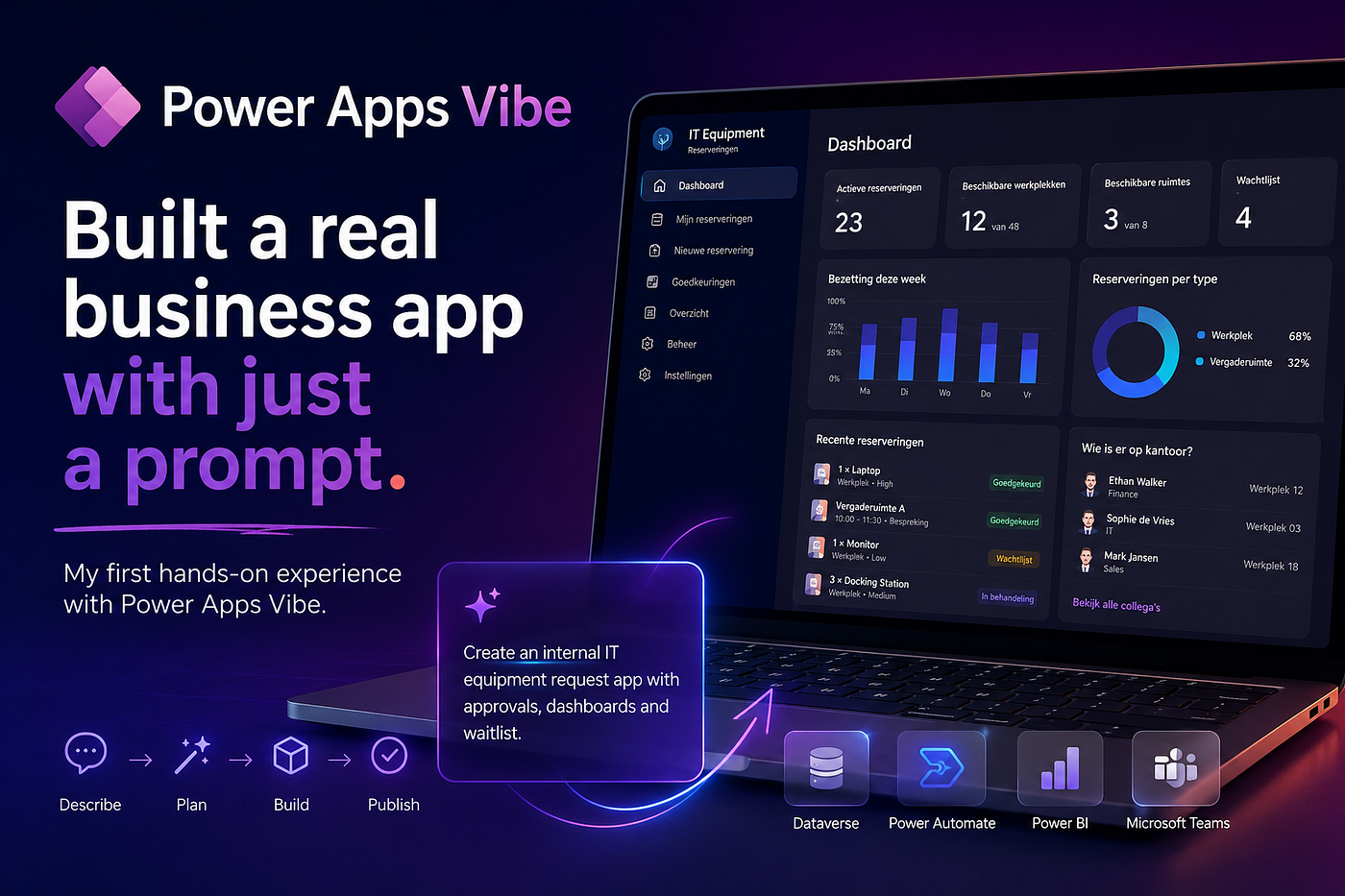
Can AI really build a Power App? I spent a few hours with Vibe Power Apps to find out.
I’ve built quite a few Power Apps. Canvas apps. Model-driven apps. Apps with Copilot.
So when I heard about Power Apps Vibe, I was curious, but also a bit skeptical. Because I’ve tried building apps with AI before…..
Usually it gives you something that looks impressive at first, but after a few minutes you start fixing screens, changing tables and wondering if it was actually any faster.
I wanted to see if Vibe would be any different.
So, I decided to build an IT equipment request application.
Employees request laptops, monitors and phones. Managers approve the requests. IT handles the rest.
Simple enough to build in an afternoon, but good enough to put Vibe to the test…
It doesn’t start by building an app
The first thing I noticed was that it didn’t start building anything.
Instead, it wanted to create a plan first. I liked that.
Rather than immediately generating screens, it first showed me what it understood from my prompt and asked me to confirm it.


It actually shows you what it’s doing
After accepting the plan, I once again was surprised, no loading but..
Vibe showed every step it was taking.
Reading files. Creating components. Updating styles. Building the data model. Generating the application.
It wasn’t just sitting there saying “Thinking…”
You could actually see the work happening.
I actually ended up watching the progress instead of waiting for it to finish!!!

A working app in a few minutes
A few minutes later, I had a working application.
There were forms.
Navigation. Dashboards. Approval screens. Lists. Filtering.
All from a single prompt.
Ready to publish? No.
But it was a much better starting point than I expected.

Time to start changing things
This is where I was blown away..
I started seeing how easy it was to change it.
I asked it to replace cards with tables.
Use Fluent icons. Show colored status badges. Add progress indicators.
Instead of rebuilding the app, it simply updated it.
That felt much more natural than opening a designer and making dozens of small changes myself.


Building a better dashboard
The dashboard looked good, but it wasn’t where I wanted it. So I asked to move it to the landing page.
Instead of guessing, it asked me.
Do you want the dashboard to replace the landing page? Become the default tab? Or simply move higher up?
That was probably my favorite moment!
It behaved exactly like a developer would.
It asked before making a change that could affect the whole application.


The data model
The generated model was really ok. But I wanted to see if it could handle something a little more realistic. I asked it to start using equipment categories, lookup tables and relationships. Instead of adding more columns to the existing table, it created separate tables and linked them together.
It was actually modelling data.


Security
Can’t forget about security! I wanted employees to see only their own requests.
- Managers should only see requests from their own department.
- IT should see everything.
It understood that immediately.
To be clear, it isn’t configuring Dataverse security roles for you.
You’ll still need to do that yourself.
But it understood what I was trying to achieve.


Sample data
The last thing I wanted before publishing was some real data.
One prompt later, the application was filled with requests from different departments, different priorities and different statuses.
That’s a small feature, but one I think people will end up using a lot during demos.


Ready to publish
After about an hour, I had gone from a scratch to a working application.
Production ready? No. Not yet..
There’s still work to do around security, governance, automation and integrations.
But that’s not really the point.
The point is that I skipped the part of the project that usually takes the most time.
- Creating tables.
- Building navigation.
- Putting forms together.
- Creating the first dashboard.
That was all done without even opening Power Apps Studio.
And honestly, that’s where I think Vibe fits today.
Not as a replacement for Power Apps.
Just a much faster way to get to the first working version.


I’m genuinely curious to see where Microsoft takes this next.
메타데이터
- post_id
- d3fb3e8d2aa6
- slug
- my-first-hands-on-experience-with-power-apps-vibe-d3fb3e8d2aa6
- url
- https://medium.com/@ldecuba/my-first-hands-on-experience-with-power-apps-vibe-d3fb3e8d2aa6
- canonical_url
- https://medium.com/@ldecuba/my-first-hands-on-experience-with-power-apps-vibe-d3fb3e8d2aa6
- author_url
- https://medium.com/@ldecuba
- status
- ok
- fetched_at
- 2026-07-09 05:26:43






