Supercharge Your Serverless Deployments with serverless-esbuild Plugin
If you’ve built anything serious on AWS Lambda with the Serverless Framework, you’ve felt it: that long pause after you hit serverless…
Supercharge Your Serverless Deployments with serverless-esbuild Plugin
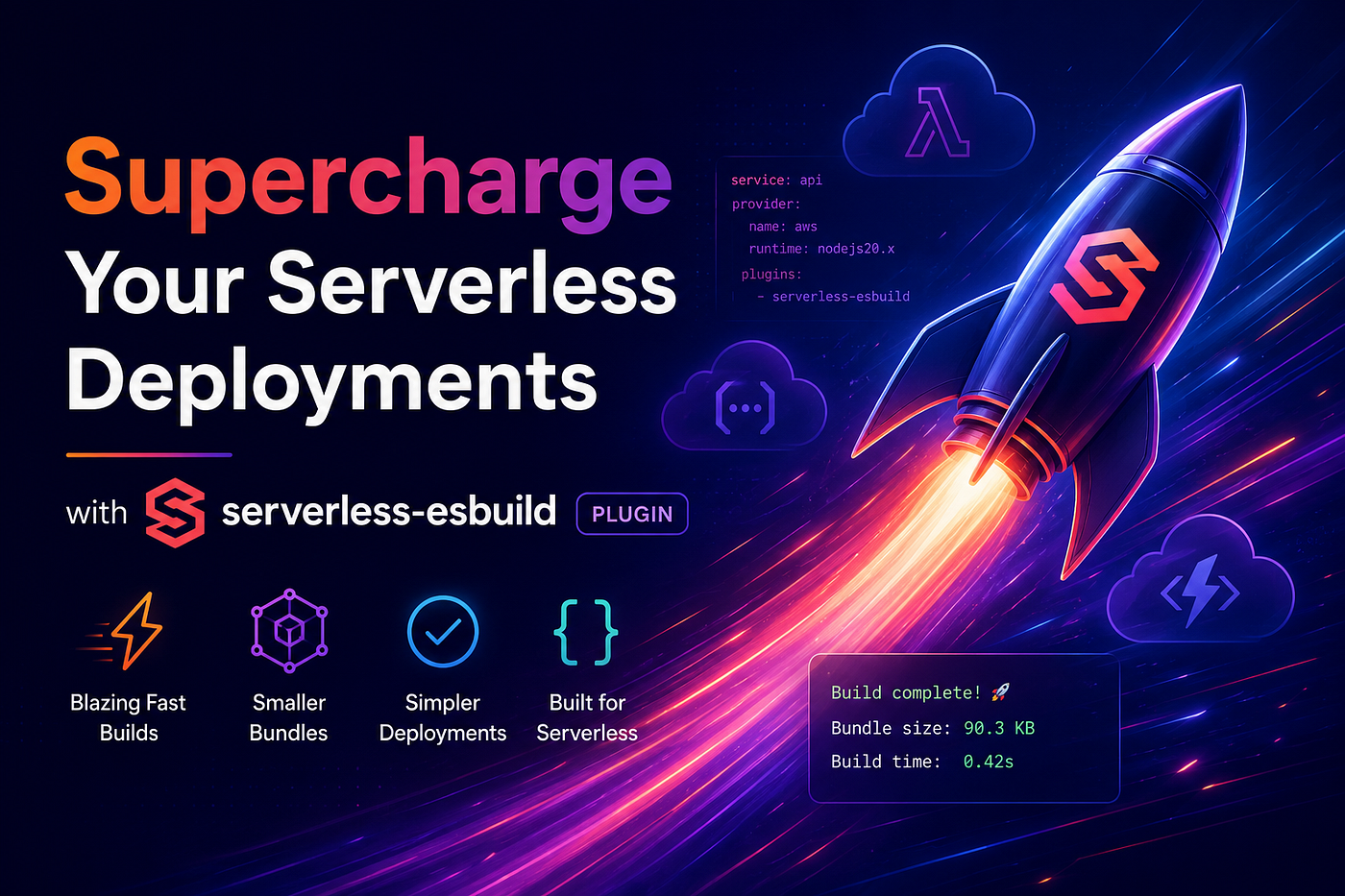
If you’ve built anything serious on AWS Lambda with the Serverless Framework, you’ve felt it: that long pause after you hit **serverless deploy. For years, `serverless-webpack`** was the default answer to "how do I bundle my functions?" It worked but it was slow and configuring it felt like a part-time job.
Enter serverless-esbuild. It is a Serverless Framework plugin that replaces the older bundling pipeline with **esbuild, a bundler written in Go. esbuild** benchmarks at roughly 10 to 100 times the speed of the JavaScript bundlers many projects still run. The practical results are faster CI, faster local iteration and less waiting.
This post covers what the plugin does, why it matters and how to set it up. By the end you will have a working configuration with TypeScript, shared utilities and a deploy.
The Problem With the Default Serverless Workflow
The Serverless Framework handles infrastructure as code well. But the moment you run serverless deploy with anything beyond a single handler.js file, you hit several walls:
- You have to configure a bundler yourself: Webpack, Rollup, Parcel, or esbuild.
- Webpack-based plugins like
serverless-webpackadd 30 to 120 seconds to every deploy. - TypeScript, JSX, modern syntax and path aliases each need extra configuration.
- Watching files locally is slow because every change triggers a full re-bundle.
- Cold starts get worse when bundles carry unused code.
On a small project this is an annoyance. On a monorepo with 30 Lambda functions it costs real time every day.
serverless-esbuild addresses each of these.
What serverless-esbuild Does
It is a Serverless Framework plugin that wires esbuild into the deploy pipeline. The plugin:
- Detects which functions changed since the last deploy.
- Bundles each function and its dependencies with esbuild.
- Honors TypeScript, JSX, modern ECMAScript, path aliases and esbuild plugins.
- Minifies and tree-shakes by default.
- Uploads the artifact to your provider, usually AWS Lambda, through the Serverless Framework.
Because esbuild is written in Go and runs across cores, a Lambda function that takes 40 seconds to bundle with Webpack often bundles in under 200 milliseconds.
Getting Started
1. Install
npm install --save-dev serverless-esbuild esbuild typescriptIf you use TypeScript:
npm install --save-dev @types/aws-lambda @types/node2. Add the Plugin to serverless.yml
service: my-service

provider:
  name: aws
  runtime: nodejs18.x
  region: us-east-1
plugins:
  - serverless-esbuild
custom:
  esbuild:
    bundle: true
    minify: false
    sourcemap: true
    target: 'node18'
    exclude: ['aws-sdk']   # already provided by the Lambda runtime
functions:
  hello:
    handler: src/handlers/hello.handler
That is the whole setup. No separate webpack.config.js, no babel config, no tsconfig integration scripts.
3. Write Your Function
**src/handlers/hello.ts**
import { APIGatewayProxyEvent, APIGatewayProxyResult } from 'aws-lambda';
import { greet } from '../utils/greet';

export const handler = async (
  event: APIGatewayProxyEvent
): Promise<APIGatewayProxyResult> => {
  const name = event.queryStringParameters?.name ?? 'world';
  return {
    statusCode: 200,
    body: JSON.stringify({ message: greet(name) }),
  };
};**src/utils/greet.ts**
export const greet = (name: string): string => `Hello, ${name}!`;4. Deploy
serverless deployWatch the logs. The “Packaging” step finishes quickly. Run it again and only the functions you changed get re-bundled.
Core Benefits
1. Build Speed
This is the main reason to use it. Numbers from a medium TypeScript project (about 40 functions, around 15k lines of code, with lodash, zod and the prisma client):
Bundler a) Cold bundle: Webpack 5 (38s) | esbuild (0.18s) b) Incremental bundle: Webpack 5 (9s) | esbuild (0.05s)
In CI this turns a 4-minute pipeline into a 45-second one. Locally, deploys feel responsive instead of blocking.
2. Smaller Bundles by Default
esbuild’s tree-shaking and minification do real work. A handler that ships at 480 KB with Webpack lands under 90 KB with esbuild. That gives you:
- Faster cold starts on Lambda, since there is less to download and initialize.
- Lower memory pressure during execution.
- Lower cost at scale.
3. TypeScript, JSX and Modern JS Without Config
serverless-esbuild reads your tsconfig.json automatically. Path aliases, JSX, decorators and ESM all work. You no longer need:
// webpack.config.js
module.exports = {
  module: {
    rules: [
      { test: /\.tsx?$/, use: 'ts-loader' },
      // ...
    ],
  },
  resolve: {
    extensions: ['.ts', '.tsx', '.js'],
    alias: { '@': path.resolve(__dirname, 'src') },
  },
};
You configure esbuild instead and most of the time you do not need to configure even that.
4. Small Plugin
The plugin itself is small and has no dependencies. When you need to customize something, the options are documented in one README.
5. Incremental Builds
The plugin compares file hashes to find which functions changed. Only those get re-bundled. This is what makes it useful on monorepos and large services.
6. Plugin Support
Because it runs esbuild, you can use the esbuild plugin ecosystem. To inline environment variables, compile SASS, or inject build-time constants, register a plugin:
custom:
  esbuild:
    plugins: ./build/esbuild-plugins.js
// build/esbuild-plugins.js
const { define } = require('esbuild-plugin-defined');
module.exports = [define({ 'process.env.BUILD_TIME': JSON.stringify(new Date().toISOString()) })];7. Watch Mode
Local development runs at the same speed:
serverless devOr invoke a function directly:
sls invoke local -f helloThe plugin caches aggressively, so later invocations skip the bundle step.
A Worked Example: TypeScript API with Shared Code
Here is a small API with two endpoints that share validation logic.
Project Structure
.
├── serverless.yml
├── tsconfig.json
├── package.json
└── src
    ├── handlers
    │   ├── createUser.ts
    │   └── getUser.ts
    ├── lib
    │   ├── db.ts
    │   └── validate.ts
    └── types
        └── user.ts
tsconfig.json
{
  "compilerOptions": {
    "target": "ES2020",
    "module": "ESNext",
    "moduleResolution": "node",
    "esModuleInterop": true,
    "strict": true,
    "skipLibCheck": true,
    "resolveJsonModule": true,
    "baseUrl": ".",
    "paths": {
      "@/*": ["src/*"]
    }
  },
  "include": ["src/**/*"]
}
serverless.yml
service: user-api

provider:
  name: aws
  runtime: nodejs18.x
  region: us-east-1
plugins:
  - serverless-esbuild
custom:
  esbuild:
    bundle: true
    minify: true
    sourcemap: true
    target: 'node18'
    exclude: ['aws-sdk', 'pg-native']
    external: []
    plugins: ./build/esbuild-plugins.js
package:
  individually: true   # bundle each function separately
functions:
  createUser:
    handler: src/handlers/createUser.handler
    events:
      - httpApi:
          path: /users
          method: post
  getUser:
    handler: src/handlers/getUser.handler
    events:
      - httpApi:
          path: /users/{id}
          method: get
Shared Validation Logic
**src/lib/validate.ts**
import { z } from 'zod';

export const UserSchema = z.object({
  email: z.string().email(),
  name: z.string().min(1).max(100),
});
export type UserInput = z.infer<typeof UserSchema>;
The Create Handler
**src/handlers/createUser.ts**
import { APIGatewayProxyHandler } from 'aws-lambda';
import { UserSchema } from '../lib/validate';
import { db } from '../lib/db';

export const handler: APIGatewayProxyHandler = async (event) => {
  try {
    const body = JSON.parse(event.body ?? '{}');
    const user = UserSchema.parse(body);
    const created = await db.users.create(user);
    return { statusCode: 201, body: JSON.stringify(created) };
  } catch (err) {
    return {
      statusCode: 400,
      body: JSON.stringify({ error: (err as Error).message }),
    };
  }
};
The Get Handler
**src/handlers/getUser.ts**
import { APIGatewayProxyHandler } from 'aws-lambda';
import { db } from '../lib/db';

export const handler: APIGatewayProxyHandler = async (event) => {
  const id = event.pathParameters?.id;
  if (!id) return { statusCode: 400, body: 'Missing id' };

  const user = await db.users.findById(id);
  if (!user) return { statusCode: 404, body: 'Not found' };

  return { statusCode: 200, body: JSON.stringify(user) };
};
On deploy, each function gets its own bundle containing only the code it uses. Edit getUser.ts and only the getUser artifact is rebuilt and uploaded. A deploy that took 45 seconds drops to about 6.
Advanced Configuration
Externalizing Native Modules
Some Node modules such as sharp, prisma and pg-native ship native binaries. Keep them out of the bundle and add them to the deployment package:
custom:
  esbuild:
    exclude:
      - sharp
      - prisma
      - .prisma/client

package:
  patterns:
    - '!node_modules/.prisma/client/libquery_engine-*'
    - 'node_modules/.prisma/client/**'
Or use the native option for a shorter setup:
custom:
  esbuild:
    native: true
Per-Function Config Overrides
functions:
  largeWorker:
    handler: src/handlers/large.handler
    esbuild:
      minify: true
      target: 'node16'
Working with Serverless Layers
If you already package shared dependencies in a Lambda Layer, exclude them from each function’s bundle:
custom:
  esbuild:
    exclude:
      - '@aws-sdk/*'
      - 'lodash'
This cuts the per-function upload size.
Comparison
Featureserverless-webpackserverless-bundle(Parcel)serverless-esbuildBuild speedSlowMediumFastest of the threeTypeScript supportNeeds loader configBuilt-inBuilt-inJSX supportNeeds loader configBuilt-inBuilt-inPath aliasesNeeds configAuto from tsconfigAuto from tsconfigMinificationPlugin requiredBuilt-inBuilt-inTree-shakingPartialPartialAggressiveIncremental buildsYesLimitedYes, per functionPlugin ecosystemLargeLimitedesbuild pluginsCold start impactLarger bundleMedium bundleSmallest bundleMaturityVery matureMatureMature, still growing
For a new project, serverless-esbuild is a reasonable default. The maturity gap with the older plugins is small enough that it rarely matters for production workloads.
Common Gotchas
- Forgetting to exclude
aws-sdk. Lambda Node.js 18 runtimes ship the v2 AWS SDK. Bundle your own copy and you bloat the function and can hit the 250 MB deployment limit on large projects. Setexclude: ['aws-sdk']. - CommonJS-only libraries without an adapter. Some older packages call
require()in ways esbuild cannot analyze statically. Add them toexternalwhen that happens. - Path aliases live in
tsconfig.json. The plugin readstsconfig.jsonfor path resolution, so check thatbaseUrlandpathsare correct. On a JS-only project, set paths through the plugin options instead. - Stale watch-mode caches. If local dev behaves oddly, clear the cache directory with
rm -rf .esbuild. - ESM-only dependencies. esbuild handles them, but the output still has to match your runtime. With
runtime: nodejs18.x, keep CommonJS-stylerequirein the bundled output, which is the default.
Practices Worth Adopting
- Set
package.individually: truefor services with multiple functions to get the smallest per-function bundles. - Set
sourcemap: trueoutside production. CloudWatch uses the maps to produce real stack traces. - Pin the esbuild version in
package.json. Major esbuild releases sometimes change the plugin API. - Use
excludefor anything the Lambda runtime or your Layers already provide. - Combine the plugin with
package.patternsfor control over what gets uploaded alongside the bundle. - Add a CI cache step for
node_modulesto speed up incremental deploys.
When Not to Use It
serverless-esbuild does not fit every case:
- If you need Webpack-specific loaders for complex asset pipelines, esbuild’s plugin system is less flexible.
- If you run an old Node.js runtime, esbuild needs a relatively modern Node version to execute, even when the output targets an older runtime.
- If your team has standardized on a different bundler across many services, consistency can outweigh the speed gain.
For most greenfield serverless projects, though, it is the bundler to reach for.
Wrapping Up
The Serverless Framework’s strength has always been the infrastructure layer. serverless-esbuildbrings comparable speed to the application bundling layer:
- Sub-second builds
- Smaller Lambda artifacts
- TypeScript, JSX and modern JS without config
- The full esbuild plugin ecosystem
- Per-function incremental deploys
It is a one-line change to your serverless.yml. Try it on your next service and watch where your CI time goes.
Resources
메타데이터
- post_id
- d47caae5f06e
- slug
- supercharge-your-serverless-deployments-with-serverless-esbuild-plugin-d47caae5f06e
- url
- https://medium.com/@manisuec/supercharge-your-serverless-deployments-with-serverless-esbuild-plugin-d47caae5f06e
- canonical_url
- https://medium.com/@manisuec/supercharge-your-serverless-deployments-with-serverless-esbuild-plugin-d47caae5f06e
- author_url
- https://medium.com/@manisuec
- status
- ok
- fetched_at
- 2026-06-22 19:40:15