7 Web Design Mistakes Beginners Must Avoid (And How to Fix Them)
Web design is one of the most exciting and creative digital skills today. Many beginners start learning web design with great enthusiasm…
7 Web Design Mistakes Beginners Must Avoid (And How to Fix Them)
Web design is one of the most exciting and creative digital skills today. Many beginners start learning web design with great enthusiasm, but small mistakes can make a website look unprofessional and difficult to use.
If you want to build modern, attractive, and user-friendly websites, avoiding these common mistakes is very important.
Here are 7 web design mistakes beginners must avoid.
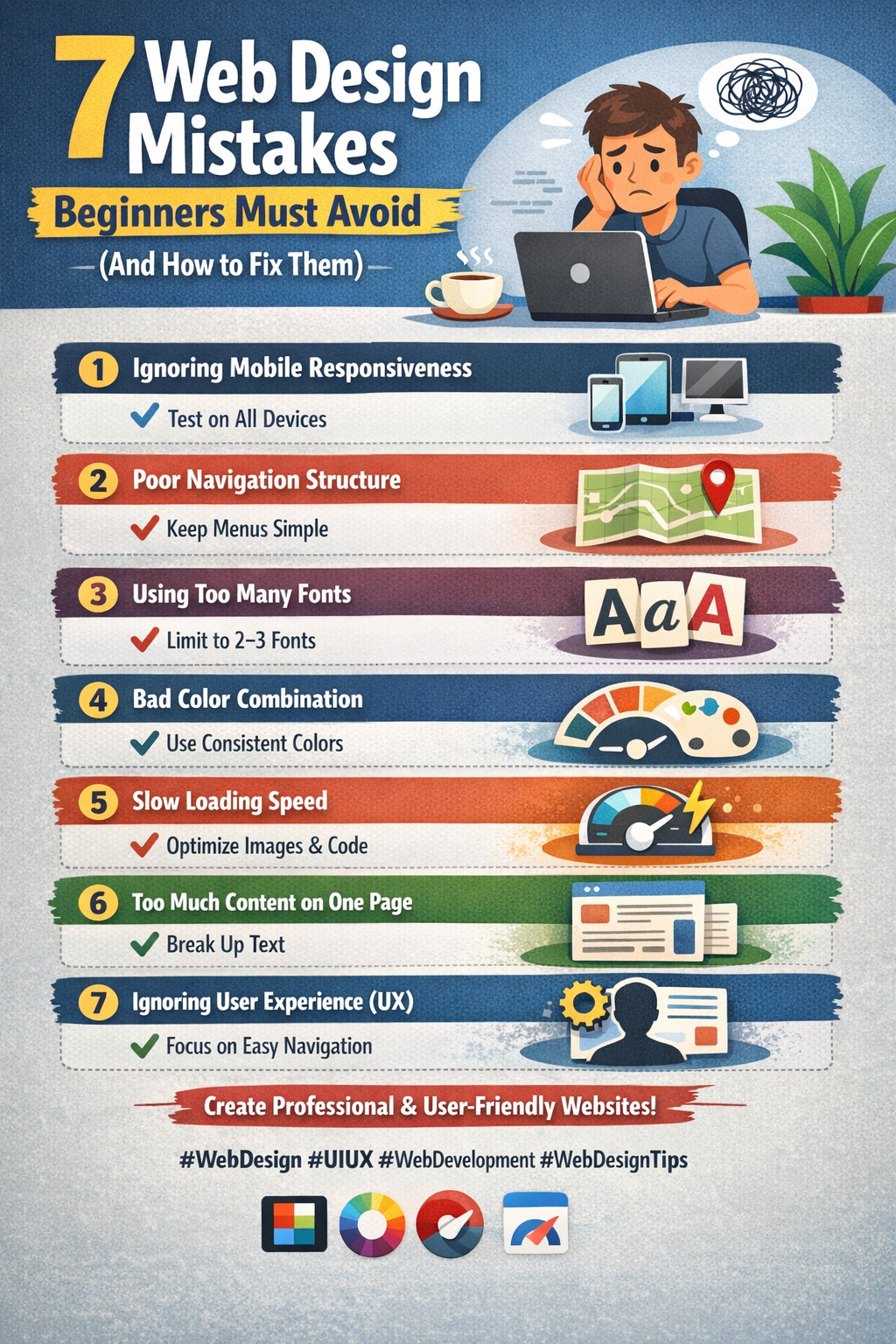
1. Ignoring Mobile Responsiveness
One of the biggest mistakes beginners make is designing websites only for desktop screens.
Today, most users browse websites using mobile devices. If your website is not responsive, visitors may leave immediately.
Solution: Use responsive design techniques such as:
- Flexible layouts
- Media queries
- Mobile-friendly navigation
Always test your website on mobile, tablet, and desktop devices.
2. Poor Navigation Structure
If visitors cannot easily find what they are looking for, they will leave the website.
Confusing menus, too many links, or unclear navigation can create a bad user experience.
Solution:
- Keep navigation simple and clear
- Use 5–7 main menu items
- Add logical page structure
Good navigation helps users explore your website easily.
3. Using Too Many Fonts
Many beginners try to use multiple fonts to make a website look creative. Unfortunately, this often makes the design messy.
Solution: Use maximum 2–3 fonts on a website:
- One for headings
- One for body text
- Optional font for highlights
Consistency improves readability and design quality.
4. Poor Color Combination
Colors play an important role in website design. Bad color combinations can make text difficult to read and the website unattractive.
Solution:
- Use simple color palettes
- Maintain contrast between text and background
- Follow brand colors if available
Tools like Adobe Color or Coolors can help you choose the right color combinations.
5. Slow Website Loading Speed
A slow website can frustrate users and reduce traffic.
Heavy images, unnecessary scripts, and poor hosting often cause slow loading.
Solution:
- Compress images
- Use optimized code
- Minimize CSS and JavaScript
- Use performance tools like Google PageSpeed Insights
Fast websites improve both user experience and SEO.
6. Too Much Content on One Page
Beginners sometimes try to include too much information on a single page. This can overwhelm visitors.
Solution:
- Use clear sections
- Add proper spacing
- Break content into smaller paragraphs
- Use headings and icons
Simple and clean layouts always perform better.
7. Ignoring User Experience (UX)
Web design is not just about how a website looks. It is also about how easy it is to use.
If users struggle to navigate or understand your website, they will leave quickly.
Solution: Focus on:
- Clear call-to-action buttons
- Simple layouts
- Fast loading speed
- Easy navigation
Great design always focuses on the user first.
Final Thoughts
Every beginner makes mistakes while learning web design, and that’s completely normal. The key is to identify those mistakes and improve continuously.
By avoiding these common web design errors, you can create websites that are: ✔ Professional ✔ User-friendly ✔ Visually appealing ✔ Optimized for performance
Keep learning, keep practicing, and your web design skills will improve with every project.
Are you learning Web Design or planning to start? Share your experience in the comments! or call us @ 9748631463
메타데이터
- post_id
- d483bc18db06
- slug
- 7-web-design-mistakes-beginners-must-avoid-and-how-to-fix-them-d483bc18db06
- url
- https://medium.com/@subhra.mukherjee786/7-web-design-mistakes-beginners-must-avoid-and-how-to-fix-them-d483bc18db06
- canonical_url
- https://medium.com/@subhra.mukherjee786/7-web-design-mistakes-beginners-must-avoid-and-how-to-fix-them-d483bc18db06
- author_url
- https://medium.com/@subhra.mukherjee786
- status
- ok
- fetched_at
- 2026-08-10 19:02:55