Understanding Connect Timeout
In systems where services communicate, sometimes a target service becomes unavailable perhaps due to scaling events (a new instance…
Understanding Connect Timeout
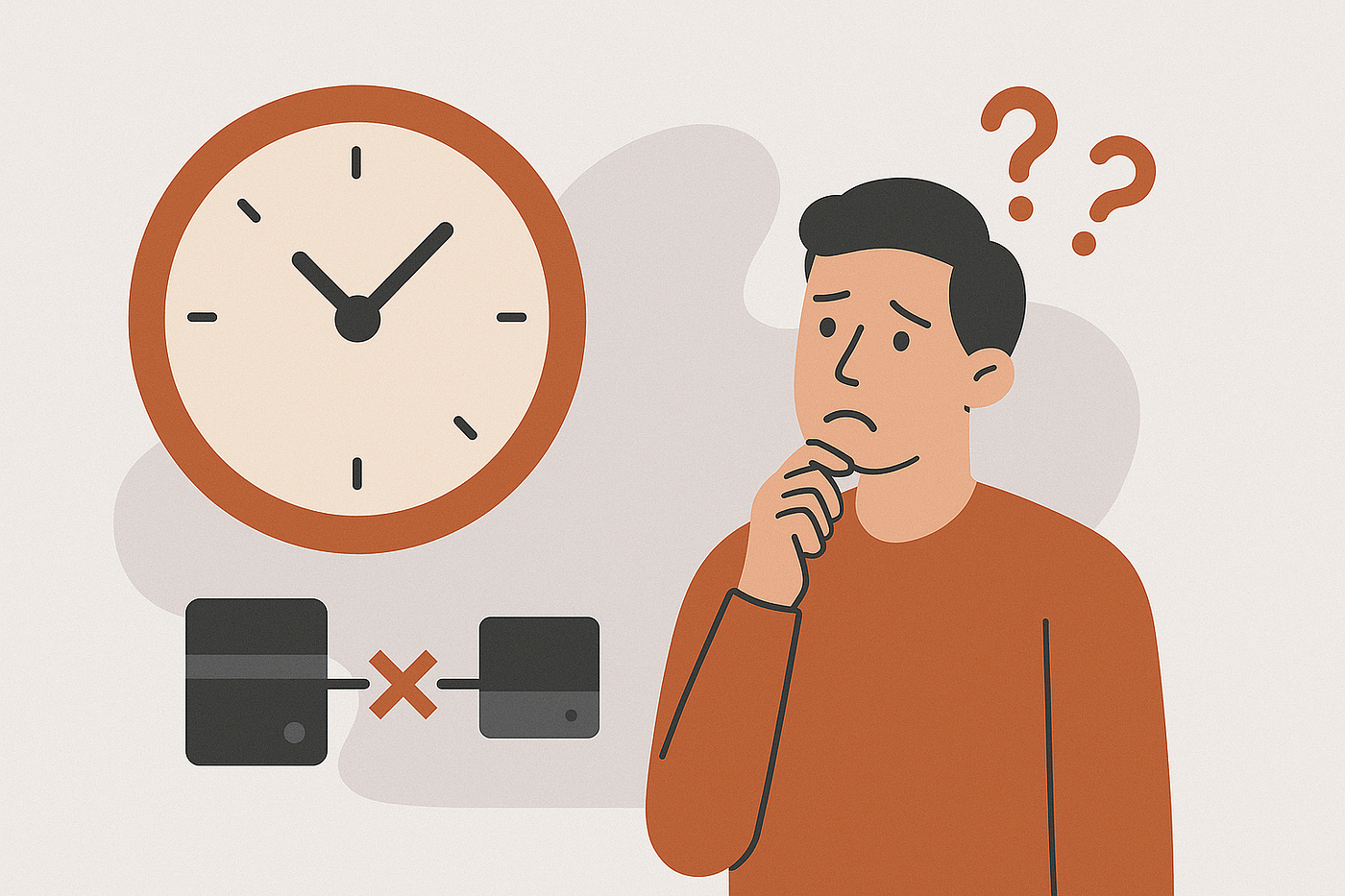
Where does the request goes?
In systems where services communicate, sometimes a target service becomes unavailable due to scaling events (a new instance starting up or an old one shutting down) or network changes.
We faced this issue: requests would hang, waiting indefinitely to connect to a service that was no longer at the expected address. These requests would eventually fail only after hitting a generic, often long, system timeout.
To resolve this, we identified the problem as a networking connection issue during the initial handshake. We introduced the connect_timeout setting to our HTTP client configuration. This allowed us to “fail fast”, quickly aborting a request if the initial connection to the server cannot be established within a specified timeframe (e.g., 5 seconds).
To make our client more resilient, we also added middleware to automatically retry requests specifically when a connection failure (ConnectException) occurs.
Here’s how we implemented this using Laravel and Guzzle (a popular PHP HTTP client):
<?php

use GuzzleHttp\Client;
use GuzzleHttp\Middleware;
use GuzzleHttp\HandlerStack;
use GuzzleHttp\Exception\ConnectException;
use Psr\Http\Message\RequestInterface;
use Psr\Http\Message\ResponseInterface;

$stack = HandlerStack::create();

$retryMiddleware = Middleware::retry(
    function (
        $retries,
        RequestInterface $request,
        ResponseInterface $response = null,
        \Exception $exception = null
    ) {
        if ($retries >= 3) {
            return false;
        }

        if ($exception instanceof ConnectException) {
            return true;
        }

        return false;
    },
    function ($retries) {
        return 1000 * $retries;
    }
);

$stack->push($retryMiddleware);

$client = new Client([
    'handler' => $stack,
    'connect_timeout' => 5,
]);

$client->request('GET', 'https://example.com');
By combining connect_timeout with targeted retries for connection errors, we built a more robust and responsive HTTP client.
메타데이터
- post_id
- d4a1facc36e2
- slug
- understanding-connect-timeout-d4a1facc36e2
- url
- https://medium.com/@abdullahcanakci/understanding-connect-timeout-d4a1facc36e2
- canonical_url
- https://medium.com/@abdullahcanakci/understanding-connect-timeout-d4a1facc36e2
- author_url
- https://medium.com/@abdullahcanakci
- status
- ok
- fetched_at
- 2026-07-20 02:06:23