The Secret Number: How to Find the Midjourney SREF Code and Clone Any Aesthetic
If you’ve spent any time generating AI art, you know the feeling: that moment when Midjourney produces an image with a truly unique…
The Secret Number: How to Find the Midjourney SREF Code and Clone Any Aesthetic
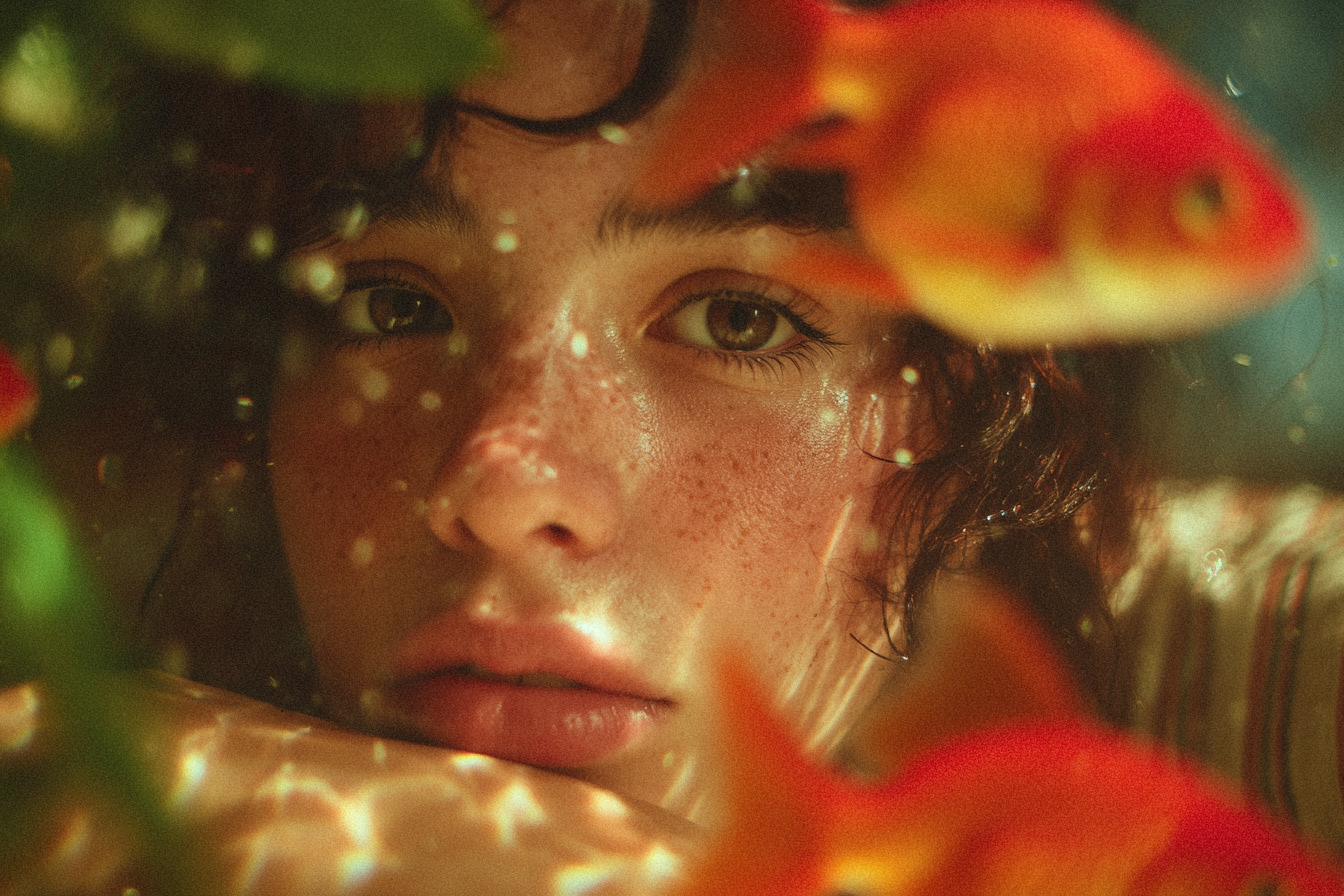
If you’ve spent any time generating AI art, you know the feeling: that moment when Midjourney produces an image with a truly unique, perfect aesthetic — the color palette, the texture, the lighting, everything is flawless.
But how do you bottle that lightning? How do you ensure your next image, or an entire series of images, replicates that exact, magical visual fingerprint?
For a long time, achieving consistent style in AI art felt like a guessing game. You’d meticulously write out long style descriptions — “cinematic, volumetric lighting, high contrast, golden hour, 35mm film grain” — only to have the next generation look completely different.
That all changed with the introduction of SREF Codes (Style Reference Codes).
These seemingly random strings of numbers are the master key to Midjourney’s style engine. They act as a reusable shortcut, allowing you to instantly apply a complex, predefined aesthetic without typing a single descriptive word. They are the simplest, most powerful tool for consistency, but finding the right SREF Code, or retrieving one from an existing image, can be a puzzle.
This deep dive will show you exactly where and how to find these powerful numbers — from the official method of discovery to external libraries and clever workarounds — so you can finally achieve perfect, repeatable style every time.
The Official Way to Discover Your Style
SREF Codes are not like seeds you can look up; they are unique numerical identifiers generated by the Midjourney model itself to represent an aesthetic. The only guaranteed way to extract a SREF Code is to first discover it using a specific built-in command.
Harnessing the Power of — sref random
The easiest and most official way to get a new SREF Code is to ask Midjourney to randomly generate one for you. This is essentially a discovery tool that lets you stumble upon unique, repeatable styles.
The Command:
Simply add the — sref random parameter to your standard prompt.
/imagine prompt: A futuristic city floating on clouds — sref random
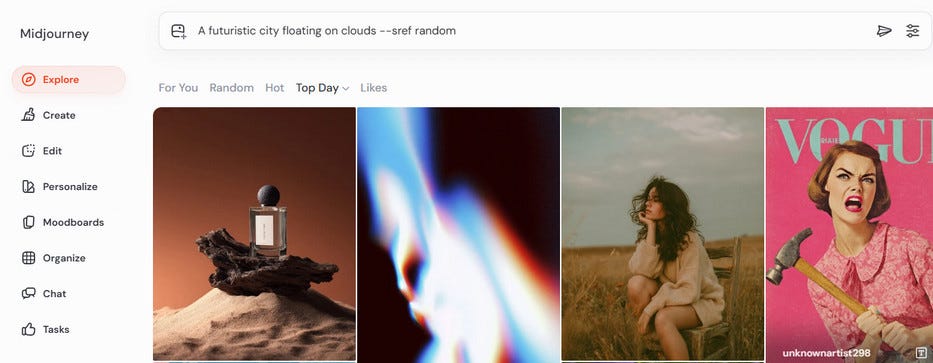
Add –sref random parameter to prompt
The Discovery:
After the image grid is generated, Midjourney will automatically replace the word random with the actual numerical code it used to define the style.
In Discord: Look in the final output message (the Job Info) below the image grid. The final, hidden prompt will display the resolved SREF Code:
… — sref 438809208
On the Midjourney website: If you check the image details in your private gallery, the full parameters used for the generation will include the assigned number.

Find the — sref code of Midjourney image
If you like the style of the resulting image, copy the numerical code (438809208 in this example) and save it. You now have a unique style identifier you can reuse in any future prompt.
A common user question is: “If I use — sref random, isn’t the style just random? Do I just run it over and over until I get what I like?”
The answer is Yes, exactly.
The power of — sref random isn’t about predicting the style; it’s about converting a fleeting random style into a permanent, reusable asset.
You must run the command repeatedly, treating it like a lottery for styles. You are experimenting with Midjourney’s infinite aesthetic library.
Once you see a style you love, the assigned numerical code ( — sref 579955689) is no longer random — it’s fixed. You can now use that specific number in a hundred different prompts, and it will apply that exact style consistently.
This process is the core mechanism for users to build their own custom “style library” from the endless possibilities Midjourney offers.
Retrieving the Code from Your History
If you generated a stunning image in the past and suspect it was created with the random style feature, finding the code is straightforward:
- Locate the Image: Find the final, upscaled image in your Discord chat history or on the Midjourney website gallery.
- View the Prompt: The original command that generated the image (the “Job Info”) will explicitly list the — sref parameter followed by the numerical code, provided you used it initially.
If the original image was not created using a — sref parameter (either random or a specific number), there is no hidden SREF Code to find. The style was simply an outcome of your text prompt and default model settings.
When You Can’t Find the SREF Code (Alternative Solutions)
As established, a numerical SREF Code only exists if it was generated via — sref random. If you have an existing image you love but can’t find its code, or if you need a specific style but don’t want to play the random lottery, these alternative methods are your best route to style consistency.
Method 1: Use the Image URL as Your Reference
The most direct and powerful workaround for an unextractable SREF code is to simply use the image itself as the style reference.
The Command:
Use the — sref parameter followed directly by the public URL of the image you want to emulate.
/imagine prompt: A valiant paladin walking through the streets of Agrabah — sref [Image URL Here]
Why This Works (and Why It’s Often Better):
-Zero Extraction Needed: This technique bypasses the need for a digital code altogether. The image data is sent directly to Midjourney, which analyzes its color, tone, texture, and aesthetic features.
-Style Isolation: Midjourney is designed to extract the style of the reference image while allowing your text prompt to control the subject and composition.
-Blending Power: You can even use this URL alongside a numerical SREF code to merge the aesthetic of a real image with the abstraction of a digital code: — sref [Image URL] 3907669148.
Method 2: Explore and Harvest External Code Resources
If you are hunting for a new, proven style, why start from scratch? Many creators have already done the heavy lifting of running — sref random thousands of times to curate the best results.
1. Third-Party SREF Code Libraries
Dedicated style libraries are the most efficient way to browse high-quality, pre-discovered aesthetics.
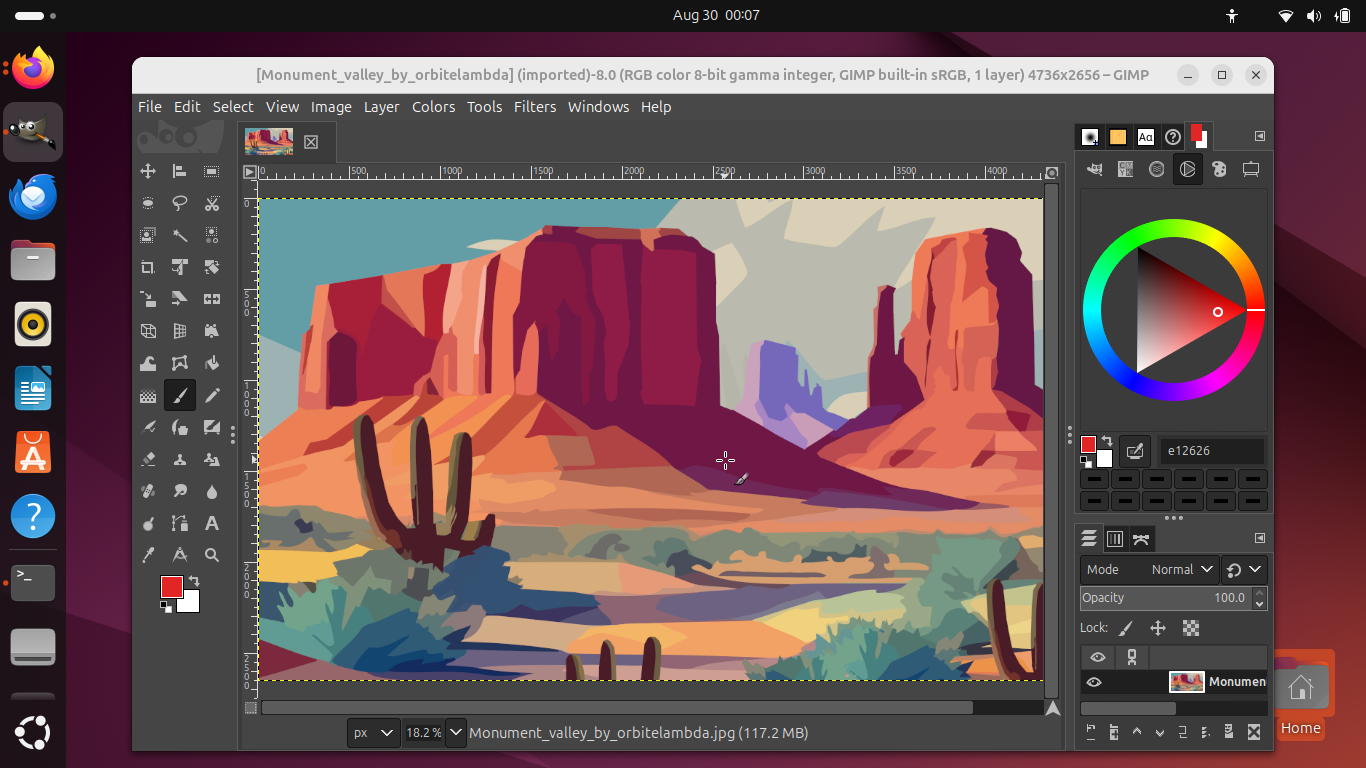
You can look up sites like **https://midlibrary.io/, https://sref-midjourney.com/ or [https://promptsref.com/**.](https://promptsref.com/.) These platforms allow you to search through collections categorized by style tags (e.g., “cinematic,” “watercolor,” “low-poly”), keywords, or visual previews.
Once you find a look you love, you simply copy the displayed numerical code ( — sref XXXXXX) and paste it directly into your prompt. This removes all the randomness from the discovery process.

Find sref code from third-party sref code library
2. Social Media and Community Hunting
The Midjourney community often shares their most successful finds directly.
You can follow users or search for hashtags on platforms like Reddit, Twitter (X), and specialized Discord Communities.
Savvy artists frequently post stunning work and include the full prompt, which usually contains the exact — sref code they used. By actively following these channels, you can quickly build a personal vault of high-quality, proven style codes.

Find sref code from social media
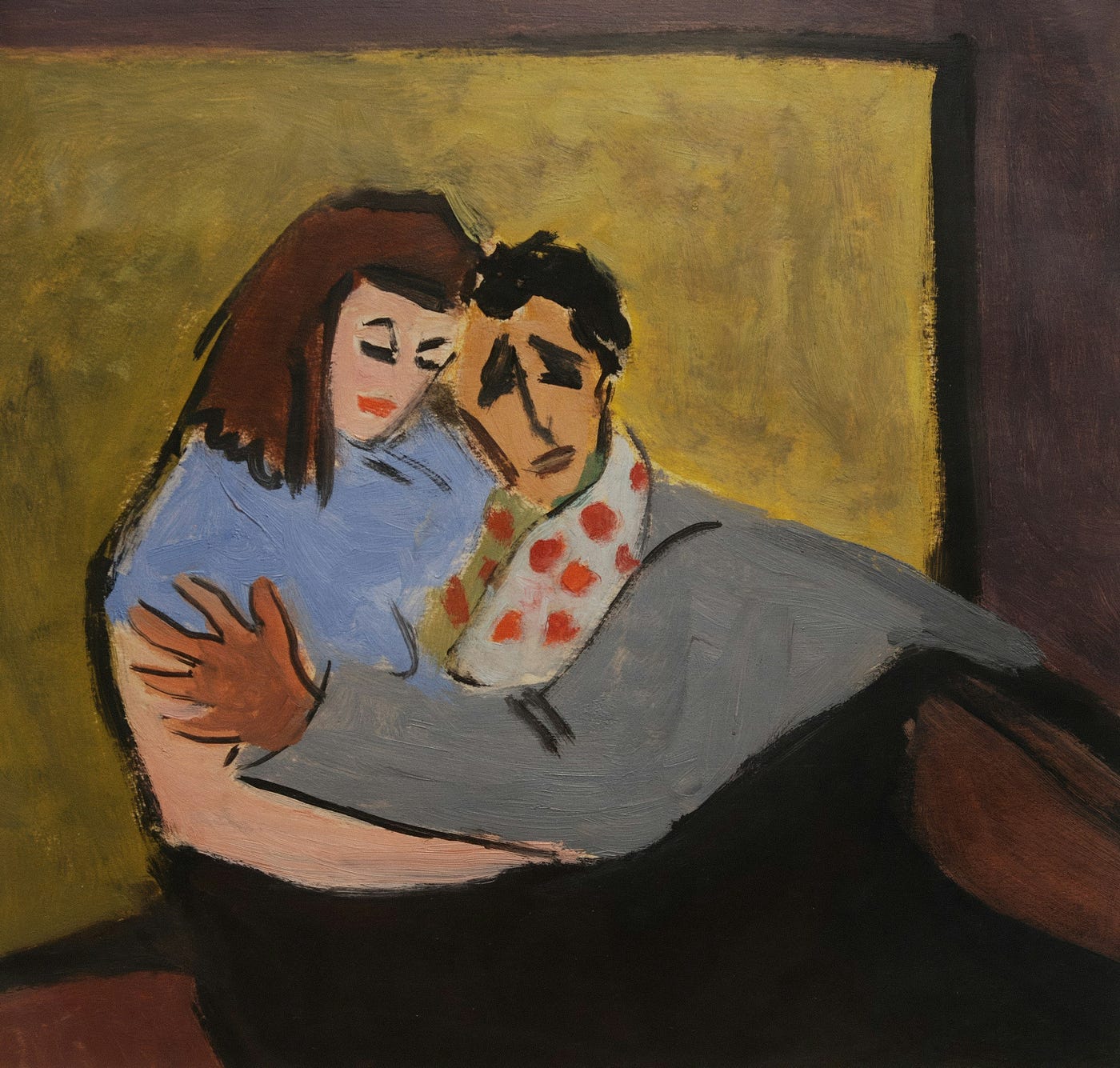
I’ve tried using the SREF code (405683760) discovered on Twitter. The images below show the output I received.

Generate image with sref code
Mastering the Style — Advanced Techniques for Control
Finding an SREF Code is only the first step. To truly master style consistency, you need to know how to fine-tune the intensity of that style and how to combine multiple aesthetics. This is where parameters like Style Weight come into play.
Fine-Tuning Intensity with Style Weight ( — sw)
When you apply an SREF Code, you might find the style either too overpowering or too subtle. The — sw (Style Weight) parameter gives you granular control over how much the reference style influences your final image.
The Command and Range:
Append — sw after your SREF code, followed by a numerical value.
-Range: The Style Weight parameter accepts values from 0 to 1000.
-Default: The default setting is typically 100.

Example: To apply a code with a strong emphasis:
/imagine prompt: A lone astronaut on a red planet — sref 3907669148 — sw 800
Mixing Multiple SREF Codes
Midjourney doesn’t limit you to a single style. You can combine multiple SREF Codes (or even SREF Codes with image URLs) to create entirely new, hybrid aesthetics.
Simple Blending (Equal Weight)
Simply list the codes one after another. Midjourney will try to average their styles equally.
/imagine prompt: Medieval merchant street — sref 123456789 987654321
Weighted Blending (Prioritizing Styles)
To give one style more prominence over another, use the :: operator to assign relative weights. The total weight number doesn’t matter; only the ratio matters (e.g., 2::1 is the same as 200::100).
Example: If you want Style A (code 123) to be twice as dominant as Style B (code 987):
/imagine prompt: Medieval merchant street — sref 123456789::2 987654321::1
By mastering these advanced parameters, you move from merely finding an SREF Code to fully controlling the style of your entire artistic portfolio.
Enhancing Final Quality
Once you’ve successfully used SREF Codes and weights to achieve the exact aesthetic you envisioned, the final challenge is often achieving production-ready quality.
While Midjourney handles the styling, the final resolution and intricate details can always be pushed further, especially when preparing an image for print or high-fidelity use.
This is where external upscaling comes in. After running your perfect SREF-coded prompt, consider feeding the resulting image into a specialized tool like Aiarty Image Enhancer. These AI-powered enhancers can drastically increase the resolution while intelligently refining the precise textures and details, ensuring that your consistent style looks crisp, clean, and professional at any size.

Upscale Midjourney image with Aiarty Image Enhancer
FAQs
1. Can I extract an SREF Code from any image I make?
No. This is the biggest misconception. If you create an image using only text prompts and maybe a — seed, there is no hidden numerical SREF Code associated with it that you can retrieve. Numerical SREF Codes are only generated and visible when you explicitly use the — sref random command, or if you apply a known numerical code yourself.
2. Is an SREF Code the same as an image’s Seed ( — seed)?
Absolutely not. The SREF Code ( — sref) controls the visual style (color, texture, rendering aesthetic). The Seed ( — seed) controls the composition and initial noise (the layout, shape, and general structure).
Using the SREF Code on a new prompt gives you the style on a new subject. Using the Seed gives you a similar structure on a new style.
3. Do SREF Codes work across different Midjourney Versions?
Use with caution. A numerical SREF Code discovered in one major version (e.g., V6) may not produce the exact same results in a newer version (e.g., V7). Midjourney models are continuously updated, which can subtly or dramatically change how any given style code is interpreted. Always test your favorite SREF Codes in the latest version before relying on them for a major project.
4. If I use an Image URL for Style Reference, does Midjourney copy the subject too?
Generally no, but be precise. When you use — sref [Image URL], Midjourney is optimized to focus on the aesthetic qualities (style) over the subject matter (content). However, if your image reference is extremely iconic or contains very few other elements, some content leakage may occur. The best practice is to always use a strong, detailed text prompt to guide the subject you want.
메타데이터
- post_id
- d4fb043357c8
- slug
- the-secret-number-how-to-find-the-midjourney-sref-code-and-clone-any-aesthetic-d4fb043357c8
- url
- https://medium.com/@ashley-insights/the-secret-number-how-to-find-the-midjourney-sref-code-and-clone-any-aesthetic-d4fb043357c8
- canonical_url
- https://medium.com/@ashley-insights/the-secret-number-how-to-find-the-midjourney-sref-code-and-clone-any-aesthetic-d4fb043357c8
- author_url
- https://medium.com/@ashley-insights
- status
- ok
- fetched_at
- 2026-07-27 07:13:47