ADB MCP: Android Debug Bridge, Now Agent-Ready
How I wrapped Android Debug Bridge into a Model Context Protocol server for emulator automation, app testing, logs, screenshots, package…
ADB MCP: Android Debug Bridge, Now Agent-Ready
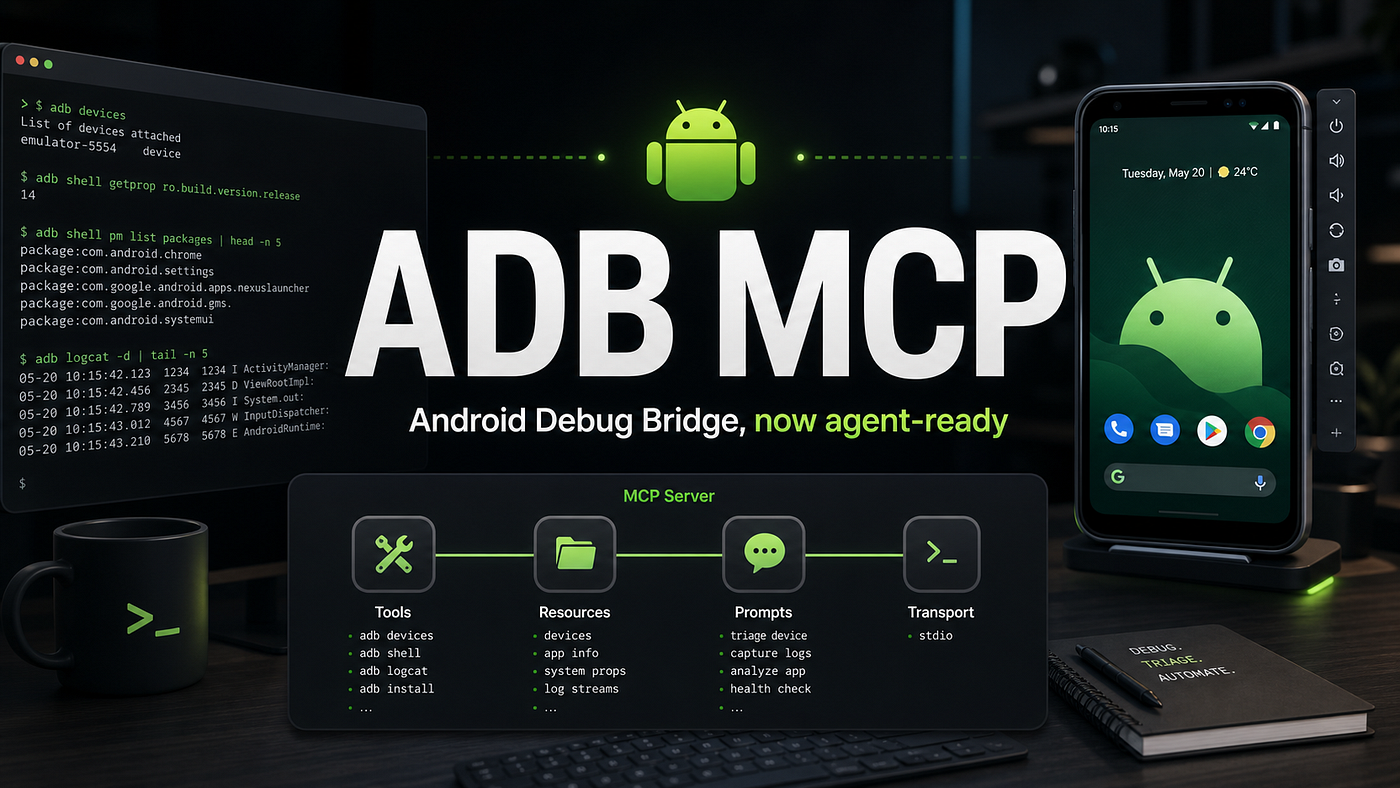
How I wrapped Android Debug Bridge into a Model Context Protocol server for emulator automation, app testing, logs, screenshots, package management, and Android debugging workflows?
Android Debug Bridge is one of those tools every Android engineer eventually learns to respect. It can install an APK, inspect a device, stream logs, capture screenshots, launch activities, forward ports, tweak settings, pull files, and reboot a device into recovery. It is powerful, scriptable, and wonderfully direct.
But there is a problem: adb is still primarily a command-line interface.
That is fine for humans who know the exact command they want. It is less ideal for AI agents, QA automation systems, debugging assistants, and developer tools that need a structured way to discover capabilities, validate inputs, run commands, and return useful results.
So I built adb-mcp, a Model Context Protocol server that exposes Android Debug Bridge as a set of typed tools.
Repository:
**https://github.com/MrNewDelhi/adb-mcp**
Why MCP for ADB?
Model Context Protocol gives tools a standard shape. Instead of asking an agent to guess shell commands from memory, we can expose Android operations as named tools with schemas:
adb_devices(long=true)
adb_screencap(serial="emulator-5554", outputPath="/tmp/avd.png")
adb_logcat(serial="emulator-5554", action="read", lines=500)
adb_app_control(serial="emulator-5554", packageName="com.example.app", action="launch")
That small change matters.
It makes Android automation easier to reason about. It gives agents a safer, more discoverable interface. It also keeps the raw power of ADB available through an escape hatch:
adb_command(args=["shell", "cmd", "package", "resolve-activity", "--brief", "com.example"])The goal was not to hide ADB. The goal was to make it agent-friendly.
What adb-mcp can do?
The current server includes 38 MCP tools covering most day-to-day Android debugging and automation tasks:
- Device discovery and ADB server control
- USB and TCP/IP connection management
- Shell commands
- APK install and uninstall
- Package listing and package inspection
- App launch, force-stop, clear data, enable, disable, suspend
- Permission grant and revoke
- File push, pull, listing, cat, remove, chmod, chown
- Screenshot capture
- Screen recording
- Logcat capture, clear, and save
- dumpsys, getprop, setprop, and Android settings
- Input events such as tap, text, swipe, keyevent
- Activity, service, foreground service, and broadcast intents
- Port forward and reverse
- Network, battery, display, and content provider helpers
- Bugreport capture
- Emulator console commands
- Legacy backup and restore helpers
- A compact diagnostics bundle
It also includes a Codex-compatible skill so agents know the safest workflow:
-
Start with adb_devices.
-
Use a serial when more than one target is connected.
-
Gather evidence before changing state.
-
Prefer typed tools.
-
Fall back to adb_command for exact ADB behavior.
Running It
Install dependencies and build:
npm install
npm run build
Run the MCP server:
npm startExample MCP configuration:
{
  "mcpServers": {
    "adb": {
      "command": "node",
      "args": ["/absolute/path/to/adb-mcp/dist/index.js"],
      "env": {
        "ADB_PATH": "adb"
      }
    }
  }
}
If adb is not on your PATH, set ADB_PATH to the full Android Platform Tools binary path.
Architecture
The revamped repository is organized around MCP components instead of one large server file. The executable entrypoint creates a stdio MCP server, registers ADB tools, exposes a compact resource, and provides a reusable triage prompt.

The main pieces are:
• src/index.ts: stdio executable entrypoint
• src/server.ts: server metadata, instructions, and component registration
• src/adb.ts: process boundary for platform-tools adb
• src/tools/adbTools.ts: 38 typed ADB tools
• src/resources.ts: adb://cheatsheet
• src/prompts.ts: adb_triage
• tests/mcp-smoke.mjs: MCP startup and capability test
The result is still simple to run locally, but much easier to extend safely.
Using It With an Android Virtual Device
The cleanest demo path is an Android Virtual Device.
Create an emulator in Android Studio Device Manager, or use the command line:
sdkmanager "platform-tools" "emulator" "system-images;android-35;google_apis;arm64-v8a"
avdmanager create avd \
  --name Pixel_API_35 \
  --package "system-images;android-35;google_apis;arm64-v8a" \
  --device "pixel"
Start it:
emulator -avd Pixel_API_35 -netdelay none -netspeed fullWait for the device:
adb wait-for-device
adb devices -l
Then call the MCP tools:
adb_devices(long=true)
adb_wait_for_device(serial="emulator-5554")
adb_diagnostics(serial="emulator-5554")
adb_screencap(serial="emulator-5554", outputPath="/tmp/avd.png")
adb_logcat(serial="emulator-5554", action="read", lines=500, format="threadtime")
At this point an agent can inspect the device, collect logs, capture the screen, and run Android workflows without hand-writing shell commands.
Mirroring the Device for Tutorials
For a visual tutorial, pair adb-mcp with scrcpy.
Install:
brew install scrcpyMirror the emulator:
scrcpy --serial emulator-5554Record a clip:
scrcpy --serial emulator-5554 --record adb-mcp-demo.mp4For a polished demo:
scrcpy --serial emulator-5554 \
  --max-size=1280 \
  --max-fps=60 \
  --no-audio \
  --window-title "adb-mcp AVD demo" \
  --record adb-mcp-demo.mp4
Vysor is another option if you want a desktop UI with remote sharing. WebADB is useful for browser-based ADB experiments over WebUSB, mainly for compatible USB-connected physical devices.
Why This Is Useful
The practical value is not just that an AI can run adb. It is that the ADB surface becomes structured.
For QA, an agent can:
- Install a build.
- Launch a specific activity.
- Grant permissions.
- Tap through a flow.
- Capture screenshots.
- Save logs.
- Generate a bug report.
For debugging, an agent can:
- Inspect package state.
- Pull app files.
- Read system properties.
- Check battery, display, network, and storage.
- Compare logcat before and after a reproduction step.
For developer tooling, a UI can:
- Expose ADB workflows as buttons.
- Record reproducible Android sessions.
- Attach diagnostics to bug reports.
- Drive emulator-based demos.
ADB already had the power. MCP gives it a clean interface for agents and tools.
Safety Notes
ADB is powerful enough to change real device state. Some commands can uninstall apps, erase app data, reboot devices, modify settings, change files, or run arbitrary shell commands.
That is why adb-mcp keeps dangerous operations explicit. The tool names make state-changing actions visible:
adb_uninstall
adb_app_control(action="clear")
adb_file_shell(action="rm")
adb_reboot
adb_setprop
adb_settings(action="put")
adb_command(...)
For trusted local test devices and emulators, this is exactly what you want. For shared or production devices, treat it with the same care you would give direct shell access.
What Comes Next
The current version is already broad and now split into testable components, but there are obvious next steps:
- Add more structured parsers for
dumpsysoutput. - Add higher-level testing recipes.
- Add a small browser dashboard for live sessions.
- Add WebSocket or WebRTC streaming around screenshots or scrcpy.
- Add example workflows for crash triage, APK install smoke tests, and permission testing.
The foundation is there: ADB as a typed MCP server, with both safe wrappers and raw access when needed.
If you build Android apps, test Android flows, or want AI agents to work with emulators and devices, this is a useful starting point.
메타데이터
- post_id
- d5a8e13f0f16
- slug
- adb-mcp-android-debug-bridge-now-agent-ready-d5a8e13f0f16
- url
- https://medium.com/@anmolsoin1/adb-mcp-android-debug-bridge-now-agent-ready-d5a8e13f0f16
- canonical_url
- https://medium.com/@anmolsoin1/adb-mcp-android-debug-bridge-now-agent-ready-d5a8e13f0f16
- author_url
- https://medium.com/@anmolsoin1
- status
- ok
- fetched_at
- 2026-06-10 08:17:25



