How To Create a Proxy Server in 2026
TL;DR

How To Create a Proxy Server in 2026
TL;DR
- Building your own proxy server is free but comes with maintenance, security, and IP reputation headaches most beginners don’t see coming.
- Manual proxy setup looks different across Windows, Mac, Linux, Chrome, and mobile, but the core idea is always the same: route your traffic through a middleman IP address.
- The most common mistakes are skipping authentication, using one IP for everything, and never testing the connection after setup.
- For anything beyond a quick personal test, a managed proxy network solves the reliability and rotation problems a DIY server can’t.
Quick answer
Creating a proxy server means either configuring a device to send traffic through a proxy address and port (manual proxy setup) or building a proxy from scratch using software like Squid on a home computer or a cloud VPS. Manual setup takes minutes. Building your own server takes hours, plus ongoing maintenance to keep it secure and online.
Why people go looking for a proxy server in the first place
Most people don’t wake up curious about proxies. Something pushed them here: a blocked IP, a scraping job that got flagged, restrictive office WiFi, or a “suspicious login activity” warning on a social account.
Whatever brought you here, the fix comes down to one thing: your traffic needs to look like it’s coming from somewhere else. That’s what a proxy server does. It sits between your device and the internet, forwards your requests, and returns the response. The website sees the proxy’s IP, not yours.
How to create a proxy server: Step-by-step
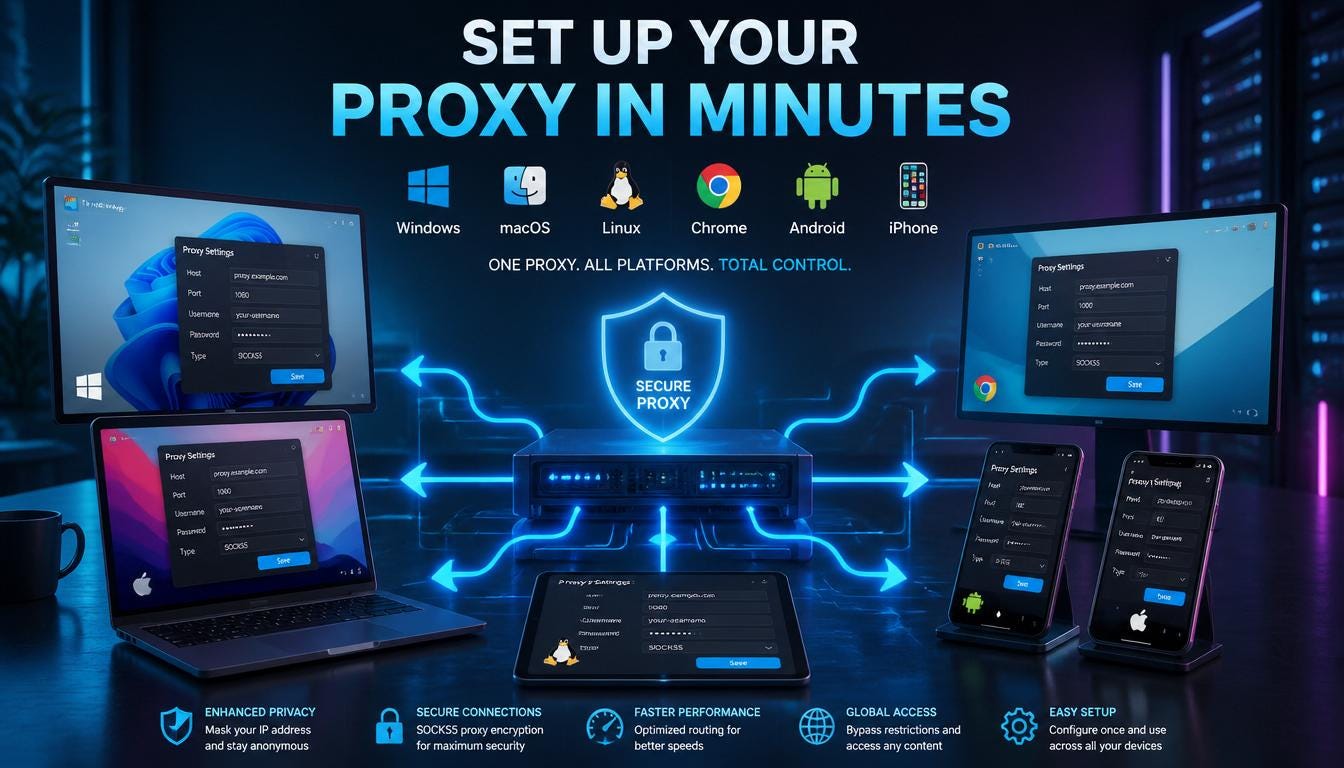
Windows
Open Settings, go to Network & Internet, then Proxy. Under Manual proxy setup, flip the toggle on, enter the proxy address and port, then save. If you’d rather let Windows detect settings automatically, Auto proxy setup does that instead, though it’s slower and less reliable for anything serious. [Read how to set up a proxy in Windows]
Mac
Open System Settings, click Network, choose your connection, then click Details. Under Proxies, tick the protocol you need (usually HTTPS or SOCKS), and enter the server address and port.
Linux
Most desktop environments have a Network Proxy panel under Settings. For anything scripted or server-side, you’ll usually set the http_proxy and https_proxy environment variables instead, which is faster once you’re comfortable with a terminal.
Chrome
Chrome uses your operating system’s proxy settings by default. To check them, go to Settings, then Privacy and Security, then Open your computer’s proxy settings, which drops you straight into the Windows or Mac screen above.
Mobile (WiFi Proxy Settings)
On iPhone, go to Settings, WiFi, tap the small “i” next to your network, then scroll to Configure Proxy. On Android, long-press your WiFi network, tap Modify, expand Advanced options, and change Proxy to Manual.
**Pro Tip: Always test a new proxy at a site like whatismyip right after setup. If it still shows your real IP, something in the configuration didn’t save.**
Building a proxy server from scratch
To build your own proxy rather than just point a device at one, install Squid (free, open-source) on a home computer or a rented VPS, configure access rules, open the right port, and point your devices at that server’s IP.
This works, and it’s also where most beginners quietly give up. You’re now responsible for security patches, bandwidth costs, and making sure your one IP doesn’t get blacklisted the first time a site flags unusual traffic.
Common mistakes when setting up a proxy server
Common Mistake: Leaving the proxy open with no username or password. An unauthenticated proxy is an open door, and strangers find it faster than you’d expect.
Other frequent slip-ups: forgetting to revert settings after a temporary job ends, using a single IP for 10 accounts and wondering why they all got flagged together, and assuming “set up” means “working” without ever testing it.
When DIY makes sense vs when to buy a proxy instead
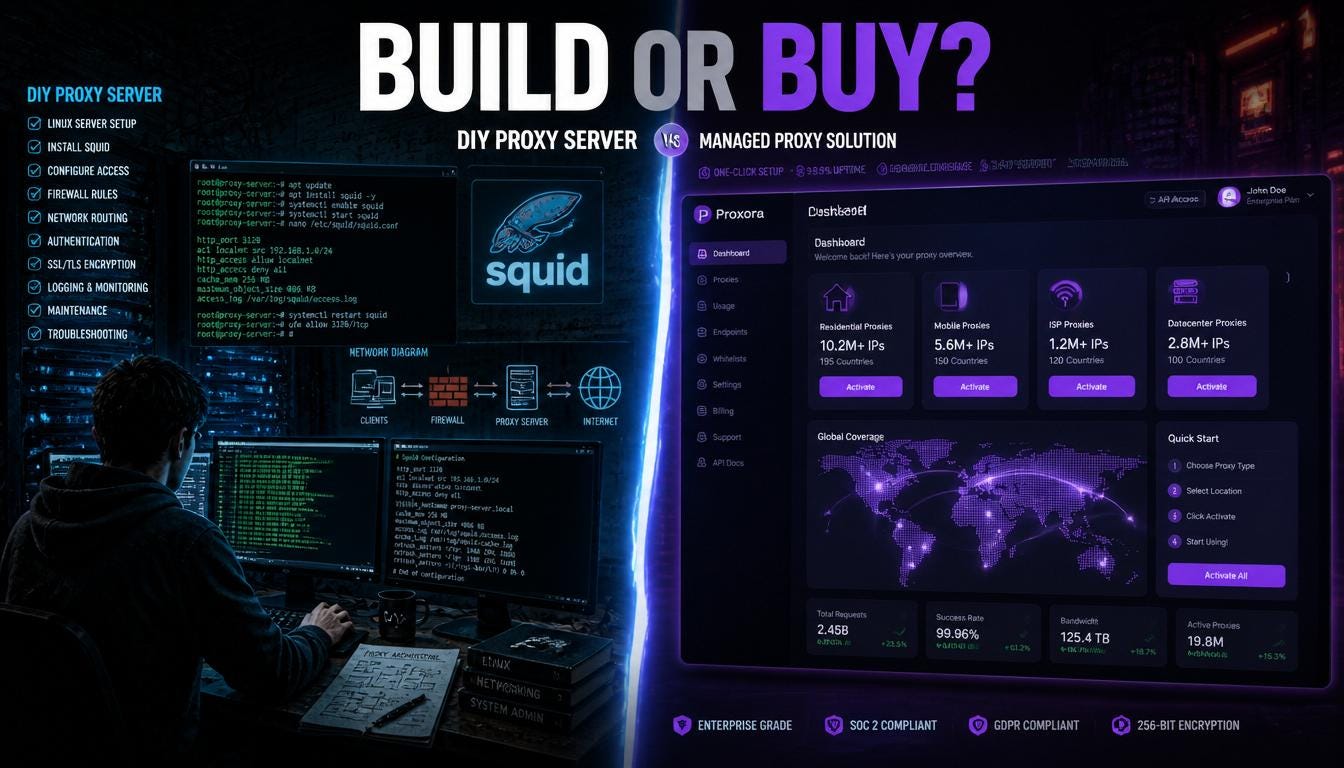
DIY makes sense for one IP, one task, for a short time, if you don’t mind the upkeep. It stops making sense once you need multiple IPs, specific countries, automatic rotation, or a clean reputation with the sites you’re accessing. At that point you’re running infrastructure, not a hobby project.
Why CyberYozh is the smarter alternative in 2026
CyberYozh gives you a ready-made proxy network instead of a server you have to babysit:
- Residential, mobile, and datacenter proxies, so you pick the right IP type instead of settling for whatever your one server can offer
- Rotating IPs and sticky sessions, controlled with a click instead of a config file
- An API that plugs straight into Playwright, Puppeteer, Selenium, Scrapy, and Postman
- SMS verification and an IP Reputation Checker built into the same dashboard
- 100+ countries covered from one account, with a proxy catalog you can filter by location and type
- Rotating residential from $0.90/GB, mobile from $1.70/day, static ISP from $5.29/month, and datacenter from $1.90/month
**Expert Insight: Most “proxy blocked” problems aren’t caused by bad configuration. They’re caused by an IP with a bad reputation before you ever touched it. A managed pool with active reputation checks avoids that problem entirely.**
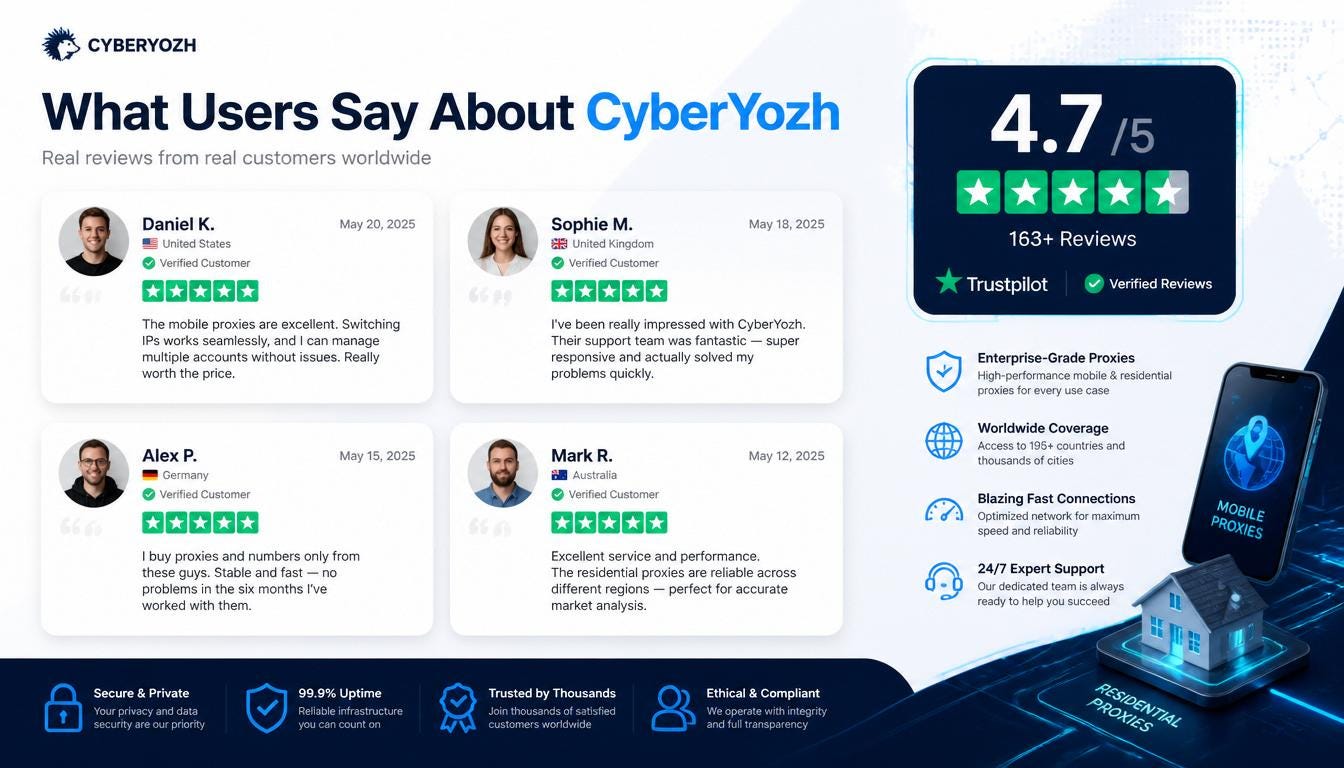
CyberYozh is rated Excellent on Trustpilot, with reviewers regularly citing stable connections and responsive support as reasons they stuck around. Explore the CyberYozh proxy catalog to see current IP options, or try the IP Reputation Checker before your next project.
Frequently asked questions
Is it legal to create a proxy server? Creating and running a proxy server is legal in nearly every country. What you do through it can still break laws or a website’s terms of service, so the setup itself isn’t the risky part; the use case is.
How do I check my current proxy settings? On Windows, go to Settings > Network & Internet > Proxy. On Mac, go to System Settings > Network> Details > Proxies. Both screens show whether a proxy is currently active and what address it points to.
Can I set up a proxy server for free? Yes. Open-source software like Squid is free, and you can run it on a spare computer. The real cost is your time: setup, security updates, and troubleshooting when it breaks.
Why does my proxy keep disconnecting? Usually one of three reasons: the server ran out of resources, the IP got flagged and blocked by the target site, or your configuration points to a port that’s no longer open.
What’s the difference between a proxy and a VPN? A proxy reroutes traffic for a specific app or browser and usually doesn’t encrypt it. A VPN encrypts and reroutes everything on the device. Proxies are lighter and often faster; VPNs are more private by default.
Do I need a static or rotating IP? Static IPs suit long, stable sessions like account logins. Rotating IPs are well-suited for scraping and automation, as regularly changing your IP helps avoid rate limits and bans.
Is a home-built proxy safe for business use? For a quick personal task, sure. For business use involving client data, payment accounts, or multiple team members, a self-built proxy is a single point of failure, lacking the redundancy and reputation management that a proxy network provides.
메타데이터
- post_id
- d5df3d5eec41
- slug
- how-to-create-a-proxy-server-in-2026-d5df3d5eec41
- url
- https://medium.com/@appcyberyozh/how-to-create-a-proxy-server-in-2026-d5df3d5eec41
- canonical_url
- https://medium.com/@appcyberyozh/how-to-create-a-proxy-server-in-2026-d5df3d5eec41
- author_url
- https://medium.com/@appcyberyozh
- status
- ok
- fetched_at
- 2026-07-27 06:40:12


