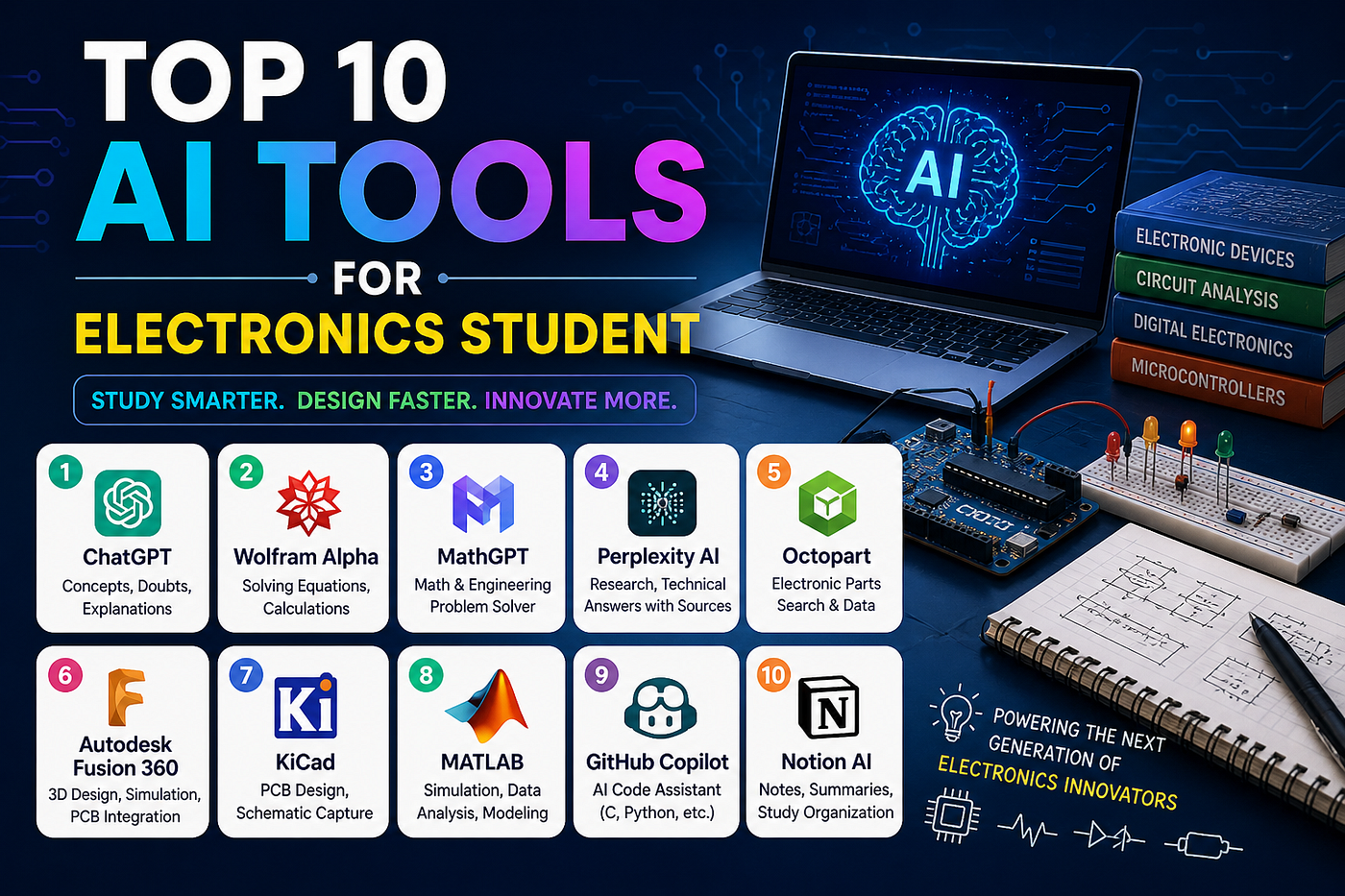
Top 10 AI Tools Every Electronics Student Needs in 2026 (Your Circuit Companions!)
Let’s paint a picture.
Top 10 AI Tools Every Electronics Student Needs in 2026 (Your Circuit Companions!)
Let’s paint a picture.
It is 11 PM. Your analog circuits assignment is due tomorrow. You have drawn the same op-amp circuit four times and it still does not make sense. Your simulation is throwing errors you have never seen before. And somewhere on your desk, buried under three textbooks and a half-eaten packet of biscuits, is your phone — buzzing with placement notifications.
Welcome to ECE life. 😄
The good news? In 2026, you do not have to fight these battles alone. AI tools have quietly become some of the most powerful weapons in an electronics student’s arsenal — and unlike your lab equipment, they actually work on the first try.
Here are the top 10 AI tools every ECE student should know about. Grab a coffee, sit back and let’s go through them one by one.
1. ChatGPT — The Universal Problem Solver 🤖
Let’s start with the one everyone already knows but not everyone uses well.
ChatGPT is like that impossibly well-read senior who has studied every circuit, memorized every formula and read every datasheet — and is somehow always free to help you at midnight.
What ECE students use it for:
- Explaining complex topics like Maxwell’s equations, Fourier transforms and control systems in plain English
- Breaking down confusing textbook derivations step by step
- Helping you understand why your circuit is behaving the way it is
- Writing lab reports and project documentation faster
- Simulating viva questions and preparing answers
The free version handles the vast majority of student tasks perfectly well. GPT-4o is available on the free tier with some daily limits.
Honest tip — ChatGPT is brilliant but it can occasionally hallucinate technical details. For critical circuit values and formulas, always cross-check with your textbook or datasheet. Treat it like a very confident friend who sometimes misremembers things.
Link: chat.openai.com
2. Claude — The Deep Thinker 🧠
If ChatGPT is the fast talker, Claude is the one who actually sits down and thinks before answering.
Claude by Anthropic is particularly strong at long-form technical explanations, working through multi-step problems and understanding context across a long conversation. For electronics students dealing with layered, complex topics — this matters a lot.
What ECE students use it for:
- Understanding difficult derivations in Signals and Systems or Electromagnetic Fields
- Getting thorough explanations of Power Electronics concepts
- Writing detailed technical reports and project documentation
- Reviewing and improving lab manuals and presentations
Claude’s free version on claude.ai is genuinely excellent for most student needs. When you want a careful, well-reasoned answer rather than a quick one — Claude is often the better choice.
Link: claude.ai
3. Perplexity AI — Research Without the Rabbit Hole 🔍
You know what happens when you Google something technical as an ECE student.
You search for “op-amp stability.” You get seventeen links. Two are useful. One is a forum thread from 2011 where someone solved a different problem. One is a paid course. And somehow you end up reading about the history of Bell Labs at 1 AM.
Perplexity AI fixes this beautifully.
It searches the web in real time, reads multiple sources and gives you a clean summarized answer with citations. No rabbit holes. No irrelevant results. Just the answer.
What ECE students use it for:
- Researching topics for final year projects and seminar presentations
- Finding accurate and up-to-date technical information quickly
- Literature review for research-oriented assignments
- Understanding new components and technologies without reading five datasheets
The free version is excellent and requires no account to start. For anything research-heavy, Perplexity will save you hours.
Link: perplexity.ai
4. Wolfram Alpha — The Math Engine ECE Students Need 🔢
ECE is essentially applied mathematics with components attached.
Fourier transforms. Laplace transforms. Differential equations. Complex impedance calculations. If you have ever stared at a math problem and wished someone would just solve it and show you how — Wolfram Alpha is exactly that.
What ECE students use it for:
- Solving Laplace and Fourier transform problems step by step
- Computing complex circuit impedances and transfer functions
- Verifying solutions for control systems problems
- Solving differential equations that appear in circuit analysis
- Checking your answers before submitting assignments
The free version provides step-by-step solutions for most problems. The step-by-step feature alone makes it worth bookmarking immediately.
Honest tip — Use Wolfram Alpha to verify and understand, not just to copy answers. The day your professor asks you to derive something on the board, Wolfram Alpha will not be there. Your understanding will be.
Link: wolframalpha.com
5. Falstad Circuit Simulator — Free Browser-Based Circuit Simulation ⚡
This one is a hidden gem that most ECE students discover too late in their degree.
Falstad is a completely free, browser-based circuit simulator that runs without any installation. You can build circuits, run simulations and see real-time waveforms and current flows — all in your browser, on any device.
What ECE students use it for:
- Quickly simulating circuits before implementing them in lab
- Visualizing how current flows through complex circuits
- Testing op-amp configurations, filter designs and oscillator circuits
- Understanding transient behavior of RC and RL circuits
- Preparing for lab sessions by pre-testing your designs
It is not as powerful as LTspice for professional work, but for a student who needs to quickly test an idea or understand circuit behavior — it is fantastic. And did we mention it is completely free?
Link: falstad.com/circuit
6. LTspice with AI Assistance — Professional Circuit Simulation 🖥️
Speaking of simulation — LTspice by Analog Devices is the industry standard free circuit simulator. By itself it is powerful but has a famously steep learning curve.
Here is where AI comes in.
Use ChatGPT or Claude alongside LTspice to:
- Get help writing SPICE netlists when the syntax confuses you
- Understand simulation errors and what they actually mean
- Learn how to model specific components correctly
- Interpret simulation results and understand unexpected behavior
The combination of LTspice for simulation and an AI assistant for guidance is genuinely one of the most powerful setups an ECE student can have for circuit work.
LTspice is free to download and use.
Link: analog.com/ltspice
7. Grammarly — Because ECE Students Write More Than They Expect ✍️
Nobody warns you in your first semester.
By the time you finish your B.Tech, you will have written dozens of lab reports, at least one major project report, internship applications, emails to professors, a resume and probably a LinkedIn post about your “incredible journey.”
Grammarly quietly makes all of this better.
What ECE students use it for:
- Polishing project reports and lab documentation
- Writing professional emails to professors, companies and internship coordinators
- Improving the quality of resumes and cover letters
- Cleaning up seminar and presentation scripts
The free browser extension works everywhere — Google Docs, Gmail, LinkedIn and most online platforms. It catches grammar errors, improves clarity and flags awkward phrasing automatically.
Your circuit work speaks for itself. Make sure your writing does too.
Link: grammarly.com
8. Notion AI — Organize the Beautiful Chaos of ECE 📋
ECE is a lot. Seriously.
Signals. Systems. Machines. Electromagnetic theory. Power electronics. Control systems. Lab sessions. GATE preparation. Placement prep. Club activities. And somewhere in there — sleep, hopefully.
Notion helps you organize all of it in one place. And with Notion AI built in, it can now help you summarize notes, generate study plans and structure your content intelligently.
What ECE students use it for:
- Organizing subject-wise notes for semester exams and GATE
- Building a placement preparation tracker with timelines
- Managing final year project tasks and milestones
- Summarizing long lecture notes using Notion AI
- Creating a personal reference library for technical formulas and concepts
The free plan is more than enough for individual students. Set it up once and it becomes the backbone of your academic organization.
Link: notion.so
9. Canva AI — For Presentations That Actually Look Good 🎨
Here is a universal truth about engineering presentations.
You spend 85% of your time building the actual project. You spend 14% realizing your slides look like they were made in a hurry — because they were. You spend 1% presenting. And somehow your professor still notices the misaligned text on slide 4.
Canva AI solves the design problem so you can spend your energy on the engineering.
What ECE students use it for:
- Creating professional project and seminar presentations
- Designing posters for technical exhibitions and college fests
- Building a clean and impressive resume
- Using Magic Design to generate complete slide layouts from a single prompt
The free version has hundreds of templates designed for technical and academic use. Your presentation quality will improve noticeably — and your professors will actually appreciate it.
Link: canva.com
10. Mathway — Quick Math Solutions on the Go 📱
Sometimes you do not need a full Wolfram Alpha session. Sometimes you just need a quick answer while you are sitting in class, working through a problem set or reviewing before an exam.
Mathway is a clean, mobile-friendly math solver that handles algebra, calculus, trigonometry, statistics and more. The app works beautifully on mobile — you can even photograph a handwritten problem and get a solution.
What ECE students use it for:
- Quick calculations during problem-solving sessions
- Verifying answers on the go without opening a laptop
- Solving integration and differentiation problems quickly
- Photographing textbook problems and getting instant step-by-step solutions
The free version shows answers. The premium version shows steps — which is worth it during exam season when you actually need to understand the process.
Link: mathway.com
Quick Summary — Your ECE AI Toolkit
ChatGPT — Concept explanation, debugging, documentation — Free Claude — Deep technical explanations, writing — Free Perplexity AI — Research and web-based answers — Free Wolfram Alpha — Math and formula solving — Free Falstad Simulator — Quick browser-based circuit simulation — Free LTspice plus AI — Professional circuit simulation — Free Grammarly — Writing and grammar improvement — Free Notion AI — Notes and organization — Free Canva AI — Presentations and design — Free Mathway — Quick mobile math solving — Free
One Final Thought 💪
Here is something worth saying clearly.
Electronics is hard. There is no shortcut around understanding how a transformer works, why a phase margin matters or what happens when your Bode plot looks wrong. The fundamentals require real effort and real understanding.
But the administrative, repetitive and organizational parts of your degree? Those do not have to drain your energy. That is exactly what these tools are for.
Use AI to handle the documentation, the research, the organization and the verification. Save your mental energy for the actual engineering — the thinking, the designing and the building.
The best ECE students in 2026 are not the ones who avoid these tools. They are the ones who use them strategically and spend the time they save on becoming better engineers.
Good luck. Your circuits will behave eventually. 😊
If this article helped you, share it with your ECE batchmates — they probably have a simulation error they cannot figure out right now and could really use the help.
Want More Such Guides?
I write about engineering tools, GATE preparation, placement tips and campus life on my blog.
Visit: thetechyshambhu.blogspot.com
메타데이터
- post_id
- d5e9ad79dc7c
- slug
- top-10-ai-tools-every-electronics-student-needs-in-2026-your-circuit-companions-d5e9ad79dc7c
- url
- https://medium.com/@shambooo011/top-10-ai-tools-every-electronics-student-needs-in-2026-your-circuit-companions-d5e9ad79dc7c
- canonical_url
- https://medium.com/@shambooo011/top-10-ai-tools-every-electronics-student-needs-in-2026-your-circuit-companions-d5e9ad79dc7c
- author_url
- https://medium.com/@shambooo011
- status
- ok
- fetched_at
- 2026-06-11 05:11:55