Midjourney Styles + ChatGPT: The Ultimate AI Editorial Design System
Midjourney Styles + ChatGPT: The Ultimate AI Editorial Design System
Create stunning editorial covers, magazine layouts, and branded visuals by combining Midjourney aesthetics with ChatGPT-powered typography and text correction.
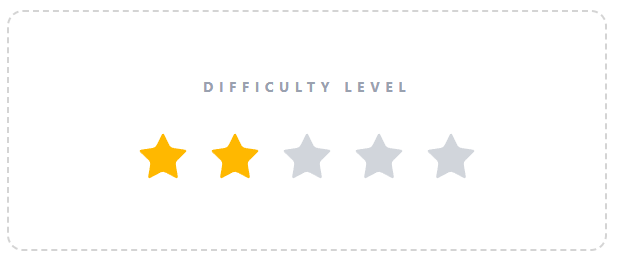
Tech Difficulty Level
Have you spent hours generating images, and when you finally found the perfect one, you wanted to add text but couldn’t make it work? If you’ve created an image with Midjourney that contains text and you don’t want to give up on the image just because the text didn’t turn out right, this is going to interest you.
In this article, I’m going to show you how you can create your own magazine or catalog cover to advertise or promote your product using styles that have been previously selected in Midjourney, and then layout the text afterward with ChatGPT.
The following covers were created using this system, and you’ll be able to create them too using your own brand or text once I share the style code and prompts:
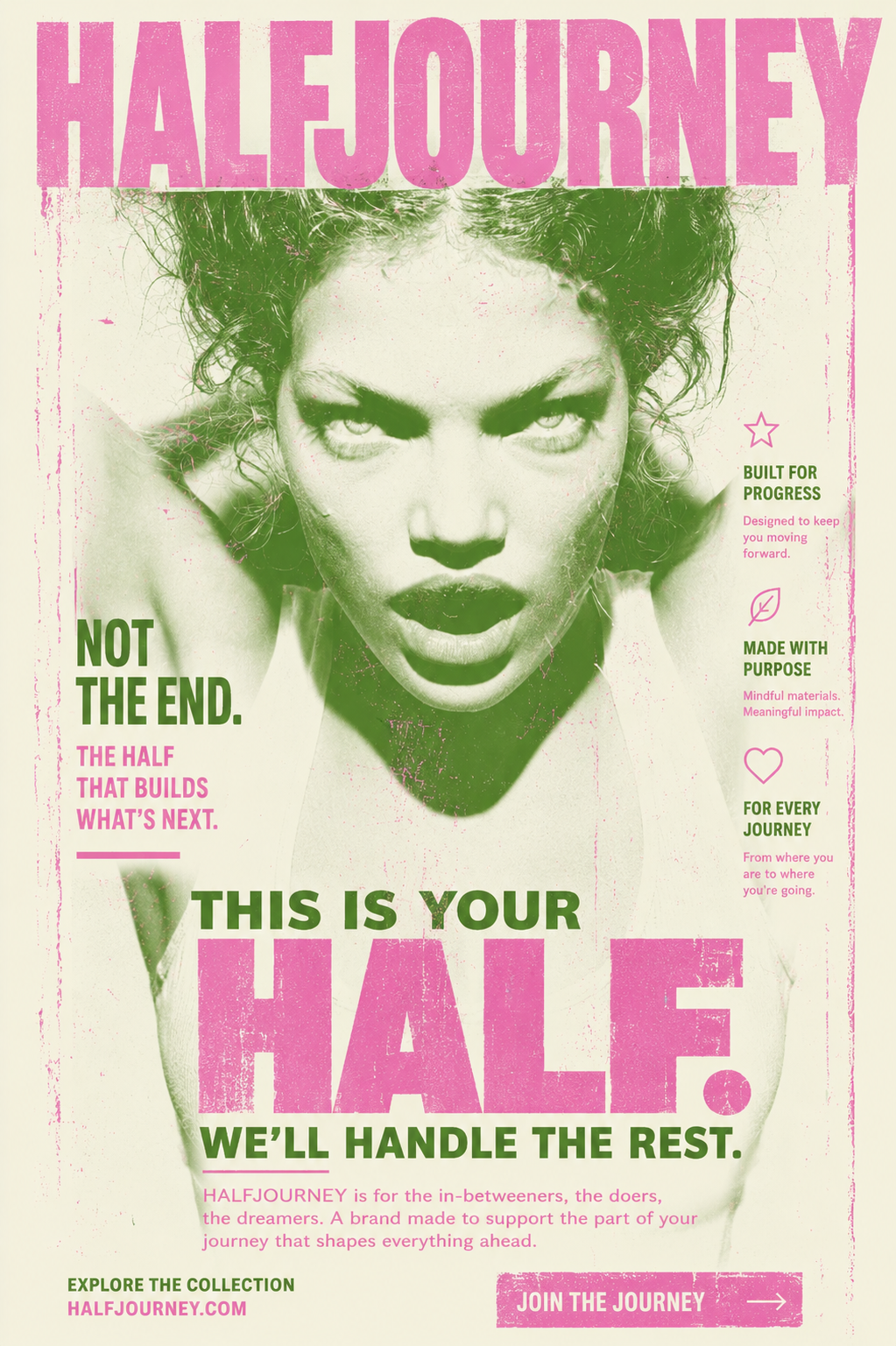
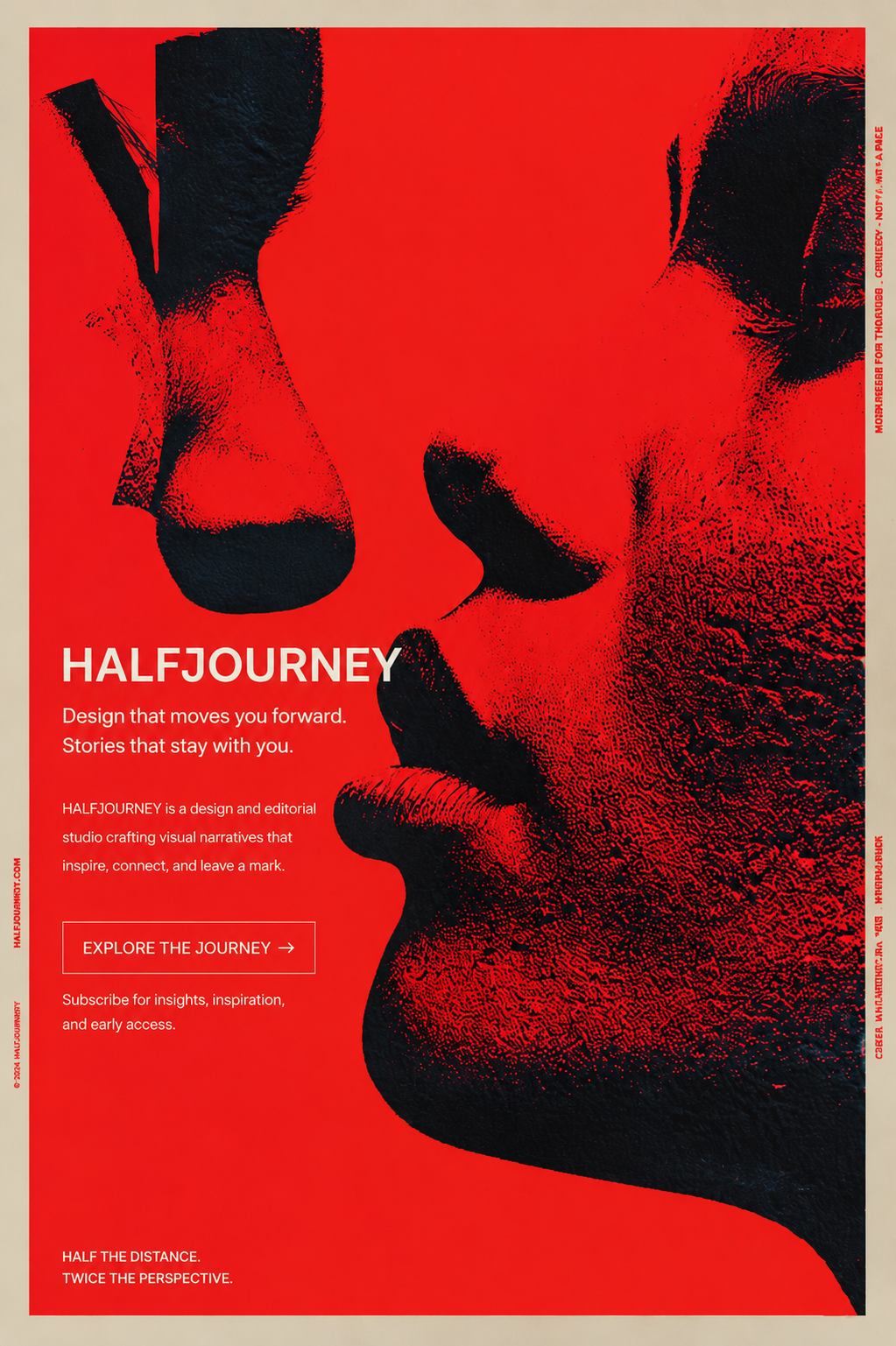
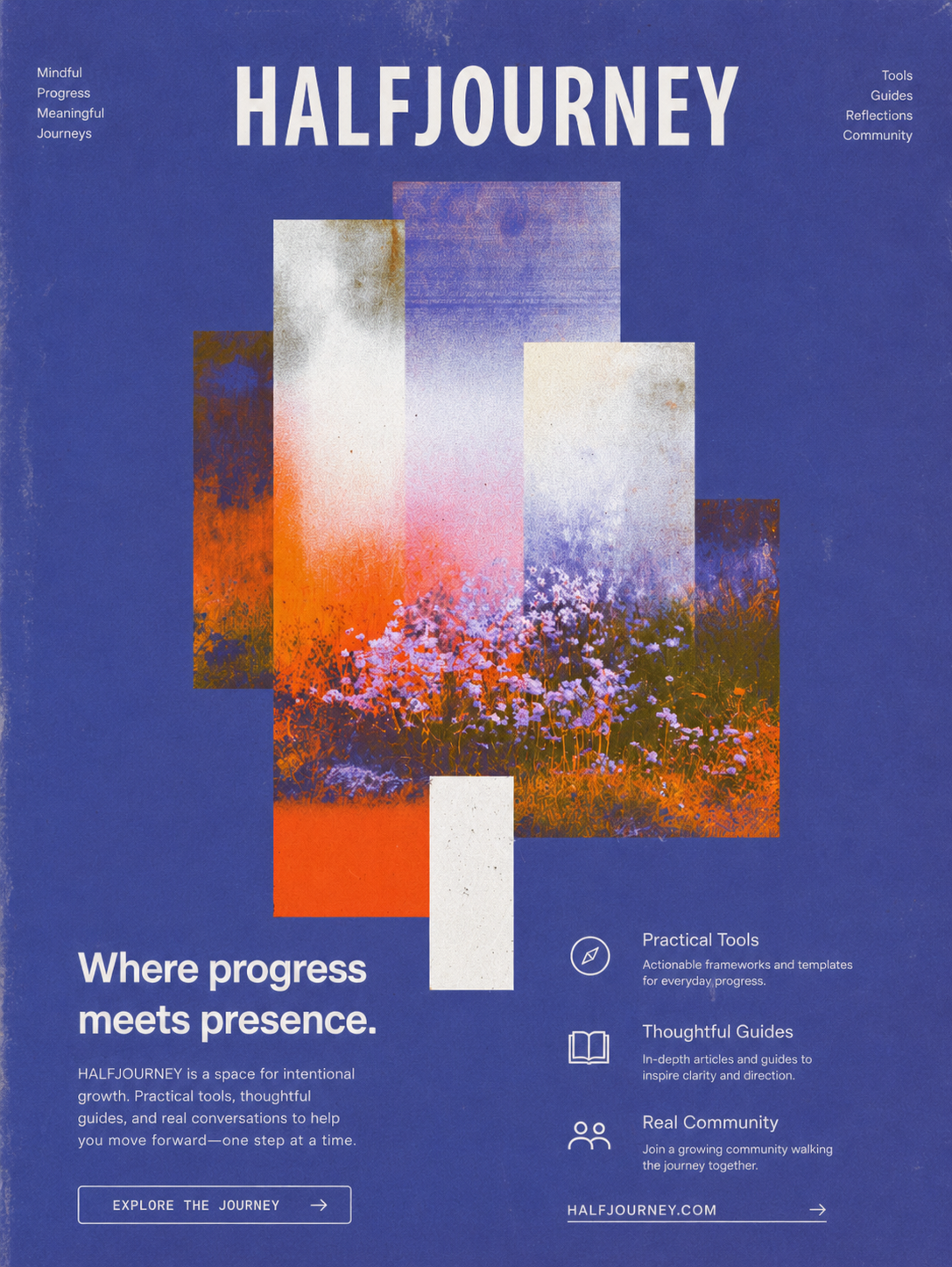
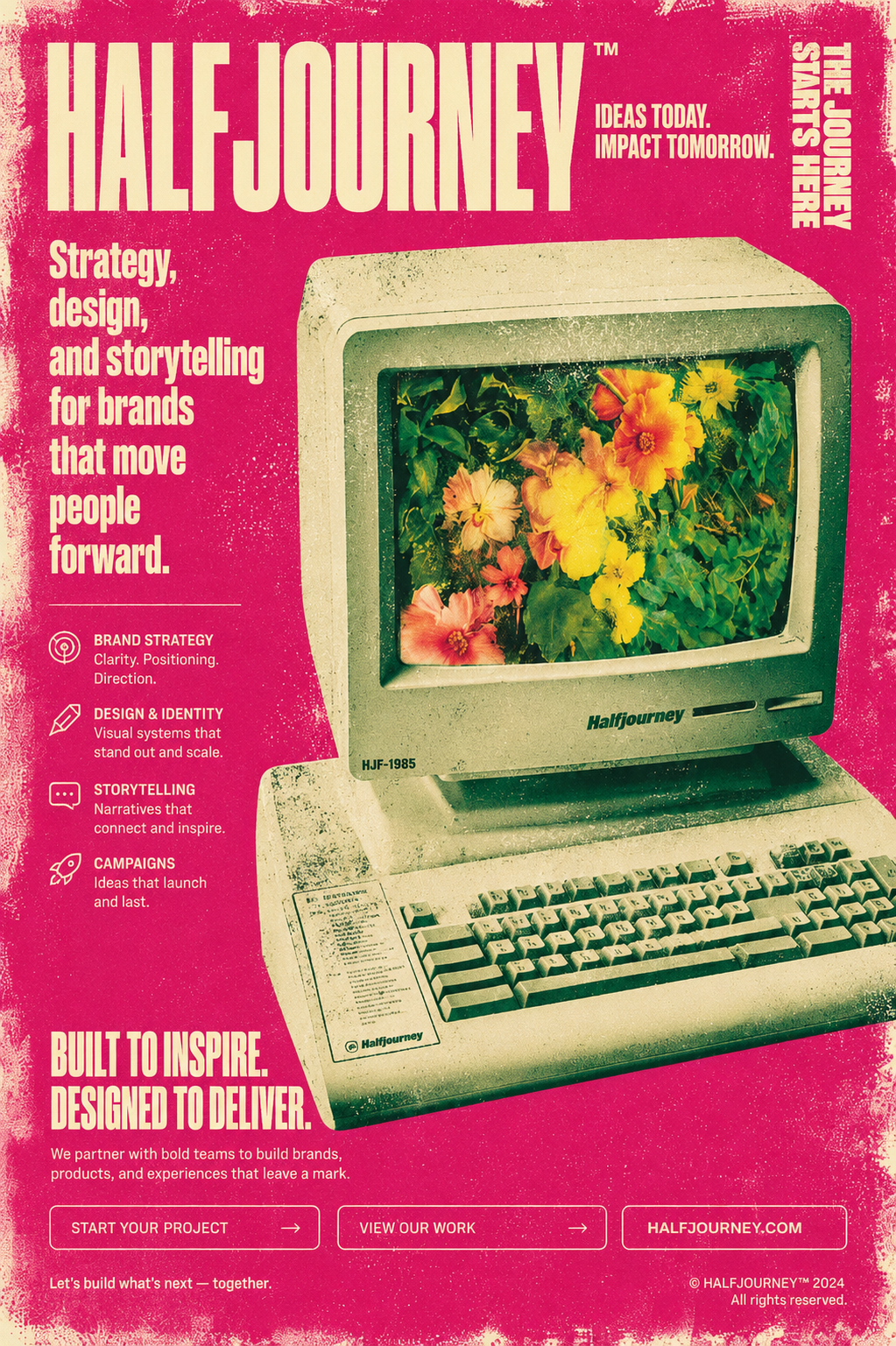
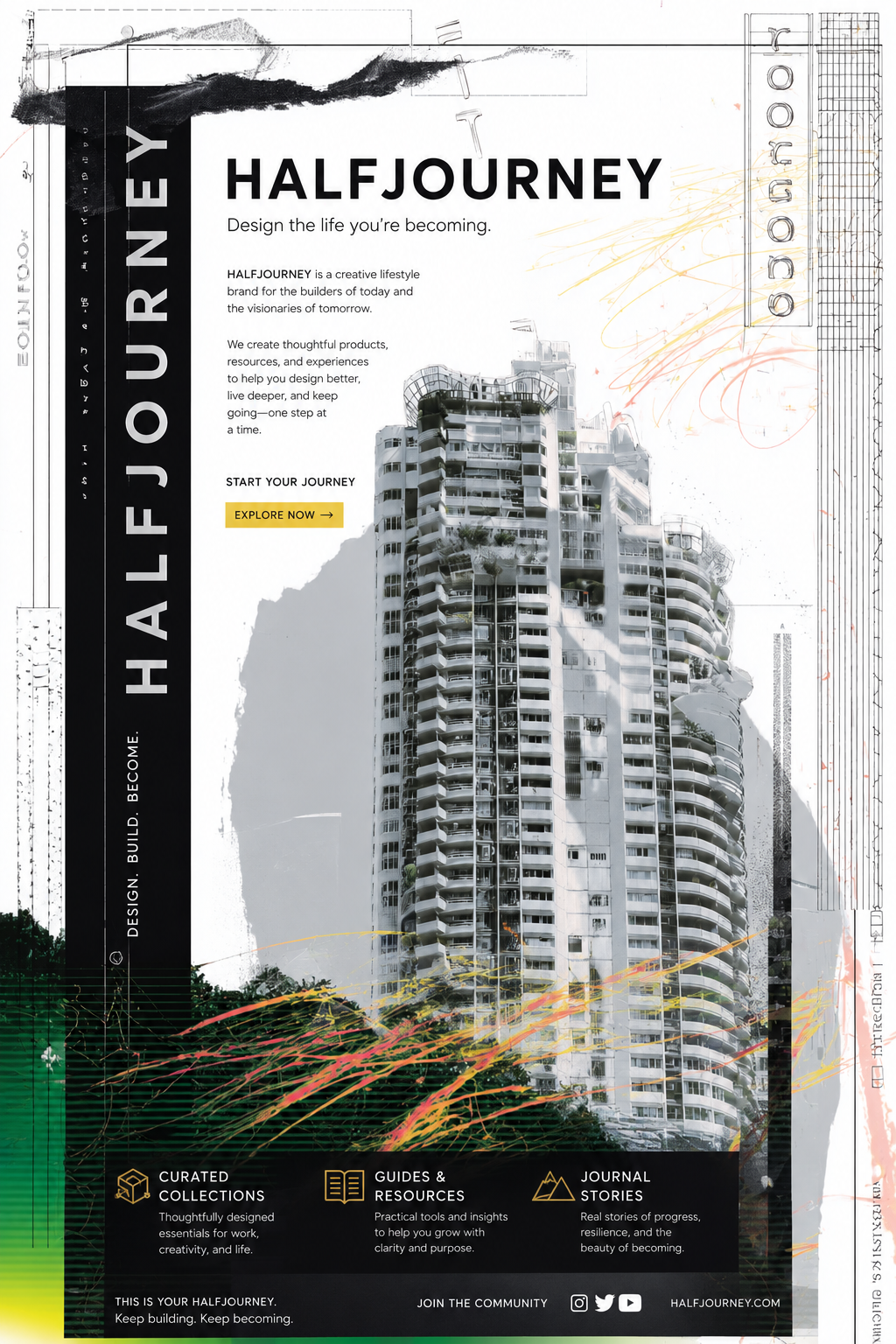
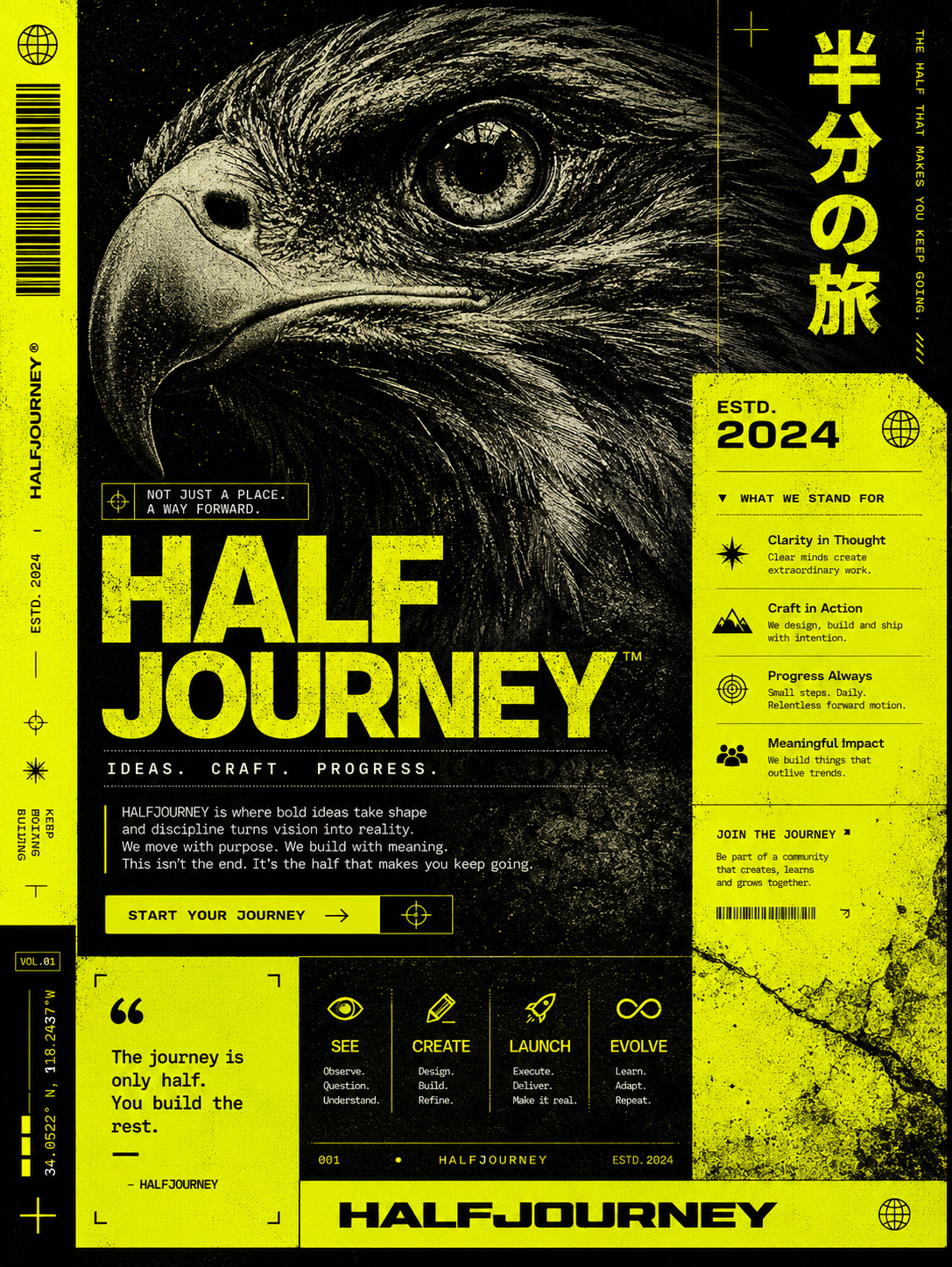
Midjourney Styles
As you probably already know, Midjourney has a huge catalog of styles identified by values within the latent space of the image generation model. For a long time, people have been collecting and exploring countless styles, and Midjourney itself has even included a large part of them in its style section.
The advantage of styles is that you don’t need to design the aesthetic of the prompt because it’s already predefined, and that saves you a lot of time. The downside is that the style has a strong influence over your prompt and you lose adherence, meaning the text of your prompt competes with the style and may not stay faithful to your instructions, such as adding a specific word.
I selected the following 6 styles that will give you a magazine aesthetic with a really simple prompt:
#SREF 729047527
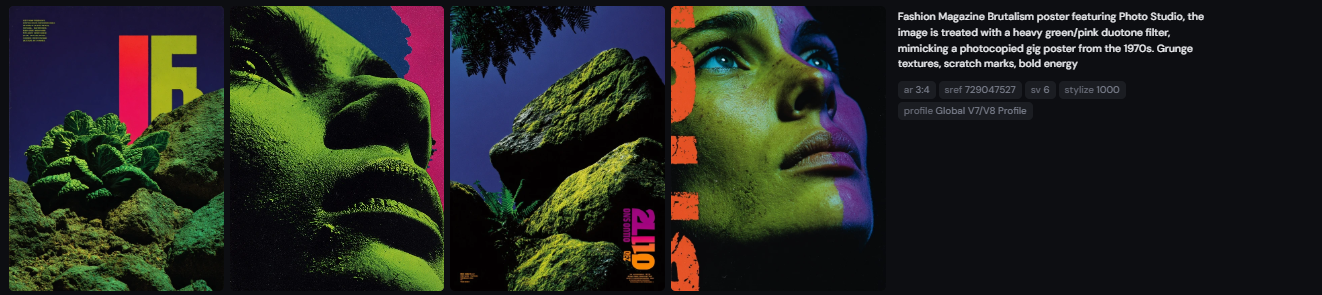
Promtp:Fashion Magazine Brutalism poster featuring Photo Studio, the image is treated with a heavy green/pink duotone filter, mimicking a photocopied gig poster from the 1970s. Grunge textures, scratch marks, bold energy — ar 3:4 — sref 729047527 — profile jy37xvz — sv 6 — stylize 1000 — v 7
#SREF 2447492178
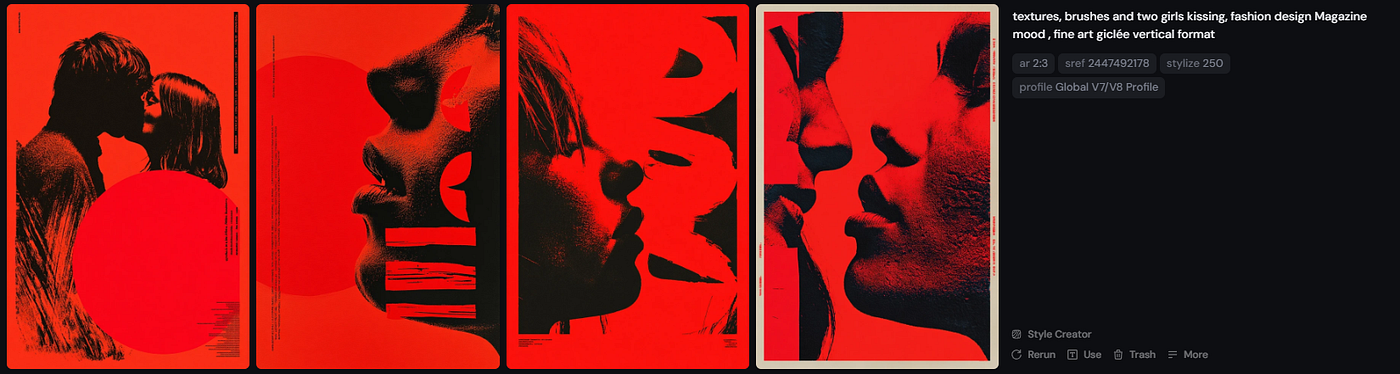
Promtp: textures, brushes and two girls kissing, fashion design Magazine mood , fine art giclée vertical format — ar 2:3 — sref 2447492178 — profile jy37xvz — stylize 250 — v 7
#SREF 3673730613
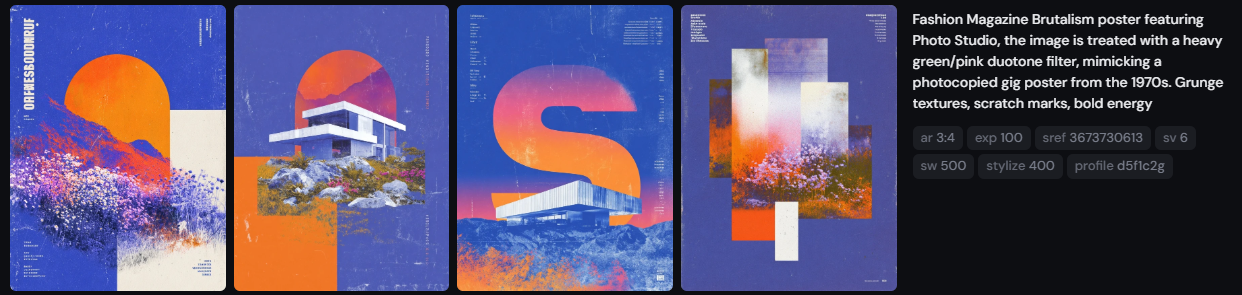
Prompt: Fashion Magazine Brutalism poster featuring Photo Studio, the image is treated with a heavy green/pink duotone filter, mimicking a photocopied gig poster from the 1970s. Grunge textures, scratch marks, bold energy — ar 3:4 — exp 100 — sref 3673730613 — profile d5f1c2g — sv 6 — sw 500 — stylize 400 — v 7
#SREF 160717663
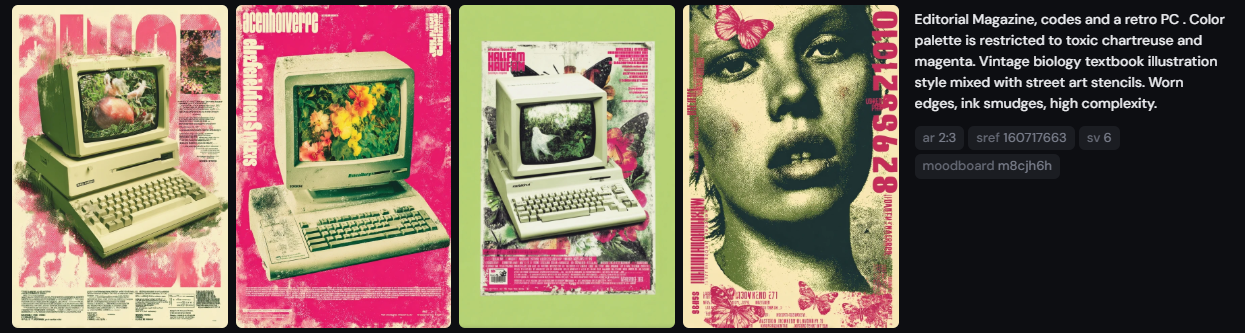
Prompt: Editorial Magazine , codes and a retro PC . Color palette is restricted to toxic chartreuse and magenta. Vintage biology textbook illustration style mixed with street art stencils. Worn edges, ink smudges, high complexity. — ar 2:3 — sref 160717663 — profile m8cjh6h — sv 6 — v 7
#SREF 2357421291
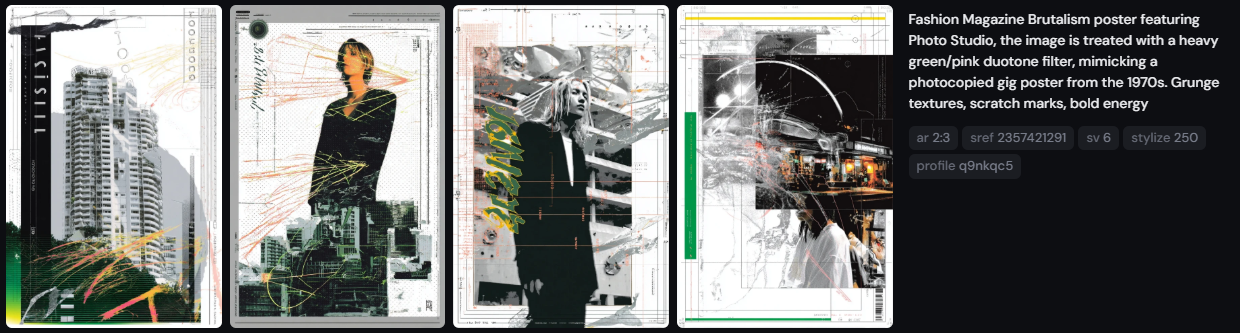
Prompt: Fashion Magazine Brutalism poster featuring Photo Studio, the image is treated with a heavy green/pink duotone filter, mimicking a photocopied gig poster from the 1970s. Grunge textures, scratch marks, bold energy — ar 2:3 — sref 2357421291 — profile q9nkqc5 — sv 6 — stylize 250 — v 7
#SREF 216595921
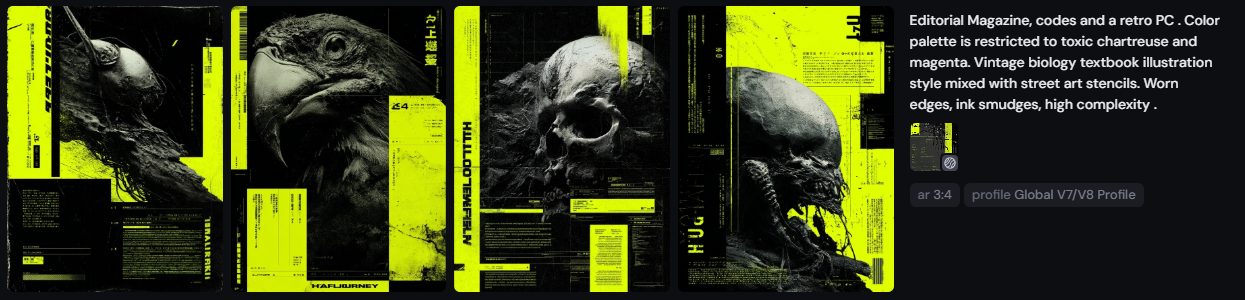
Editorial Magazine, codes and a retro PC . Color palette is restricted to toxic chartreuse and magenta. Vintage biology textbook illustration style mixed with street art stencils. Worn edges, ink smudges, high complexity . — ar 3:4 — sref 216595921 — profile jy37xvz — v 7
Laying Out the Styles
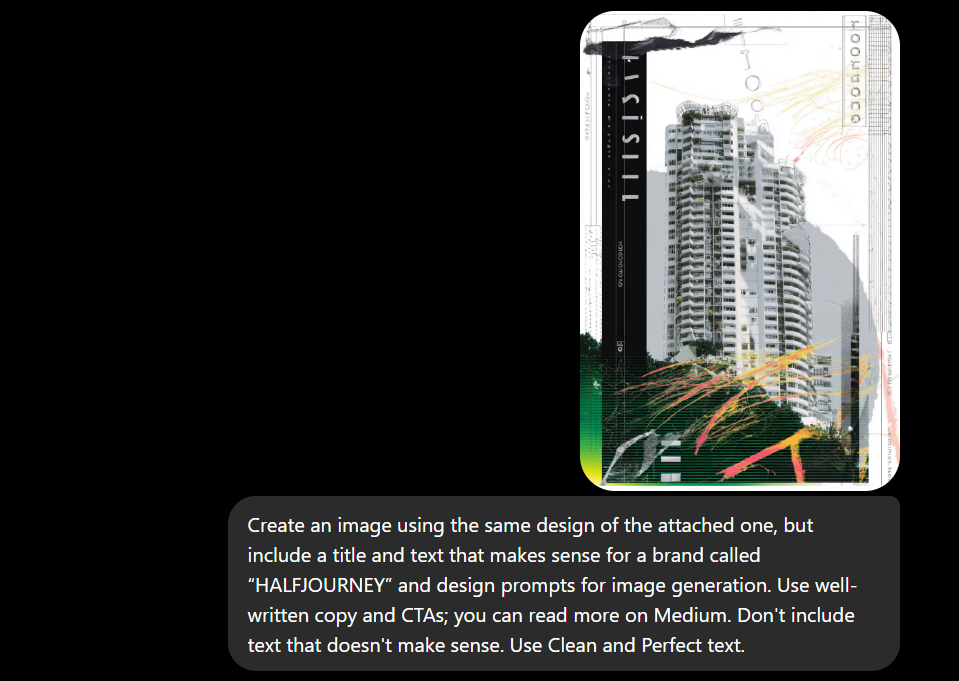
Now that we already have the visual aesthetic, we just need to choose the one we like the most, upload the image to ChatGPT with a prompt, and layout the design to add our own texts.
For that, I used the following prompt:
Chatgpt Prompt: Create an image using the same design of the attached one, but include a title and text that makes sense for a brand called “HALFJOURNEY” and design prompts for image generation. Use well-written copy and CTAs; you can read more on Medium. Don’t include text that doesn’t make sense. Use Clean and Perfect text.
In your case, you can use whatever word or concepts you want, and ChatGPT will return the same image with corrected text and a finished layout ready for your magazine, promotion, or social media.
This is the result ChatGPT generated for me using the prompt and the image I previously created with Midjourney:
In a previous article, I wrote about how to extract visual information to create posters. You can read it here:
Conclusions
Sometimes we spend a lot of time running the same prompt over and over again hoping to get a better result, but we don’t stop to think about how to optimize our workflow. We know Midjourney generates really interesting aesthetics, but when it comes to generating text, sometimes it fails on a letter or even the entire word. That’s completely understandable. Midjourney is an image generation model, while ChatGPT is a multimodal model that understands text much better. The perfect ally for layout design. We don’t need to give up on Midjourney, we just need to use its strengths and combine them with the strengths of ChatGPT.
메타데이터
- post_id
- d68828dc1dbd
- slug
- midjourney-styles-chatgpt-the-ultimate-ai-editorial-design-system-d68828dc1dbd
- url
- https://medium.com/@halfjourney/midjourney-styles-chatgpt-the-ultimate-ai-editorial-design-system-d68828dc1dbd
- canonical_url
- https://medium.com/@halfjourney/midjourney-styles-chatgpt-the-ultimate-ai-editorial-design-system-d68828dc1dbd
- author_url
- https://medium.com/@halfjourney
- status
- ok
- fetched_at
- 2026-06-09 15:37:30