I Fed My Most Sensitive Company Data Into an LLM Today. And It’s 100% Safe. Here’s Why.
Why I stopped pasting client contracts into the cloud and shifted to running powerful local LLMs (Llama 4, Qwen3) entirely on my own…
AI PRIVACY & DATA OWNERSHIP
I Fed My Most Sensitive Company Data Into an LLM Today. And It’s 100% Safe. Here’s Why.
Why I stopped pasting client contracts into the cloud and shifted to running powerful local LLMs (Llama 4, Qwen3) entirely on my own hardware.
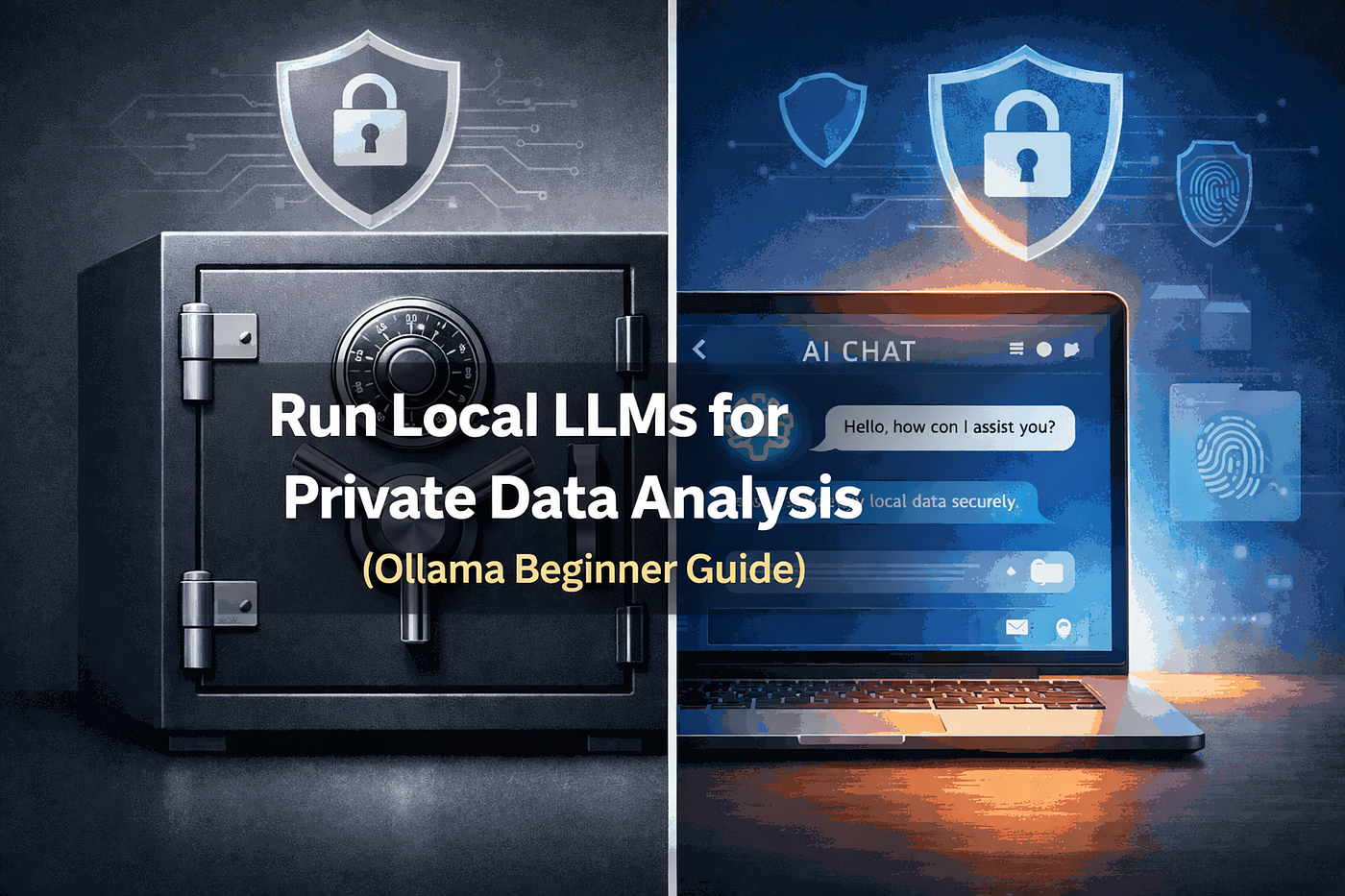
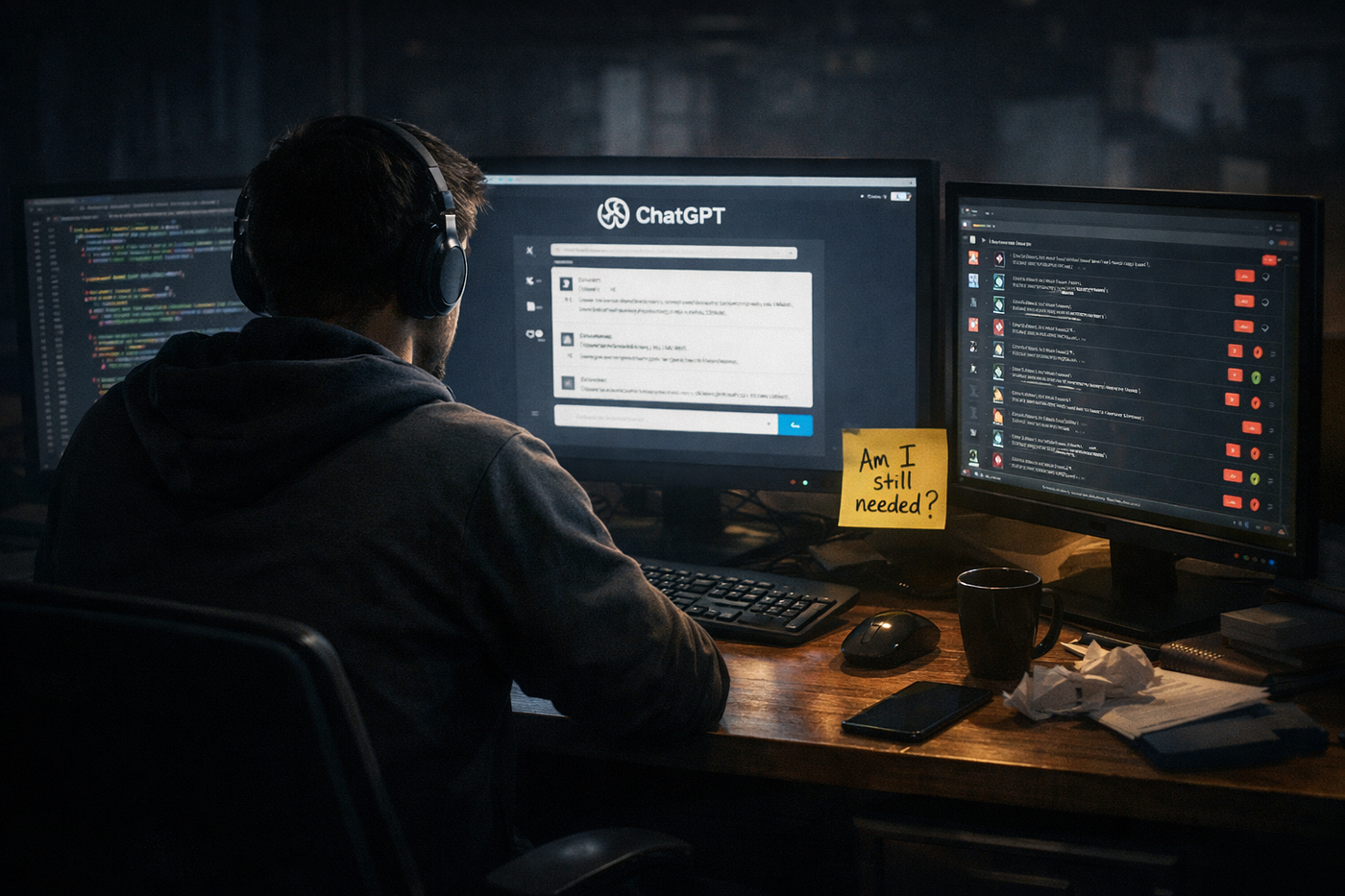
Run Local LLMs for Private Data Analysis (Ollama Beginner Guide) — Image create by Tamzidul Haque
Last week I sat in my small Dhaka home office, staring at a document full of client contracts, financial projections, and ideas I wouldn’t dare whisper to anyone outside my team. My finger hovered over the send button to ChatGPT. Then I stopped.
Instead, I opened a simple app on my laptop, typed the same sensitive details, and got thoughtful, useful responses in seconds. Nothing left my computer. No cloud. No terms-of-service fine print. Just me, my data, and a smart AI running right here.
That moment felt like freedom. And in 2026, more writers, freelancers, and small business owners are discovering this same “privacy flex.” If you handle anything private — client info, business plans, personal notes — you need to hear this story.
Why Most of Us Still Send Secrets to the Cloud
Let’s be real. Cloud AI tools like ChatGPT, Claude, and Gemini feel magical. They’re fast, always improving, and super easy. I used them for years while building content for CEOs and running my own sites.
But here’s the uncomfortable truth: every time you paste something into those tools, your data travels to someone else’s servers. And companies are waking up to the risks.
Recent numbers paint a worrying picture. In 2026, data leaks from generative AI became the top security concern for organizations — cited by 34% of leaders, up sharply from the year before. Shadow AI (using tools without company approval) now costs businesses an average of $4.63 million per breach. That’s a lot higher than regular incidents.
Consumers feel it too. Over half the world now sees AI as a real threat to their privacy. In surveys, many people say they don’t fully trust companies with their information anymore.
I get it. For quick brainstorming or public research, cloud tools still work great. But when the stakes are high — contracts, medical notes, strategy decks, or even your next big product idea — sending it away starts feeling risky.
The Privacy Flex: Running AI on Your Own Machine
This is where local LLMs (Large Language Models) come in. These are powerful AI systems you download and run completely on your laptop or desktop. Your prompts and files never leave your device.
Think of it like having a super-smart assistant who lives in your house instead of working in a big office downtown. Everything stays private.
I tried this a few months ago and it changed how I work. No more worrying about “Did I accidentally share something I shouldn’t?” I can now analyze client strategies, brainstorm article ideas based on real (private) performance data, or even summarize confidential notes safely.
Here’s what makes local AI so powerful right now in 2026:
- Complete privacy: Data stays on your hardware.
- No monthly bills: Pay once for hardware (or use what you have) and use it as much as you want.
- Works offline: Perfect for travel or areas with spotty internet.
- Full control: You decide the model, customize it, and know exactly what’s happening.
Models like Llama 4, DeepSeek V3/V4, Qwen3 series, and Mistral variants have gotten impressively good. Many now match or come close to cloud tools for everyday writing and thinking tasks while keeping everything locked down.
My Simple Setup That Actually Works
I’m no tech genius. I studied computer science years ago, but I’m a writer first. Setting this up took me less than an hour.
The easiest way for most people is Ollama. It’s free, beginner-friendly, and works on Windows, Mac, and Linux.
Here’s how I did it:
- Went to the official Ollama website and downloaded it.
- Opened my terminal and typed one command: ollama run llama3.2 (or whatever model you want).
- Started chatting.
That’s literally it. No complicated coding.
For a nicer interface, I also like LM Studio or Jan. They feel more like ChatGPT but run locally. You can drag and drop files, chat naturally, and everything stays private.
On my mid-range laptop with 16GB RAM, I run smaller efficient models smoothly. For bigger tasks, I use a simple desktop with a decent graphics card. The speed still surprises me.
Real-Life Wins I’ve Seen
Since switching for sensitive work, I’ve noticed a few big changes:
- Peace of mind: I can feed full business plans or article drafts without anxiety.
- Better focus: No waiting for API responses during peak hours. It’s instant.
- Creative freedom: I experiment more because there’s no cost per message.
- Compliance: For anyone working with clients in Europe or healthcare, this makes GDPR and other rules much easier to handle.
One friend who runs a small consulting firm now uses local AI to analyze client financial summaries. He told me it saved him from a potential compliance headache.
Another writer I know generates personalized client proposals using private data. She says the quality feels more “hers” because the AI isn’t watered down by corporate safety filters.
But Is It Really as Good as ChatGPT?
Honest answer: It depends.
For the absolute latest cutting-edge features and massive scale, cloud tools still win sometimes. But the gap has narrowed a lot in 2026. Open-source models keep improving fast, and you can fine-tune them for your specific needs — like writing style or industry knowledge.
Hardware keeps getting cheaper too. A good setup doesn’t need to break the bank anymore.
If you want the best of both worlds, many people use local for private/sensitive stuff and cloud for general research. That hybrid approach feels smart.
Getting Started Without Overwhelm
Don’t feel you need fancy equipment right away. Start simple:
- Download Ollama (it’s free).
- Try a smaller model first like Phi-3 or Gemma.
- Play around with your own notes or public articles.
- Once comfortable, move to bigger models.
For writers and creators, this is especially powerful. You can build a personal knowledge base from your old articles and query it privately. Or analyze what worked in your past Medium posts without sharing data.
Pro tip: Combine this with good habits. Use strong device passwords, keep software updated, and back up important files. Privacy is a practice, not just a tool.
If you’re ready to level up your website or blog alongside better privacy tools, I recommend checking strong, affordable hosting. I use and recommend Hostinger for reliable performance. If you sign up through my link, I may earn a small commission at no extra cost to you.
For digital products or courses, Gumroad makes selling simple and creator-friendly.
Disclaimer: The hosting link above is an affiliate resource tracker. If you choose to host your digital asset platform through it, I may earn a commission at zero additional cost to you. I only recommend technical platforms I actively deploy to run my own live web setups.
Common Questions About Local AI Privacy
Is local AI really 100% private?
Yes — when set up correctly, your data never leaves your machine. Unlike cloud services, there’s no third party that can access or log your conversations.
Do I need a powerful computer?
Not necessarily. Many efficient models run well on regular laptops. For heavier use, a graphics card helps but isn’t required to start.
What about model quality?
2026 models like Llama 4 and Qwen3 deliver impressive results for writing, analysis, and brainstorming. They keep getting better every few months.
Can beginners do this?
Absolutely. Tools like Ollama and LM Studio are designed for regular people, not just developers.
What if I need internet features?
Local AI works offline for core tasks. You can always use cloud tools alongside for things that need real-time web access.
The Bigger Picture for Writers and Creators
As someone who has written over 1200 articles for clients and runs my own platforms, I see AI privacy as part of a larger shift. We’re moving from depending on big tech to owning our tools and data.
This isn’t about rejecting progress. It’s about using AI responsibly — on your terms.
For freelancers and solopreneurs especially, this “privacy flex” gives real independence. Your ideas, your client work, your future plans stay yours.
I still use cloud tools when appropriate. But for anything sensitive, local is now my default. The peace of mind alone makes it worth it.
What about you? Have you tried running AI locally yet? Would you trust your most private data to the cloud, or are you making the switch too? Drop your thoughts in the comments — I read them all.
The tools are here. The models are capable. Your data deserves to stay private.
Start small. Try one local model this week. You might be surprised how good it feels to keep control.
Tamzidul Haque
Writer & Editor in Medium
AI Content Editor & Humanizer | Technical SEO Specialist. Taking rough, robotic AI-generated drafts from clients and rewriting them so they pass Google’s Rank.
메타데이터
- post_id
- d6c8db042ebc
- slug
- i-fed-my-most-sensitive-company-data-into-an-llm-today-and-its-100-safe-here-s-why-d6c8db042ebc
- url
- https://medium.com/data-and-beyond/i-fed-my-most-sensitive-company-data-into-an-llm-today-and-its-100-safe-here-s-why-d6c8db042ebc
- canonical_url
- https://medium.com/data-and-beyond/i-fed-my-most-sensitive-company-data-into-an-llm-today-and-its-100-safe-here-s-why-d6c8db042ebc
- author_url
- https://medium.com/@tamzidulhaque
- status
- ok
- fetched_at
- 2026-06-27 18:20:27