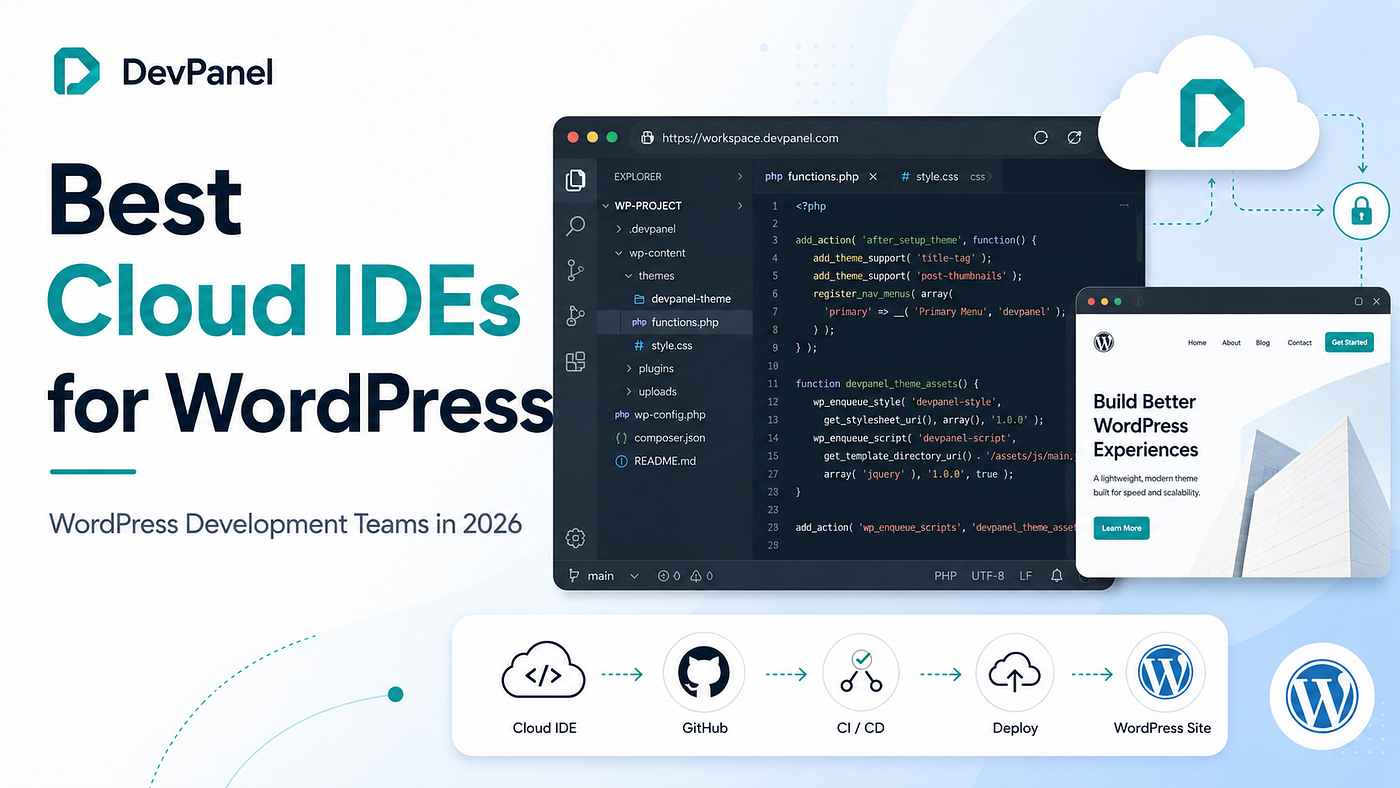
The Definitive Guide to Cloud IDEs: Why the World is Moving to Browser-Based Development in 2026
For decades, the ritual of “setting up a local dev environment” was a rite of passage for every software engineer. It involved hours —…
The Definitive Guide to Cloud IDEs: Why the World is Moving to Browser-Based Development in 2026
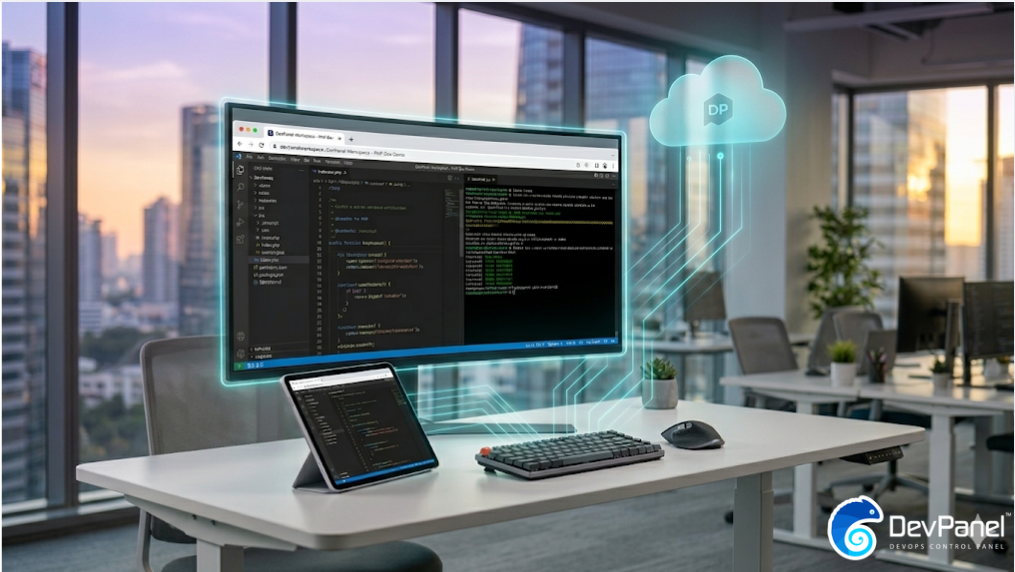
Your entire development stack, accessible from any browser in 2026.
For decades, the ritual of “setting up a local dev environment” was a rite of passage for every software engineer. It involved hours — sometimes days — of wrestling with specific OS versions, installing matching runtimes, configuring database drivers, and resolving dependency conflicts.
In 2026, that ritual is officially a relic of the past.
The industry has reached a tipping point. Recent data shows that 60% of professional developers have now migrated to a Cloud IDE (Integrated Development Environment) as their primary workspace. The transition marks a definitive move away from traditional, heavy local setups that slow teams down and create endless configuration headaches.
But what exactly is a Cloud IDE, and why has it become the mandatory standard for competitive engineering teams? This guide explores the technology, the ROI, and the platform-led shift — driven by innovators like DevPanel — that is defining this era of software development.
What is a Cloud IDE and How Does It Work?
A cloud IDE is not just a “web editor.” It is a fully containerized coding environment that moves your entire development stack — editor, terminal, compiler, and dev server — off your laptop and onto remote servers.
When you open a cloud IDE, you aren’t just opening a webpage; you are connecting to a pre-configured container. This container comes with all the tools, dependencies, and configurations already installed. There is no setup, no version conflicts, and absolutely no waiting around.
The Core Components
Modern cloud IDEs, such as the one offered by DevPanel, typically include:
- A Browser-Based Editor: Usually a version of VS Code core running natively in the browser.
- Containerized Runtime: A dedicated environment with preinstalled tools like PHP, Node, or Python.
- Integrated Git Workflows: Seamless branch management and version control syncing.
- Direct System Access: SSH and SFTP access for developers who need deeper system control.
- Real-Time Collaboration: A layer that allows multiple developers to code in the same environment simultaneously.
Cloud IDE vs. Local IDE: The Great Compute Shift
The fundamental difference lies in where the “work” happens. In a local setup, your laptop’s CPU, RAM, and disk do the work. In a cloud IDE, remote servers handle everything, and your device just renders the interface.
This shift solves the most expensive problem in software engineering: Environmental Inconsistency.
Local IDEs require every developer to independently manage their runtime versions and configuration files. This inevitably leads to the “Works on My Machine” syndrome, where code behaves differently on a lead’s machine than it does on a contractor’s. Cloud IDEs standardize all of that at the environment level. If it works for one developer, it works for the whole team.
5 Transformative Benefits for Engineering Teams
Why are teams making the switch? It comes down to five core operational advantages that make the biggest real-world difference in 2026:
1. Zero-Friction Onboarding
Traditional onboarding involves days of troubleshooting local setups. With a Cloud IDE, onboarding is reduced to receiving an invite link and opening a browser to start coding. Teams report 70% faster onboarding times compared to manual configurations.
2. Real-Time Collaboration
Collaboration in 2026 goes far beyond screen sharing. Developers can code together in the same environment, debug in real-time, and review each other’s changes without ever leaving the editor. A developer in Berlin and a senior engineer in Chicago can solve the same issue together natively.
3. Elastic Scalability
Cloud environments allow you to scale compute resources up or down based on specific project needs. You can handle massive workloads without needing to upgrade your physical hardware.
4. Lower Total Cost
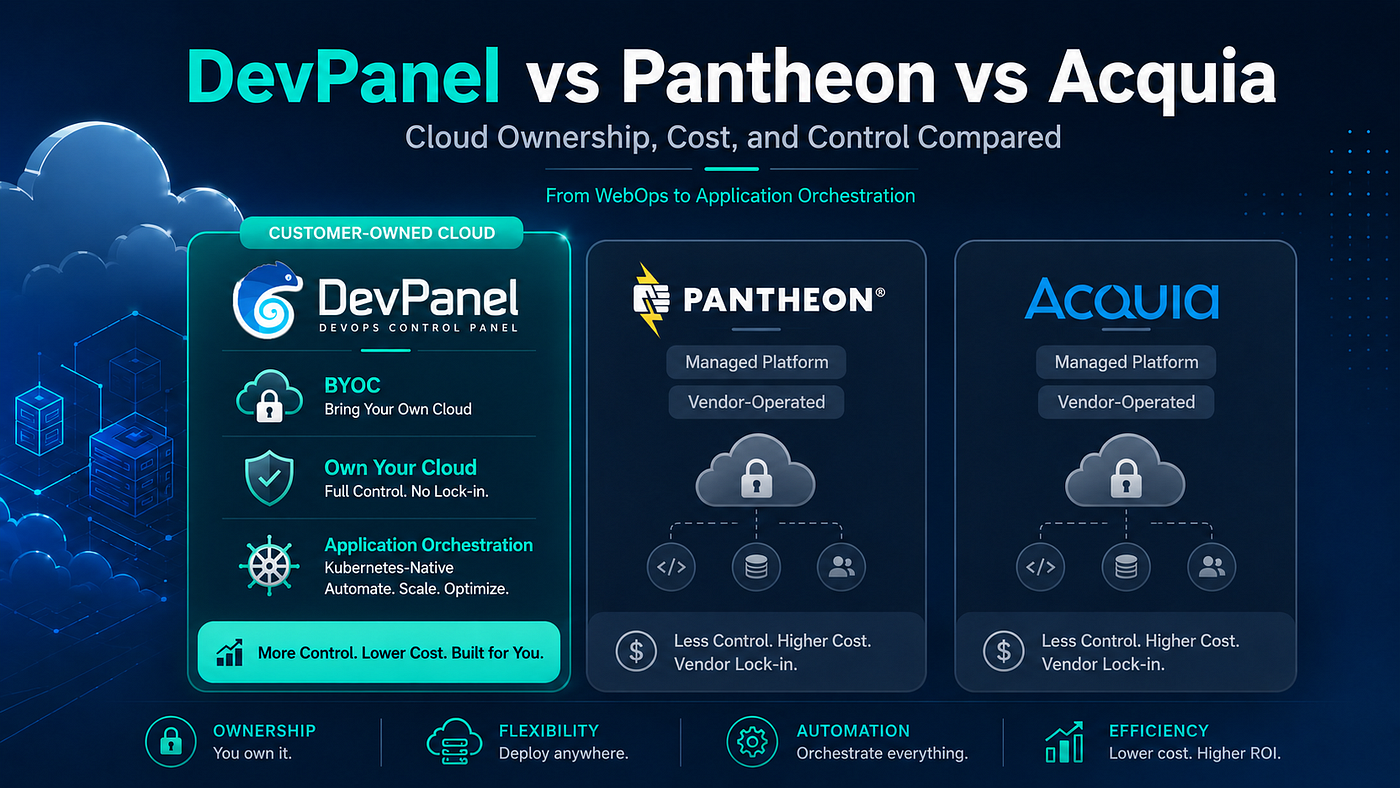
Centralizing development in managed cloud environments eliminates the need for expensive high-end developer laptops and reduces IT maintenance hours. DevPanel’s BYOC (Bring Your Own Cloud) model can save teams up to 80% on hosting costs.
5. Effortless Maintenance
Environment updates, security patches, and dependency upgrades happen at the platform level. You no longer have to manage these updates across a dozen different individual developer machines.
Security: Built-In, Not Bolted On
In a local-first world, security is often left to the discipline of individual developers, leading to plain-text credentials and unpatched dependencies on personal laptops.
Cloud IDEs centralize and enforce security at the environment level. DevPanel’s platform includes:
- SSO Integration: Centralized identity management for the entire team.
- Access Locks: Instant prevention of unauthorized access to environments.
- Compliance: Support for regulated industries, including GDPR, CCPA, and FedRAMP.
- Automated Backups: Protecting against accidental data loss directly at the source.
The DevPanel Difference: VS Code, Your Way
While many Cloud IDEs are “black boxes,” DevPanel utilizes a BYOC (Bring Your Own Cloud) model. This means your development environments run inside your AWS, Azure, or DigitalOcean accounts.
You get the usability of a managed Cloud IDE with full ownership and control of the underlying infrastructure. It supports complex, containerizable stacks for Drupal, WordPress, and more, making it the tool of choice for professional teams building at scale.
Conclusion
The era of the “heavy laptop” is ending. In 2026, the browser is the most powerful tool in a developer’s arsenal. By eliminating environment inconsistencies and accelerating onboarding, Cloud IDEs allow developers to do what they do best: focus on building software that matters.
Explore More on Cloud IDEs:
- Read the Deep Dive: The 2026 Cloud IDE Guide
- Watch the Demo: Coding in Your Browser — VS Code on AWS/Azure
- Listen to the Podcast: The End of “Works on My Machine”
- Get Started: Try DevPanel’s Free Community Edition
메타데이터
- post_id
- d6fbec3c7a2d
- slug
- the-definitive-guide-to-cloud-ides-why-the-world-is-moving-to-browser-based-development-in-2026-d6fbec3c7a2d
- url
- https://medium.com/@devpanel/the-definitive-guide-to-cloud-ides-why-the-world-is-moving-to-browser-based-development-in-2026-d6fbec3c7a2d
- canonical_url
- https://medium.com/@devpanel/the-definitive-guide-to-cloud-ides-why-the-world-is-moving-to-browser-based-development-in-2026-d6fbec3c7a2d
- author_url
- https://medium.com/@devpanel
- status
- ok
- fetched_at
- 2026-06-27 07:40:21