Automating Drone Video Streaming: A Practical Guide
Video streaming from drones has become an essential capability for various applications, from aerial photography to search and rescue…
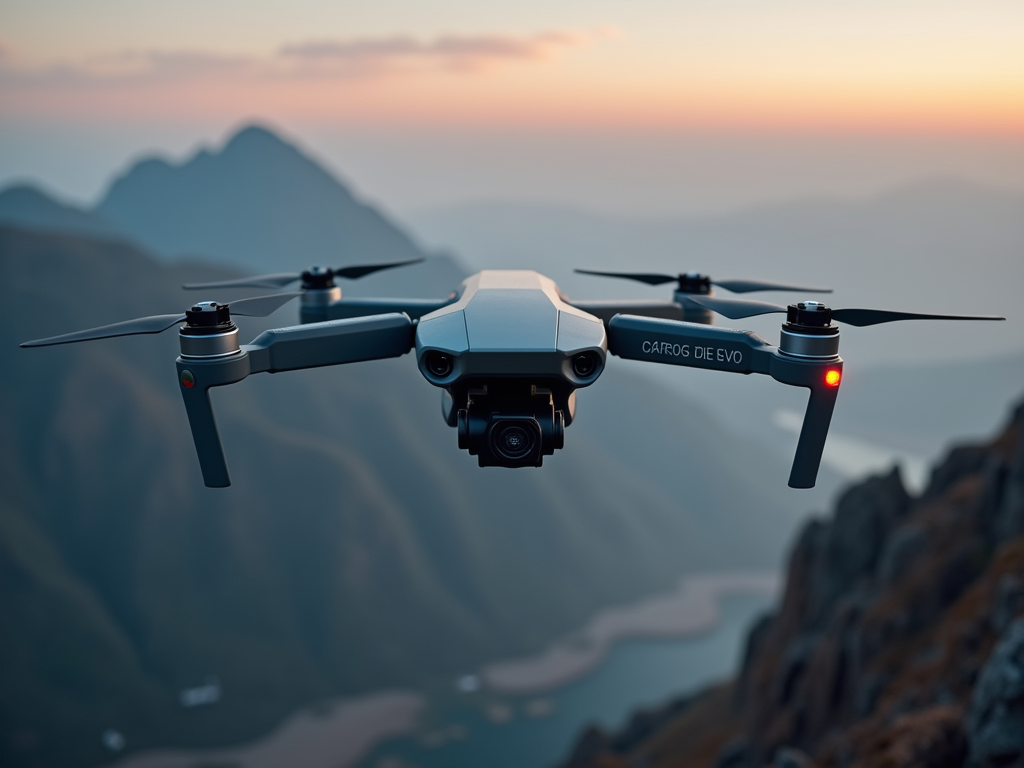
Automating Drone Video Streaming: A Practical Guide
Video streaming from drones has become an essential capability for various applications, from aerial photography to search and rescue operations. However, manually starting and stopping video streams can be cumbersome and distracting during flight operations. This article explores how to automate video streaming based on drone flight status, creating a seamless experience where video transmission begins when the drone arms and stops when it disarms.
My implementation focuses on a PX4-based drone with a Jetson Nano companion computer, using MAVSDK for drone communication and GStreamer for video streaming. The complete code is available in this GitHub repository.
System Architecture
The automation system consists of three main components:
- Ground Station: Runs a Python script that monitors drone state using MAVSDK
- Drone: PX4 flight controller that provides telemetry data
- Companion Computer: Jetson Nano that handles video capture and streaming
The ground station communicates with the drone to monitor its armed state and sends commands to the Jetson Nano to start or stop video streaming accordingly.
Setting Up SSH Key Authentication
Before implementing the automation, it’s crucial to set up SSH key authentication between your ground station and the Jetson Nano. This eliminates password prompts and ensures smooth operation.
Follow these steps:
— Generate an SSH key pair on your ground station:
ssh-keygen -t rsa -b 4096When prompted, you can press Enter to use the default location. You may add a passphrase for additional security or leave it empty for passwordless authentication.
— Copy the public key to your Jetson Nano:
ssh-copy-id username@jetson-ip-addressReplace username with your Jetson Nano username and jetson-ip-address with its IP address.
— Test the connection:
ssh username@jetson-ip-addressYou should connect without being prompted for a password.
This setup is essential for the automation script to work properly, as it allows the ground station to execute commands on the Jetson Nano without user intervention.
Implementation Details
Ground Station Script
The ground station runs a Python script that uses MAVSDK to monitor the drone’s armed state and SSH to control the video streaming on the Jetson Nano.
The script performs the following functions:
- Connects to the drone using MAVSDK
- Monitors the drone’s armed state
- Executes SSH commands to start/stop video streaming on the Jetson Nano
- Implements state tracking to avoid unnecessary commands
- Handles errors and provides logging
Jetson Nano Script
The Jetson Nano runs a bash script that manages the GStreamer pipeline for video streaming. This script:
- Accepts start/stop commands
- Manages the GStreamer pipeline
- Tracks the process ID for reliable termination
- Provides logging for troubleshooting
Understanding the Code
Let’s examine some key aspects of the implementation:
Asynchronous Drone State Monitoring
MAVSDK uses asynchronous programming patterns, which require careful handling in Python. The armed() method returns an asynchronous generator, which must be processed using an async for loop:
async for is_armed in drone.telemetry.armed():
    if is_armed != last_armed_state:
        if is_armed:
            print("Drone armed!")
            await start_stream()
        else:
            print("Drone disarmed!")
            await stop_stream()
        last_armed_state = is_armed
    await asyncio.sleep(1)  # Add a delay between checks
This pattern allows the script to react to changes in the drone’s armed state while avoiding busy-waiting.
State Tracking
To prevent rapid toggling of the video stream, I implement state tracking:
last_armed_state = None
async for is_armed in drone.telemetry.armed():
    if is_armed != last_armed_state:
        # Take action only when state changes
        last_armed_state = is_armed
This ensures that start/stop commands are only sent when the drone’s state actually changes, reducing unnecessary network traffic and processing.
Robust Stream Termination
One challenge is ensuring reliable termination of the video stream. My solution uses a two-pronged approach:
- Track the process ID of the GStreamer pipeline
- Implement a force kill mechanism as a fallback
case $1 in
    start)
        gst-launch-1.0 [pipeline parameters] &
        echo $! > /tmp/stream_pid
        ;;
    stop)
        if [ -f /tmp/stream_pid ]; then
            pid=$(cat /tmp/stream_pid)
            kill $pid
            rm /tmp/stream_pid
        fi
        ;;
esac
On the ground station side, I also implement a force kill command:
async def stop_stream():
    try:
        # First, try to stop gracefully
        result = subprocess.run(["ssh", f"{JETSON_USER}@{JETSON_IP}",
                               f"bash {STREAM_SCRIPT_PATH} stop"])

        # Force kill any remaining processes
        kill_result = subprocess.run(["ssh", f"{JETSON_USER}@{JETSON_IP}",
                                    "pkill -f gst-launch-1.0"])
    except Exception as e:
        logger.error(f"Error stopping stream: {str(e)}")
Error Handling and Logging
Comprehensive error handling and logging are essential for troubleshooting:
try:
    result = subprocess.run([command], capture_output=True, text=True, timeout=10)
    logger.info(f"Output: {result.stdout}")
    if result.returncode != 0:
        logger.error(f"Error: {result.stderr}")
except subprocess.TimeoutExpired:
    logger.error("Command timed out")
except Exception as e:
    logger.error(f"Error: {str(e)}")
This approach provides visibility into the system’s operation and helps identify issues when they occur.
Future Improvements
While my current implementation provides effective automation, several enhancements could further improve the system:
- Adaptive streaming quality based on available bandwidth
- Alternative streaming protocols for reduced latency
- Error recovery mechanisms for connection losses
- Web-based interface for remote monitoring and control
- Integration with mission planning for more sophisticated automation
Conclusion
Automating video streaming based on drone state significantly enhances the operational experience by reducing pilot workload and ensuring video is only transmitted when needed. The implementation described in this article provides a robust foundation that can be adapted to various drone platforms and use cases.
By leveraging MAVSDK, GStreamer, and SSH, I’ve created a system that seamlessly integrates with existing drone infrastructure while providing reliable automation. The full code is available in my GitHub repository, ready for you to adapt to your specific requirements.
메타데이터
- post_id
- d746fb4ee9d1
- slug
- automating-drone-video-streaming-a-practical-guide-d746fb4ee9d1
- url
- https://medium.com/@asifpatankar/automating-drone-video-streaming-a-practical-guide-d746fb4ee9d1
- canonical_url
- https://medium.com/@asifpatankar/automating-drone-video-streaming-a-practical-guide-d746fb4ee9d1
- author_url
- https://medium.com/@asifpatankar
- status
- ok
- fetched_at
- 2026-07-20 19:44:56