AI Workload Optimization Using Kubernetes and GPU Virtualization
Maximizing Performance and Scalability for AI Applications with Kubernetes and GPU Virtualization
Unlock the full potential of AI workloads by optimizing performance and scalability with Kubernetes and StackGPU’s advanced GPU virtualization technology
AI Workload Optimization Using Kubernetes and GPU Virtualization
Maximizing Performance and Scalability for AI Applications with Kubernetes and GPU Virtualization
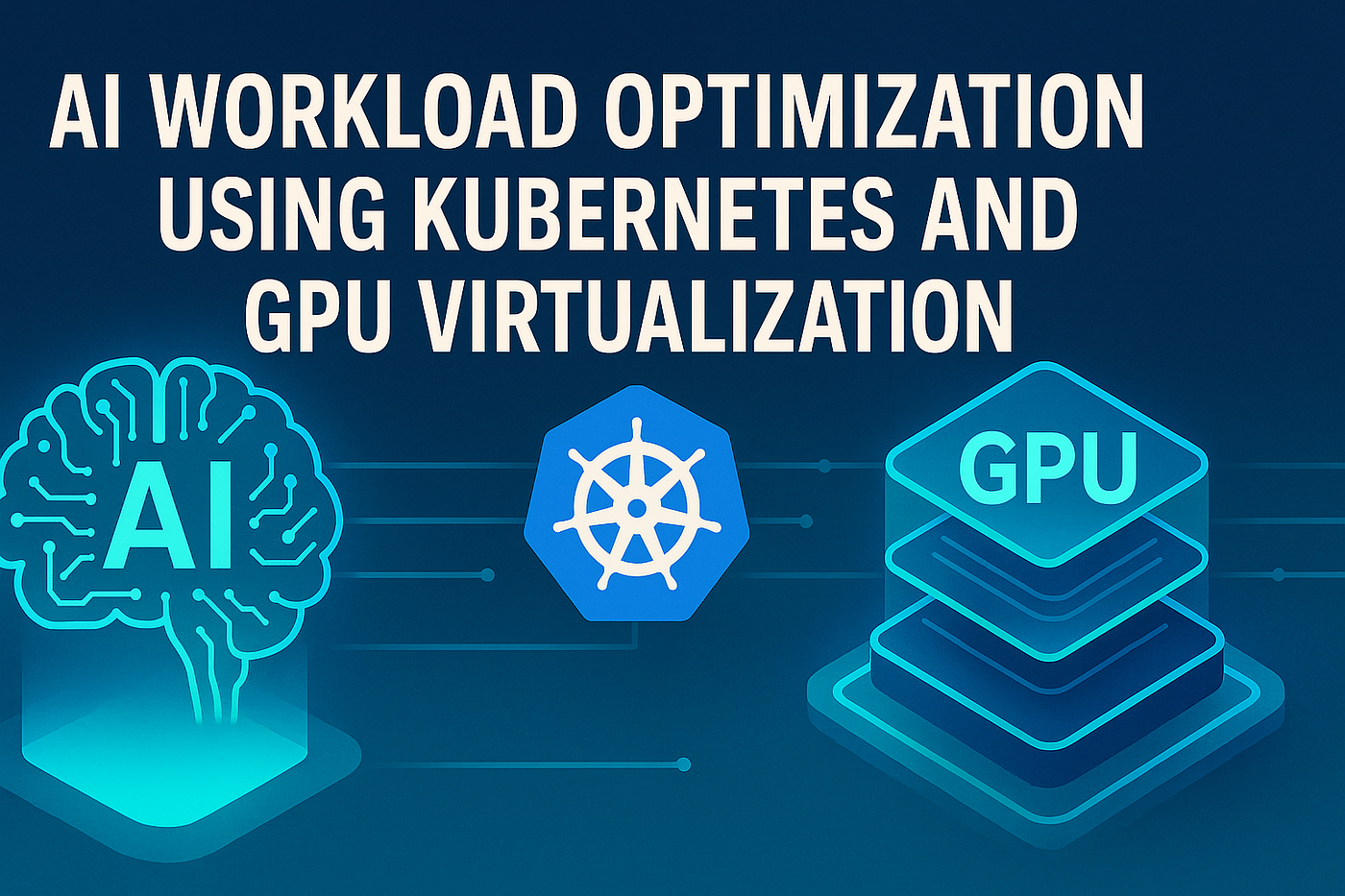
Artificial intelligence (AI) is transforming industries, revolutionizing everything from healthcare to finance. However, the computational demands of AI workloads, especially in deep learning and machine learning, can be overwhelming. Running AI applications on traditional CPU-based infrastructures may not provide the necessary speed or scalability. This is where Kubernetes and GPU virtualization come into play. By leveraging Kubernetes for orchestration and GPU virtualization for processing, businesses can enhance the performance of their AI workloads while managing resources more efficiently.
In this blog, we will explore how Kubernetes and GPU virtualization work together to optimize AI workloads, highlighting the technical aspects of these technologies and offering actionable insights on their integration.
What Is Kubernetes?
Kubernetes is an open-source container orchestration platform that automates the deployment, scaling, and management of containerized applications. In simple terms, it allows you to manage and scale applications in a highly efficient way by automating routine tasks like load balancing, scheduling, and monitoring.
Kubernetes helps in optimizing AI workloads by managing containerized environments where AI models and applications run. With its ability to handle hundreds of thousands of containers, Kubernetes enables organizations to scale their AI workloads based on demand, ensuring optimal resource utilization without over-provisioning.
What Is GPU Virtualization?
Graphics Processing Units (GPUs) are essential for accelerating compute-heavy workloads like AI and machine learning, especially for tasks involving large datasets, deep learning models, and high-performance computing. However, GPUs are typically tied to specific physical hardware, making them less flexible in multi-user or multi-application environments.
GPU virtualization solves this problem by enabling multiple virtual machines (VMs) or containers to share a single physical GPU. This is achieved through technologies like NVIDIA vGPU, which allows a single GPU to be divided into multiple virtual GPUs. Each virtual GPU can then be assigned to a different workload, ensuring more efficient use of GPU resources.
GPU virtualization is particularly useful in environments where AI workloads require high parallel processing, such as training deep neural networks (DNNs) or running inference tasks.
The Role of Kubernetes in Optimizing AI Workloads
AI workloads are often characterized by their need for significant computational power and scalability. Kubernetes, when combined with GPU virtualization, helps manage these requirements effectively.
- Scalability and Load Balancing Kubernetes allows you to scale AI workloads seamlessly by managing containers that house AI applications. The platform ensures that the right amount of resources is available to each container, helping to avoid over-provisioning or underutilization. Kubernetes’ auto-scaling feature allows AI workloads to grow or shrink based on real-time demand, ensuring that the system adapts quickly to fluctuating loads.
This is crucial for AI applications that may have periods of intense resource consumption (e.g., model training) followed by less demanding periods (e.g., inference tasks). Kubernetes can automatically scale the number of containers running at any given time, ensuring resources are allocated effectively.
2. Resource Management with Kubernetes Scheduler Kubernetes uses a scheduler to allocate workloads to available resources. When paired with GPU virtualization, the scheduler can take GPU resources into account when deciding where to place containers. For instance, it can choose nodes equipped with GPUs when running GPU-intensive workloads, such as AI model training, or route them to CPU-based nodes when GPU resources are not needed.
By leveraging GPU resources only when necessary, Kubernetes helps optimize resource utilization, reducing idle time and ensuring that GPUs are utilized effectively.
3. High Availability and Fault Tolerance Kubernetes provides high availability (HA) by replicating containers across nodes in a cluster. If a container or node fails, Kubernetes automatically redistributes the workload to another available container, ensuring uninterrupted service. This is especially important for mission-critical AI applications that need to be always available, such as real-time analytics or autonomous systems.
Additionally, Kubernetes offers self-healing capabilities, which can automatically restart failed containers, further minimizing the risk of downtime.
4. Multi-Tenancy with GPU Virtualization One of the major benefits of combining Kubernetes with GPU virtualization is the ability to run multiple AI workloads concurrently on the same physical hardware without sacrificing performance. This multi-tenancy capability is particularly useful in cloud environments, where organizations may need to run different types of AI models or services simultaneously.
GPU virtualization allows each container or VM to have its own dedicated virtual GPU, ensuring that AI models do not interfere with each other’s performance. Kubernetes handles the distribution of these virtual GPUs across containers, ensuring that workloads run efficiently without overburdening the underlying hardware.

GPU Virtualization: Key Technologies and Tools
- NVIDIA vGPU NVIDIA’s vGPU technology is one of the most popular methods for GPU virtualization. It allows multiple virtual machines (VMs) or containers to share a single physical GPU. NVIDIA vGPU supports both graphics and compute workloads, making it ideal for AI and machine learning applications.
vGPU allocates part of the GPU’s memory and processing power to each virtual instance, providing isolation and optimal performance for each workload. With Kubernetes integration, organizations can manage GPU resources dynamically based on the needs of the workload.
2. CUDA (Compute Unified Device Architecture) CUDA is NVIDIA’s parallel computing platform and application programming interface (API) model. CUDA enables AI applications to leverage GPU processing power effectively. In a Kubernetes environment, AI models can take advantage of CUDA for parallel processing and accelerated computation when running in containers that are scheduled on GPU-equipped nodes.
3. KubeVirt and GPU Integration KubeVirt is an extension to Kubernetes that enables virtualization support within Kubernetes clusters. By integrating GPU virtualization with KubeVirt, you can run both containerized and virtualized workloads within the same cluster, leveraging GPU acceleration for both types of workloads. This gives organizations the flexibility to run legacy AI applications on virtual machines while still benefiting from Kubernetes’ orchestration capabilities.
4. TensorFlow with Kubernetes and GPU Virtualization TensorFlow, an open-source deep learning framework, can be optimized for Kubernetes and GPU virtualization. TensorFlow supports multi-GPU training, and when combined with Kubernetes’ scheduling and resource management capabilities, it becomes possible to efficiently scale AI model training. GPU virtualization ensures that TensorFlow workloads are distributed across available GPUs, maximizing training speed and minimizing idle time.
Challenges and Best Practices in AI Workload Optimization
While Kubernetes and GPU virtualization offer significant advantages, they also come with their own set of challenges. Here are some common hurdles organizations face and best practices for overcoming them:
- Resource Allocation Proper resource allocation is essential to prevent GPU over-utilization or under-utilization. Kubernetes’ scheduler should be configured to take GPU availability into account, ensuring that GPU resources are allocated only when necessary. AI workloads that do not require GPU power should be scheduled to run on CPU-based nodes.
Best Practice: Use Kubernetes Resource Requests and Limits to specify the minimum and maximum resources required for each container, ensuring that AI workloads are appropriately allocated.
2. Managing GPU Overhead Virtualizing GPUs introduces some level of overhead due to the additional layer between the hardware and the workloads. It’s important to monitor GPU performance closely to ensure that the overhead does not impact the overall performance of the AI application.
Best Practice: Regularly monitor GPU utilization using tools like NVIDIA’s nvidia-smi or GPU monitoring tools within Kubernetes to detect potential performance bottlenecks.
3. Security Considerations Kubernetes and GPU virtualization introduce multiple layers of abstraction, which can complicate security management. It’s important to ensure that sensitive data within AI workloads is securely managed and that containers are isolated to prevent unauthorized access.
Best Practice: Implement strict access control policies using Kubernetes RBAC (Role-Based Access Control) and ensure that GPUs are only accessible to authorized workloads.
4. Complexity in Multi-Tenant Environments When running multiple AI workloads on shared GPU resources, it can be difficult to guarantee fair resource allocation and performance isolation. Careful configuration of GPU sharing policies is essential to prevent one workload from consuming disproportionate resources.
Best Practice: Use GPU resource limits and monitoring tools to ensure fair sharing of GPU resources in multi-tenant environments.

Conclusion
The combination of Kubernetes and GPU virtualization provides a powerful solution for optimizing AI workloads. By leveraging Kubernetes’ orchestration capabilities and the flexibility of GPU virtualization, organizations can scale their AI applications efficiently, maximize hardware utilization, and improve the performance of their models.
However, to achieve optimal results, it is crucial to address challenges related to resource allocation, overhead, and security. With proper configuration, monitoring, and best practices, Kubernetes and GPU virtualization can become the backbone of an optimized AI infrastructure that supports scalable, high-performance AI applications.
As AI continues to evolve, the integration of Kubernetes and GPU virtualization will become an even more critical component in building next-generation AI systems. Organizations that adopt these technologies early will be better positioned to handle the increasing complexity and demands of AI workloads in the years to come.
메타데이터
- post_id
- d779a29434be
- slug
- ai-workload-optimization-using-kubernetes-and-gpu-virtualization-d779a29434be
- url
- https://medium.com/@StackGpu/ai-workload-optimization-using-kubernetes-and-gpu-virtualization-d779a29434be
- canonical_url
- https://medium.com/@StackGpu/ai-workload-optimization-using-kubernetes-and-gpu-virtualization-d779a29434be
- author_url
- https://medium.com/@StackGpu
- status
- ok
- fetched_at
- 2026-08-10 05:16:01