AI Agent Studio for Oracle Fusion Cloud Applications
Using AI Agent Studio in Oracle Fusion Cloud Applications
AI Agent Studio for Oracle Fusion Cloud Applications
DISCLAIMER: The views expressed in this story are my own and do not necessarily reflect the views of Oracle.
Overview
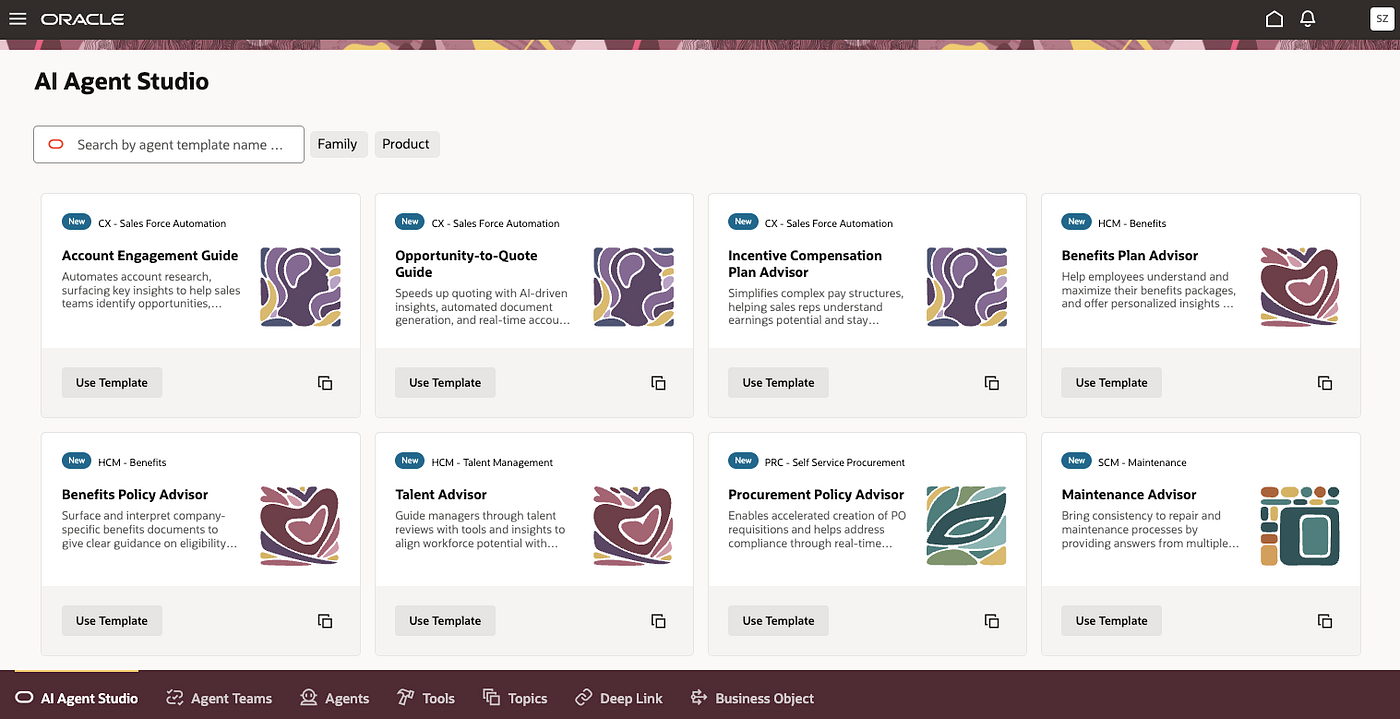
AI Agent Studio is a design-time environment within Oracle Fusion Cloud Applications that allows customers and partners to create, configure, extend, deploy, and manage AI agents.
AI Agent Studio provides the following key features:
- Native Fusion Integration: direct access to APIs, data, security, and business logic
- Extensibility: Use prebuilt agents and templates to extend or build new agents for custom use cases
- Multi-Agent Workflows: Coordinate agents and humans with checkpoints and approvals, enabling complex multi-step processes
Components
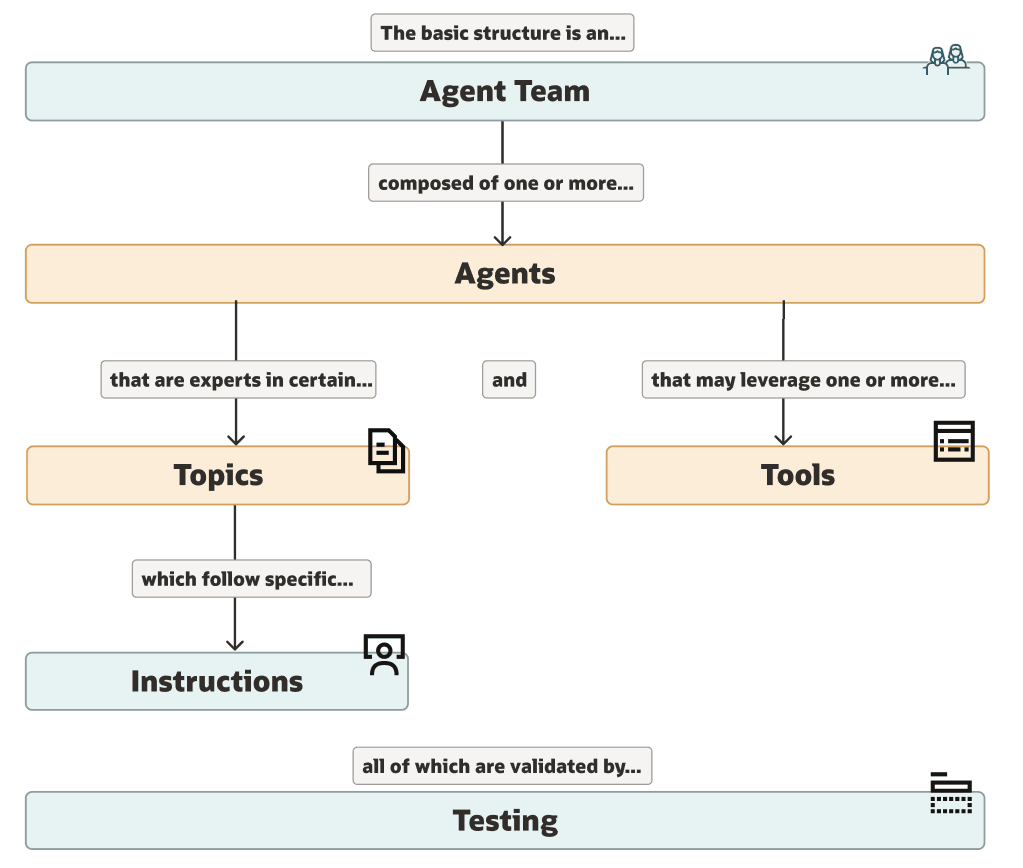
Source: https://docs.oracle.com/en/cloud/saas/fusion-ai/aiaas/components-of-ai-agent-studio.html#PREFACE_FA
Agent Teams
An agent team can include one or more agents. A single agent team is used when one agent is sufficient for the use case, while multi-agent teams are used when different tasks require specialized agents.
Multi-agent design patterns include the supervisor–worker and sequential patterns.
Agents
An agent handles a specific task and is configured using prompts, tools, and topics.
An agent must include at least one tool, but can have multiple (1–n). An Agent can use various tools such as business objects, RAG-based documents, or external APIs to perform tasks.
An agent can have zero or more topics, as topics are optional.
Tools
Tools are capabilities an agent uses to fetch or process data (e.g. APIs or document retrieval) or invoke tasks (e.g. send email).
Tool Types:
Business Object
- Interacts with data entities (Fusion API)
- Perform CRUD operations (via HTTP GET, POST, PATCH)
Deep Link
- Creates navigation links to specific application pages in Fusion
- URL can include user-specific parameters
Document
- Responses based on document content
- RAG enabled
- Supported document formats: .pdf, .txt, and .md
Note: After uploading documents, you must run the Process Agent Document schedule process.
- Sends emails such as system notifications
- Supports email templates
External REST
- Makes requests to external APIs.
- Supports various HTTP operation types (GET, POST, PATCH)
Topics
Topics define subject area or domain for agents. Topics contain instructions that provide detailed steps to guide the agent in processing tasks and invoking tools. Topics are reusable across multiple agents.
Business Objects
Business objects are data entities in Oracle Fusion Cloud Applications, such as accounts, contacts, leads, and opportunities. The business object definitions need to be created first and then linked to a tool (tool type: business object) before an agent can use them.
References
메타데이터
- post_id
- d8a578651903
- slug
- ai-agent-studio-for-oracle-fusion-cloud-applications-d8a578651903
- url
- https://medium.com/oracle-saas-paas/ai-agent-studio-for-oracle-fusion-cloud-applications-d8a578651903
- canonical_url
- https://medium.com/oracle-saas-paas/ai-agent-studio-for-oracle-fusion-cloud-applications-d8a578651903
- author_url
- https://medium.com/@mzebib
- status
- ok
- fetched_at
- 2026-06-11 15:16:29