How I Made a Vox-Style Documentary in One Weekend
Friday night to Sunday evening. No team. No agency budget. Here is the exact process.
How I Made a Vox-Style Documentary in One Weekend
Friday night to Sunday evening. No team. No agency budget. Here is the exact process.

A frame from a real VOX-Style documentary edit. Source — Behance
A friend asked me a strange question last month.
He runs a small history channel on YouTube, three thousand subscribers, growing slowly. He had been watching Vox and Johnny Harris for years and finally asked the question every solo creator eventually asks: how long would it actually take to make a video that looks like theirs.
I told him a weekend. He laughed. I was not joking.
So I decided to prove it. One topic, one script, one weekend, working alone. The result was a nine-minute documentary that, side by side with a real Vox piece on the same subject, holds up surprisingly well.
Here is how the weekend actually went.
Friday evening: Pick a topic the visuals can carry
Most documentary attempts fail before the editor opens. The reason is always the same. The topic does not have visual handles.
A Vox-style edit lives on three pillars: geography, numbers, and time. If your topic does not touch at least two of them, the style will fight you the entire weekend.
I picked the partition of Korea in 1945. It has all three. A map. Casualty numbers and population shifts. A clean timeline from August to September. The script almost wrote itself.
By midnight Friday I had 1,400 words of narration, three numbered sections, and a list of every visual the script would need. Roughly thirty cues. Eight maps, four timelines, ten infographics, six lower thirds, two chapter openers.
That list is the entire project.
Saturday morning: Build the visual system, not the scenes
This is where most people lose the weekend.
The instinct is to open After Effects and start animating the first scene. That is how a weekend turns into a month. The right move is the opposite. Build the system first, scenes second.
A visual system is just three decisions, made once, applied everywhere. A two-color palette plus one accent. One sans-serif typeface in two weights. One animation curve and one duration for every entry and exit.
Premiere and After Effects working as one workflow. School of Motion
Once those are locked, every scene becomes assembly instead of design. A lower third is no longer a decision. It is the lower third, with this text, in this position, with this animation. Done in thirty seconds instead of forty minutes.
I will be honest about how I handled this part. Building a clean modular system from scratch in After Effects takes a full day on its own. I did not have a full day. I used a pack I had already built for exactly this situation: a documentary template set with the maps, infographics, timelines, lower thirds, and chapter openers already animated, controlled from a single panel for color and typography. Open, set the palette, replace the text. The pack is here if you want it: Vox Style in Minutes — Documentary Pack.
By lunch on Saturday the system was locked. Color set, fonts loaded, every template tied to a single control comp. Changing the palette took one click and propagated across all thirty scenes.
Saturday afternoon: The map is the hero
Every Vox-style video has one scene that does the heavy lifting. Usually it is a map.
I spent most of Saturday afternoon on a single ninety-second sequence. The map zooms from a globe to the Korean peninsula, the 38th parallel draws across it, two callouts fade in for Soviet and American zones, then the camera pulls back as casualty figures rise on the right side of the frame.
That one sequence carries the most important minute of the entire video. Everything else supports it.
This is the move solo creators miss. They try to make every scene impressive. The pros pick one scene to be impressive and let the rest do their job quietly. A timeline with clean typography and steady motion is fine. It does not need to be cinematic. The map needs to be cinematic.
Saturday night: Voice over and rough cut
I record narration on a basic USB condenser mic in a closet. No treatment, no plugin chain, just clean audio and a calm read. The voice is the spine of the entire piece.
Once narration is recorded, I drop it into Premiere as one continuous track and start placing MOGRT templates against it. The lower thirds, chapter openers, and statistics drop straight onto the timeline without ever touching After Effects. That is the whole point of building the system on Saturday morning. Premiere becomes a fast assembly tool.
By midnight Saturday I had a complete rough cut. Ugly transitions, missing maps, no color grade. But the structure was there and the timing felt right.
Sunday: The polish is the product
Most of Sunday was small fixes that nobody would consciously notice but everyone subconsciously feels.
I tightened every lower third by three or four frames. A title that sits on screen for too long starts to feel cheap. The fix is almost always to cut it sooner than feels comfortable.
I added subtle audio. A low hum under the map sequence. Soft paper-rustle textures under the timeline. A single piano note when a casualty number lands. None of these elements are visible. All of them are felt.

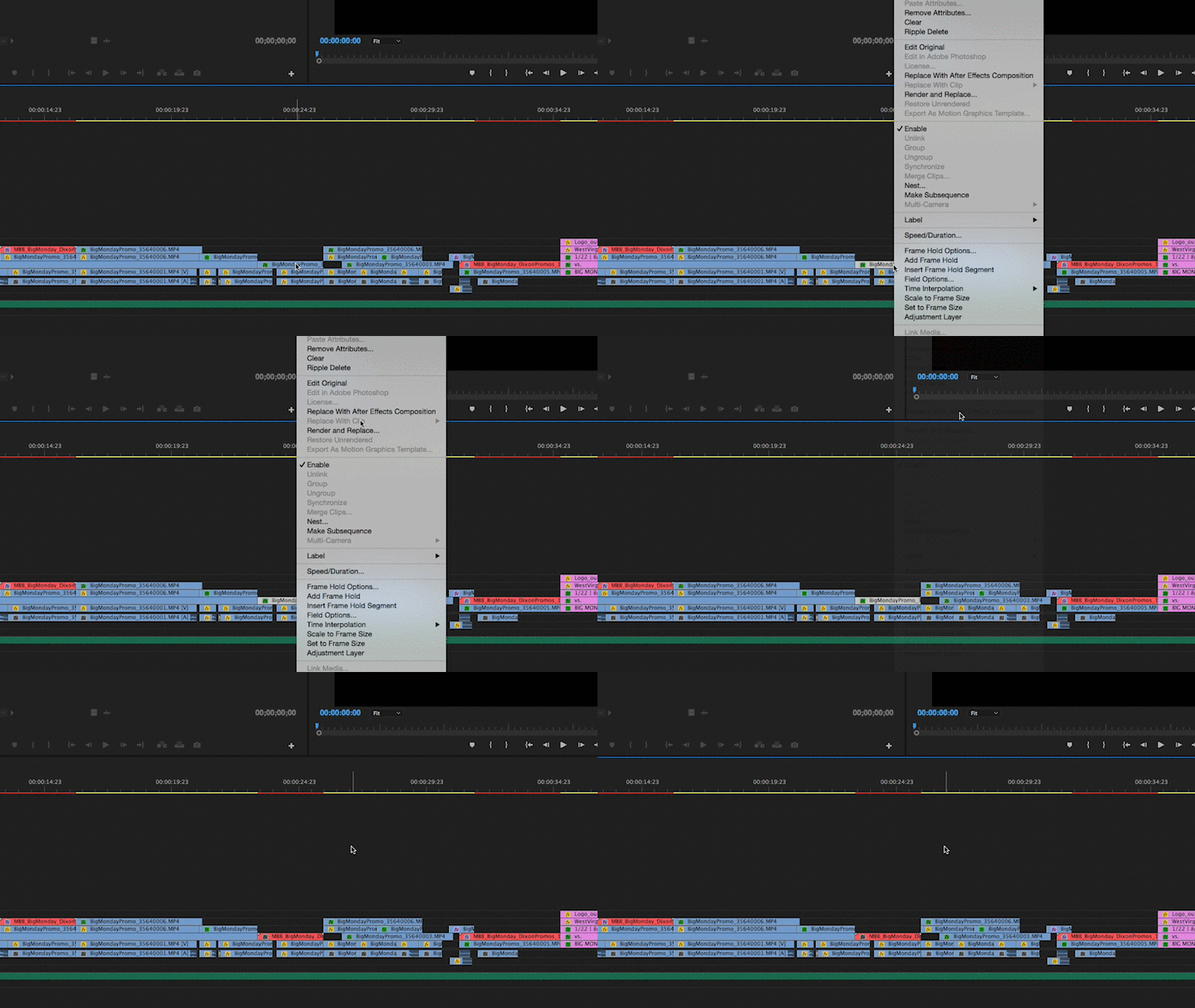
A documentary timeline in Premiere — most of the work is timing, not effects. ProVideo Coalition
Color grade was almost nothing. Vox-style work does not need aggressive grading. A slight lift in the shadows, a touch of warmth in the midtones, and the same LUT applied to every scene. Consistency over creativity.
By Sunday evening I had a nine-minute documentary, exported in 4K, ready to upload.
What the weekend actually proved
The video is not perfect. A real Vox piece has weeks of research, a dedicated motion designer, a sound designer, and a producer reviewing every cut. Mine had me, a script, and a template system.
But the gap between the two is much smaller than it used to be. Five years ago, this weekend would have produced something that looked obviously amateur. In 2026, with the right system, it produces something that an average viewer cannot tell apart from an editorial channel.
That shift matters. It means the bottleneck for solo documentary creators is no longer production. It is research and writing. The visuals are a solved problem if you decide to solve them once and reuse the solution.
If you want to try this yourself
Two pieces of advice.
First, do not start with the animation. Start with the script and the visual cue list. Thirty cues for a ten-minute video is a reasonable target. If you cannot list them before opening any software, the script is not ready.
Second, do not build the system from scratch unless you actually enjoy that work. Most creators do not, and that is fine. A pre-built documentary system is a tool, the same way a camera body is a tool. Nobody questions buying a lens.
If you want the exact pack I used this weekend, with the After Effects project, the MOGRTs for Premiere, the maps, timelines, infographics, and chapter openers ready to go, here it is: Vox Style in Minutes — Documentary Pack.
Pick a topic with geography, numbers, and time. Lock the system before you animate. Make the map the hero. Polish the timing on Sunday.
That is the whole weekend.
메타데이터
- post_id
- d8adcbafb436
- slug
- how-i-made-a-vox-style-documentary-in-one-weekend-d8adcbafb436
- url
- https://medium.com/@seijiyushin/how-i-made-a-vox-style-documentary-in-one-weekend-d8adcbafb436
- canonical_url
- https://medium.com/@seijiyushin/how-i-made-a-vox-style-documentary-in-one-weekend-d8adcbafb436
- author_url
- https://medium.com/@seijiyushin
- status
- ok
- fetched_at
- 2026-07-10 09:52:19





