Forgot Password Email Best Practices That Improve User Experience
When you try to log in to an account, but the password does not come to mind. After several failed attempts, you click the “Forgot…
Forgot Password Email Best Practices That Improve User Experience
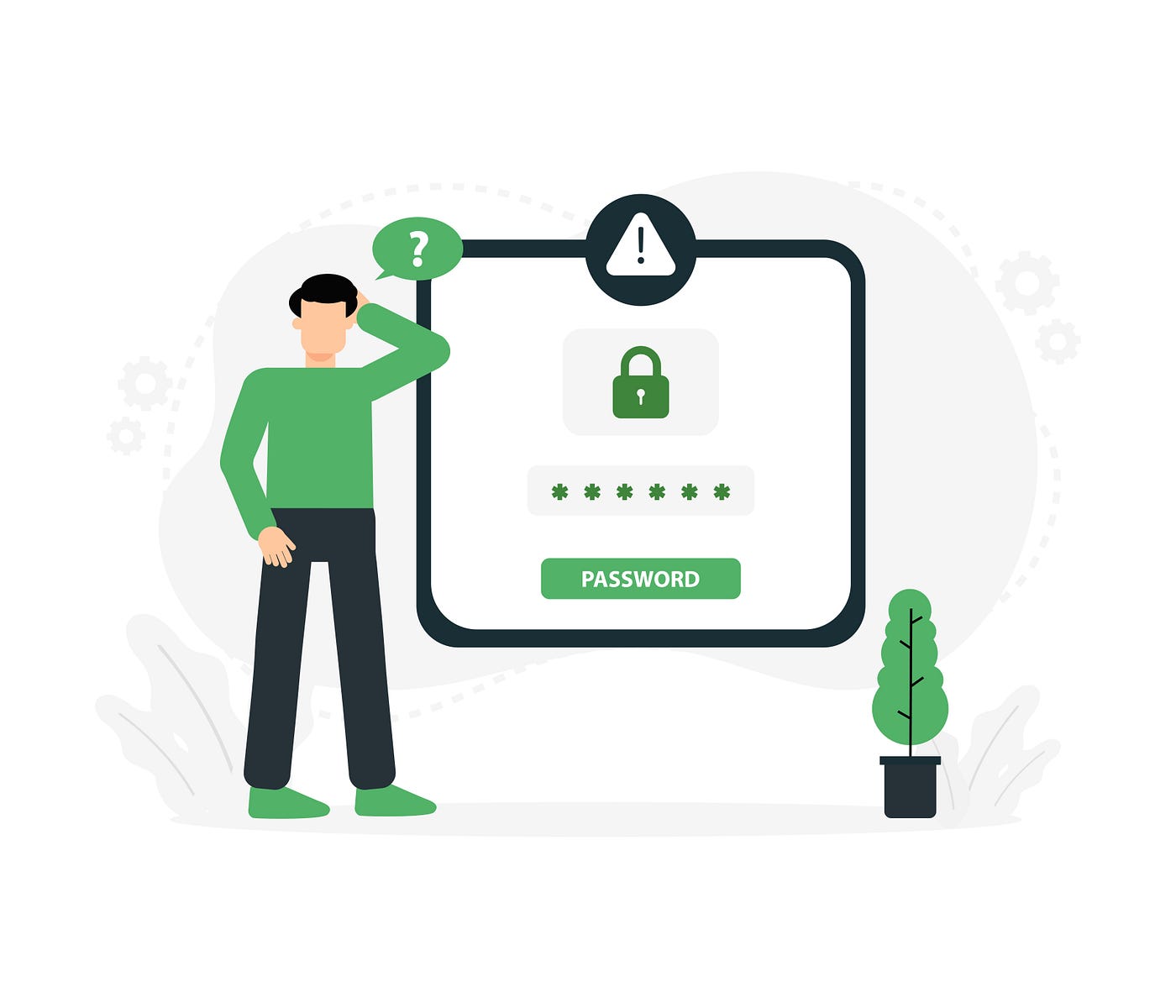
When you try to log in to an account, but the password does not come to mind. After several failed attempts, you click the “Forgot Password” button. In that moment, what do you want? You want your reset email to arrive as soon as possible. But if it does not, you start getting frustrated.
This is the story of you, but also every customer. That is why it is crucial for businesses not to treat password reset emails as an afterthought. When businesses follow **forgot password email best practices**, it makes the recovery process smoother, faster, easier, and stress-free for users.
Start with a Clear Subject Line
When customers request a password reset, they want a response almost immediately. In that case, if the subject line is unclear or confusing, they may consider it just another normal message in a crowded inbox.
Use simple subject lines like:
- “Reset Your Password”
- “Password Reset Request”
Such subject lines are clear; they help users identify the expected email instantly.
Deliver the Email Quickly
When customers wait several minutes for the reset password to arrive, it only makes them unhappy, especially when they need to access their account immediately.
A reliable **email service provider** helps businesses ensure that customers get password reset emails instantly. Quicker email delivery makes the experience smoother and stress-free for the user.
Make the Reset Button Easy to Find
Customers looking for a password do not want to be stuck in multiple paragraphs. They expect it to be easy to locate a password reset link.
Businesses need to add a visible call-to-action button that says “Reset Password. This is something users are looking for.
Keep the design:
- Clean
- Clutter-free
When the user finds the next step easily, they complete the process successfully.
Balance Security and Convenience
While making the email password recovery easier, security is a major concern.
Security measures should be introduced, but not at the cost of making the process more complex for the users. A good password reset email includes details such as:
- When the request for password recovery was made
- What to do if not done by the users
- Reset links that expire after a certain period
These measures can also help prevent unauthorized access and build confidence while keeping the process simple.
Don’t Treat It Like a Marketing Email
A password reset is an email that businesses send to help users regain access to their accounts. This is not the time and place for:
- Discounts
- Brand messaging
- Product promotions
In an effective **email campaign**, a password reset email should focus on getting users out of their current problems rather than marketing.
Learn from Customer Feedback
Improving user experience is not a one-time effort; it is an ongoing process. Through customer feedback email templates, businesses can understand what customers think of their products and services and how they feel about their interactions with the brand.
Applying the same strategy can help businesses gather feedback and suggestions on account recovery. Eventually, the business can focus on improving its password recovery process.
Final Thoughts
Password reset emails are not a small thing for customers. In case of forgetting the password, the need for help matters a lot. When customers receive a delayed password recovery email, confusing instructions, or poor design, they not only become frustrated but also disappointed. In the end, these frustrations spoil customers’ trust in your business.
메타데이터
- post_id
- d8fd56c6d0da
- slug
- forgot-password-email-best-practices-that-improve-user-experience-d8fd56c6d0da
- url
- https://medium.com/@truesend92/forgot-password-email-best-practices-that-improve-user-experience-d8fd56c6d0da
- canonical_url
- https://medium.com/@truesend92/forgot-password-email-best-practices-that-improve-user-experience-d8fd56c6d0da
- author_url
- https://medium.com/@truesend92
- status
- ok
- fetched_at
- 2026-06-12 10:20:10