Let’s explore different types of API methods
Dear Readers,
Let’s explore different types of API methods
Dear Readers,
API is a way to connect and interact with other applications to enable handshaking, data transfer, and feature sharing. However, APIs use methods to support these kinds of exchanges, where users can get data from other applications and also write or update data in other applications as per their flow.
In my latest article, I discussed in detail what an API is. If you want to read that first and understand how APIs work in detail: **What is API and How to Build your first API Project**
If you are non-member: Read Here
In this article, we will discuss various API methods to understand how they work.
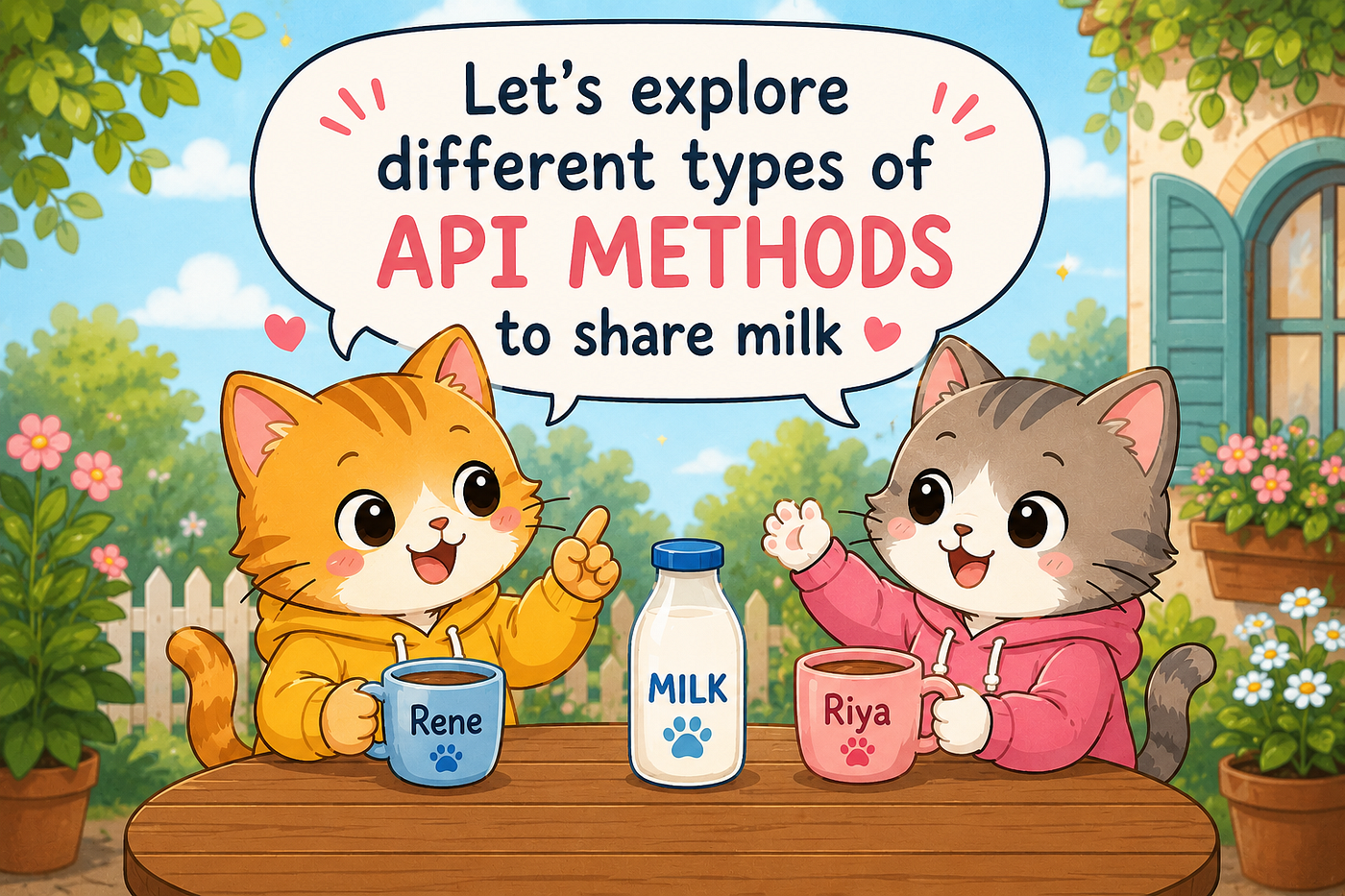
API Methods ( Image By Author Peggie Mishra)
Different types of API methods are:
*GET- Retrieve data from the application server*
*POST- Create a new data for the application server*
*PUT- Replace or update an existing resource*
*DELETE-Remove a resource from the application server*
Let’s understand this through the story below about two cats (Rene & Riya) having their own applications. Now they want to use their applications to get, remove, put, and post milk. Let’s see how it works. Rene & Riya sharing milk using API methods
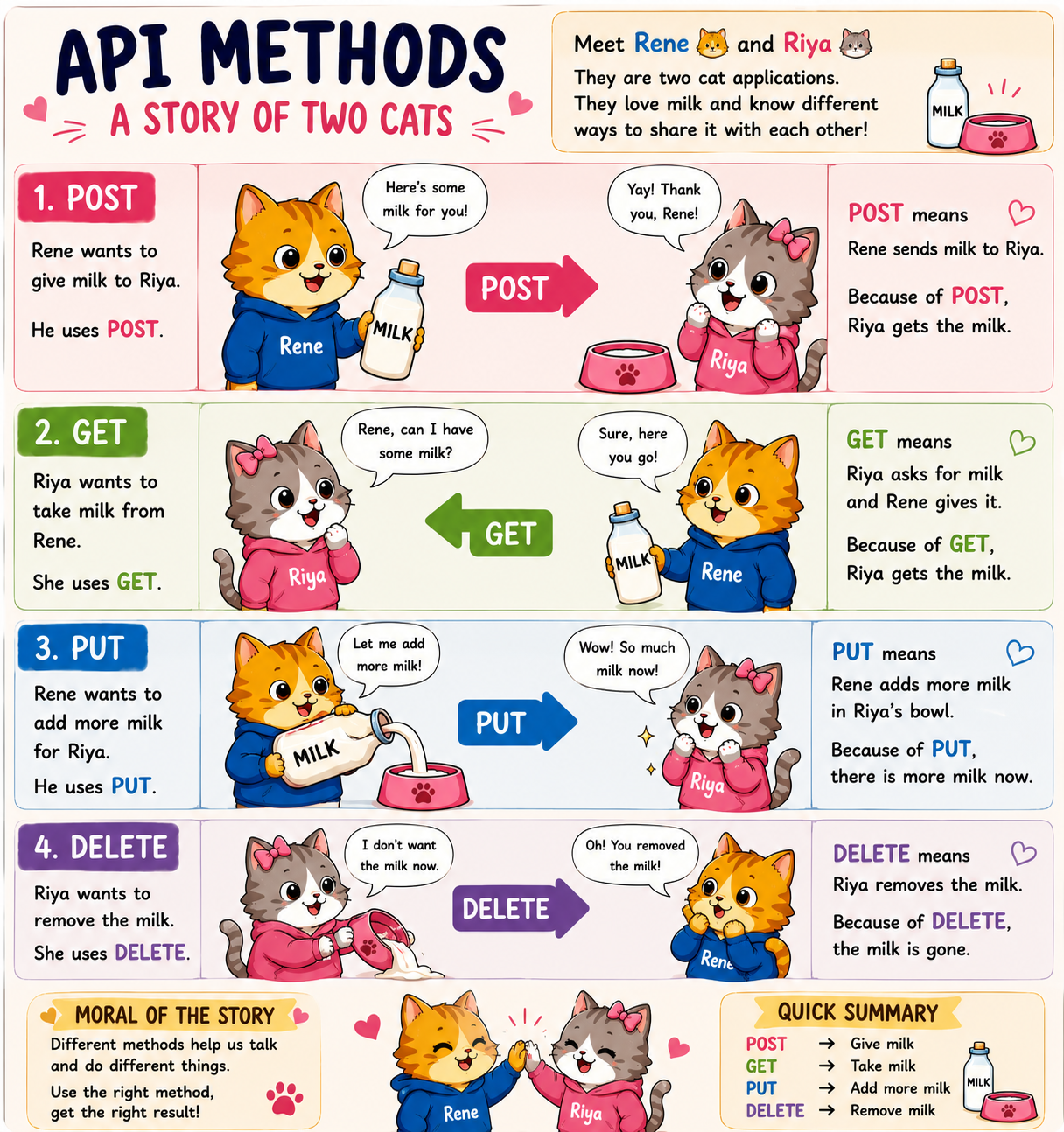
Rene & Riya sharing milk using API methods (Image by Author Peggie Mishra)
As observed, Rene and Riya were very happily able to share milk using their own applications and API methods without any hassle of worrying about what they would do when the milk ended. Just like happy neighbours. :)
Now that we know what different API methods do, let’s understand them through some code. I will use two APIs here: JokeAPI for GET, as it is a read-only API, and JsonPlaceholder API for POST, PUT, and DELETE.
Joke API: GET API Method
import requests

url = "https://v2.jokeapi.dev/joke/Programming"

response = requests.get(url)

if response.status_code == 200:
    print(response.json())
python3 getapi.py
{'error': False,
'category': 'Programming',
'type': 'single',
'joke': 'If Bill Gates had a dime for every time Windows crashed ... Oh wait, he does.',
'flags':
{'nsfw': False,
'religious': False,
'political': False,
'racist': False,
'sexist': False,
'explicit': False
},
'id': 22,
'safe': True,
'lang': 'en'}This is a simple program to fetch JSON from the JokeAPI URL: ***https://v2.jokeapi.dev/joke/Programming***
GET method using get(url), we were able to get our JSON data successfully from the API.
If we visit the URL, we can see the JSON structure in the response, which is the same as the Python output.
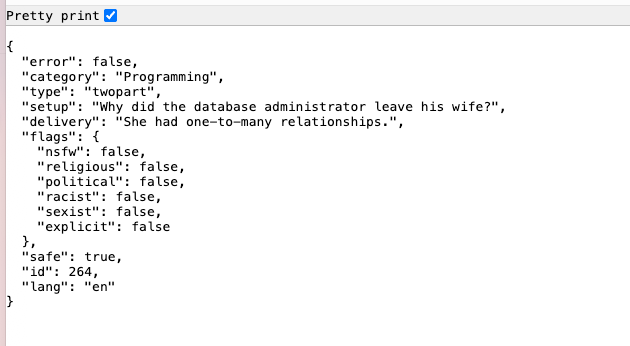
Joke API Json Response
Photo by Jacob McGowin on Unsplash
Note: If you wonder what the requests library is and want more details about it, check out Requests. It is a way for Python to communicate with APIs using HTTP methods .
JsonPlaceholder API — POST, PUT, DELETE
POST — Let’s put some information into JsonPlaceholder API: ***https://jsonplaceholder.typicode.com/posts***
import requests

url = "https://jsonplaceholder.typicode.com/posts"

data = {
    "title": "My First API Post",
    "body": "Learning APIs is fun!"
}

response = requests.post(url, json=data)

print(response.json())
python3 posts_api.py
{'title': 'My First API Post', 'body': 'Learning APIs is fun!', 'id': 101POST method using post(url, json=data), we were able to post our JSON successfully into the API.
PUT — Let’s update the existing information in JsonPlaceholder API: API:https://jsonplaceholder.typicode.com/posts/1
import requests

url = "https://jsonplaceholder.typicode.com/posts/1"

data = {
    "id": 1,
    "title": "My Updated API Post",
    "body": "Learning APIs is even more fun!"
}

response = requests.put(url, json=data)

print(response.json())
python3 put_api.py
{'id': 1, 'title': 'My Updated API Post',
'body': 'Learning APIs is even more fun!'}PUT method using put(url, json=data), we were able to update our JSON successfully in the API.
DELETE — Let’s remove the information from JsonPlaceholder API: ***https://jsonplaceholder.typicode.com/posts/1***
import requests

url = "https://jsonplaceholder.typicode.com/posts/1"

response = requests.delete(url)

print(response.status_code)
python3 delete_api.py
200DELETE method using delete(url), we were able to delete our JSON successfully from the API.
Note: Don’t try to verify using the URL endpoints, as this is a dummy API and it won’t reflect your changes on the JSON endpoint.

Image Created by Author Peggie Mishra
These are the basics of interactions between two applications that require API calls. However, there is one point: most public APIs are read-only. They don’t allow you to modify their applications for write operations. Private and internal APIs are more flexible, as downstream applications may need your input as part of their workflow, which is very common inside organizations.
Try checking out the requests library for more details. It has many more options for what you can do with APIs and will give you more insights based on your requirements.
Hope this was a fun read for you. If you liked it, follow along for more such tech insights and stories.
“Which API method do you find yourself using the most? Let me know in the comments”
Cheers Peggie Mishra
메타데이터
- post_id
- d959eb1015dd
- slug
- lets-explore-different-types-of-api-methods-d959eb1015dd
- url
- https://medium.com/towards-data-engineering/lets-explore-different-types-of-api-methods-d959eb1015dd
- canonical_url
- https://medium.com/towards-data-engineering/lets-explore-different-types-of-api-methods-d959eb1015dd
- author_url
- https://medium.com/@peggie7191
- status
- ok
- fetched_at
- 2026-07-17 04:42:44