Instrument Your MLIR Code with the Arey Dialect
Debugging MLIR code can be tricky. The Arey dialect helps you instrument your IR with simple operations like printing values or checking…
Instrument Your MLIR Code with the Arey Dialect
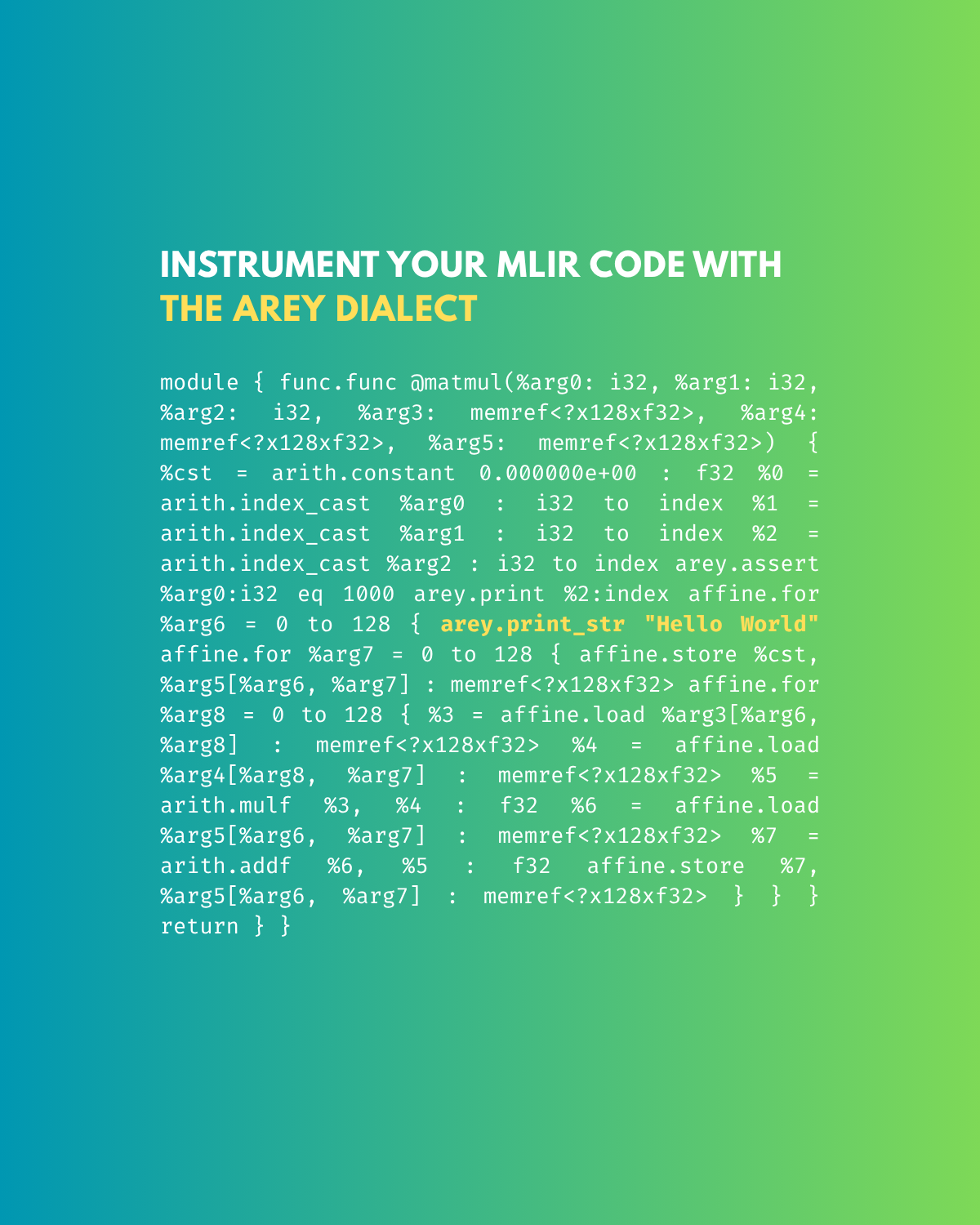
Debugging MLIR code can be tricky. The Arey dialect helps you instrument your IR with simple operations like printing values or checking assertions making your life much easier when hunting down bugs in your compiler passes.
What Is the Arey Dialect?
The Arey dialect provides utility operations such as:
arey.print- print runtime valuesarey.print_str- print a constant stringarey.assert- assert conditions on runtime values
Think of it as printf debugging for your IR, A lightweight way to peek into runtime behavior before full lowering.
Example: Matrix Multiplication
Suppose your MLIR code looks like this:
module { func.func @matmul(%arg0: i32, %arg1: i32, %arg2: i32, %arg3: memref<?x128xf32>, %arg4: memref<?x128xf32>, %arg5: memref<?x128xf32>) { %cst = arith.constant 0.0 : f32 %0 = arith.index_cast %arg0 : i32 to index %1 = arith.index_cast %arg1 : i32 to index %2 = arith.index_cast %arg2 : i32 to index affine.for %i = 0 to 128 { affine.for %j = 0 to 128 { affine.store %cst, %arg5[%i, %j] : memref<?x128xf32> affine.for %k = 0 to 128 { %a = affine.load %arg3[%i, %k] : memref<?x128xf32> %b = affine.load %arg4[%k, %j] : memref<?x128xf32> %p = arith.mulf %a, %b : f32 %c = affine.load %arg5[%i, %j] : memref<?x128xf32> %r = arith.addf %c, %p : f32 affine.store %r, %arg5[%i, %j] : memref<?x128xf32> } } } return } }Adding Arey Instrumentation
Let’s say you want to check what %2 is at runtime, or ensure %arg0 equals 1000 or simply want to print Hello World You can easily do that with Arey ops:
arey.assert %arg0 : i32 eq 1000 arey.print %2 : index arey.print_str "Hello World"Resulting instrumented IR:
module { func.func @matmul(%arg0: i32, %arg1: i32, %arg2: i32, %arg3: memref<?x128xf32>, %arg4: memref<?x128xf32>, %arg5: memref<?x128xf32>) { %cst = arith.constant 0.0 : f32 %0 = arith.index_cast %arg0 : i32 to index %1 = arith.index_cast %arg1 : i32 to index %2 = arith.index_cast %arg2 : i32 to index arey.assert %arg0 : i32 eq 1000 arey.print %2 : index affine.for %i = 0 to 128 { arey.print_str "Hello World" ... } return } }Lowering to LLVM
Once you’re done instrumenting, simply run the conversion pass:
Why Use Arey?
- Easy to debug MLIR at runtime
- No need to hand-write printf lowering
- Fully compatible with LLVM lowering
- Great for teaching, research, and debugging custom passes
TL;DR
The Arey dialect is your IR-level debugging toolkit. Add print statements, assertions, or custom messages directly into MLIR and see them reflected in your lowered LLVM IR.
Think of Arey as your IR’s printf debugger but cleaner and compiler-aware.
Originally published at https://johnmaxrin.github.io.
메타데이터
- post_id
- da781e45c3d6
- slug
- instrument-your-mlir-code-with-the-arey-dialect-da781e45c3d6
- url
- https://medium.com/@60b36t/instrument-your-mlir-code-with-the-arey-dialect-da781e45c3d6
- canonical_url
- https://medium.com/@60b36t/instrument-your-mlir-code-with-the-arey-dialect-da781e45c3d6
- author_url
- https://medium.com/@60b36t
- status
- ok
- fetched_at
- 2026-06-20 20:29:01




