Stop Guessing Hex Codes: How Building a Color Extraction Habit Changed the Way I Design
Disclosure: This post contains no affiliate links. I discovered these tools through my own research and was not compensated by any of them.
Stop Guessing Hex Codes: How Building a Color Extraction Habit Changed the Way I Design
Disclosure: This post contains no affiliate links. I discovered these tools through my own research and was not compensated by any of them.
The Late-Night Design Problem Nobody Talks About
If you’re a content creator, social media manager, or someone who regularly makes visual assets, you’ve probably hit this wall before.
You find a reference image with exactly the right mood — a muted earthy palette, a soft coastal blue, a warm terracotta tone — and then you spend the next twenty minutes trying to manually recreate it in your design app. The sliders never land where you want them. The orange comes out too saturated. The green looks muddy. After an hour of staring, your eyes stop being reliable judges entirely.
I don’t think this is a skill problem. I think it’s a workflow problem. And once I reframed it that way, the fix became obvious.
Why “Eyeballing” Is a Flawed Strategy
Color perception is genuinely unreliable under fatigue and screen glare. What looks like a perfect match at 11pm in a bright room will often look noticeably off the next morning. This isn’t a personal failing — it’s just how human vision works under those conditions.
The more sustainable approach is to stop treating color matching as a perceptual task and start treating it as an extraction task. If the exact values already exist in a reference image, there’s no reason to approximate them manually.
This is where a **free color picker** tool becomes a practical part of the workflow rather than a novelty.
How I Actually Use This in Practice
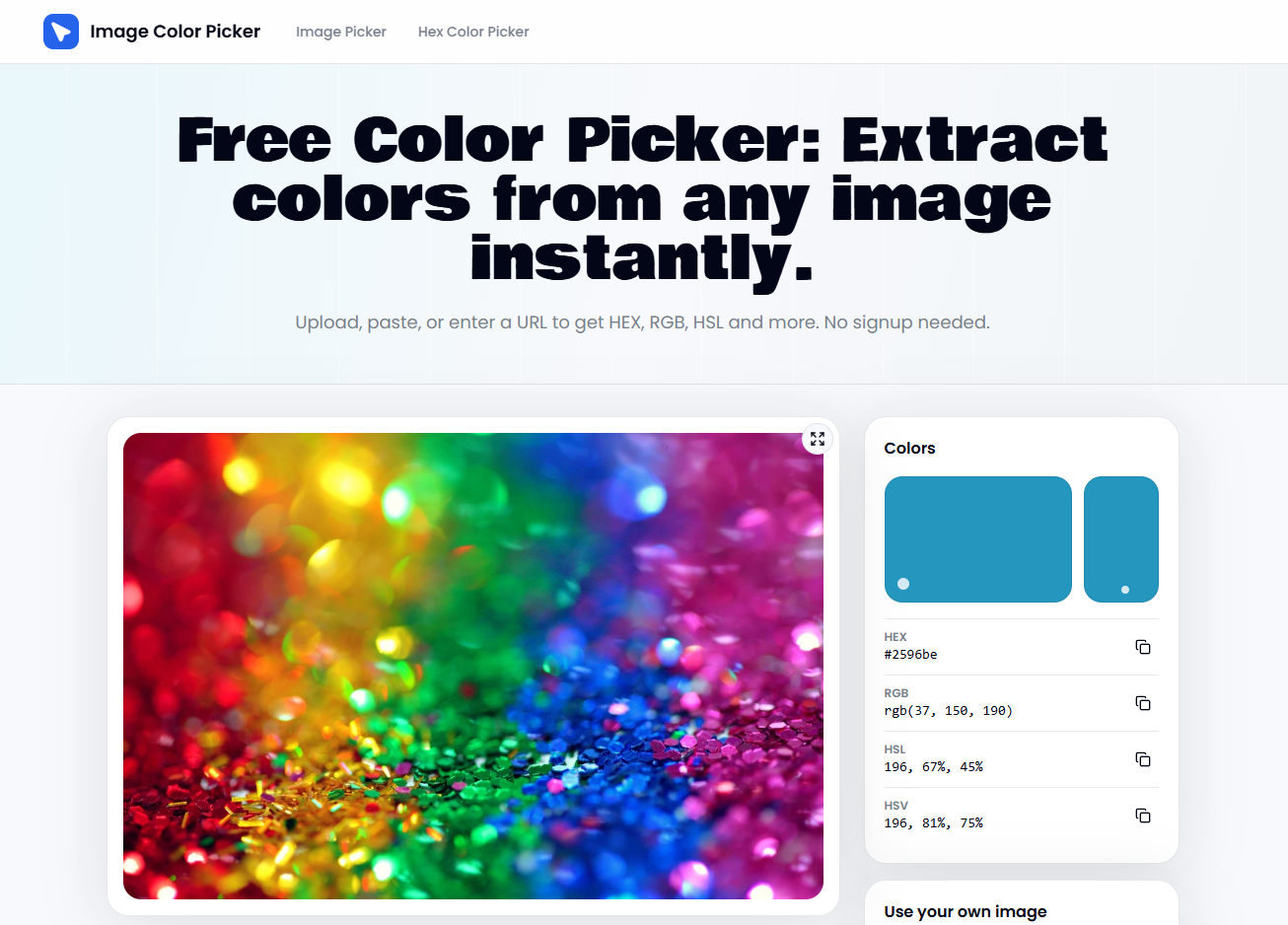
I keep a folder of reference images — screenshots, saved posts, photos — that I return to when I’m working on a new project. When I need to pull a specific palette from one of them, I use a browser-based image color picker to extract the exact HEX, RGB, or HSL values directly from the pixel I’m targeting.
The tools I’ve used most consistently are:
- **Image Color Picker** — upload an image, click any pixel, get the exact values instantly. Clean interface, no installation required.
- Adobe Color — better for building full palettes and exploring color relationships, but requires an Adobe account.
- Coolors — strong for generating and exporting palette sets, with an image extraction feature that works well for broader mood-based palettes.
Each has a different strength. For single-pixel precision on a specific reference image, the browser-based free color picker approach is usually the fastest. For broader palette exploration, Adobe Color or Coolors gives more flexibility.
The Part Most Tutorials Skip: Accessibility
Extracting a beautiful color from an image is only half the job. The other half is making sure that color actually works in context — especially if you’re pairing it with text.
According to the W3C Web Content Accessibility Guidelines (WCAG) 2.1, text and background color combinations need a contrast ratio of at least 4.5:1 to meet Level AA accessibility standards for normal-sized text. This exists specifically to ensure readability for users with low vision or color perception differences.
In practice, this means: after I extract a background color from a reference image, I run it through a contrast checker (WebAIM’s contrast checker is free and straightforward) before I commit to a text color pairing. It adds maybe ninety seconds to the process. It’s caught several combinations that looked fine on my calibrated monitor but would have been genuinely difficult to read on a phone screen in daylight.
This step is easy to skip. It’s also the step that separates designs that look polished from designs that are polished.
What This Workflow Actually Changed
The honest answer is: not everything, but one specific thing significantly.
I spend less time in the color selection phase of a project. That’s it. I’m not faster at layout, or better at typography, or more creative in my concepts. But the part where I used to lose twenty to forty minutes per project — manually approximating colors that already existed somewhere in a reference image — is now a two-minute step.
That’s not a dramatic transformation. It’s just a small, repeatable improvement that compounds over time.
A Note on Tool Limitations
Browser-based image color pickers work well for flat or photographic images. They’re less useful when:
- The color you want exists in a gradient and the exact pixel is hard to target
- The reference image is low resolution and the extracted values are approximations
- You need to extract colors from video frames (most tools don’t support this natively)
For those cases, I usually take a screenshot, zoom in to the specific area in a separate image editor, and then run the extraction. It’s an extra step, but it gets around most of the precision issues.
The Actual Takeaway
Using a free color picker or image color picker tool isn’t a hack or a shortcut — it’s just using the right instrument for the task. Pixel values are objective data. Extracting them directly is more accurate than approximating them visually, every time.
If you’re still eyeballing hex codes, try one extraction session with a reference image you’ve been meaning to use. The gap between what you were guessing and what the actual values are is usually instructive.
메타데이터
- post_id
- daa14c0ea7d8
- slug
- stop-guessing-hex-codes-how-building-a-color-extraction-habit-changed-the-way-i-design-daa14c0ea7d8
- url
- https://medium.com/@shortai357/stop-guessing-hex-codes-how-building-a-color-extraction-habit-changed-the-way-i-design-daa14c0ea7d8
- canonical_url
- https://medium.com/@shortai357/stop-guessing-hex-codes-how-building-a-color-extraction-habit-changed-the-way-i-design-daa14c0ea7d8
- author_url
- https://medium.com/@shortai357
- status
- ok
- fetched_at
- 2026-07-08 21:20:17