How to List Your Hotel on Booking.com in 2026: Step-by-Step Guide
How to List Your Hotel on Booking.com: A Complete Guide for Hotel Owners
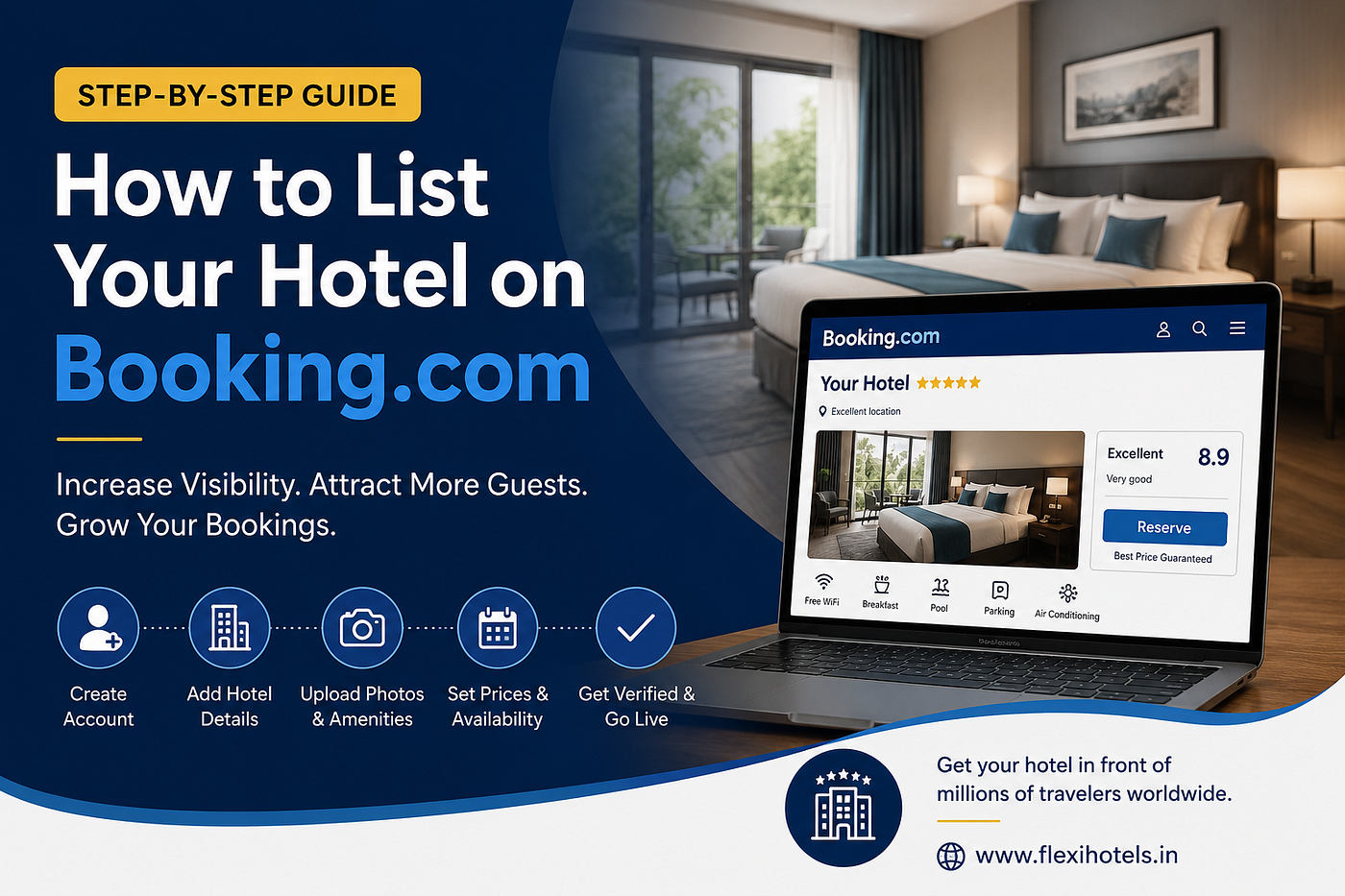
In today’s digital travel market, having your hotel listed on Booking.com can significantly increase your visibility and help attract guests from around the world. Whether you operate a boutique hotel, resort, guesthouse, homestay, or serviced apartment, Booking.com provides access to millions of travelers searching for accommodation every day.
This guide walks you through the complete process of listing your hotel on Booking.com and shares practical tips to optimize your property for more bookings.
Why List Your Hotel on Booking.com?
Booking.com is one of the world’s largest online travel agencies (OTAs), helping accommodation providers connect with travelers across hundreds of countries.
Benefits of listing your hotel include:
- Increased online visibility
- Access to international travelers
- Higher occupancy rates
- Easy reservation management
- Real-time pricing and inventory control
- Guest review management
- Mobile and desktop booking exposure
For hotel owners looking to grow their business, Booking.com can become one of the most effective booking channels.
Step-by-Step Guide to Listing Your Hotel on Booking.com
Step 1: Create a Partner Account
Visit the Booking.com Partner Center and select “List Your Property.”
You’ll need to provide:
- Email address
- Property name
- Business details
- Contact information
Once registered, you’ll gain access to the Booking.com Extranet, where you can manage your property.
Step 2: Add Your Property Information
Enter accurate details about your hotel, including:
- Property type
- Hotel name
- Address
- Contact numbe
- Website (if available)
- Number of room
- Star rating
Providing complete and accurate information helps build trust with potential guests.
Step 3: Set Up Room Types
Create listings for each room category available at your property.
Include:
- Room size
- Bed configuration
- Maximum occupancy
- Amenities
- Bathroom details
- Room descriptions
Detailed room information improves guest confidence and booking conversion rates.
Step 4: Upload Professional Photos
High-quality images are essential for attracting bookings.
Add photos of:
- Guest rooms
- Bathrooms
- Reception area
- Restaurant
- Swimming pool
- Meeting rooms
- Exterior views
Hotels with professional photography typically perform better than those with limited or low-quality images.
Step 5: Configure Pricing and Availability
Set your:
- Room rates
- Seasonal pricing
- Promotional offers
- Minimum stay requirements
- Room inventory
Keep your pricing competitive while ensuring profitability.
Step 6: Define Hotel Policies
Clearly communicate policies regarding:
- Check-in and check-out times
- Cancellation rules
- Child policies
- Pet policies
- Payment methods
Transparent policies reduce booking disputes and improve guest satisfaction.
Step 7: Verify and Publish Your Listing
Booking.com may request verification documents to confirm ownership and property details.
After approval, your property will become visible to travelers and start receiving bookings.
Tips to Get More Bookings on Booking.com
Optimize Your Property Description
Your hotel description should highlight:
- Unique features
- Nearby attraction
- Transportation access
- Local experiences
- Hotel facilities
Focus on what makes your property stand out from competitors.
Use High-Quality Photos
Visual content has a major impact on booking decisions. Update photos regularly and showcase your best amenities.
Keep Availability Updated
Accurate inventory management prevents overbookings and ensures guests always see real-time availability.
Encourage Guest Reviews
Positive reviews improve:
- Search rankings
- Guest trust
- Booking conversions
Provide excellent service and politely encourage satisfied guests to leave feedback.
Offer Competitive Pricing
Monitor local competitors and adjust rates based on demand, seasonality, and occupancy trends.
Manage Your Hotel More Efficiently
As your bookings increase, managing reservations, room inventory, and pricing manually can become challenging.
This is where hotel management software can help.
Flexi Hotels offers a complete hotel management solution designed to simplify operations, automate bookings, manage room inventory, and improve revenue performance.
👉 Visit **https://www.flexihotels.in/** to learn how Flexi Hotels can help streamline your hotel operations and grow your business.
Frequently Asked Questions
Is it free to list a hotel on Booking.com?
Yes, creating a property listing is free. Booking.com typically charges a commission on completed bookings.
How long does the approval process take?
Approval times vary depending on your location and verification requirements, but many properties are approved within a few days.
Can small hotels and guesthouses list on Booking.com?
Absolutely. Booking.com accepts hotels, guesthouses, homestays, apartments, hostels, resorts, and vacation rentals.
How can I improve my Booking.com ranking?
Focus on:
- Excellent guest reviews
- Competitive pricing
- Complete property information
- High-quality images
- Consistent availability
Final Thoughts
Listing your hotel on Booking.com is one of the fastest ways to increase your property’s online visibility and attract more guests. By creating a complete profile, maintaining accurate pricing, and delivering exceptional guest experiences, you can maximize bookings and grow your hospitality business.
To simplify hotel management and improve operational efficiency, consider using Flexi Hotels’ hotel management software. With the right technology and a strong Booking.com presence, your hotel can reach more travelers and generate more revenue year-round.
메타데이터
- post_id
- dab470c0d4f8
- slug
- how-to-list-your-hotel-on-booking-com-in-2026-step-by-step-guide-dab470c0d4f8
- url
- https://medium.com/@potthurij/how-to-list-your-hotel-on-booking-com-in-2026-step-by-step-guide-dab470c0d4f8
- canonical_url
- https://medium.com/@potthurij/how-to-list-your-hotel-on-booking-com-in-2026-step-by-step-guide-dab470c0d4f8
- author_url
- https://medium.com/@potthurij
- status
- ok
- fetched_at
- 2026-06-20 20:29:01


