Best Modem Router Combo for Optimum Internet
Stop paying $15/month to rent a modem that’s slowing you down
Best Modem Router Combo for Optimum Internet
Stop paying $15/month to rent a modem that’s slowing you down
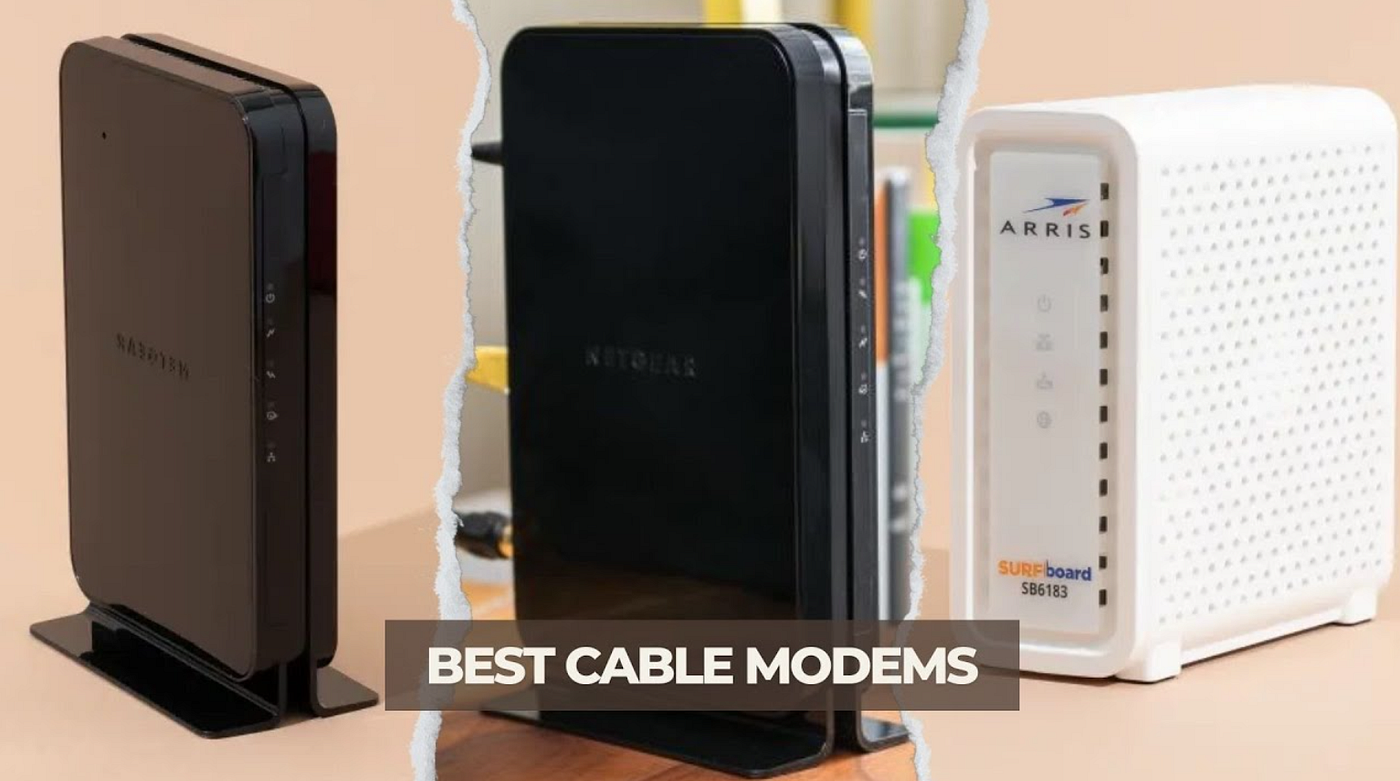
Let me guess. Your internet from Optimum feels sluggish in certain rooms. Your Netflix buffers at the worst moments. And every month, you’re quietly paying Optimum a rental fee for equipment that was probably built half a decade ago.
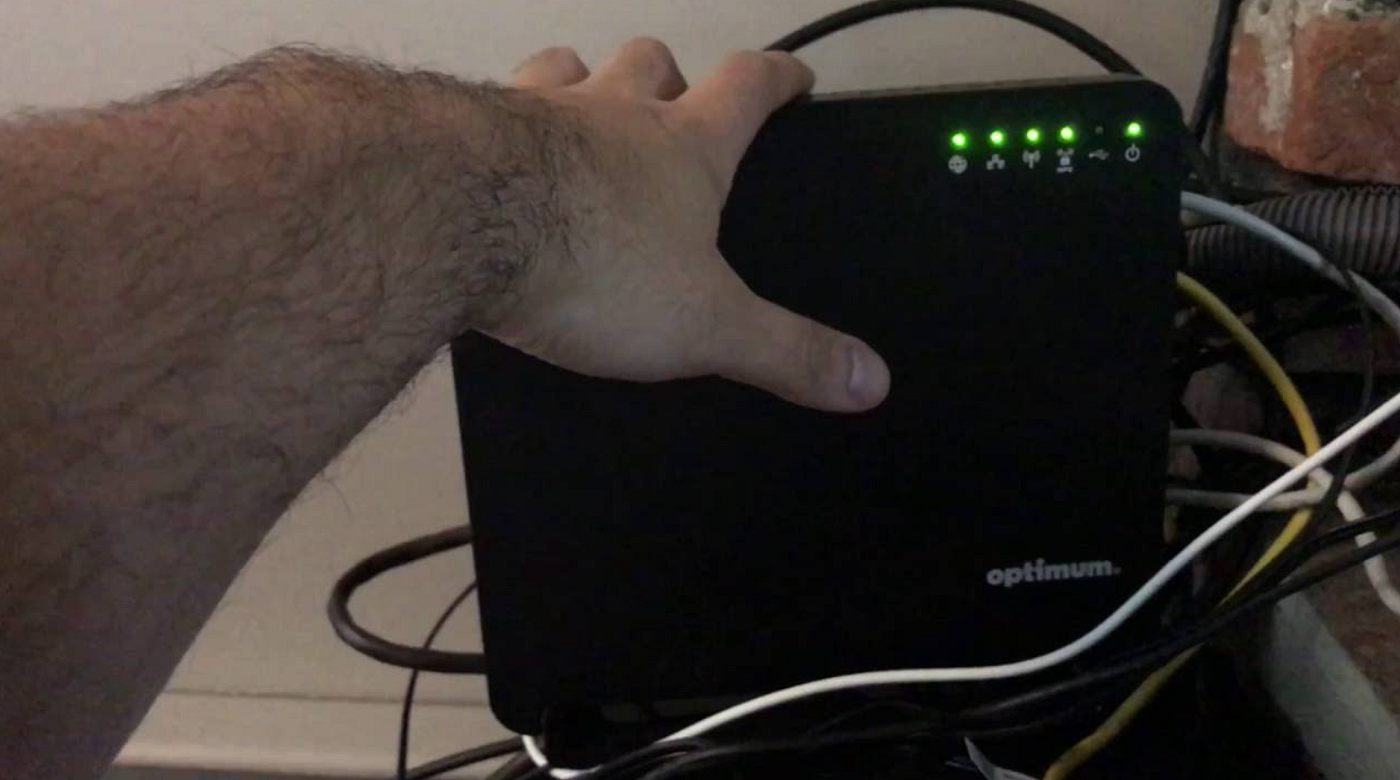
I’ve been there. When I switched to Optimum a couple of years back, I stuck with their rented gateway for about four months before I finally got fed up. The signal in my home office — just two rooms away from the router — was embarrassingly weak. I kept dropping video calls. My partner and I couldn’t both stream in HD at the same time without something choking.
That’s when I started researching the best modem router combo for Optimum internet. And honestly, it was one of the better decisions I made for my home setup.
Here’s what I found after testing a few options.
Why Ditch the Optimum Rental Equipment?
Before I get into specific products, let me answer the question you might be thinking: is it really worth switching?
Yes. For most people, absolutely yes.
Optimum charges somewhere around $10–$15 per month for equipment rental depending on your plan. That adds up to $120–$180 per year. A solid modem router combo runs $100–$200 upfront. You break even in under 18 months, and then you’re saving money every single month after that.
Beyond the money, rental equipment is often generic, outdated, and not optimized for performance. The antenna placement is mediocre. The firmware updates are slow. And you have zero control over how it’s configured.
Owning your own gear changes all of that.
Affiliate Disclaimer: This article contains affiliate links. If you click and purchase through these links, I may earn a small commission at no extra cost to you. I only recommend products I’ve personally tested and genuinely believe in.
What to Know Before You Buy
Optimum uses DOCSIS technology on its cable network (DOCSIS 3.0 or 3.1 depending on your area and plan). Any modem you buy needs to be approved by Optimum — this is non-negotiable. An unapproved modem simply won’t work.
For speeds up to 300 Mbps, DOCSIS 3.0 works fine. If you’re on Optimum’s gigabit plans, you’ll want DOCSIS 3.1.
Also worth noting: if you’re on Optimum Fiber (not cable), the setup is different. You’ll typically keep their ONT device and just swap the router. Check your plan type before buying.
My Top Picks: Modem Router Combos I’ve Actually Used
NETGEAR Nighthawk CAX30 — Best Overall for Most Homes
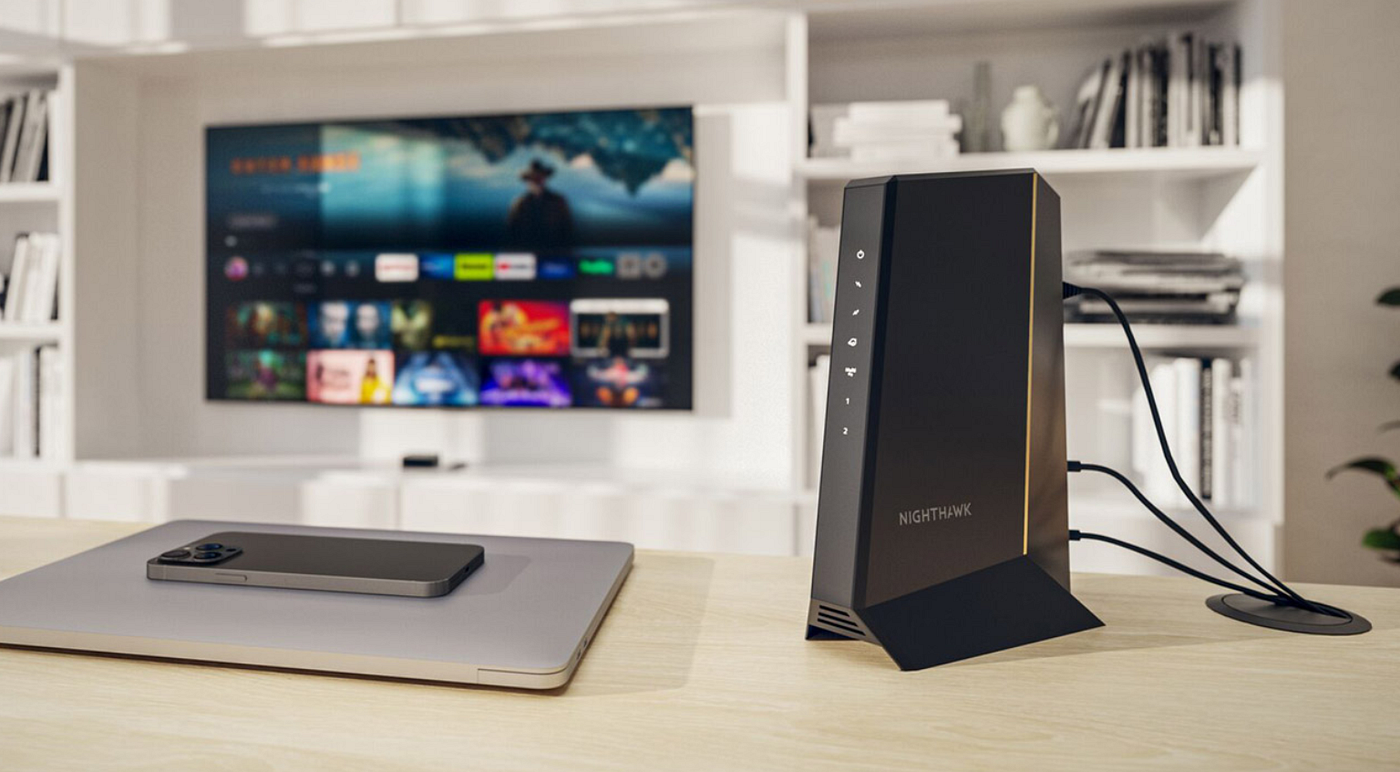
This is the one sitting in my living room right now, and I’ve had it running for about eight months.
The CAX30 is a DOCSIS 3.1 cable modem combined with a WiFi 6 router. That combination matters. WiFi 6 isn’t just about faster speeds — it handles multiple devices much more efficiently. In my house, we have somewhere around 20 connected devices at any given time (phones, laptops, smart TV, security cameras, a couple of smart speakers). Before the CAX30, things would slow to a crawl during evenings when everyone was home. Now, it handles everything without breaking a sweat.
The setup was easier than I expected. Plug it in, call Optimum to register the MAC address, and you’re usually live within 20 minutes. The NETGEAR Orbi app is genuinely simple — you don’t need to be technical to use it.
What surprised me was the range. My home is around 1,600 square feet on two floors, and I get a strong signal nearly everywhere. The one dead spot I used to have in the back bedroom is mostly gone now.
What I didn’t love: The CAX30 runs warm. Not hot enough to worry about, but warm enough that I keep it in an open spot with some airflow rather than tucking it in a cabinet. Also, the price has fluctuated — I caught it on sale, but at full price it’s on the higher end.
Who this is NOT for: If your home is over 3,000 square feet or has lots of thick concrete walls, a single combo unit probably won’t cover it. You’d be better off with a dedicated modem plus a mesh system.
ARRIS SURFboard SBG10 — Best Budget Pick for Smaller Spaces
I borrowed my neighbor’s SBG10 for a few weeks while she was traveling, just to get a feel for it. It’s a no-frills DOCSIS 3.0 modem with a built-in AC1750 router.
At around $80–$90 on Amazon, it’s one of the most affordable options that’s actually approved for Optimum. And for a one-bedroom or small apartment on a plan up to 300 Mbps, it genuinely gets the job done.
The interface is straightforward. Nothing fancy. Port forwarding, basic security settings, and a password setup — that’s about it. I set it up in my neighbor’s apartment before she left and it took maybe 15 minutes total.
Range is limited though. In a larger home, you’d feel it. The 2.4 GHz band reaches pretty far but can be congested. The 5 GHz band is faster but doesn’t punch through walls as well.
Honest flaw: If you’re a gamer or stream 4K video regularly, this unit will likely become a bottleneck eventually. It’s a starter device, not a forever device.
Who this is NOT for: Anyone on gigabit speeds or with a larger home. DOCSIS 3.0 can’t unlock the full speed potential of Optimum’s faster plans.
NETGEAR CAX80 — Best for Power Users and Gigabit Plans
I tested the CAX80 at a friend’s place who works from home on video production. He downloads massive files constantly, does video calls most of the day, and streams 4K on the side.
The CAX80 is built for people like him. It’s DOCSIS 3.1, supports multi-gig ethernet ports, and has WiFi 6 with strong performance across a larger home (his place is close to 2,500 square feet and it covers it well).
The speeds we clocked were genuinely impressive — consistently pulling close to what Optimum’s plan promised, which doesn’t always happen even with good equipment.
The trade-off: It’s expensive. You’re spending roughly $280–$320 depending on where you buy it. That’s a real investment, and most households honestly don’t need this level of performance. But if you’re on a gigabit plan and actually use that bandwidth, it pays for itself faster than you’d think.
One honest flaw: The web interface looks like it was designed in 2012. Functionally fine, but ugly. I got over it in about two days.
How to Activate Your New Modem With Optimum
This tripped me up the first time, so let me save you the headache.
Once you have your new modem router combo, call Optimum customer support (or use their online activation portal — it’s hit or miss). Have your account number ready and the MAC address printed on the bottom of your new device. They’ll need to provision the modem on their network.
After activation, return your rented equipment to an Optimum store or request a prepaid return box. Keep your receipt. Otherwise the rental fees keep appearing on your bill even after you’ve returned the equipment — this happened to a friend of mine and it took three calls to sort out.
So Which One Should You Actually Get?
Here’s my honest take:
Most people should start with the NETGEAR Nighthawk CAX30. It’s DOCSIS 3.1 ready, WiFi 6 capable, approved by Optimum, and handles a normal-sized home with ease. The upfront cost pays for itself in under a year compared to rental fees.
If you’re on a tight budget in a smaller space, the ARRIS SBG10 is a solid, no-stress option that gets the basics right.
And if you’re a power user on a gigabit plan who genuinely stresses their network daily, the NETGEAR CAX80 is worth the premium.
The bottom line? Owning your own equipment isn’t complicated, it saves you real money, and in most cases it actually improves your experience. Optimum’s rental gear is fine if you never think about your WiFi. But if you’re reading this, you clearly do — and you deserve something better.
메타데이터
- post_id
- dba1d1933f34
- slug
- best-modem-router-combo-for-optimum-internet-dba1d1933f34
- url
- https://medium.com/@bestrouters/best-modem-router-combo-for-optimum-internet-dba1d1933f34
- canonical_url
- https://medium.com/@bestrouters/best-modem-router-combo-for-optimum-internet-dba1d1933f34
- author_url
- https://medium.com/@bestrouters
- status
- ok
- fetched_at
- 2026-06-09 15:37:30