Switching from i3 to Hyprland on NixOS (aka: I moved on)
This blog is mostly for myself, but it doesn’t hurt if someone else peeks at it.
Switching from i3 to Hyprland on NixOS (aka: I moved on)
This blog is mostly for myself, but it doesn’t hurt if someone else peeks at it.
I’ve been using i3 on NixOS for months now. It worked. It was solid. It was also getting boring. On top of that, screencasting to a bigger monitor on X11 was a pain in the ass. I already had plans to move to sway, basically i3 but Wayland. I did get sway running, but rewriting configs felt annoying, and I figured if I’m switching anyway, I might as well explore something new.
Some parts of this post are written in past tense, some in present tense. It’s weird. Deal with it.
Why Hyprland?
Because it’s hyped af. Every Arch Linux bro has either used it, riced it, or talked about it. Over the past few days, I also had personal encounters with multiple Hyprland users, and I’m pretty sure that subconsciously pushed me to try it now.
So I backed up my i3 + X11 configs to GitHub and started doing whatever Gemini told me to do.
Switching things on NixOS is stupidly easy. I removed i3 and X from my config, added Hyprland, rebooted, and boom. Hyprland.
That said, it still took a decent amount of time to get things usable.
Shell side quest
I had recently switched from bash to fish. At first I was like, “Huh, so what if it’s not POSIX compliant?” But when my aliases stop working, I was saddened lmao, lesson learned.
So I switched again, this time to zsh.
Objectives
- Get hyprpaper running — done
- Get waybar running — done
- Customize Wofi — done
- Make Hyprland keybindings match my i3 ones — done (Gemini rewrote the config)
- Get zsh + fuzzy finder working, and move
.bashrcaliases to zsh — done - Fix wl-clip for nvim — done
- Stop kitty from asking for confirmation before closing , and auto copy to clipboard on selection — done (just make a kitty.conf)
- Upload configs to GitHub — done
Hyprpaper
Hyprpaper is the Hyprland wallpaper thingy, because feh and picom are no longer a thing here.
In i3, you’d usually do something like:exec feh <imagefile> &
In Hyprland, you instead do:exec-once = hyprpaper -c <path-to-hyprpaper-config> &
Errors I hit
Hyprland threw this at me:DEBUG ]: Monitor eDP-1 has no target: no wp will be created(eDP-1 is my laptop screen. some chinese company’s)
It also complained with:ERR from hyprtoolkit ]: CSystemIconFactory: No theme found, icons will be broken
Attempts
- I tried switching relative paths to absolute paths. Paths were correct. Still broken :(
- Time to doomscroll forums.
- Turns out Hyprpaper’s config syntax changed recently. fuck u gemini.
- Updated the syntax. It worked. Life is good again. YAAYY!!
Hyprtoolkit, by the way, is the GUI toolkit for Hyprland. Which is nice, I guess.
Waybar
Waybar is the bar that tells you about workspaces, internet, battery, and other things humans apparently need.
For some reason, the icons refused to load
It also threw stuff like :can't load hand2 from themes but thats the mouse theme problem and I don’t care if my pointer changes from normal to a hand when I am clicking something on waybar, I rarely do so hence IGNORED.
I explicitly added this to my nix config for things to load:
fonts = {
  fontDir.enable = true;
  packages = with pkgs; [
    nerd-fonts.jetbrains-mono
  ];
};
At this point I’m considering ditching JetBrainsMono entirely, yeah i shifted to noto-fonts. The icons still don’t work but eh.
Zsh
To move my aliases cleanly, I created a .profile file and put all my aliases there. Then I sourced .profile in both .zshrc and .bashrc.
Now aliases work everywhere. Simple. For fuzzy finder:
- Added
fzfto system packages - Told zsh where to find it
This took more time then expected. Zsh config looks roughly like this:
programs.zsh = {
  enable = true;
  syntaxHighlighting.enable = true;
  autosuggestions.enable = true;
interactiveShellInit = ''
    source ${pkgs.fzf}/share/fzf/key-bindings.zsh
    source ${pkgs.fzf}/share/fzf/completion.zsh
    export PROMPT='%F{cyan}%n%f@%F{blue}%m%f %F{magenta}%~%f ❯ '
  '';
  ohMyZsh.enable = true;
  ohMyZsh.plugins = [ "git" ];
};
Wofi
Wofi is rofi but Wayland. I (and gemini so its a we) made a custom CSS config for it and wrote a small script so that if the input isn’t an application name, it searches the web instead.
#!/usr/bin/env bash
# since i want search and custom features I am not running drun (which fetches binary) but dmenu
# which doesn't fetch binaries by itself.
# wofi is unable to fetch binaries so I am piping them manually
LIST=$(ls /run/current-system/sw/bin | sort)
INPUT=$(echo "$LIST" | wofi --show dmenu --prompt "Search or Run..." --allow-images)
if [ -z "$INPUT" ]; then
    exit 0
fi
# A: If the input matches a command that actually exists, run it
if command -v "$INPUT" &> /dev/null; then
    nohup "$INPUT" >/dev/null 2>&1 &
    exit 0
fi
# B: If input is a URL, open it
if [[ "$INPUT" =~ ^https?:// ]]; then
    firefox "$INPUT"
    exit 0
fi
# C: @d and then the domain name would open the website as well
if [[ "$INPUT" =~ ^@d ]]; then
    firefox "http://${INPUT:3}"
    exit 0
fi
# D: Otherwise, assume it's a search query and open Firefox
firefox --search "$INPUT"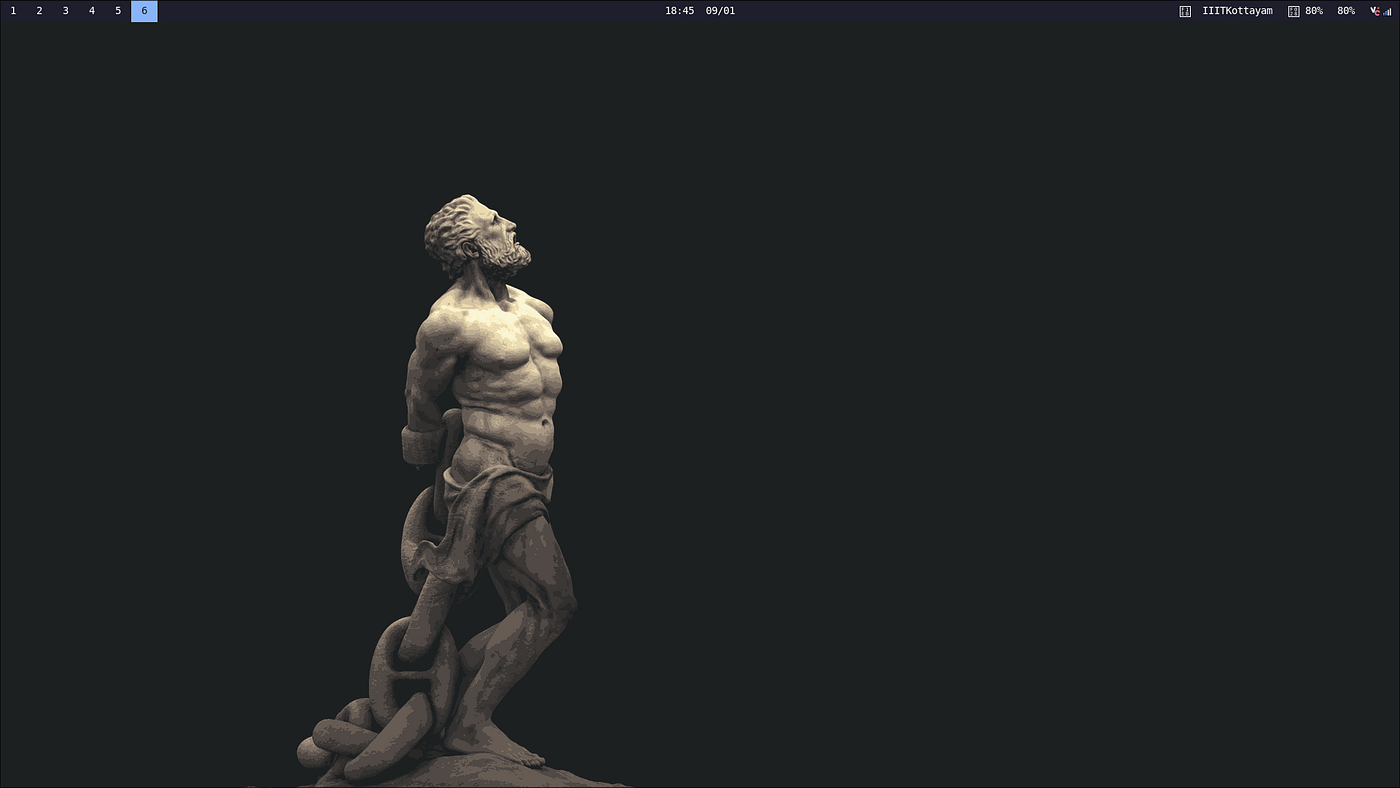
full screen
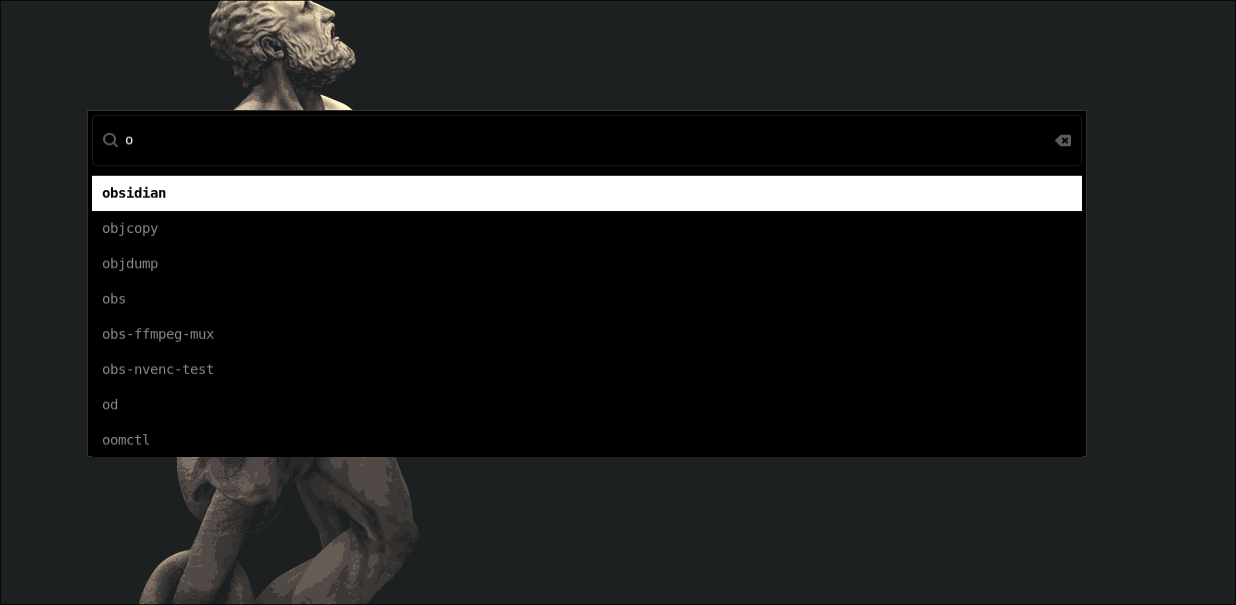
wofi
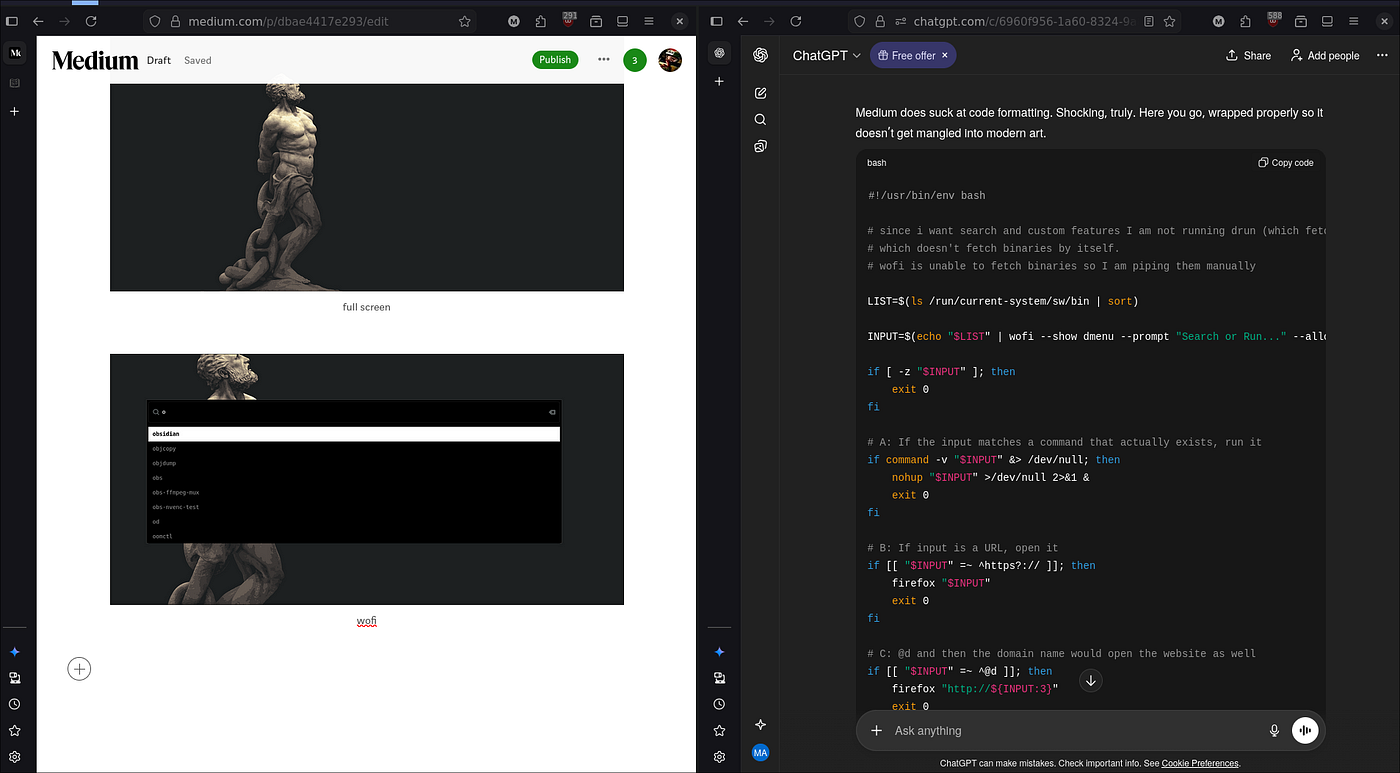
tiling
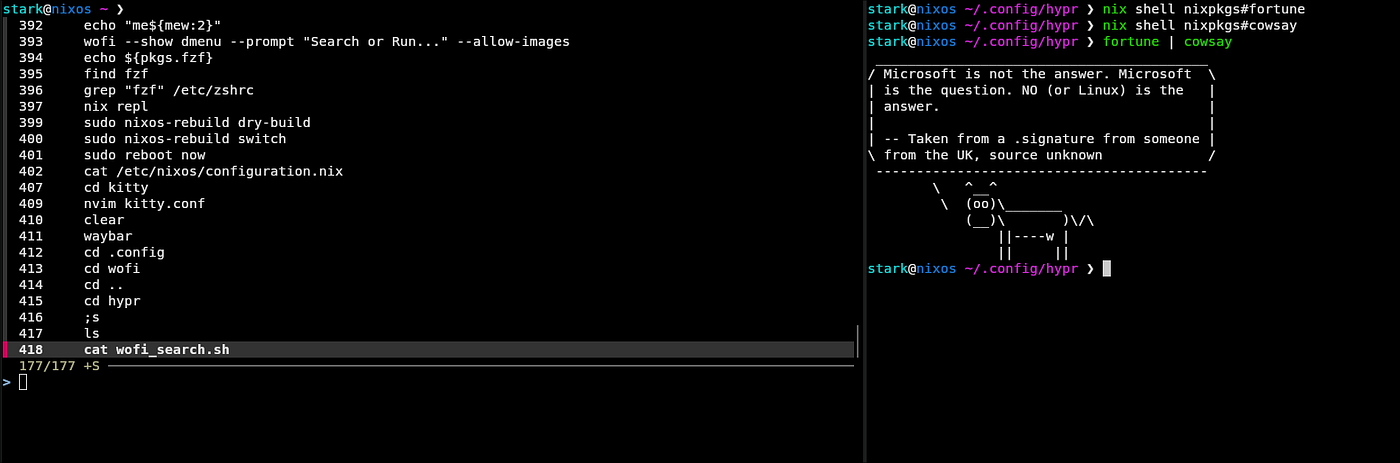
kitty (IRONIC FORTUNE !!)
Theres prolly more stuff to do, as you can tell I don’t have much aesthetic preference (even i3 is decent for me). Still I’ll edit or write a new blog for future me. I have put the configs on github, so blegh.
메타데이터
- post_id
- dbae4417e293
- slug
- switching-from-i3-to-hyprland-on-nixos-aka-i-moved-on-dbae4417e293
- url
- https://medium.com/@makeki456/switching-from-i3-to-hyprland-on-nixos-aka-i-moved-on-dbae4417e293
- canonical_url
- https://medium.com/@makeki456/switching-from-i3-to-hyprland-on-nixos-aka-i-moved-on-dbae4417e293
- author_url
- https://medium.com/@makeki456
- status
- ok
- fetched_at
- 2026-06-21 20:33:08


