Welcome to the Custodial Era of UX
AI can build a feature in an afternoon. But who will clean up the mess it leaves for users?
Welcome to the Custodial Era of UX
AI can build a feature in an afternoon. But who will clean up the mess it leaves for users?

We used to start with a blank page.
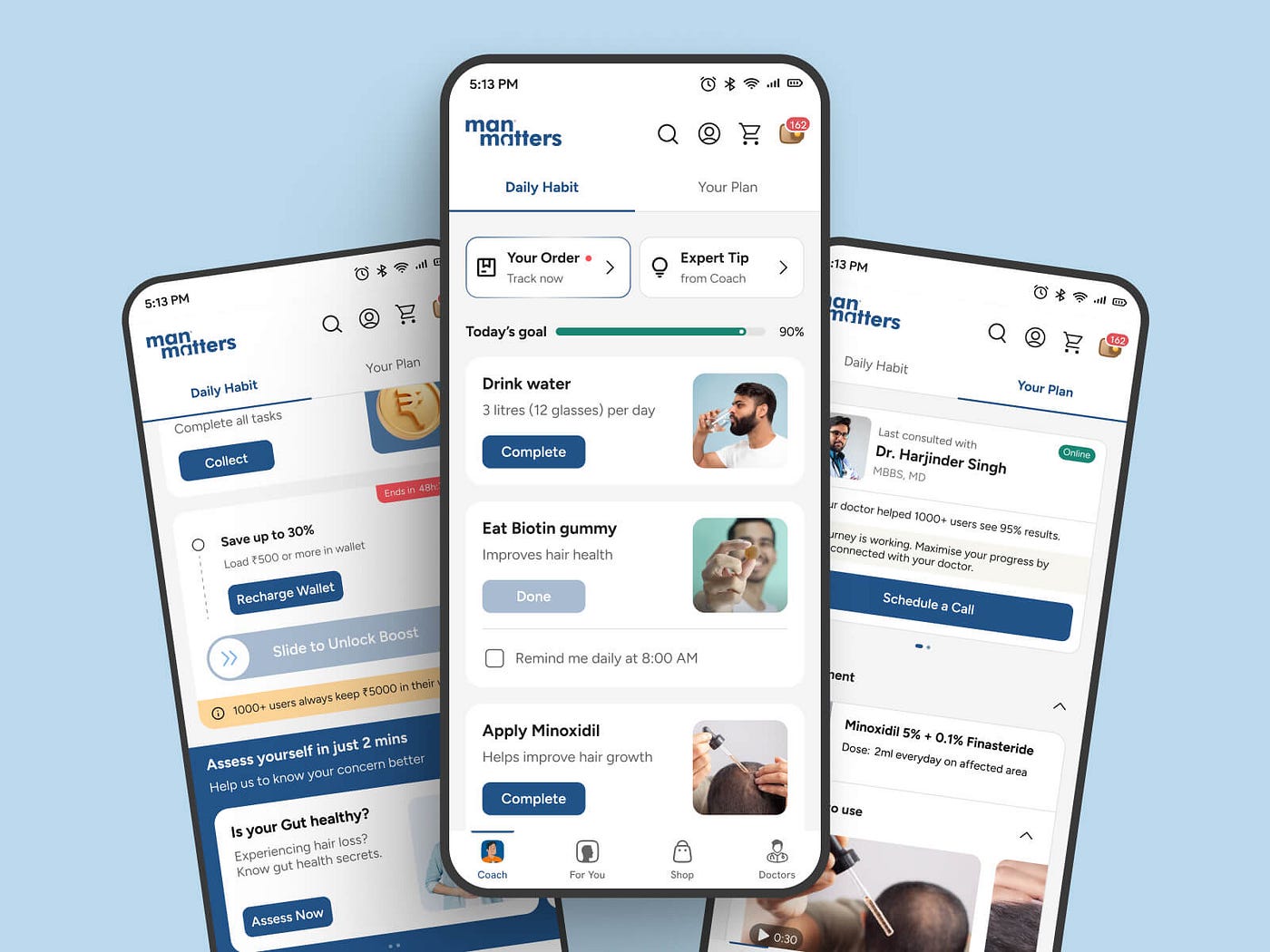
Now we start with a working prototype that AI already built.
Nielsen Norman Group calls this the Custodial Era of UX. Production has become cheaper than evaluation. It’s faster to generate 5 versions of a flow than to figure out if any of them are actually useful.
So UX work has shifted. It’s less about “let’s design it” and more about “let’s decide what to keep, what to fix, and what to throw away.”
The Pattern Looks Like This
This happens in almost every team now:
- Idea -> 2. Rapid AI Build -> 3. Skip Research ->
- Users Get Confused -> 5. Call UX to Fix It.
The result? Products that work in a demo but fail in real life:
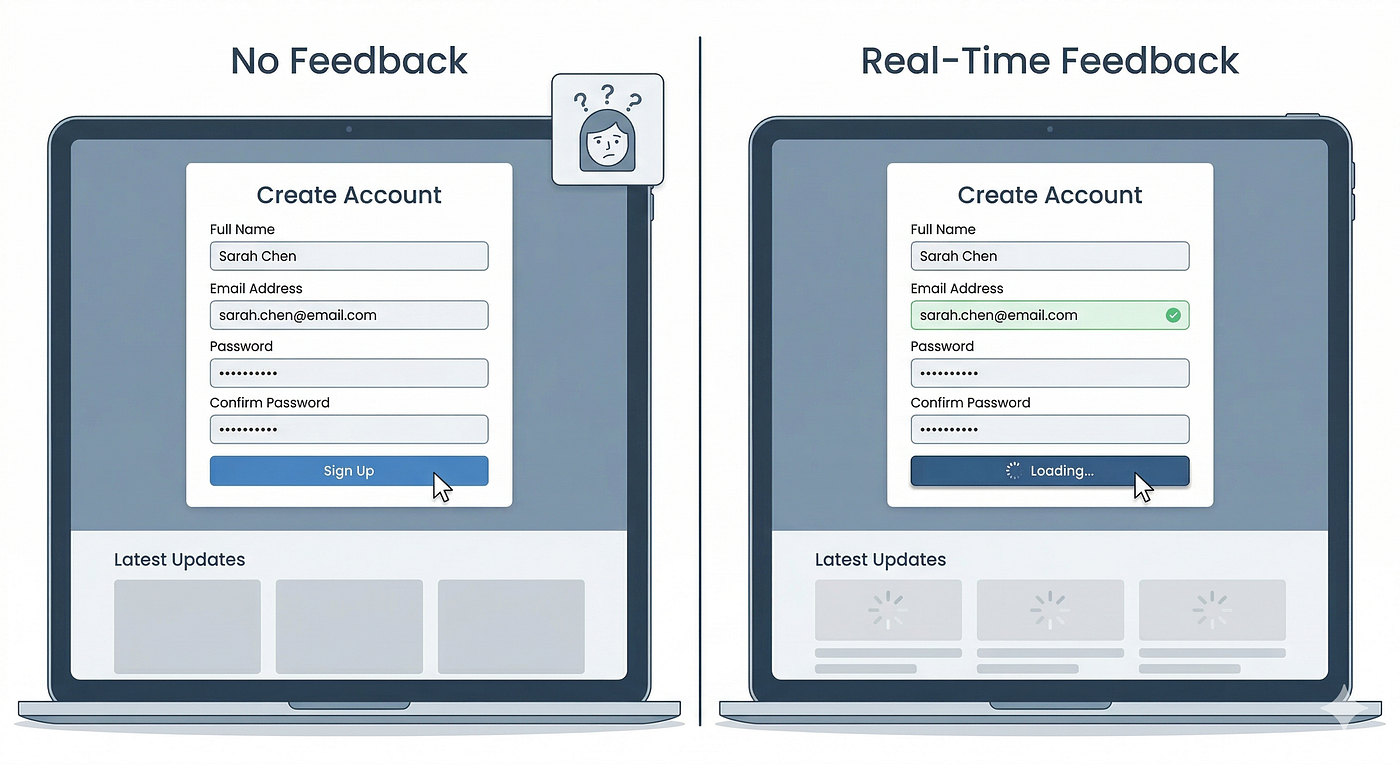
- Interfaces that technically function but confuse people
- AI-written copy that sounds fake and kills trust
- Too many “smart” features that solve no real problem

Shipping fast is not the same as building something useful. That gap is called UX Debt, and it piles up fast.
So What Does a UX Custodian Do?
Custodian doesn’t mean janitor. It means guardian of what matters — the user’s needs.
In this era, your job is 3 things:
1. Build shared judgment
Don’t start by polishing a bad feature. First ask:
Does this solve a real, frequent user problem? Do we have evidence? Does it fit how users already think and work? What’s the cost — complexity, support, maintenance?
Sometimes the best UX decision is to delete the feature, not redesign it.
2. Make evaluation as fast as production
You can’t do a 3-week study for every AI prototype. Match evidence to risk.
- Low-risk change? 5 quick user tests on Friday.
- High-risk new workflow? Deeper research.
Build speed infrastructure: keep a user panel ready, use AI to draft screeners and summarize notes (but never replace real users with fake ones), and create a simple checklist — value, usability, accessibility, trust — to score designs in 10 minutes.

3. Put UX into the AI generator
If you keep fixing the same mistake, teach the AI not to make it.
Create guardrails for your team’s AI tools:
- A
UX.mdfile with your design principles - Your real design system, not random components
- Clear content rules and accessibility requirements
- A list of dark patterns to never use
The less time you spend fixing predictable errors, the more time you have for the hard, human problems.
Key Takeaways
- AI made building 10x faster, but understanding users didn’t get faster. That gap creates UX debt.
- Your new superpower is triage: Not every AI idea deserves to ship. Learn to say keep, simplify, merge, or kill.
- Speed up research, don’t skip it: Quick tests, ready user panels, and fast heuristic checks are your survival kit.
- From janitor to guardian: The long-term goal isn’t to clean up after AI forever, but to teach the team (and the AI) to build right from the start.
In the custodial era, UX isn’t less important. It’s the only thing keeping fast-built products human-centered.

A bit about me
Hi, I’m Vijay Ram — a product thinker from Mumbai who loves breaking down complex UX ideas into simple, practical stories. I write about design, AI, and how to build products that actually help people.
Your one action today:
Look at the last feature your team built with AI. Run the 3-question triage: 1) What real user problem does it solve? 2) What evidence do we have? 3) What does it cost the user to learn it?
Share your answer in the comments — let’s practice being custodians, not just cleaners.
메타데이터
- post_id
- dc50559dce70
- slug
- welcome-to-the-custodial-era-of-ux-dc50559dce70
- url
- https://medium.com/design-bootcamp/welcome-to-the-custodial-era-of-ux-dc50559dce70
- canonical_url
- https://medium.com/design-bootcamp/welcome-to-the-custodial-era-of-ux-dc50559dce70
- author_url
- https://medium.com/@ramvjkux
- status
- ok
- fetched_at
- 2026-09-08 21:29:57