Database Migrations with Flyway in Spring Boot
Managing database schema changes across environments can be a real headache. Manual changes are error-prone, lead to environment drift, and…
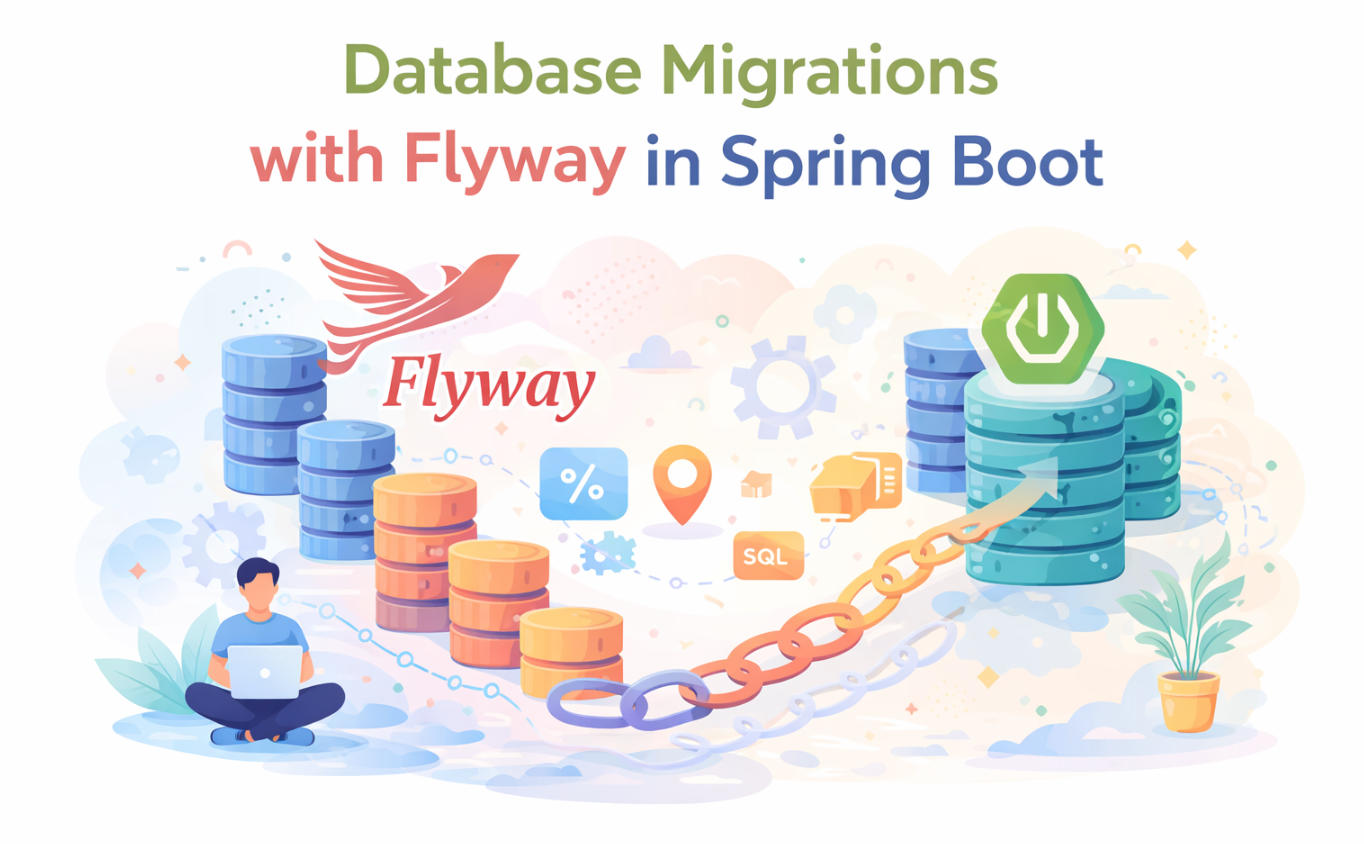
Cover Image Generated by ChatGPT
Database Migrations with Flyway in Spring Boot
Managing database schema changes across environments can be a real headache. Manual changes are error-prone, lead to environment drift, and make rollbacks terrifying. In this article, we will set up and use Flyway with Spring Boot to automate and version control our database migrations, ensuring consistency and reliability.
Table of Contents
-
The Challenge of Database Schema Management
-
What is Flyway and Why Do We Need It?
-
Setting Up Flyway in a Spring Boot Project
-
Crafting Our First Flyway Migrations
-
Beyond Basics: Advanced Flyway & Best Practices
1. The Challenge of Database Schema Management
Adding a new feature often means schema changes. You make them locally. A colleague pulls your code, and their app breaks due to schema mismatch. Or, production deployment fails because the database wasn’t updated.
Without proper version control for your schema, you risk:
- Schema Drift: Different environments (dev, staging, prod) having inconsistent database structures.
- Manual Errors: Typo in a SQL script, forgetting a step during deployment.
- Difficult Rollbacks: Reverting a database change can be complex and risky without a clear history.
- Team Collaboration Headaches: Developers overwriting each other’s changes or struggling to synchronize.
This is where database migration tools like Flyway come in, especially for Java and Spring Boot.
2. What is Flyway and Why Do We Need It?
Flyway is an open-source database migration tool providing version control for your schema. It tracks changes in a schema_version table. On application startup, Flyway checks this table and applies any new, unapplied SQL scripts.
The core idea: define database changes as versioned SQL scripts. Flyway executes them in order, once, and tracks their status.
Benefits:
- Reliability: Migrations are always applied in the correct order, making deployments predictable.
- Repeatability: The same set of migrations can run against any environment, ensuring consistency.
- Simplicity: Database changes are defined in plain SQL.
- Source Control Integration: Migration scripts live alongside your application code, part of your version control system.
3. Setting Up Flyway in a Spring Boot Project
Integrating Flyway with Spring Boot is straightforward due to its auto-configuration.
First, add flyway-core to your pom.xml or build.gradle.
<!-- pom.xml -->
<dependency>
    <groupId>org.flywaydb</groupId>
    <artifactId>flyway-core</artifactId>
</dependency>
Spring Boot auto-configures Flyway, which by default looks for scripts in classpath:db/migration.
Configure Flyway in application.properties (or application.yml):
# application.properties
spring.datasource.url=jdbc:postgresql://localhost:5432/mydatabase
spring.datasource.username=user
spring.datasource.password=password

# Flyway specific properties
spring.flyway.enabled=true
spring.flyway.locations=classpath:db/migration
spring.flyway.baseline-on-migrate=true
spring.flyway.table=flyway_schema_history
With these properties, Flyway is ready. On startup, it connects to the database and performs migration checks.
4. Crafting Our First Flyway Migrations
With Flyway set up, let’s create migration scripts. They follow V<VERSION>__<DESCRIPTION>.sql.
V: Indicates a versioned migration.<VERSION>: A unique, monotonically increasing version number (e.g.,1,1_1,2_0_1).__: Double underscore separator.<DESCRIPTION>: A human-readable description.
For our first migration, create V1__create_users_table.sql in src/main/resources/db/migration:
-- src/main/resources/db/migration/V1__create_users_table.sql
CREATE TABLE users (
    id SERIAL PRIMARY KEY,
    username VARCHAR(50) NOT NULL UNIQUE,
    password VARCHAR(100) NOT NULL,
    created_at TIMESTAMP DEFAULT CURRENT_TIMESTAMP
);
On startup, Flyway detects this script. If flyway_schema_history is missing, it creates it (due to baseline-on-migrate=true), then executes V1__create_users_table.sql and records it.
Next, add an email column. Create V2__add_email_to_users.sql in the same directory:
-- src/main/resources/db/migration/V2__add_email_to_users.sql
ALTER TABLE users
ADD COLUMN email VARCHAR(100) UNIQUE;
Restart your application. Flyway, seeing V1 applied, detects and executes V2, recording its completion. Your users table will have the new email column, and flyway_schema_history will show both V1 and V2.
This sequential, versioned approach is Flyway’s core. Each change is a new script, building on the previous state.
5. Beyond Basics: Advanced Flyway & Best Practices
Flyway offers more than versioned migrations. Let’s explore advanced features and best practices.
5.1. Handling Data (Repeatable Migrations)
For data, stored procedures, or views that need to be always up-to-date, Flyway offers Repeatable Migrations.
Named R__<DESCRIPTION>.sql, these are re-run if their checksum changes, meaning any modification triggers re-execution on startup.
Example for initial roles:
-- src/main/resources/db/migration/R__insert_initial_roles.sql
INSERT INTO roles (name) VALUES ('ADMIN') ON CONFLICT (name) DO NOTHING;
INSERT INTO roles (name) VALUES ('USER') ON CONFLICT (name) DO NOTHING;
Use R migrations for:
- Stored procedures, functions, views.
- Initial data that should always be present or updated.
Avoid R for one-time schema changes; use V.
5.2. Rollbacks
Flyway’s philosophy is forward-only migrations. It lacks a direct “rollback” command. Instead, if a migration is faulty, you write a new migration to reverse or correct the change.
So, if V2__add_email_to_users.sql caused an issue, you’d create V3__remove_email_from_users.sql or V3__fix_email_column.sql, maintaining a linear history.
For development, Flyway offers a clean operation to wipe the database.
Caution: flyway.clean() drops all objects in configured schemas. Never use in production! Enable it for development with spring.flyway.clean-disabled=false.
5.3. Configuration Options
Other configuration options:
spring.flyway.locations: Specify multiple locations for migration scripts, e.g.,classpath:db/migration,filesystem:sql/data.spring.flyway.baseline-version: Sets the version to baseline the schema to. Useful for adopting Flyway on an existing database.spring.flyway.init-sqls: SQL statements to execute before the first migration.spring.flyway.placeholders.<placeholder_name>: Define custom placeholders in your SQL scripts (e.g.,${my_schema}).
5.4. Workflow Tips
- One Change Per Migration: Each
Vmigration should be an atomic schema change, simplifying debugging. - Test Your Migrations: Always test migrations against a local or containerized database.
- Separate Test Databases: For integration tests, use an in-memory (e.g., H2) or Dockerized database for a clean slate. Spring Boot’s test annotations assist here.
- Review Migrations: Treat migration scripts as code; have teammates review them before merging.
Flyway simplifies database schema management significantly, turning a potential source of errors into a reliable, version-controlled process. By integrating it with Spring Boot, you get a powerful, automated solution that ensures your database always matches your application’s expectations, making deployments smoother and more predictable.
Tags: java spring spring-boot flyway database-migrations software-engineering software-development
References:
To support my work, please follow, clap, and share.
메타데이터
- post_id
- dca73c0eda1d
- slug
- database-migrations-with-flyway-in-spring-boot-dca73c0eda1d
- url
- https://medium.com/but-it-works-on-my-machine/database-migrations-with-flyway-in-spring-boot-dca73c0eda1d
- canonical_url
- https://medium.com/but-it-works-on-my-machine/database-migrations-with-flyway-in-spring-boot-dca73c0eda1d
- author_url
- https://medium.com/@husna.poyraz
- status
- ok
- fetched_at
- 2026-07-11 15:42:37