4 Apps for When ADHD Makes You Feel Busy but Accomplish Nothing
The ADHD productivity apps that help you tell the difference between motion and actually finishing something.
4 Apps for When ADHD Makes You Feel Busy but Accomplish Nothing
The ADHD productivity apps that help you tell the difference between motion and actually finishing something.
It’s 2pm. I’ve answered 23 Slack messages, done two passes at my task list with updated due dates, and reorganized three browser tabs into four. The thing I actually needed to do today has been on the list since Monday. This is not a laziness problem. It is not a motivation problem. It is an architecture problem, and these four apps are what finally helped me stop mistaking activity for output.
The short version
Sunsama — daily intention planner that forces you to choose your most important tasks from everything incoming. Best for people with a 70-item task list who keep doing items 47–53. $20/mo annual.
Lifestack — energy-aware daily planner that schedules focus work for when you’re actually capable of it, not when your calendar happens to be empty. Best for people who do their hardest work at 4pm by accident. $7/mo.
Amazing Marvin — ADHD-built task manager with a daily planning mode that makes you commit out loud to what actually happens today. Best for people who need the system to force the commitment. $8/mo.
Structured — visual daily timeline (iOS/Mac) where every task has a start time and duration, so you can see the day as real time rather than an infinite list. Best for people who are shocked to learn it is 6pm. Free, $29.99/yr Pro.
1. Sunsama: Daily Planner for ADHD Adults Who Need to Choose
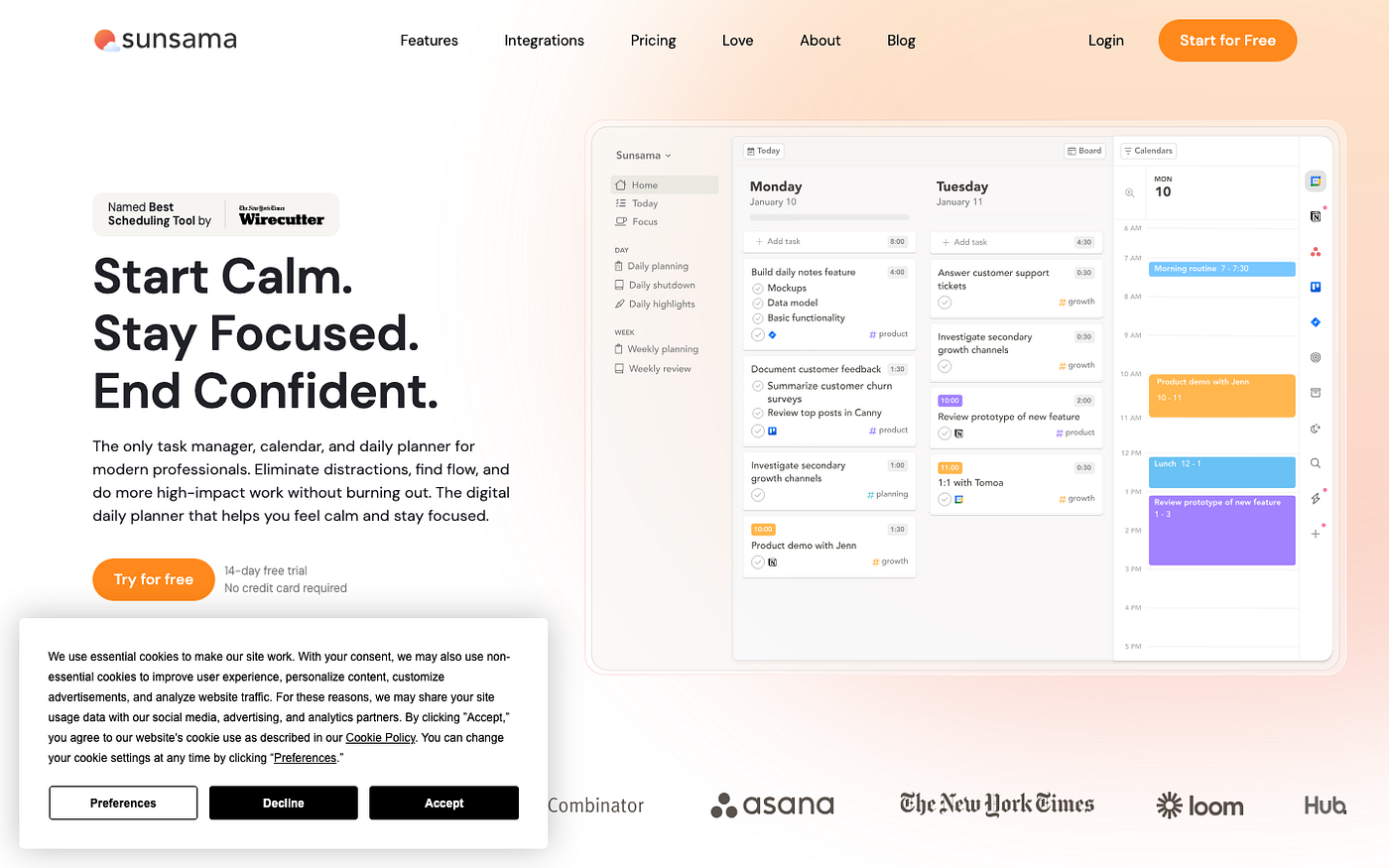
Sunsama is a daily planning tool built around one ritual: every morning, you decide what actually matters today. It pulls from your existing task managers (Notion, Asana, Todoist, Linear, Jira) and your calendar, and you drag the tasks you’ll do today into a focused short list. The premise is that the bottleneck for most busy-but-stuck people is not more tasks. It is fewer, chosen on purpose before the day gets away from you.
The ritual takes about 10 minutes. You go in, see everything theoretically on your plate, and pick three things that count. Not the 40 things you could do. Three. It is uncomfortable the first few days because you are forced to admit that most of your task list is not urgent, just visible — and that the things you keep busy with are rarely the things on that short list. That discomfort is kind of the whole point.
Sunsama is expensive for a planning ceremony, and at $20/month it feels unjustifiable on any week when you skip the morning ritual. Skip three mornings in a row and it becomes a guilt artifact sitting open in a tab. It also does not help with the actual doing — only the choosing. If your problem is initiation rather than selection, this is not the right first tool.
Pricing: $20/mo annual, $25/mo monthly. 14-day free trial. Best for: people with a 70-item task list who keep doing items 47–53 instead of items 1–3.
2. Lifestack: Energy-Aware Planner for ADHD Adults
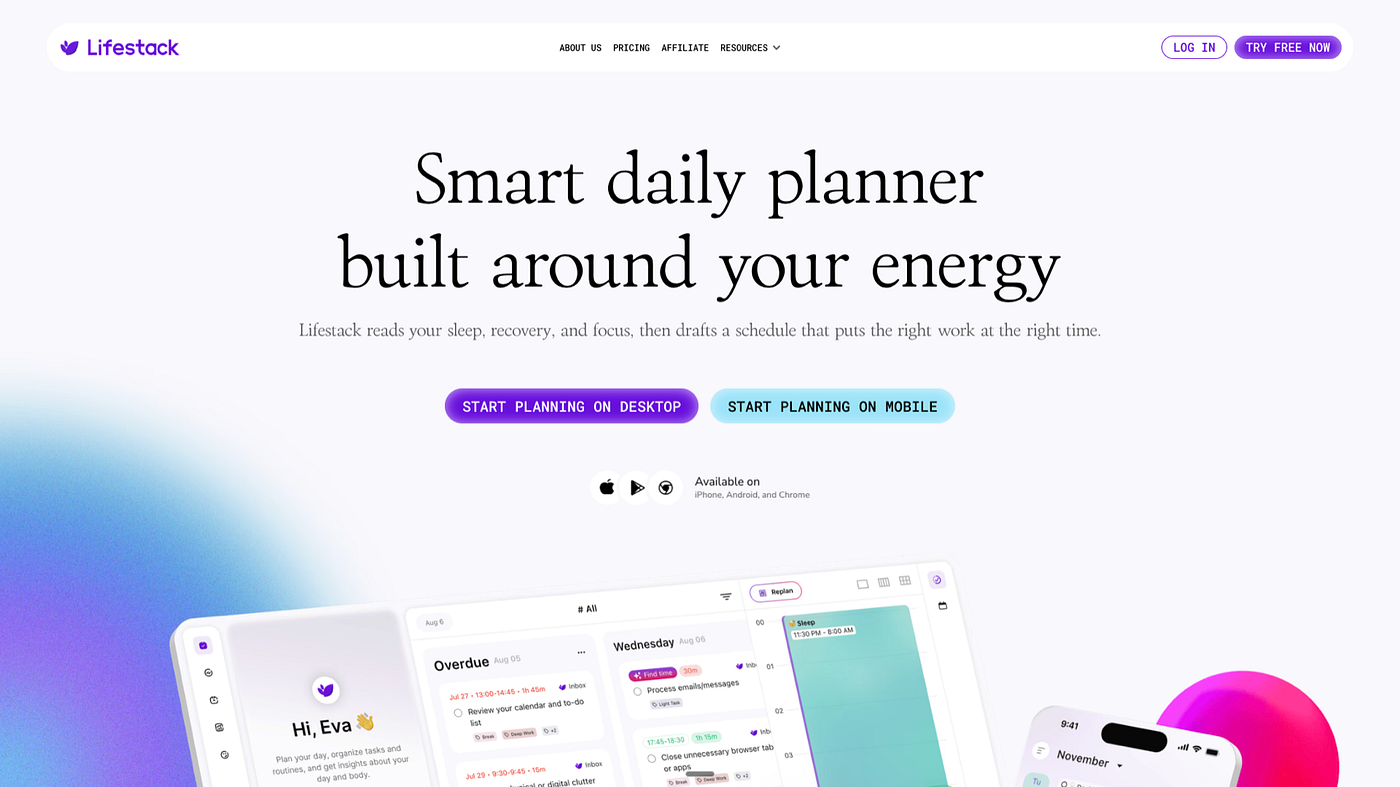
Lifestack is a daily planner that schedules your work around your energy levels rather than around whatever time your calendar happens to be empty. If you wear an Oura ring or sync Apple Health data, it reads your sleep and recovery patterns. If you don’t, you tell it roughly when you feel sharp and when you don’t. Then it slots your hardest tasks into the high-energy windows and saves the administrative tasks for when your brain is running on fumes anyway.
I used to schedule deep work at 3pm because that was when my calendar had no meetings. I was treating an empty slot as a proxy for capacity. Lifestack doesn’t do that. It looks at my patterns, sees that 9:30am is consistently my highest-clarity window, and books my focus block there. The same total hours in the day, arranged differently. The difference in what actually gets finished is significant enough that I kept it past month two, which for me is not a small thing.
The energy-awareness takes two or three days to calibrate, and before that it just feels like an overpriced calendar. Also, if you manually override the scheduled blocks too often, the model gets confused and starts placing focus time at random. I’ve learned to let it do its thing and negotiate on the margins rather than drag everything around every morning. The more you fight the schedule, the less useful it becomes.
Pricing: $7/mo or $50/yr. 7-day trial on annual plan. Best for: people who keep scheduling their most demanding work at the end of the day because nothing blocked time for it at the beginning.
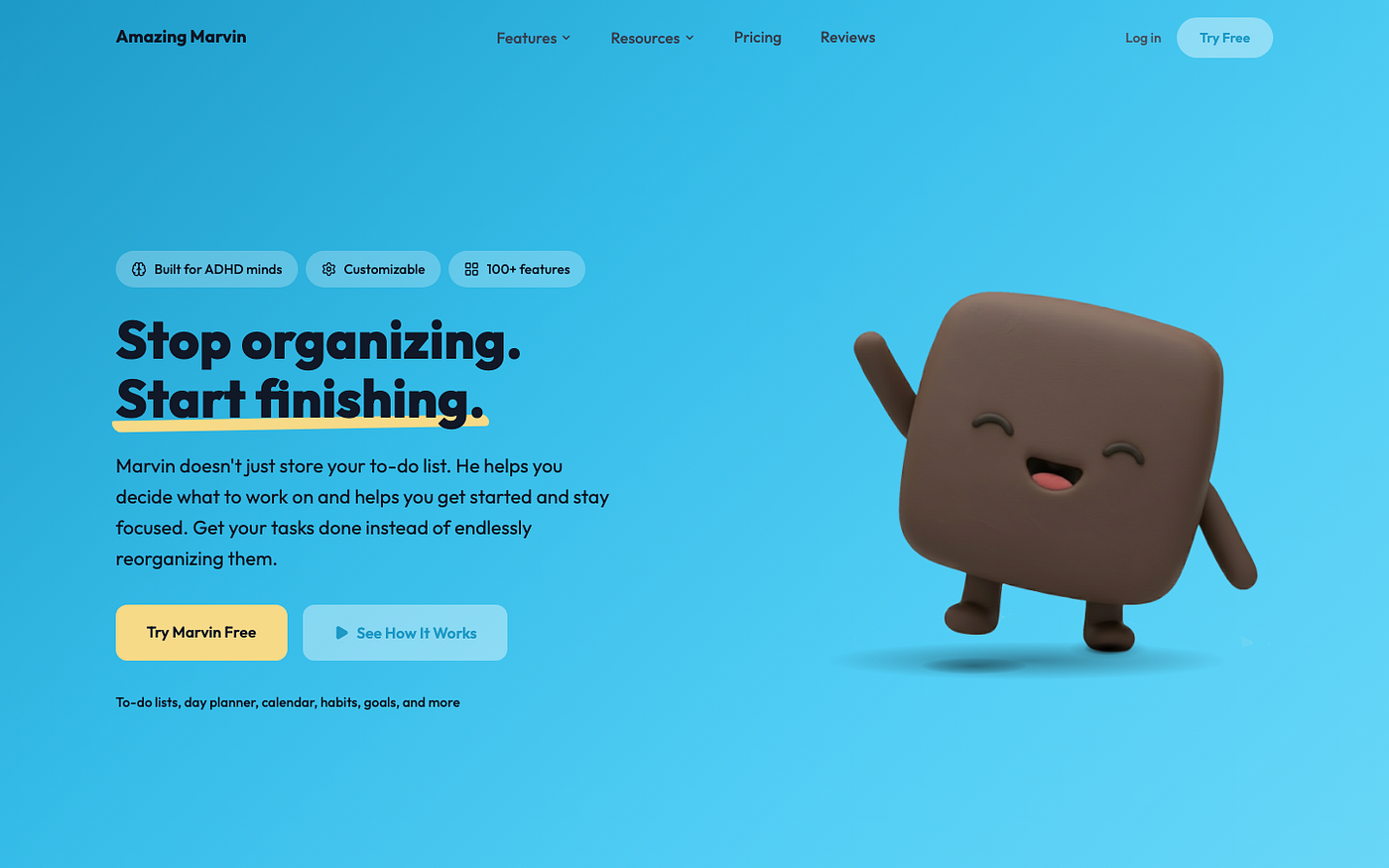
3. Amazing Marvin: ADHD Task Manager With a Real Daily Planning Mode
Amazing Marvin is a task manager built by someone who has ADHD, which explains why the 300+ customizable features are organized around specific pain points rather than generic productivity concepts. The daily planning mode — where you manually pull tasks from your backlog into today each morning — is the part relevant to the pseudo-productivity problem. It makes the commitment explicit. You don’t accidentally have a full plate; you constructed it on purpose.
The daily planning requires you to look at your backlog and actively decide: this one, today. Not ‘I’ll get to it.’ Not ‘it’s already in the system.’ You drag it to today, and now it’s a commitment. That distinction sounds minor until you notice how often tasks live in your system for weeks without anyone ever deciding they’re actually happening. Marvin makes passivity visible. Tasks in the backlog are things you haven’t committed to. Tasks in today are things you have.
The setup is a significant trap for ADHD brains. Marvin has a full library of strategies, views, and review templates, and it is extremely easy to spend four hours customizing your system instead of doing any work in it. Set a literal timer if you go into settings. The interface is also dense and not particularly pretty — if aesthetics drive your consistency, Sunsama or Structured will hold you longer. Marvin rewards people who find configuration satisfying rather than depleting.
Pricing: $8/mo or $96/yr. 14-day trial, no credit card required. Best for: people who need their task manager to force a daily commitment ritual, not just store tasks indefinitely.

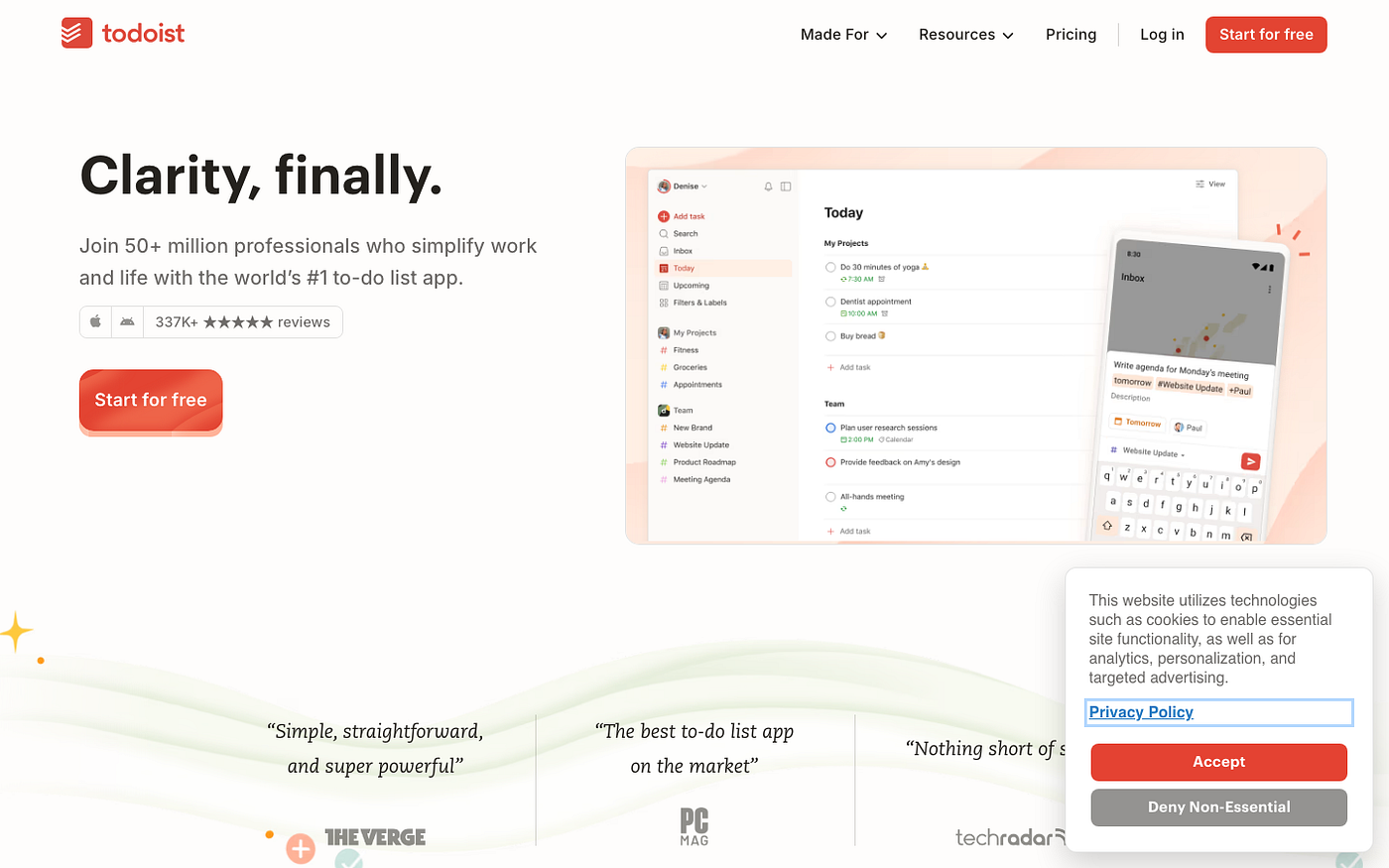
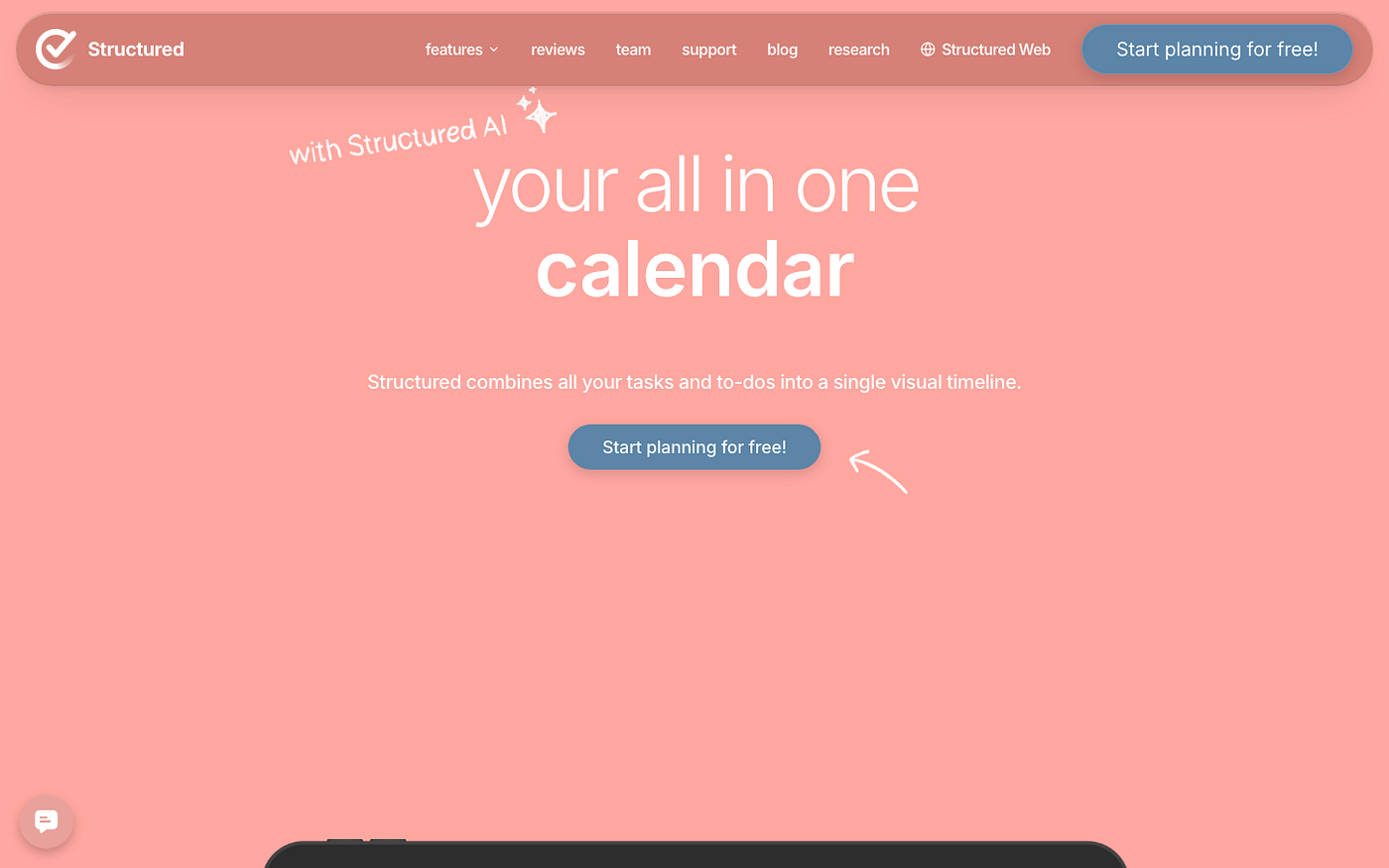
4. Structured: Visual Timeline That Makes Time Real for ADHD Adults
Structured is a daily planner (iOS and Mac only) that turns your day into a visual timeline. Every task has a start time and a duration. You see the day as a bar chart of actual clock-time rather than a list with no relationship to the hours available. That dissonance between the list and the clock is a large part of where pseudo-productivity lives. Lists feel infinite; timelines are bounded.
I used Structured for six weeks when I kept being surprised that it was 6pm. The timeline made it impossible to pretend email would take 15 minutes when I was scheduling an hour for it. It also showed me, in a way I couldn’t argue with, that I’d allocated 3.5 hours to administrative tasks on a day when my actual deliverable was a 2-hour writing project. Seeing the proportion wrong is different from knowing abstractly that the proportion is wrong. One of those prompts a change.
Structured is iOS and Mac only, which ends the conversation immediately for anyone on Android or Windows. The manual entry also gets tedious if you’re managing more than 10 or 12 tasks — it does not pull from task managers automatically (though it syncs with Apple Calendar and Google Calendar for events). And if you put optimistic durations in rather than honest ones, you’re just making a prettier schedule that lies to you in a different format.
Pricing: Free for basic features; Pro $29.99/yr. Best for: people who want time to feel like a real physical thing rather than an abstract concept, and who are on Apple devices.
FAQ
What are the best productivity apps for ADHD adults who can’t prioritize?
For pure prioritization, Sunsama and Amazing Marvin are the most targeted — both build their core ritual around choosing what matters today from everything that could matter. Marvin gives you more control; Sunsama is more guided and lower-friction. If the issue is less about which tasks and more about when to do them, Lifestack handles the scheduling piece — it places your hardest tasks during your actual peak hours rather than leaving that to chance.
Is Sunsama worth $20 a month if I already use Todoist or Notion?
Sunsama isn’t a task manager — it’s a layer on top of your task manager. You keep everything in Todoist or Notion, and Sunsama pulls from both. The $20 is paying for the morning ritual structure and the integration layer, not another place to store tasks. Whether that’s worth it depends on how reliably you’d run the morning ritual without the app. Some people do fine with a notebook. If you’ve tried and you don’t, the structure Sunsama provides may be what’s actually missing.
Can Lifestack sync with Google Calendar or Outlook?
Yes. Lifestack reads existing calendar events from both and builds your task schedule around them rather than ignoring them. It also syncs with Todoist and Google Tasks so you’re not entering tasks twice. The energy-aware scheduling works best when your week has some baseline routine — if your calendar is entirely chaotic every single week, the model has less to anchor on. It still works, but the suggestions feel more generic until patterns emerge.
What’s the difference between Amazing Marvin and a regular to-do list?
A regular to-do list is a backlog. Amazing Marvin separates things you might do from things you committed to do today — you have to explicitly drag tasks into today’s column, which makes the commitment visible rather than implicit. The 300+ strategies and customization options are also designed around specific ADHD pain points: task initiation resistance, time estimation failures, RSD. That’s useful if those patterns resonate, and overwhelming if you just want a clean app that works without configuration.
Does Structured work on Android?
Structured is iOS and Mac only — if you’re on Android or Windows, it’s not an option. The closest cross-platform alternative that captures the time-visualization piece is time-blocking your tasks directly in Google Calendar, or using Sunsama which has a time-view for your day. Neither replicates Structured’s specific visual timeline design, but they’re usable substitutes if you’re not in the Apple ecosystem.
Which of these should I try first if I’m overwhelmed by productivity tools?
Start with Structured — it has a free tier and the concept is immediately visible without requiring a full onboarding. Spend one week putting your actual day into it as it happens rather than as you planned it. The gap between what you planned and what you did is often where the core problem lives. If the gap comes from choosing the wrong tasks, add Sunsama. If it comes from doing the right tasks at the wrong time of day, try Lifestack.
What if I’ve tried productivity apps before and bounced off all of them after two weeks?
That’s a pretty common ADHD pattern and it doesn’t mean apps don’t work for you — it usually means the novelty wore off and nothing replaced it. The tools in this list are less about novelty and more about structure, which is a different motivator. What tends to stick past month two is whatever has the lowest effort on a bad day. Lifestack wins that for me because there’s no morning ritual required — it builds the schedule for me. Low floor, still useful when I’m running on empty.
Can I use Sunsama and Amazing Marvin together?
You can, but you’re probably solving the same problem twice. Both Sunsama and Amazing Marvin are solving the same core issue: making you decide what actually happens today before the day decides for you. If you want a guided, clean morning experience, Sunsama. If you want full control over how your system works and you’re willing to configure it, Marvin. Running both simultaneously usually means one wins and the other becomes the backup you feel guilty about not using.
None of these apps eliminate the pseudo-productivity pattern. They make it harder to hide from. Sunsama forces you to name your priorities before the day starts. Lifestack schedules real work before the day steals your good hours. Marvin makes you commit out loud to what goes in today’s column. Structured shows you what the day actually looked like when it’s over. The common thread is accountability to your own plan — which is easy to avoid when no system is watching and the Slack messages keep coming in.
메타데이터
- post_id
- dcc002ce87c9
- slug
- 4-apps-for-when-adhd-makes-you-feel-busy-but-accomplish-nothing-dcc002ce87c9
- url
- https://medium.com/@maya.benson334/4-apps-for-when-adhd-makes-you-feel-busy-but-accomplish-nothing-dcc002ce87c9
- canonical_url
- https://medium.com/@maya.benson334/4-apps-for-when-adhd-makes-you-feel-busy-but-accomplish-nothing-dcc002ce87c9
- author_url
- https://medium.com/@maya.benson334
- status
- ok
- fetched_at
- 2026-08-01 22:35:01