Question: What is Playwright?
Questions with answers and daily routines.
Question: What is Playwright?
Questions with answers and daily routines.
1. Question: What is Playwright?
This is an interview question, so answer first after moving to daily routines.
This is an — interview question for HR asking ? ok let’s find an answer for this this is an comparing type qustion or you must fix this is an comparing question 1. play wright is an best automation code based frame work it will fit all our scenario and do all the testing jobs with clear report . 2. Like automation testing and API Testing also support Multiple browsers. 3. also playwright including build in wait function for waiting for the element visable or show support coding for present/hide scenario 4. reports are clear throught Html & Json
This is the most acceptable answer [in my mind].
2. Daily Routines: Login Via User Name and Password.
previously we did website openings via simple code; now we try to log in via simple method

This is a prerequisite we need for the login.
if we wnat login need first create accout you will get an UserName and
PassWord.

  let username = "standard_user";
  let UserPass = "secret_sauce";

The website already given a username and password for the demo.
Type of input
- typing
- Text Push Like a Flash [like injecting text in the place]
Typing : text input like a human, one by one .
Text pushing : it will do in a second, like blinking an eye.
✅ Two ways to enter text in Playwright
1️⃣ page.fill() — Instant text injection ⚡ (RECOMMENDED)
await page.fill('#username', 'admin');What happens:
- Clears existing text
- Inserts full value at once
- No keyboard events
✅ Pros:
✔ Fast ✔ Stable ✔ Less flaky ✔ Best for login forms ✔ Most commonly used in automation
❌ Cons:
- Doesn’t simulate real typing
2️⃣ page.type() — Human-like typing ⌨️
await page.type('#username', 'admin');What happens:
- Types character by character
- Triggers key events
✅ Pros:
✔ Good when app depends on key events ✔ Useful for autocomplete fields
❌ Cons:
❌ Slower ❌ Can be flaky ❌ Not needed for normal forms
⭐ BEST PRACTICE (Interview Answer)
For login and standard input fields,
page.fill()is preferred because it is faster, more reliable, and avoids flaky behavior.page.type()is mainly used when applications depend on keyboard events such as autocomplete or search suggestions.
⭐ Best Practice (Interview level)
Always use locator():
const UserName = 'Hello';
await page.locator('//input[@id="username"]').fill(UserName);
Why?
✅ Auto-wait ✅ Retry built-in ✅ More stable
So we use a page. locator after use .fill()

✅ Your element:
<input
class="input_error form_input"
placeholder="Username"
type="text"
data-test="username"
id="user-name"
name="user-name">
🧠 There are MANY ways — but some are BETTER than others.
I’ll show you from BEST → WORST (interview level).
⭐ 1️⃣ Using data-test (BEST PRACTICE)
await page.getByTestId('username').fill('admin');or
await page.locator('[data-test="username"]').fill('admin');Why best?
✅ Created for automation ✅ Never changes ✅ Fast ✅ Clean
⭐ 2️⃣ Using ID (VERY GOOD)
await page.locator('#user-name').fill('admin');⭐ 3️⃣ Using placeholder
await page.getByPlaceholder('Username').fill('admin');⭐ 4️⃣ Using name attribute
await page.locator('[name="user-name"]').fill('admin');🥇 1️⃣ ID — MOST STABLE ✅
await page.locator('#user-name').fill('admin');
Why ID is best:
✔ Must be unique in HTML ✔ Rarely changes ✔ Developers rely on it ✔ Fast lookup ✔ Industry standard
👉 Always prefer ID if available.

This is also what we use in our code—add with # in front.

Look at this code—now I made some things different; it's based on keyboard action. Just checking if the Tab button works or not in the web app.
page.keyboard.press('tab'); => This is switching feld

page.keyboard.type('password'); => typing password

--------------------------
let UserName = "Hello";
page.keyboard.type(UserName) => Its an Varable based
just Try its working or not ?

also Rember This = this is NOT preferable for normal automation.

It works, but it’s not best practice.

Yes, it's working well—but not preferably. [after some time we can change This model but now we carry this ]
Next, click the login button.
await page.click('#id')

Code
await page.click('#login-button');
Yes, it's logged in, but it's a second try. I won't change anything, but it still shows the error the first time.
I’ll try 3rd attempt
working fine ‘but with confusion’
import { test, expect, chromium } from '@playwright/test';

test('dashboard opens logged in', async ({page}) => {
  const website ="https://www.saucedemo.com/";
  let UserName = "standard_user";
  let UserPass = "secret_sauce";

  await page.goto(website);

  await page.locator('#user-name').fill(UserName);

  page.keyboard.press('Tab')
  page.keyboard.type(UserPass);

  await page.click('#login-button');

  await page.waitForTimeout(3000); // waits 3 seconds

});
Try on your PC this.
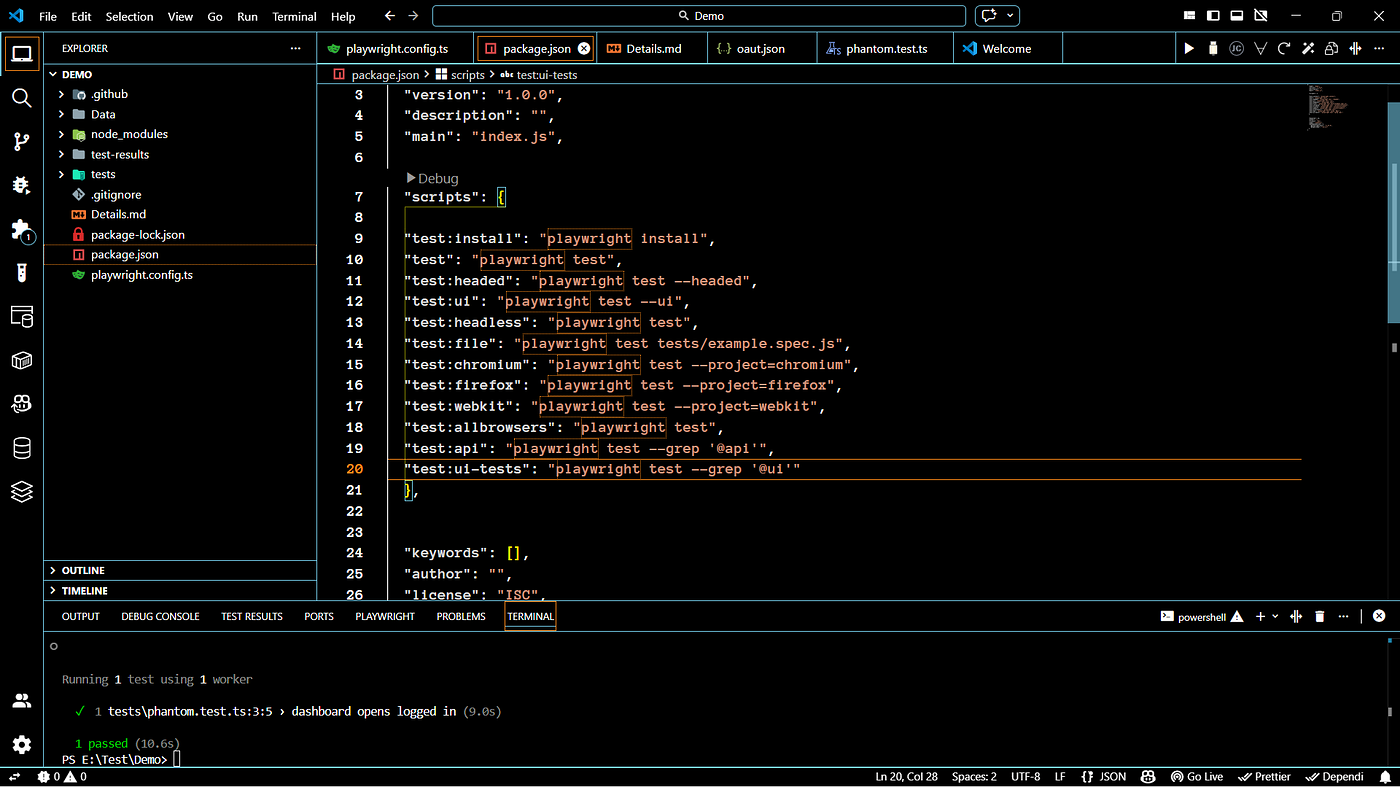
running command
npx playwright test --headed메타데이터
- post_id
- dd0660a09d85
- slug
- question-what-is-playwright-dd0660a09d85
- url
- https://medium.com/devmap/question-what-is-playwright-dd0660a09d85
- canonical_url
- https://medium.com/devmap/question-what-is-playwright-dd0660a09d85
- author_url
- https://medium.com/@guru-dgs
- status
- ok
- fetched_at
- 2026-07-13 06:23:13