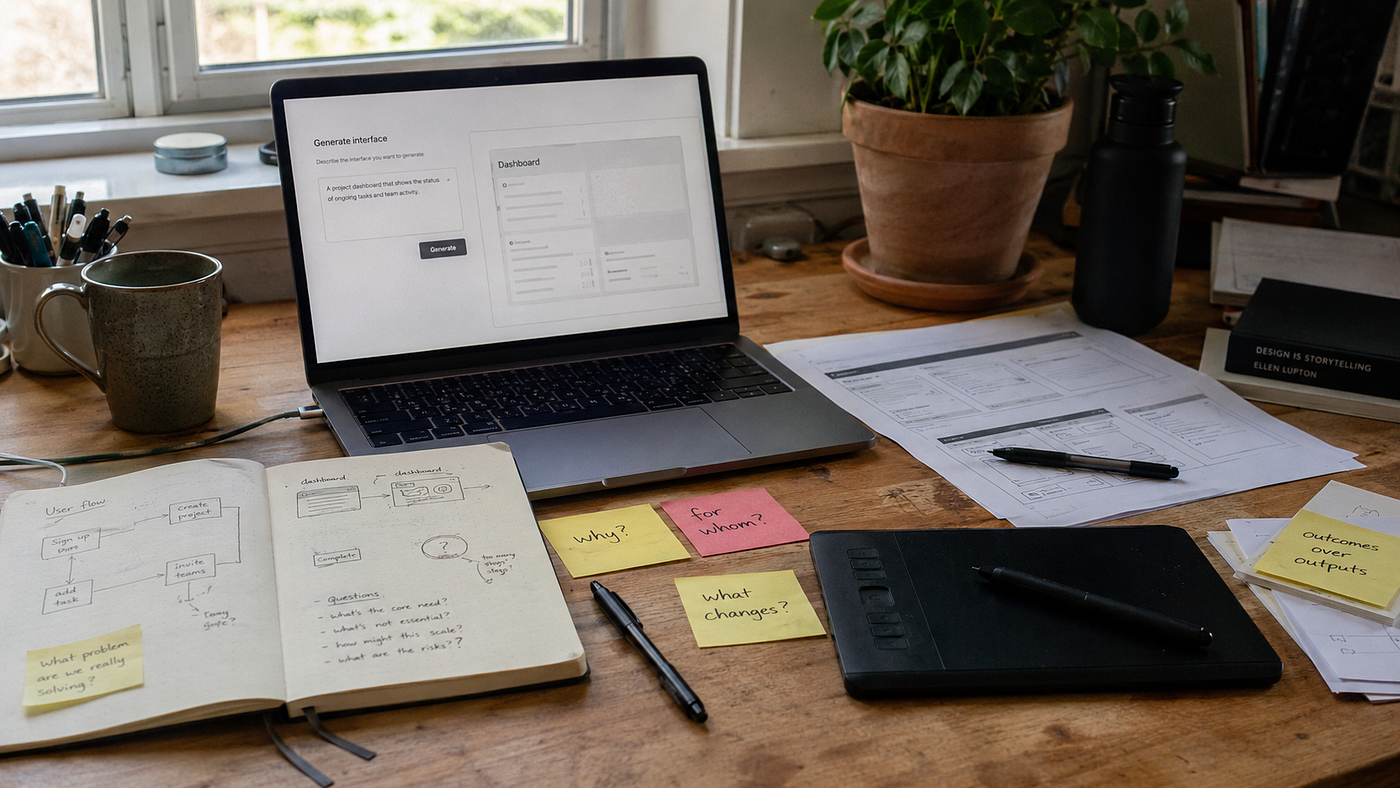
Will AI replace UX Designers? A letter from someone who survived Photoshop, Sketch, XD, and Figma
I moved into design around 2014, when Photoshop was basically my superpower.
Will AI replace UX Designers? A letter from someone who survived Photoshop, Sketch, XD, and Figma
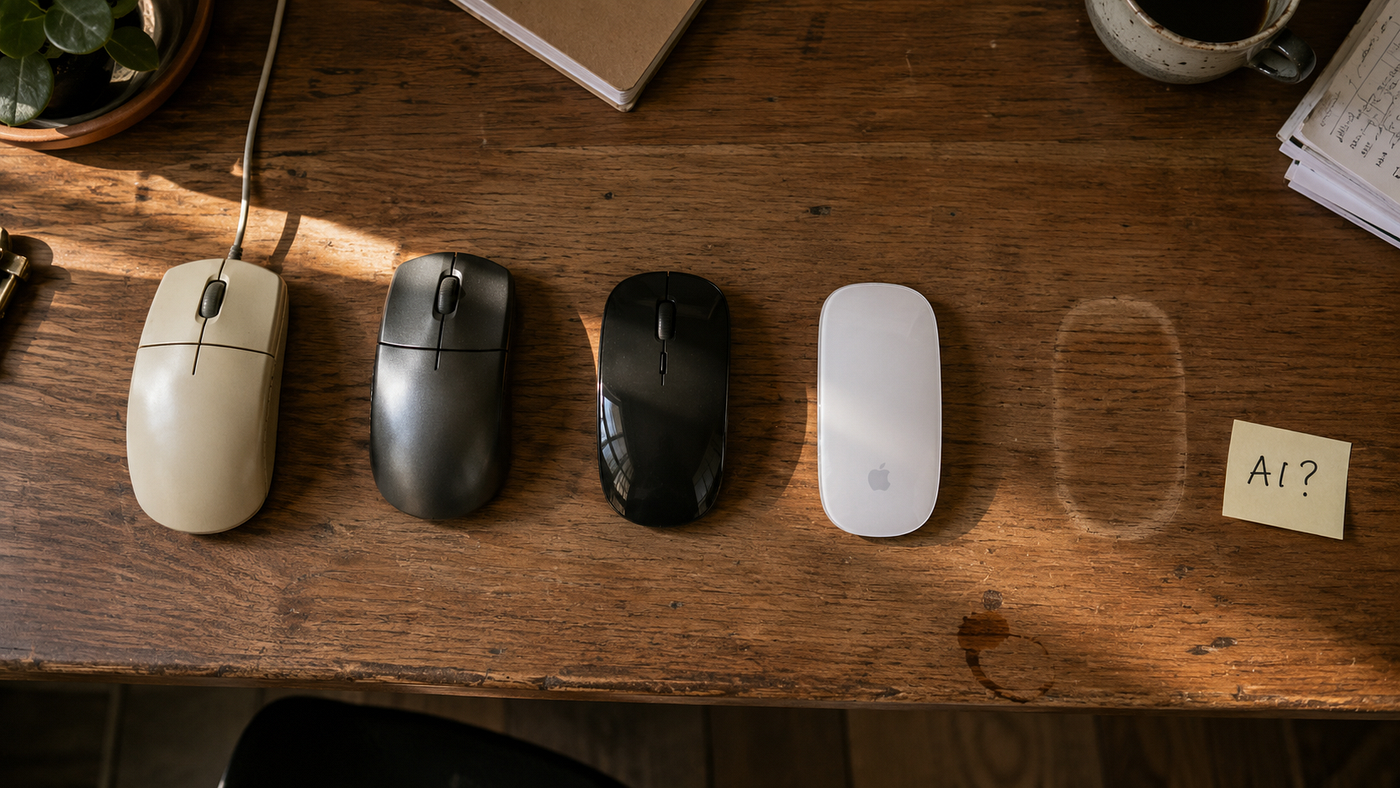
I moved into design around 2014, when Photoshop was basically my superpower.
I built buttons out of layer styles, sliced PNGs by hand, and called it a UI kit if I had five states of the same button saved in one PSD. Nobody asked me much about user flows. Nobody asked me about research. I made screens look good, handed them to a developer, and usually watched half the design change during implementation anyway.
Then Sketch showed up. I remember using symbols for the first time and thinking, wait, I don’t have to redraw this same button 40 times anymore?
Then Adobe XD arrived with prototyping built in, and I stopped exporting everything into InVision just to demonstrate a click-through. Then Figma changed the workflow again: real-time collaboration, shared libraries, developers inside the same file, and no more emailing things called final_v2_FINAL_reallyfinal.sketch.
Every one of those shifts changed the job. And every one came with the same panic.

Sketch was going to make Photoshop designers irrelevant. Figma was going to make designers less valuable, because now product managers could open the file and move things around themselves. No-code tools were going to remove the need for designers and developers entirely.
Some of those fears were exaggerated. But some skills genuinely did disappear.
So when I see people asking, “Will AI replace UX designers?” in 2026, I understand exactly where the anxiety comes from. I’ve watched the job change several times already.
Here’s what I’ve learned from watching it: the tool never decides. What decides is which part of the work the tool makes cheap.
What actually disappeared before

Photoshop slicing is gone. Nobody is manually cutting a PSD into dozens of image assets anymore.
Building the same UI element repeatedly disappeared once symbols and components became normal. Static handoff documents mattered less once developers could inspect layouts, spacing, assets and tokens directly.
Look at what those had in common. The things that vanished were rarely the important decisions. They were the slow, repetitive steps between decisions.
For years, a normal design workflow looked like this: requirements, wireframes, reviews, changes, high-fidelity designs, more reviews, prototype, developer handoff, more changes. Sometimes weeks.
Now a team can take an early requirement, use AI to explore flows, generate interface directions, and produce a working prototype far earlier in the process. Sometimes the first thing users see isn’t even a Figma prototype. It’s functioning software.
Same pattern as every other shift. The difference this time is the size of the slice. Sketch made one step cheaper. AI is making most of the middle of that list cheaper at once.
Which means if the bulk of your value comes from being the person who can produce ten polished screens quickly, that part of the job is under real pressure. I’m not saying that to scare anyone. We’ve watched the same thing happen to production-heavy skills three times already.
So, will AI replace UX designers?
Some UX jobs? Yes. UX design itself? I don’t think so.
We’re going to need fewer people whose main contribution is turning already-defined requirements into screens. We’re still going to need people who can understand messy problems, challenge assumptions, make trade-offs, understand users, and turn all of that into something worth building.
One designer receives a requirement and asks: “What screens do we need?”
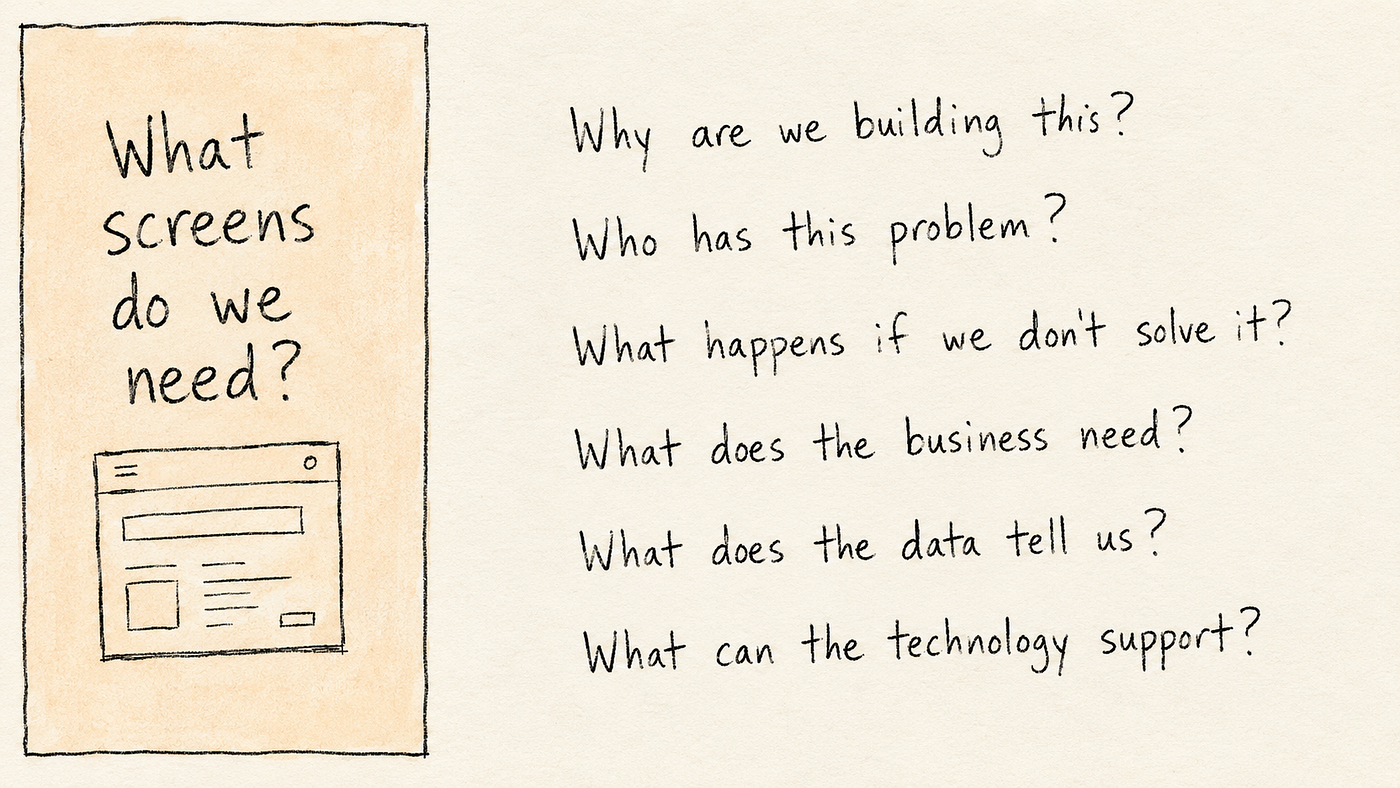
Another asks: “Why are we building this? Who has this problem? What happens if we don’t solve it? What does the business need from it? What does the data tell us? What can the technology realistically support?”
AI helps both. But the second designer is deciding what deserves to be built in the first place, and that’s where the value is moving.
Not away from craft craft still matters. But less of it sits in knowing how to operate Figma quickly, and more of it sits in understanding the problem and using whatever tools exist to test your decisions faster.
The market isn’t saying “design is dead” either
The design market is difficult right now. Layoffs, fewer junior openings, more competition for every role.
At the same time the boundaries are blurring. Designers are prototyping more. Product managers are building things themselves. Engineers are generating interfaces with AI. And designers are increasingly expected to understand not just the user experience, but the product, the business, and sometimes the implementation behind it.
I don’t think the future belongs only to specialists, and I don’t think it belongs only to generalists. But neither gets a free pass anymore. Saying “I’m a UX designer” isn’t enough by itself. The question is becoming: what kind of problems can you actually help a company solve?
Five things I still wouldn’t hand over completely

AI is already very good at parts of visual execution. Give it enough context and it produces layout ideas, interface copy, flows, wireframes and working prototypes incredibly quickly. Pretending otherwise doesn’t help designers.
But there are parts of the job where I still want a human clearly accountable for the decision.
1. Reading the room
A stakeholder asks for dark mode because they saw it in another product and thought it looked modern.
AI can give me ten arguments for and against dark mode in about four seconds. What it can’t see is that the person asking controls the budget, another team has already rejected the idea twice, the accessibility team has concerns nobody has written down, and the senior leader sitting quietly at the end of the table has a completely different priority for the quarter.
Designing the screen is the easy part. The real work is understanding what everyone actually needs and finding a decision the organisation can move forward with. That’s a large part of senior design work and it doesn’t show up in any file.
2. Deciding what is worth testing
AI makes experimentation cheap. Ten headlines, five page layouts, four onboarding variations all easy now.
But cheap experimentation creates its own problem. You can test almost anything, so what should you test?
The skill becomes deciding which assumption is risky enough to validate, and what evidence would genuinely change the team’s mind. Generating variations isn’t the hard part anymore. Knowing which question matters is.
3. Standing behind a decision
When production gets cheaper, judgment gets more visible. Someone still has to explain why this flow works this way, why we’re asking the user for this information, why we shouldn’t add another step, and what breaks if we remove it.
AI can help prepare the reasoning. Somebody still has to own the decision when product, engineering, legal or leadership pushes back. That’s not a Figma skill.
4. Designing AI products without misleading users

This is the one I never had to think about when I started. AI products behave differently from traditional software. Sometimes they’re wrong. Sometimes they’re uncertain. Sometimes they give different answers to the same question. Sometimes they sound completely confident while being completely incorrect.
That creates genuinely new UX problems. When should the system show confidence, and how? When should a human review the output? How do you explain why a recommendation was made? What does failure look like, and how much control does the user get back when it happens?
Those aren’t only model or engineering questions. Every one of them is a design question, and most teams are still guessing at the answers.
5. Understanding what your design becomes
For years, design QA meant checking whether the implementation matched Figma. Spacing, typography, colours, states.

But if AI can turn an idea into working software, designers need to understand a little more about what happens after the screen is generated. Not everyone needs to become a developer. I just want to understand enough to notice when accessibility has quietly disappeared, when the same component has been built three different ways, or when something that demos perfectly is going to be painful to maintain in six months.
The gap between designing something and building it is shrinking. That means we get to see more of the consequences of our decisions, and I think that’s a good thing.
What I’d tell designers at different stages

If you’re junior: learn the AI tools properly. Don’t avoid them because you think using AI makes you less of a designer, and don’t make prompting your whole identity either prompting will change, tools will change, models will change. Use the time AI saves you on the things that take years to develop: research, accessibility, interaction design, product thinking, writing, understanding behaviour, explaining why you made a decision. AI helps you produce faster. Judgment still takes time.
If you’re mid-level: stop measuring your contribution by screens shipped. Start asking what decision you influenced, what problem you identified, what assumption you challenged, what changed because of the work. Did conversion improve? Did users complete something faster? Did support tickets drop? Did the team avoid building the wrong thing? Those are far stronger portfolio stories than “Designed 24 screens for the new onboarding experience.”
If you’re senior or lead: your job was already moving away from pure execution before generative AI arrived, and now it’s moving faster. Learn to explain design decisions in the terms the rest of the business uses: revenue, risk, conversion, retention, operational cost, support load, technical constraints. Still care deeply about usability. But connect good UX to the reason the company is funding the product at all.
Two kinds of design work

Over the years I’ve worked with designers who were mainly handed problems that had already been framed. “We need a dashboard.” “We need a new onboarding flow.” “We need three concepts by Friday.”
And I’ve worked with designers whose first move was to ask whether the team was solving the right problem at all.
Both types can be excellent at craft. But AI puts far more pressure on the first kind of work, because if the problem is already fully defined and the remaining task is mostly execution, that’s exactly where automation gets powerful.
The safer ground isn’t becoming a manager, and it isn’t becoming an engineer. It’s getting better at the parts of the work where the answer isn’t obvious yet.
Which brings me back to where I started. Photoshop designers didn’t disappear because they were bad. Sketch designers didn’t disappear because they were bad. Each tool made one part of the work cheaper and made another part more important, and the job moved.
AI is doing the same thing. It’s just moving a much bigger part of the job, much faster. Some teams will get smaller. Some tasks that take days will take hours. Some designers will find that the skill they considered their main one has become a button inside a tool.
That’s uncomfortable. It also isn’t new.
The honest bit

I survived Photoshop, Sketch, XD and whatever version of Figma we’re on now.
Not because I mastered every new tool before everyone else. And definitely not because I correctly predicted where the industry was going I didn’t, not once.
I just never decided the next thing wasn’t my problem. When Sketch appeared, I opened it. When XD appeared, I tried it. When Figma appeared, I moved.
And when AI started generating designs and working software, I had the same reaction I’ve had several times before. A little annoyed. A little worried. Mostly curious.
After more than a decade of watching design tools change, curiosity is still the safest skill I know.
메타데이터
- post_id
- dd1e90ce769b
- slug
- will-ai-replace-ux-designers-a-letter-from-someone-who-survived-photoshop-sketch-xd-and-figma-dd1e90ce769b
- url
- https://medium.com/@tamilselvanuxd/will-ai-replace-ux-designers-a-letter-from-someone-who-survived-photoshop-sketch-xd-and-figma-dd1e90ce769b
- canonical_url
- https://medium.com/@tamilselvanuxd/will-ai-replace-ux-designers-a-letter-from-someone-who-survived-photoshop-sketch-xd-and-figma-dd1e90ce769b
- author_url
- https://medium.com/@tamilselvanuxd
- status
- ok
- fetched_at
- 2026-08-18 23:50:31