Angular 22 Just Killed zone.js Forever: What Breaks and How to Fix It
No more magic abstraction. Your UI will freeze if your app depends on using bare setTimeout, RxJS subscriptions, or external libraries for…
Angular 22 Just Killed zone.js Forever: What Breaks and How to Fix It
No more magic abstraction. Your UI will freeze if your app depends on using bare setTimeout, RxJS subscriptions, or external libraries for manipulating DOM elements. Here’s how to migrate to React hooks.
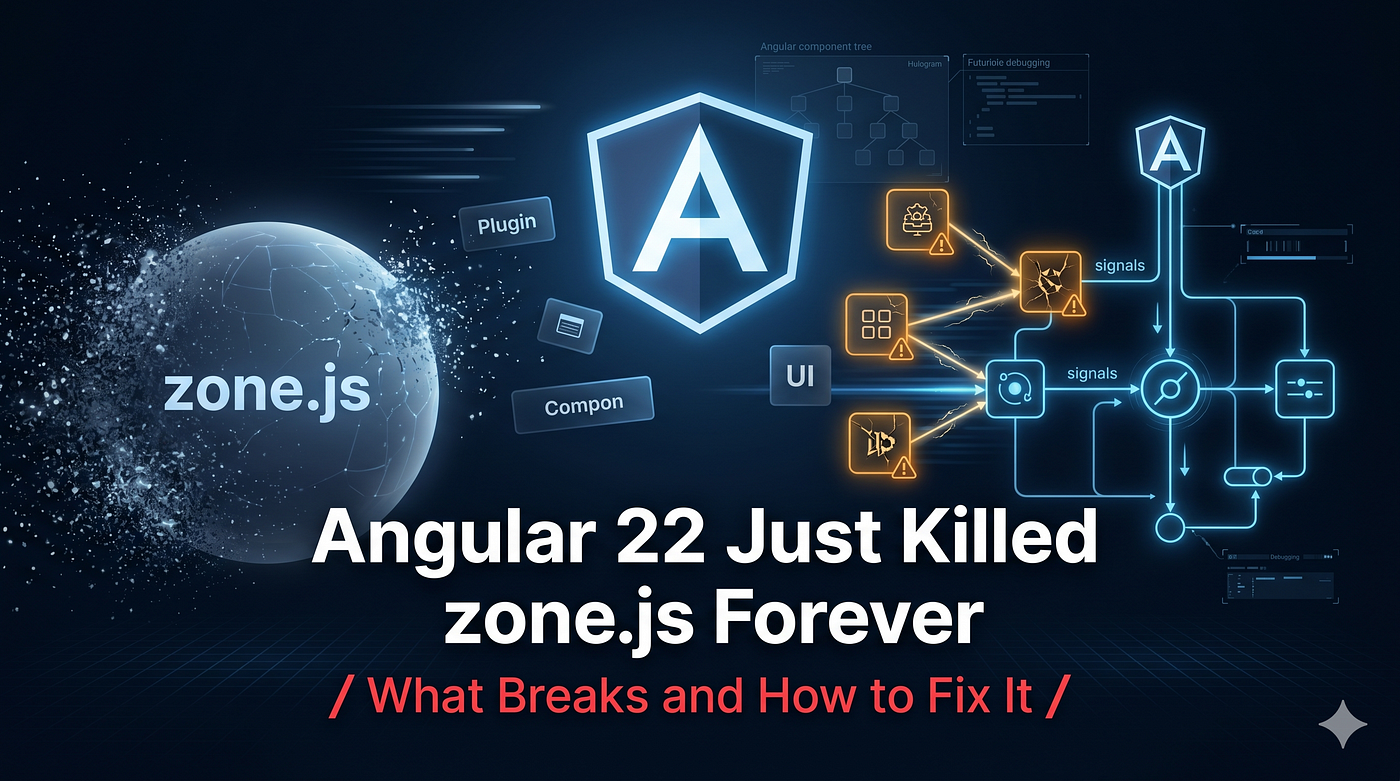
Angular had a dirty little secret for many years; it did not know when your data changed.
What it did do is use a very large and invasive library called zone.js. This patched all of the asynchronous APIs in the browser, wrapping everything from setTimeout(), Promise.prototype.then() through to DOM events. After executing an asynchronous function, zone.js would nudge Angular and say, “Maybe something happened, so run change detection on the entire application.”
It was a beautifully crafted hack that made early Angular easy to understand, but it had some very bad consequences. They included bloated bundles, hard-to-understand error messages, and poor Core Web Vitals scores.
Angular 22 marks the death knell of zone.js. The package is no longer used by default, and it is deprecated for any new projects. If you want to migrate a legacy enterprise application into the zone-less world, it is going to fail badly. In this article, I’ll explain where the problems are, and the architectural approaches necessary to resolve them.
What Actually Breaks?
Without zone.js, Angular does not know anything about browser events at all; therefore, it doesn’t run change detection anymore.
In case your code resembles something like this below, the user interface would not get updated:
// Broken in Angular 22
@Component({
  template: `<div>{{ message }}</div>`
})
export class BrokenComponent implements OnInit {
  message = 'Loading...';

  ngOnInit() {
    // Angular will not know this executed!
    setTimeout(() => {
      this.message = 'Loaded!';
    }, 1000);
  }
}
The class’s data is mutable, while the DOM is immutable.
This separation impacts three core aspects of your application:
- RxJS manual subscriptions — modifying a primitive variable in .subscribe();
- Third-party libraries — working with plain JS libraries (e.g., Chart.js, Leaflet, D3), which internally keep their state and fire events;
- Native browser functionality — setInterval, requestAnimationFrame, postMessage from Web Workers.
Fix 1: The Native Signal (The Modern Standard)
Why Angular can kill zone.js is because of Signals.
Signals are inherently reactive, and when they change, they inform the specific component that relies on them. You don’t need zone.js since the framework no longer needs to determine what is causing changes; the Signal does this.
In order to fix the above broken component, all you need to do is wrap it in a signal().
//Fixed with Signals
import { Component, signal, OnInit } from '@angular/core';

@Component({
  template: `<div>{{ message() }}</div>`
})
export class FixedComponent implements OnInit {
  message = signal('Loading...');
  ngOnInit() {
    setTimeout(() => {
      // The .set() method triggers change detection directly
      this.message.set('Loaded!');
    }, 1000);
  }
}
Fix 2: The RxJS Interop Bridge (toSignal)
If your app uses BehaviorSubject extensively, you might encounter frozen UIs where you previously relied on manual subscriptions.
//Broken RxJS Integration
ngOnInit() {
  this.userService.getUser().subscribe(user => {
    // UI will not reflect this change without zone.js
    this.userName = user.name;
  });
}
No manual calls for change detection should be performed. Avoid the usage of the | async pipe (it obligates handling null cases in the template). Use @angular/core/rxjs-interop library to connect asynchronous streams directly to the Synchronous Signal.
// Fixed with toSignal
import { toSignal } from '@angular/core/rxjs-interop';

@Component({
  template: `<div>{{ userName() }}</div>`
})
export class UserProfileComponent {
  private userService = inject(UserService);

  // The stream is resolved, the UI updates automatically
  userName = toSignal(
    this.userService.getUser().pipe(map(u => u.name)),
    { initialValue: 'Loading...' }
  );
}
Fix 3: ChangeDetectorRef (The Legacy Escape Hatch)
Sometimes, you cannot use a Signal.
When working on a situation where you are using a third party non-Angular library which emits its own events like an interactive D3.js map, you have to let Angular know manually that it is time for a check on the view.
In a zoneless environment, you will require injection of ChangeDetectorRef and calling of the markForCheck() method.
//The Manual Bridge for Third-Party Libs
import { Component, ChangeDetectorRef, inject, ElementRef } from '@angular/core';
import * as ThirdPartyMap from 'legacy-map-lib';

@Component({
  template: `<div #mapContainer></div> <div>Last clicked: {{ coord }}</div>`
})
export class MapWrapperComponent {
  private cdr = inject(ChangeDetectorRef);
  private el = inject(ElementRef);

  coord = 'None';
  ngAfterViewInit() {
    const map = new ThirdPartyMap.init(this.el.nativeElement);

    // The library fires a custom event outside Angular's knowledge
    map.on('click', (eventData) => {
      this.coord = eventData.position;

      // Explicitly tell Angular to check this component's template
      this.cdr.markForCheck();
    });
  }
}
The Architectural Shift
Not including zone.js is more than just configuration; it’s an entirely new paradigm shift.
No more writing spaghetti JavaScript and relying on the framework to clean it up; you will need to think about your data flow consciously.
- Review your codebase: Look for setTimeout, setInterval, and bare DOM listeners.
- Use toSignal to wrap your primitives: Everything that the template accesses should be wrapped by a signal.
- RxJS Integration: Get rid of the subscription code that updates state. Use toSignal only for binding to the template.
Angular just granted you the speed benefits of raw JavaScript. Now you need to write like it.
메타데이터
- post_id
- dd710251cc9f
- slug
- angular-22-just-killed-zone-js-forever-what-breaks-and-how-to-fix-it-dd710251cc9f
- url
- https://javascript.plainenglish.io/angular-22-just-killed-zone-js-forever-what-breaks-and-how-to-fix-it-dd710251cc9f
- canonical_url
- https://javascript.plainenglish.io/angular-22-just-killed-zone-js-forever-what-breaks-and-how-to-fix-it-dd710251cc9f
- author_url
- https://medium.com/@ganeshlawand2002
- status
- ok
- fetched_at
- 2026-06-16 19:09:56








