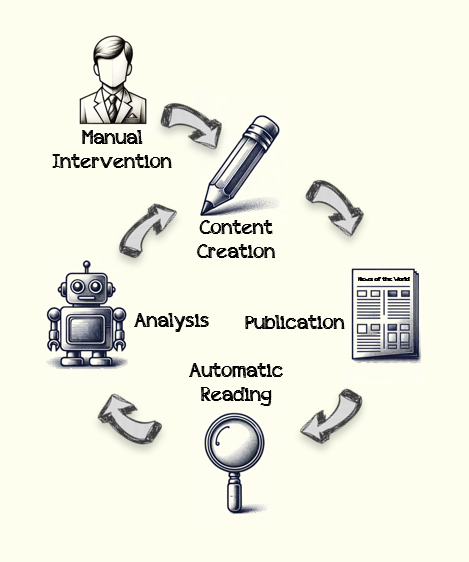
Building a Stateful Code Interpreter with Tensorlake Sandboxes
A hands-on guide to going from “runs code” to “remembers, suspends, snapshots, and forks” with Tensorlake’s MicroVM sandboxes.
Building a Stateful Code Interpreter with Tensorlake Sandboxes
A hands-on guide to going from “runs code” to “remembers, suspends, snapshots, and forks” with Tensorlake’s MicroVM sandboxes.
ChatGPT’s Code Interpreter showed the world what happens when you give an LLM the ability to write and run code. Upload a CSV, ask a question, get an answer backed by real computation. It felt like magic.
But if you’ve ever tried to build your own, you’ve probably hit the same wall everyone does:
The code interpreter part is easy. The statefulness part is hard.
Building a basic code interpreter (an LLM wired to a run_code tool that executes in a subprocess and returns stdout) is an afternoon project. But building one where users can install packages that persist, suspend a session and come back tomorrow, checkpoint before a risky operation, or fork an analysis into two parallel branches? Completely different beast.
In this article, I’ll walk through building both. We start with the simple version and progressively add statefulness, persistence, and forking using Tensorlake Sandboxes — Firecracker MicroVMs designed specifically for AI agent workloads.
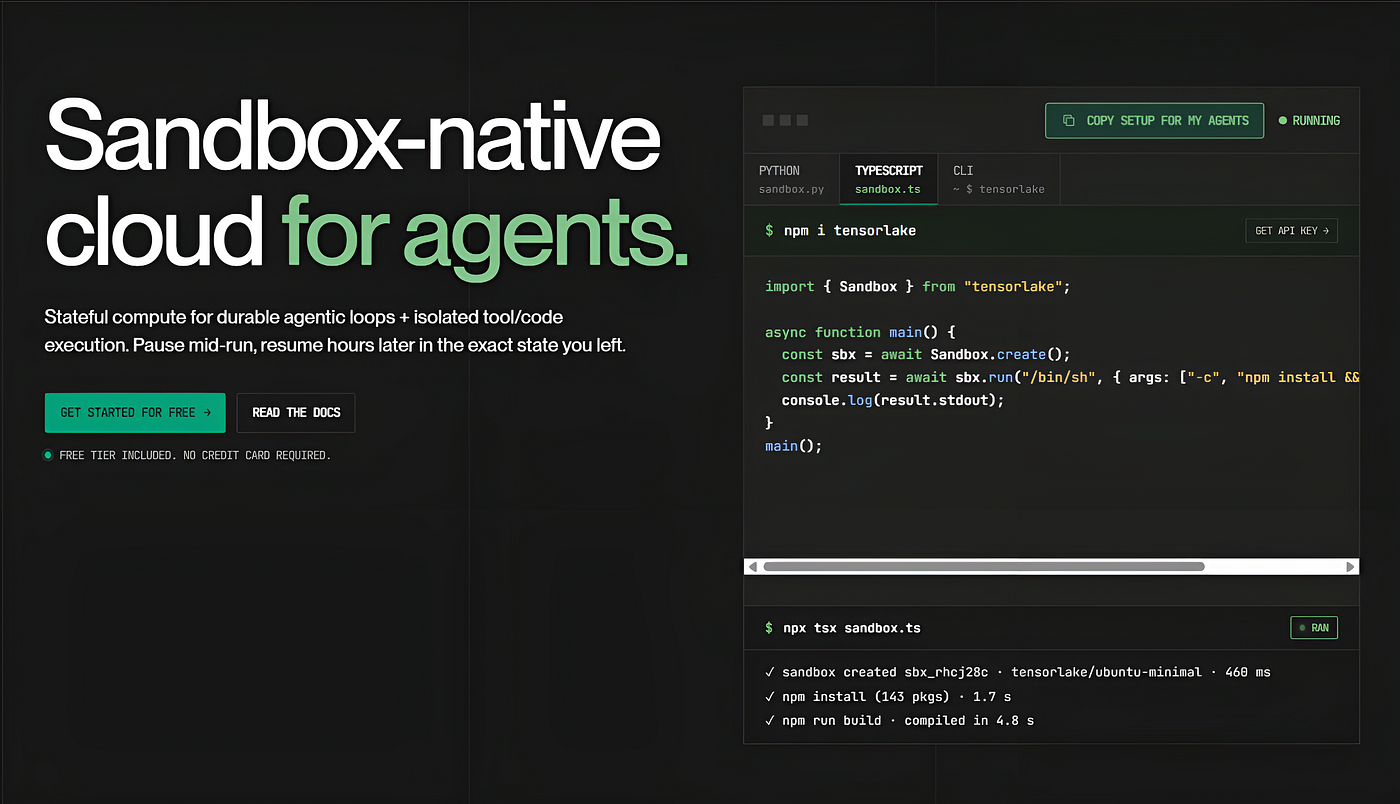
The Basic Code Interpreter
I’ll start with the simple version. The architecture is the same everywhere:
User prompt → LLM generates code → Sandbox executes → Results fed back → LLM responds (or iterates)Tensorlake provides isolated MicroVM sandboxes backed by Firecracker and CloudHypervisor. Each sandbox gets its own kernel, not a shared container but an actual virtual machine. They boot in hundreds of milliseconds, and you can configure CPU, memory, disk, and network access per sandbox.
Here’s a working code interpreter using Claude as the LLM and a Tensorlake sandbox for execution:
import anthropic
from tensorlake.sandbox import Sandbox

SYSTEM_PROMPT = """You are an AI data analyst with access to a Python sandbox.
When the user asks a question that requires computation, data analysis, or
visualization, write and execute Python code using the run_code tool.
You can install packages with pip. Files are stored in /workspace/.
When generating charts, save them to /workspace/ and tell the user."""

RUN_CODE_TOOL = {
    "name": "run_code",
    "description": "Execute Python code in a secure sandbox. Use print() to show results.",
    "input_schema": {
        "type": "object",
        "properties": {
            "code": {"type": "string", "description": "Python code to execute"}
        },
        "required": ["code"],
    },
}

def run_interpreter(user_message: str) -> str:

    client = anthropic.Anthropic()
    sandbox = Sandbox.create(
        cpus=1.0,
        memory_mb=2048,
        timeout_secs=600,
        allow_internet_access=False,
    )

    messages = [{"role": "user", "content": user_message}]

    try:
        while True:
            response = client.messages.create(
                model="claude-sonnet-4-5",
                max_tokens=4096,
                system=SYSTEM_PROMPT,
                tools=[RUN_CODE_TOOL],
                messages=messages,
            )

            messages.append({"role": "assistant", "content": response.content})

            if response.stop_reason == "end_turn":
                return next(
                    block.text for block in response.content
                    if hasattr(block, "text")
                )

            tool_results = []

            for block in response.content:
                if block.type != "tool_use":
                    continue
                result = sandbox.run("python3", ["-c", block.input["code"]])
                output = result.stdout or ""
                if result.stderr:
                    output += f"\n[stderr]\n{result.stderr}"
                tool_results.append({
                    "type": "tool_result",
                    "tool_use_id": block.id,
                    "content": output or "(no output)",
                })

            messages.append({"role": "user", "content": tool_results})

    finally:
        sandbox.close()
This gives you a functional code interpreter. The LLM decides when code is needed, writes it, and calls run_code. The sandbox executes it in an isolated MicroVM with no internet access (allow_internet_access=False), and the result loops back. If there's an error, the LLM sees the traceback and can self-correct.
But notice what happens every time a new session starts: the sandbox boots from a blank image. Need pandas? pip install pandas. Every. Single. Time.
Speed: Images vs. Snapshots
This is where I got confused at first, because Tensorlake offers two mechanisms for fast startup that sound similar but do very different things.
Images: The Blueprint
An image is a pre-built environment definition. Think of it like a Dockerfile: it defines what software is installed, but captures no runtime state.
from tensorlake.sandbox import Image

image = (
    Image(name="code-interpreter", base_image="python:3.12-slim")
    .run("pip install pandas numpy matplotlib scipy scikit-learn seaborn")
    .run("pip install requests openpyxl xlrd")
    .run("mkdir -p /workspace")
    .workdir("/workspace")
)
image.build(registered_name="code-interpreter")
Now every sandbox boots with all packages pre-installed:
sandbox = Sandbox.create(image="code-interpreter")
# pandas, numpy, matplotlib - all ready immediately
What it saves: The pip install step. What it doesn't save: Any runtime state. Loaded DataFrames, defined variables, in-memory caches, all gone. Every sandbox from this image starts fresh.
Snapshots: The Save File
A snapshot captures the actual state of a running sandbox: filesystem, and optionally memory and running processes too.
setup = Sandbox.create(image="code-interpreter")
setup.run("python3", ["-c", """
import pandas as pd
import numpy as np
df = pd.DataFrame(np.random.randn(10000, 10), columns=[f'col_{i}' for i in range(10)])
df.to_parquet('/workspace/sample_data.parquet')
print('Warm-up complete')
"""])

snapshot = setup.checkpoint()
print(f"Snapshot ID: {snapshot.snapshot_id}")
setup.terminate()
Now every future session starts with packages and data ready:
sandbox = Sandbox.create(snapshot_id=snapshot.snapshot_id)
# Packages installed, data files present, zero setup time
The Key Difference

Images vs. Snapshots
Tensorlake supports two snapshot types:
- Filesystem snapshots (default): Capture disk state. Restore is a cold boot, so you can change CPU/RAM on restore. Best for saving environment setup.
- Memory snapshots: Capture disk + RAM + all running processes. Restore is a warm start where the sandbox wakes up as if it was never stopped. Best for forking a running session.
from tensorlake.sandbox import CheckpointType

# Filesystem snapshot - saves what's on disk
fs_snap = sandbox.checkpoint(checkpoint_type=CheckpointType.FILESYSTEM)

# Memory snapshot - saves everything (disk + RAM + processes)
mem_snap = sandbox.checkpoint(checkpoint_type=CheckpointType.MEMORY)
In practice, you layer these together:
Image (build once)  →  Snapshot (setup once)  →  Live sandbox (per user)
  "what's installed"      "what's loaded"          "what's happening"
That’s how you go from “wait 30 seconds for pip install” to “sub-second ready-to-go.”
Statefulness: Sessions That Survive
Fast startup is nice, but there’s a bigger problem: what happens when the user walks away?
With a basic sandbox, you have two bad options. Keep it running (expensive) or kill it (lose all state). Tensorlake’s named sandboxes give you a third option: suspend.
Named vs. Ephemeral
Tensorlake sandboxes come in two flavors:
# Ephemeral - no name, dies on timeout
sandbox = Sandbox.create(cpus=1.0, memory_mb=2048, timeout_secs=600)
# When timeout hits → terminated. Gone forever.

# Named - has a name, suspends on timeout
sandbox = Sandbox.create(
    name=f"session-{user_id}",
    cpus=2.0,
    memory_mb=4096,
    timeout_secs=1800,  # 30 min idle threshold
)
# When timeout hits → suspended. State preserved. Zero compute cost.
Named vs. Ephemeral
The timeout_secs is an idle threshold, not a wall-clock limit. Active traffic (SDK calls, SSH connections, exposed port requests) resets the timer. The sandbox stays alive as long as someone is using it.
Suspend and Resume
# Morning: User starts working
sandbox = Sandbox.create(name="session-alice", image="code-interpreter")
sandbox.run("pip", ["install", "lightgbm", "--break-system-packages"])
sandbox.run("python3", ["-c", """
import pandas as pd
df = pd.read_csv('/workspace/sales.csv')
print(f"Loaded {len(df)} rows")
"""])

# User goes to lunch...
# Sandbox auto-suspends after 30 min idle
# → Zero compute cost while suspended

# Afternoon: User comes back
sandbox = Sandbox.connect("session-alice")
sandbox.resume()
# Everything is exactly as they left it:
# - lightgbm still installed
# - /workspace/sales.csv still there
# - Same filesystem, same memory state
Without statefulness, every conversation is a one-shot interaction. The user uploads data, does analysis, gets results, and everything vanishes. Next time, they start over.
With named sandboxes and suspend/resume, the code interpreter becomes a persistent workspace. Users build up context over hours and days: niche packages they installed, datasets they cleaned, models they trained, helper functions they wrote. That context persists across browser sessions, across devices, across days.
This is basically the difference between ChatGPT’s Code Interpreter (session dies when you close the chat) and a personal cloud computing environment that actually remembers what you were doing.
Snapshots and Forking: Like Git, but for Your Analysis
Okay so statefulness solves the “user walks away” problem. But snapshots solve two more: “I want to undo that” and “I want to try both approaches.”

Suspend

Snapshot
Checkpoint Before Risky Operations
Imagine your user has been building up an analysis for 30 minutes. Now they want to try something that might break things:
# Save a checkpoint before the risky step
checkpoint = sandbox.checkpoint()

# User tries an aggressive filter...
result = sandbox.run("python3", ["-c", """
import pandas as pd
df = pd.read_csv('/workspace/cleaned_data.csv')
df = df[df['score'] > 95]
df.to_csv('/workspace/cleaned_data.csv', index=False)
print(f"Remaining rows: {len(df)}")
"""])

# Only 3 rows left? Restore from checkpoint
restored = Sandbox.create(snapshot_id=checkpoint.snapshot_id)
# Back to the state before the filter, all data intact
Without snapshots, the user would have to re-upload the data, re-run all the cleaning steps, re-install packages… basically start over. With snapshots, it’s a one-line rollback.
Fork an Experiment
Say the user wants to compare two different modeling approaches from the same starting point. Without forking, they’d have to run one, note the results, undo everything, run the other, and compare. With forking:
from tensorlake.sandbox import CheckpointType

# User has loaded data, cleaned it, done feature engineering
# Now they want to try two models

# Create a memory snapshot - captures everything
snap = sandbox.checkpoint(checkpoint_type=CheckpointType.MEMORY)

# Fork into two parallel experiments
branch_linear = Sandbox.create(snapshot_id=snap.snapshot_id, name="experiment-linear")
branch_xgboost = Sandbox.create(snapshot_id=snap.snapshot_id, name="experiment-xgboost")

# Both branches start with identical state
result_linear = branch_linear.run("python3", ["-c", """
from sklearn.linear_model import LinearRegression
import pandas as pd
df = pd.read_csv('/workspace/features.csv')
model = LinearRegression().fit(df.drop('target', axis=1), df['target'])
print(f"Linear R²: {model.score(df.drop('target', axis=1), df['target']):.4f}")
"""])

result_xgboost = branch_xgboost.run("python3", ["-c", """
from sklearn.ensemble import GradientBoostingRegressor
import pandas as pd
df = pd.read_csv('/workspace/features.csv')
model = GradientBoostingRegressor().fit(df.drop('target', axis=1), df['target'])
print(f"XGBoost R²: {model.score(df.drop('target', axis=1), df['target']):.4f}")
"""])

print(result_linear.stdout)   # "Linear R²: 0.7234"
print(result_xgboost.stdout)  # "XGBoost R²: 0.8891"
I haven’t seen any other code interpreter offer this. It’s basically git-style branching for data analysis. Try something, and if it doesn’t work, go back. Try two approaches in parallel and keep the better one.
Pre-Warmed Sessions at Scale
For a production code interpreter serving many users:
# Build a "golden" snapshot once
base = Sandbox.create(image="code-interpreter")
base.run("python3", ["-c", """
import pandas, numpy, matplotlib, scipy, sklearn, seaborn
print('All libraries loaded and cached')
"""])
golden = base.checkpoint()
base.terminate()

# Every new user session boots from this snapshot - sub-second
def create_user_session(user_id: str) -> Sandbox:
    return Sandbox.create(
        snapshot_id=golden.snapshot_id,
        name=f"session-{user_id}",
        timeout_secs=1800,
        allow_internet_access=False,
    )
The Full Lifecycle
Here’s what the complete lifecycle looks like for a stateful code interpreter session:
1. First user ever  → Boot from IMAGE (packages installed)
                     → Warm up → Create GOLDEN SNAPSHOT
2. New user session  → Boot from GOLDEN SNAPSHOT (sub-second)
                     → User works, installs packages, loads data
3. User goes idle    → Auto-SUSPEND (zero compute cost)
4. User returns      → RESUME (sub-second, full state restored)
5. Before risky op   → CHECKPOINT (save point)
   → goes wrong?    → RESTORE from checkpoint
6. Want to compare?  → FORK into parallel branches
                     → Run different approaches → keep the winner
7. User done         → TERMINATE (cleanup)
That’s really the difference between a toy code interpreter and one that developers would actually want to use day to day.
What’s Not Covered (But Available)
I focused on the core stateful code interpreter story here, but Tensorlake Sandboxes support a lot more that could each be their own article:
- Computer Use — Full desktop environments (XFCE + VNC) with a programmatic screenshot/mouse/keyboard SDK for visual output rendering
- SSH access — VS Code Remote-SSH, Cursor, and JetBrains Gateway integration. You can basically turn your sandbox into a cloud dev environment
- Network controls — Fine-grained outbound allow/deny lists, port exposure for serving web apps from inside a sandbox
- Docker inside sandboxes — Full Docker Compose support via the systemd image
- Async SDK —
AsyncSandboxfor handling concurrent user sessions in production - Orchestration layer — A serverless function runtime with durable execution, crash recovery, and parallel fan-out
Getting Started
Tensorlake has a free tier with no credit card required: two concurrent sandboxes with up to 2 hours per session. That’s enough to build and test everything in this article.
pip install tensorlake
tl login
The complete code interpreter example is available in Tensorlake’s cookbooks repository, and the Tool Calls guide has full working examples for Claude, OpenAI, and the OpenAI Agents SDK.
Wrapping Up
Building a basic code interpreter is pretty simple. Building a stateful one that can remember, suspend, resume, snapshot, and fork user sessions? That’s a much harder infrastructure problem.
What I liked about Tensorlake is that the same sandbox that runs your code also handles persistence, lifecycle management, and state branching. The SDK is clean and works with any LLM provider, so you’re not locked into a particular stack.
At this point the interesting question isn’t “can my agent run code?” anymore. It’s “can my agent pick up where it left off?” If you’re building AI tools that need to maintain state across sessions, snapshots and forking aren’t nice-to-haves. They’re what make your code interpreter feel like a real computing environment instead of a throwaway chat session.
Resources:
- Tensorlake Documentation
- Code Interpreter Cookbook
- Tool Calls Guide
- Snapshots Guide
- Blog: Suspend vs. Snapshot
- Python SDK:
pip install tensorlake
메타데이터
- post_id
- df2f6d623a47
- slug
- building-a-stateful-code-interpreter-with-tensorlake-sandboxes-df2f6d623a47
- url
- https://pub.towardsai.net/building-a-stateful-code-interpreter-with-tensorlake-sandboxes-df2f6d623a47
- canonical_url
- https://pub.towardsai.net/building-a-stateful-code-interpreter-with-tensorlake-sandboxes-df2f6d623a47
- author_url
- https://medium.com/@rohanmistry231
- status
- ok
- fetched_at
- 2026-07-11 06:06:52