前後端分離必學,用 fetch() 取得後端 API 資料
當我們開始做前後端分離時,
Wiki topics:
🌐 · Web Development
前後端分離必學,用 fetch() 取得後端 API 資料
當我們開始做前後端分離時,
前端最常做的一件事情就是
跟後端拿資料
例如:
- 取得使用者資料
- 取得商品列表
- 取得訂單資料
這時候就很常使用:
fetch()真實開發情境
假設後端提供一個 API:
/api/users現在需求是,取得使用者列表並顯示在畫面上
翻成程式話語就是,發送請求給後端,取得資料後再使用。
核心觀念
fetch() 很像,打電話問後端要資料
語法:
fetch(url)它會回傳:
Promise所以通常會搭配:
async / await一起使用。
文件怎麼看
MDN 文件:
文件會看到:
fetch(resource)或:
fetch(resource, options)其實意思就是:
fetch(API網址)或:
fetch(API網址, 設定)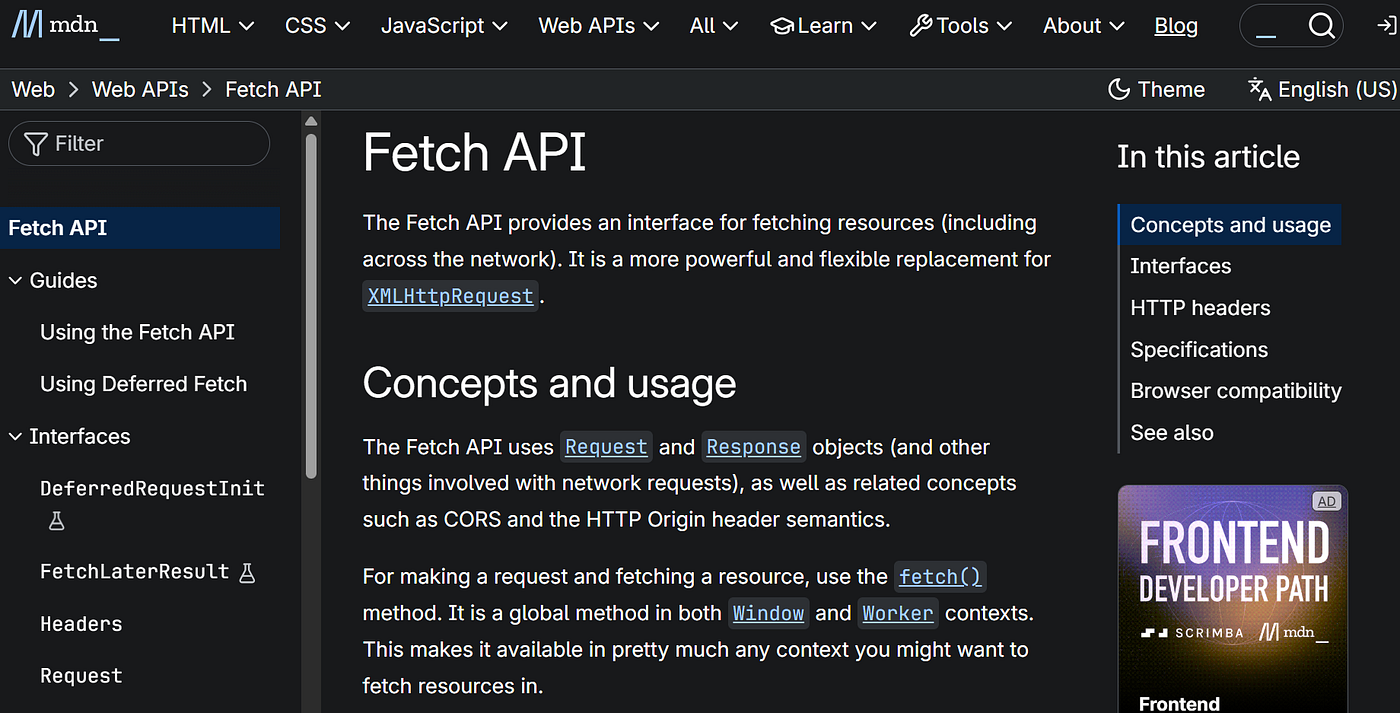
完整實作
取得使用者資料:
async function getUsers() {
  const response = await fetch(
    'https://jsonplaceholder.typicode.com/users'
  );

  const users = await response.json();

  console.log(users);
}

getUsers();
執行流程:
發送 API 請求
↓
取得回應(response)
↓
轉成 json
↓
取得真正資料
常見卡點
忘記轉換 json
很多新手會寫:
const response = await fetch(url);

console.log(response);
結果看到:
Response {...}而不是資料。
因為:
response只是回應物件。
還要再執行:
const data = await response.json();才能取得真正的資料。
重點整理
發送 GET 請求:
const response = await fetch(url);
const data = await response.json();
常見用途:
- 取得商品列表
- 取得會員資料
- 取得訂單資料
- 串接第三方 API
我的理解與思考
以前剛學前後端分離時,
一直以為 fetch()
拿到的就是資料。
後來才知道 fetch()
拿到的是 response
真正的資料還要透過
response.json()
轉換出來。
메타데이터
- post_id
- e01eef5a807f
- slug
- 用-fetch-呼叫-api-取得資料-e01eef5a807f
- url
- https://medium.com/@hotdanton08/%E7%94%A8-fetch-%E5%91%BC%E5%8F%AB-api-%E5%8F%96%E5%BE%97%E8%B3%87%E6%96%99-e01eef5a807f
- canonical_url
- https://medium.com/@hotdanton08/%E7%94%A8-fetch-%E5%91%BC%E5%8F%AB-api-%E5%8F%96%E5%BE%97%E8%B3%87%E6%96%99-e01eef5a807f
- author_url
- https://medium.com/@hotdanton08
- status
- ok
- fetched_at
- 2026-06-09 22:10:26