The Over-Budget Flag: A Tiny Notion Formula That Warns You Before the Month Runs Out
There’s a specific flavor of bad surprise that arrives near the end of the month. You open your bank app for an unrelated reason — and the…
The Over-Budget Flag: A Tiny Notion Formula That Warns You Before the Month Runs Out
There’s a specific flavor of bad surprise that arrives near the end of the month. You open your bank app for an unrelated reason — and the number is smaller than it has any right to be. Nothing dramatic happened. No big purchase. Just thirty days of small decisions you never saw adding up.
The cruel part is the timing. By the time your bank balance tells you that you overspent, the month is basically over. The information arrived after it stopped being useful.
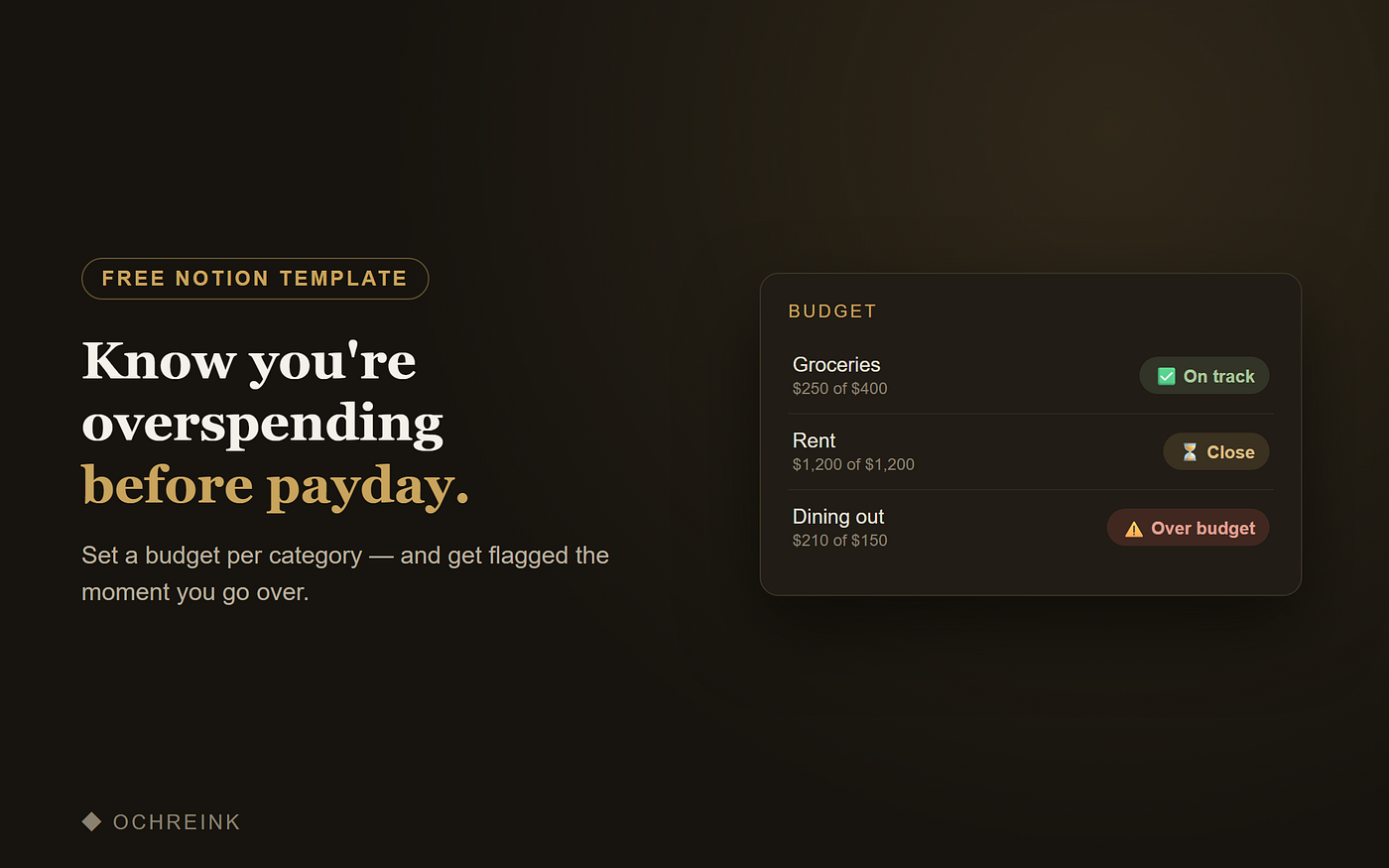
I got tired of that, so I built the simplest possible fix inside Notion: a budget table where each category flags itself the moment it goes over — and warns you a little before that. No math, no month-end review, no bank login. The row just changes color while there’s still time to do something about it.
Here’s how to build the whole thing. It’s one formula. (And if you’d rather skip the build, there’s a free ready-made version at the end.)
The system: three states, zero thinking
Every spending category you track is only ever in one of three states:
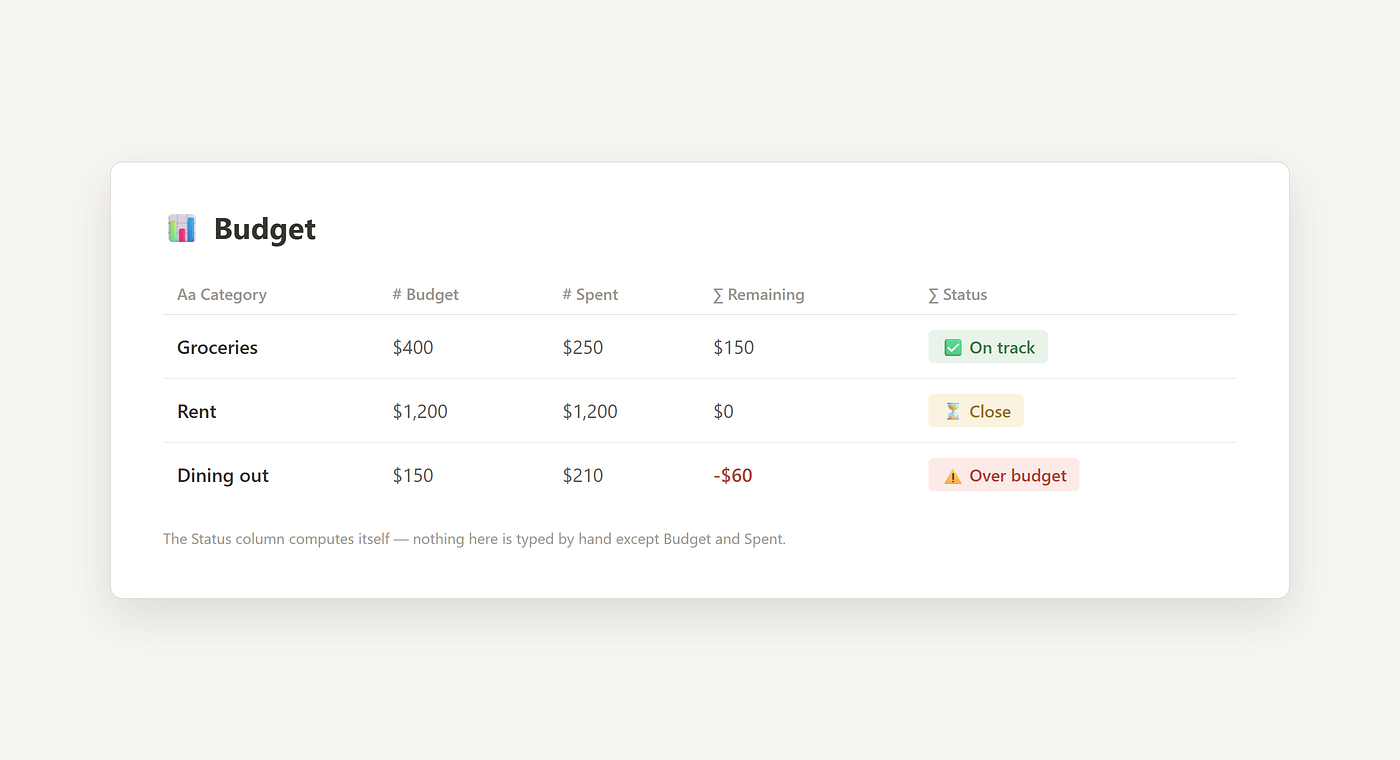
✅ On track — you’ve spent comfortably less than you planned. Ignore it. ⏳ Close — you’ve used 90% or more of the budget. Slow down. ⚠️ Over budget — you’ve crossed the line. Time to notice, not next month, now.
The point is that you should never have to calculate which state you’re in. The numbers already know. Your only job is to log what you spend.
Build it in Notion (5 minutes)
Create a table with these properties:
- Category (title) — Groceries, Rent, Dining out, whatever matters to you
- Budget (number) — what you plan to spend this month
- Spent (number) — what you’ve actually spent so far
- Status (formula) — the part that does the thinking
Then paste this into the formula property:
if(prop(“Spent”) > prop(“Budget”), “⚠️ Over budget”, if(prop(“Spent”) >= prop(“Budget”) * 0.9, “⏳ Close”, “✅ On track”))
(One practical note: if you’re copying this into Notion, make sure the quote marks stay straight “ marks — Medium’s editor converts them to curly ones automatically, and Notion’s formulas only accept the straight version.)
Here’s what it does:
If you’ve spent more than the budget → ⚠️ Over budget. Immediately, automatically. If you’ve spent 90% or more → ⏳ Close. This is the early warning — the part your bank app never gives you. Otherwise → ✅ On track.
That 90% threshold is the quiet hero of the system. “Over budget” is information you get after the mistake. “Close” is information you get before it — early enough to skip one dinner out instead of regretting five.
If you want a bonus column, add Remaining as a second formula: prop(“Budget”) — prop(“Spent”). Now each category also shows exactly how many dollars of room you have left.
Two small habits that make it actually work
Log spending in ten-second sessions, not big catch-ups. The system dies the day updating it feels like homework. Add to the Spent number when you’re waiting for coffee, standing in line, on the train. Small and often beats complete and never.
Reset monthly, keep the history. At the start of each month, duplicate the page (or zero out the Spent column) and archive last month’s copy. After three months you’ll have something most budgeting apps never really give you: an honest record of where your money actually goes, in categories you chose yourself.
Why a flag beats a budgeting app
I tried the apps. They want your bank login, they auto-categorize a hardware-store purchase as “Entertainment,” and they show you forty categories when you care about six.
A flag in a table you own is different. There’s no sync to break, no privacy trade, no algorithm guessing what your life looks like. You define the categories, you type the numbers, and the only “feature” is the one that matters: a clear signal, before payday, telling you whether you’re fine or not.
If you’d rather not build it
I packaged this exact system — the table, the formula, the 90% early warning, three example rows so you can see all three flags working — as a free Notion template. It’s also featured on Notion’s official template marketplace. Duplicate it, set your budgets, and you’re running in about a minute:
Get the free Monthly Budget Tracker here: https://okyan.gumroad.com/l/budget-tracker
It’s the lite version of a fuller budget-and-expenses system I use, but the free one alone ends the end-of-month bank-app surprise. That was the whole point.
Freelancer? The same flag trick works for invoices too — I wrote about that here: The Overdue Flag: A Tiny Notion Formula That Tells You Who Still Owes You Money
One honest note: this is an organizational tool, not financial, accounting, or tax advice. For decisions about your money, talk to a professional.
메타데이터
- post_id
- e1c5ff03958f
- slug
- the-over-budget-flag-a-tiny-notion-formula-that-warns-you-before-the-month-runs-out-e1c5ff03958f
- url
- https://medium.com/@okyan2/the-over-budget-flag-a-tiny-notion-formula-that-warns-you-before-the-month-runs-out-e1c5ff03958f
- canonical_url
- https://medium.com/@okyan2/the-over-budget-flag-a-tiny-notion-formula-that-warns-you-before-the-month-runs-out-e1c5ff03958f
- author_url
- https://medium.com/@okyan2
- status
- ok
- fetched_at
- 2026-07-10 03:02:36





