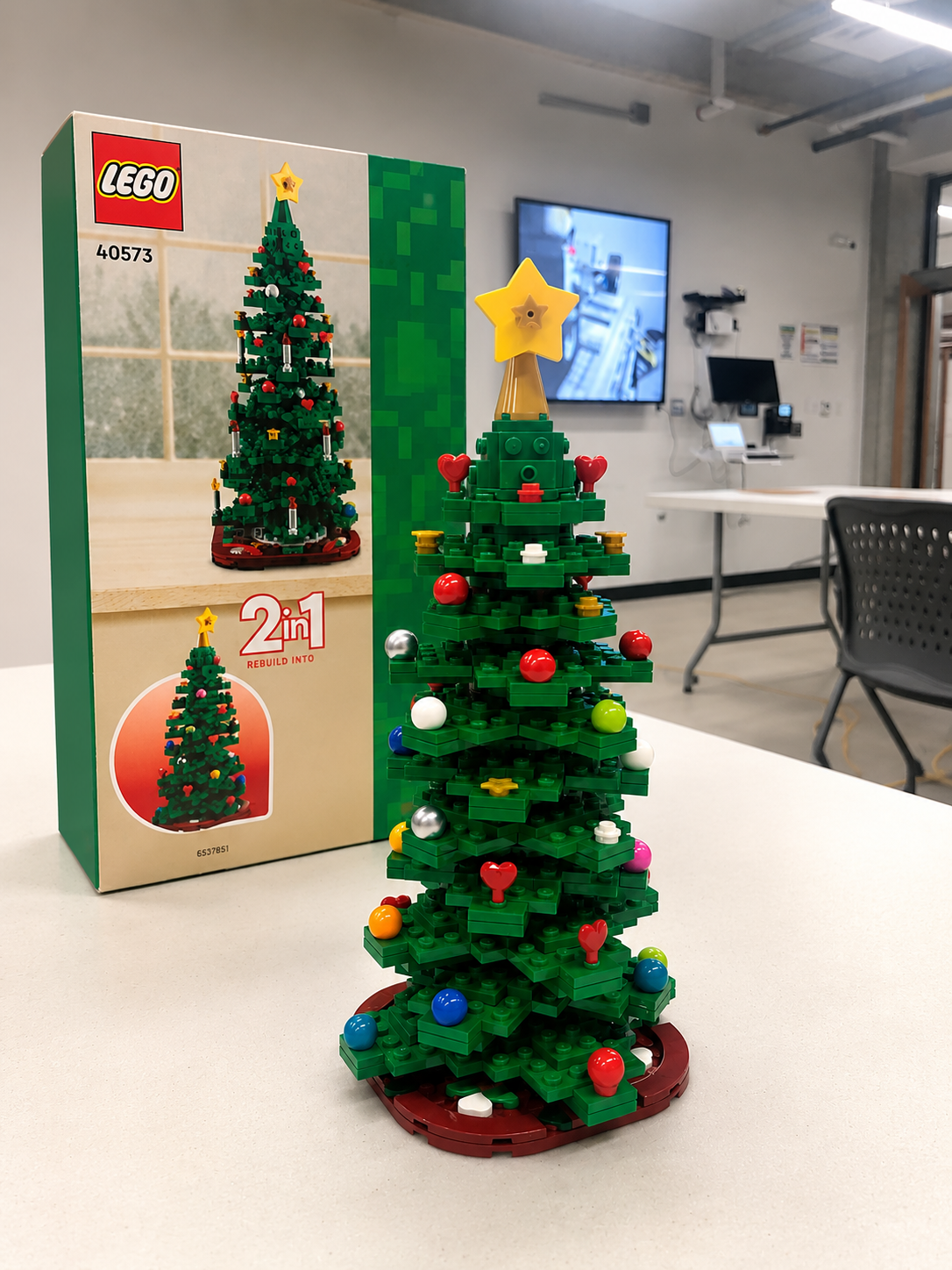
How I Built a LEGO Color Matching Tool for a Smart City Project — Brick MMO
When most people hear “LEGO” and “developer” in the same sentence, they picture someone stress-building a Millennium Falcon. But for me…
How I Built a LEGO Color Matching Tool for a Smart City Project — Brick MMO
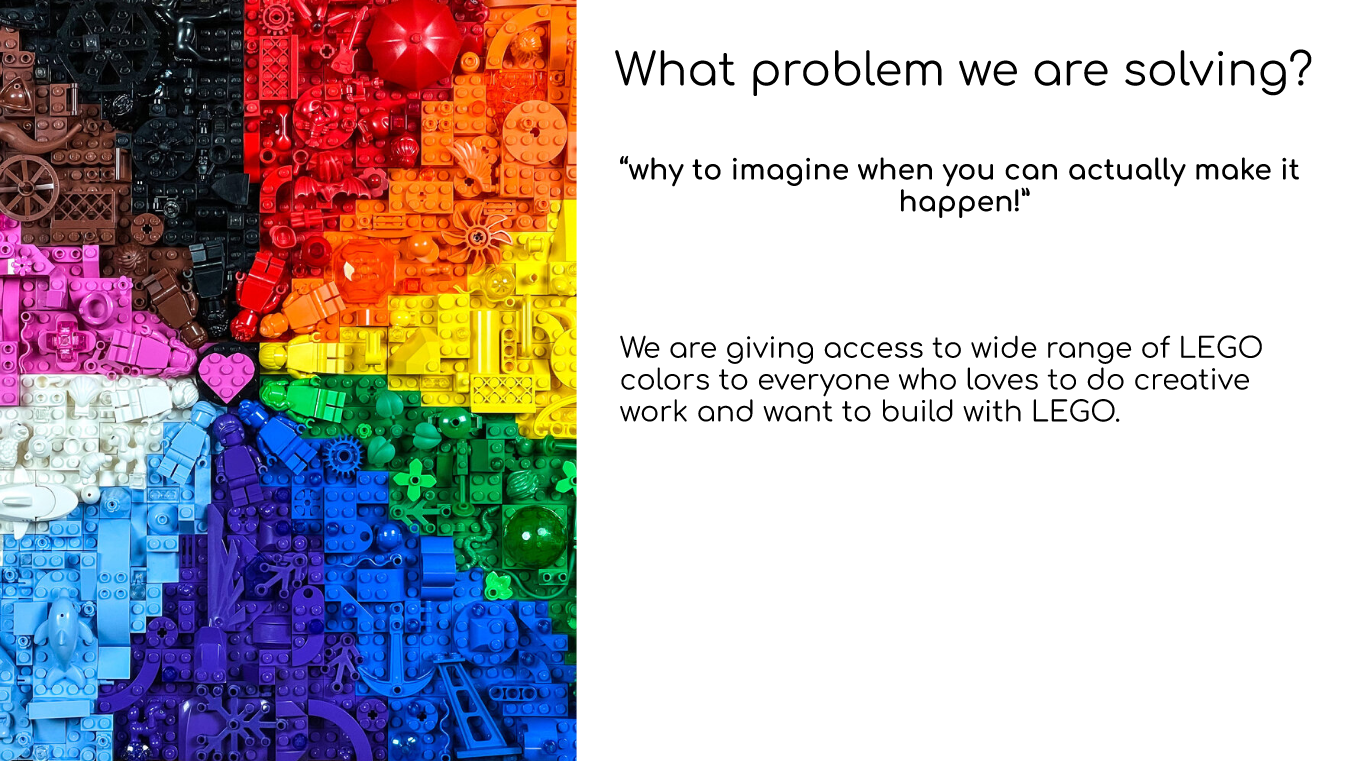
an engaging slide from my presentation
When most people hear “LEGO” and “developer” in the same sentence, they picture someone stress-building a Millennium Falcon. But for me, LEGO became one of the most genuinely interesting technical challenges I worked on during my time at college — and it taught me more about API design, database architecture, and search logic than most textbook projects ever could.
Let me tell you about BrickMMO.
What Was BrickMMO?
BrickMMO was a college-funded project where we took a physical LEGO city and converted it into a smart city. GPS, radio, sensors, Raspberry Pi — the whole thing. It was one of those rare projects where you’re writing code that actually controls something in the real world, not just rendering data in a browser.
I was part of the core development team, and my specific ownership was the LEGO color matching web application. And that came with a problem that sounds simple until you actually try to solve it.
The Problem: You Can’t Pixelate Without Colors
One of BrickMMO’s features was Pixelate — a system that converts pictures and videos into LEGO pieces. Think of it like turning any image into a mosaic made entirely of LEGO bricks.
But here’s the thing: to convert any image into LEGO, you need to know exactly what colors LEGO actually makes. You can’t just use any RGB value. You’re constrained to the real physical colors that exist in LEGO’s catalog — and that list is more complex than you’d think.
Each color has a name, an RGB value, a transparency flag, a BrickLink ID, a description, and a LEGO ID. Without a clean, searchable database of all of that, Pixelate simply couldn’t function. It would have no reference point to map real-world colors to actual LEGO pieces.
That was my problem to solve.
The Stack I Chose and Why
I went with Laravel for the backend, React.js for the frontend, and MySQL for the database.
Laravel made sense because of how cleanly it handles RESTful APIs and database interactions. I needed to pull data from the LEGO API, process it, store it, and then serve it to the frontend — Laravel’s structure made that pipeline straightforward to reason about. React on the frontend gave me the flexibility to build a responsive, dynamic search experience without page reloads slowing things down.
The decision I spent the most time on was the database design. The LEGO API is deep. I mean genuinely deep — nested loops inside nested loops deep. I had to figure out exactly which fields mattered, how they related to each other, and how to structure the database so that queries would be fast and the data would stay clean.
The Hardest Part: Taming a Nested API
If you’ve ever worked with a deeply nested API, you know the feeling. You start pulling data, and you realize the thing you actually need is three levels down inside another object, which is inside another array, which is inside the main response.
That was the LEGO API.
I had to write logic that went from the outer loop, into the first inner loop, into another inner loop — and at each level I was filtering, extracting, and mapping only the fields I needed. Getting that pipeline right and making sure nothing was dropped or duplicated took real time.
The other challenge was the sync logic. I didn’t want a static database that went stale the moment LEGO added new colors. So I built an automated refresh system — whenever the LEGO API had new colors added, the database would detect them and store them without any manual intervention. That meant the color library was always up to date without anyone having to think about it.
Building Search That Actually Works
Once the database was populated, the frontend needed a search feature. Simple enough, right?
Not quite.
The challenge was building a search algorithm that could find a color by partial name — so if someone typed “dark b”, it would surface “Dark Blue”, “Dark Brown”, “Dark Bluish Gray” and so on in real time. I had to develop the matching logic carefully so it wasn’t just doing a rigid exact match, but also wasn’t returning so many results it became useless.
Getting that balance right took more iteration than I expected. But when it worked cleanly — when you could type a fragment and immediately see the right colors surface — it felt genuinely satisfying.
What I’d Do Differently Today
Honestly? The frontend design. It worked, but it wasn’t something I was proud of visually. If I rebuilt this today I’d put proper thought into the UI — better layout, smoother animations, more visual feedback when colors load or match. The logic underneath was solid. The presentation deserved better.
I’d also add error handling for API downtime. At the time, if the LEGO API was unavailable the sync would just fail silently. Today I’d build a retry mechanism with proper logging so failures don’t disappear into the void.
What BrickMMO Taught Me
Working on a funded institutional project with real moving parts — physical hardware, multiple subsystems, a team with different responsibilities — is a completely different experience from building something solo for a grade.
You make decisions knowing other people’s work depends on yours. The Pixelate system couldn’t function without clean color data. That dependency made every design decision feel real in a way that solo projects don’t always replicate.
It also taught me that the “boring” parts of a project — database schema design, API parsing logic, search algorithms — are often where the most interesting problems live. Nobody sees them. But everything breaks without them.
If you want to check out the project, you can find it on my GitHub or visit BrickMMO directly to see what the full project looked like.
BrickMMO had a lot more going on beyond the color matching tool — sensors, Raspberry Pi, GPS, radio, and a full smart city interface all working together. I’ll be getting into the rest of it in my next post.
— Udip
메타데이터
- post_id
- e1dff59f1ccd
- slug
- how-i-built-a-lego-color-matching-tool-for-a-smart-city-project-brick-mmo-e1dff59f1ccd
- url
- https://medium.com/@dpschzgk/how-i-built-a-lego-color-matching-tool-for-a-smart-city-project-brick-mmo-e1dff59f1ccd
- canonical_url
- https://medium.com/@dpschzgk/how-i-built-a-lego-color-matching-tool-for-a-smart-city-project-brick-mmo-e1dff59f1ccd
- author_url
- https://medium.com/@dpschzgk
- status
- ok
- fetched_at
- 2026-06-20 20:29:01