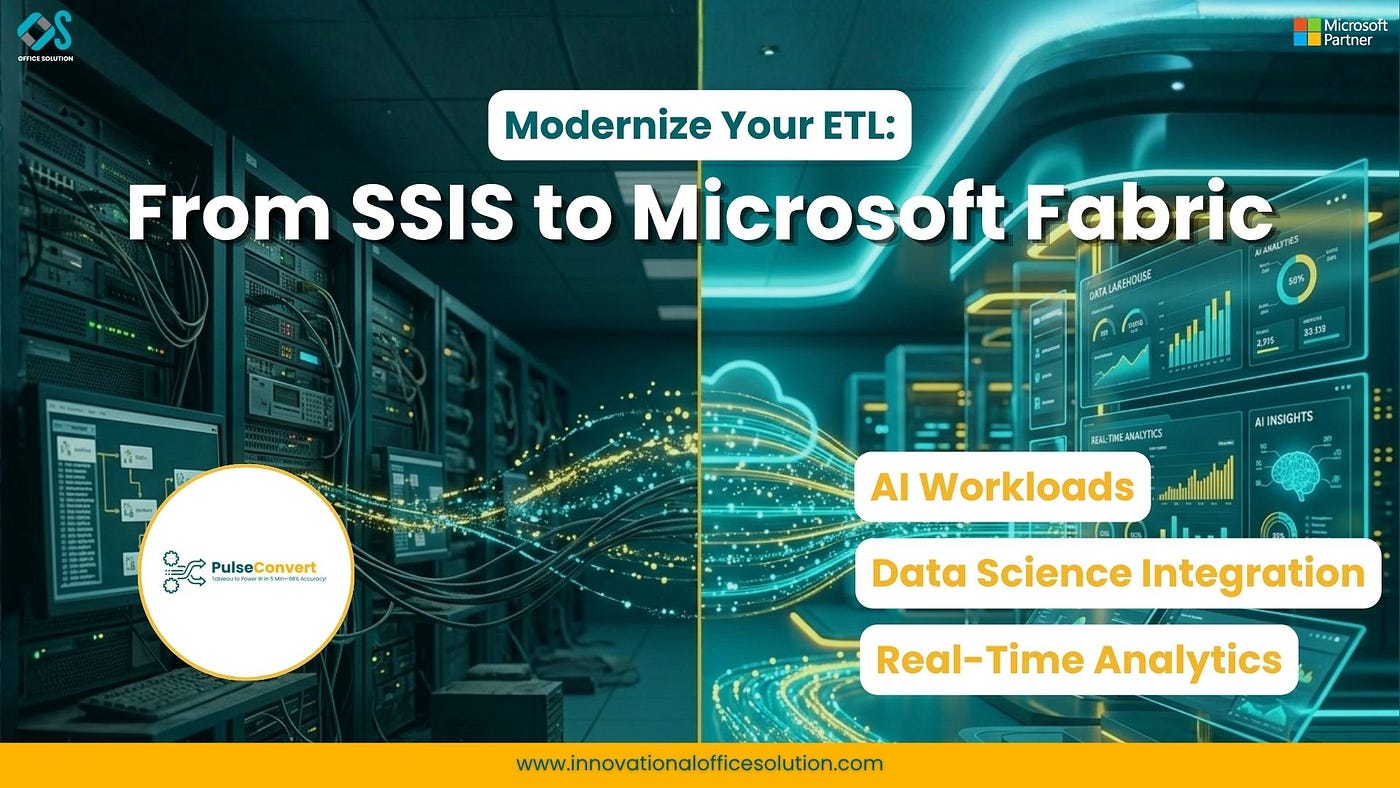
Beyond the Package: A Master Guide to Migrating SSIS to Microsoft Fabric
The data engineering landscape is currently undergoing its most significant shift in a generation. For nearly two decades, SSIS has been…
Beyond the Package: A Master Guide to Migrating SSIS to Microsoft Fabric
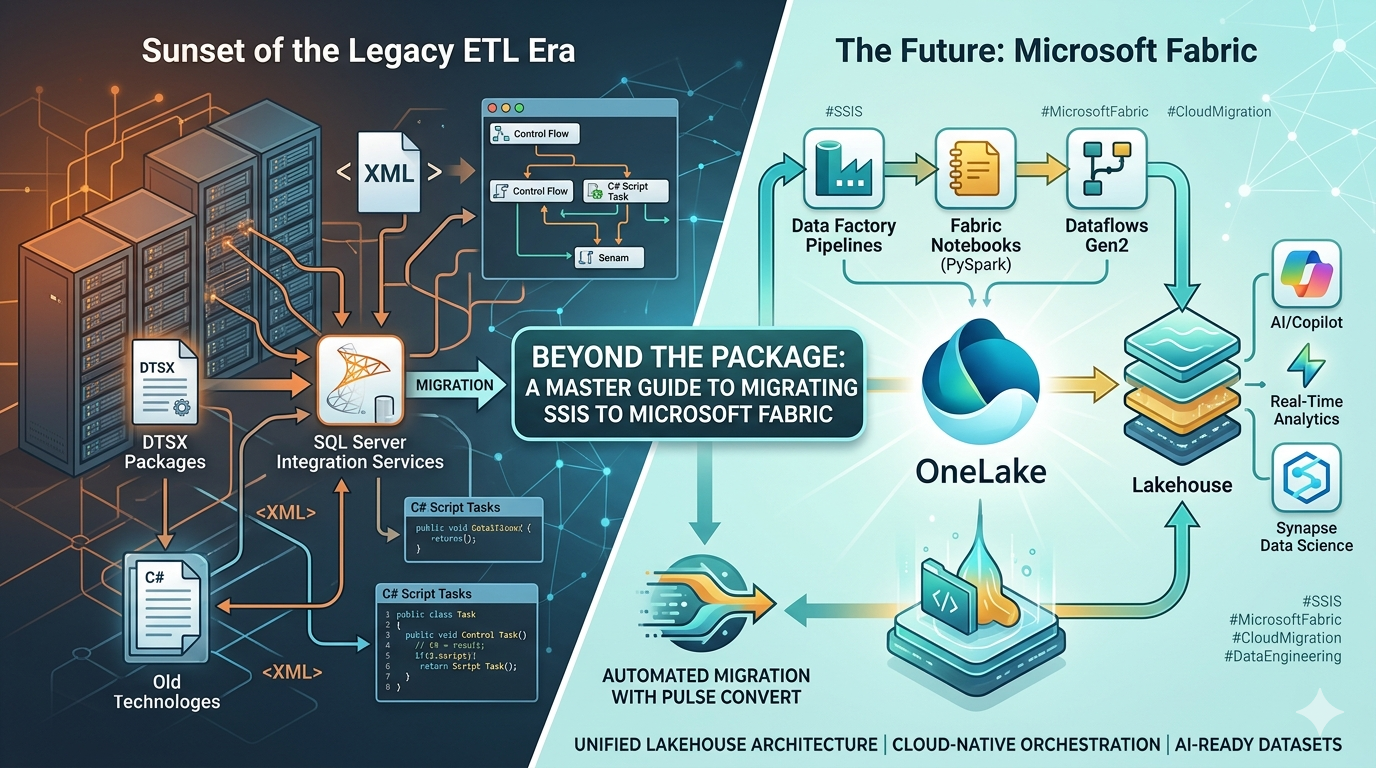
The data engineering landscape is currently undergoing its most significant shift in a generation. For nearly two decades, **SSIS **has been the undisputed backbone of enterprise ETL. It was built for a world of structured data, local servers, and nightly batch windows.
But as we navigate 2026, the “nightly batch” is no longer enough. The modern enterprise demands real-time ingestion, AI-ready datasets, and a serverless footprint.
Moving your workloads to **Microsoft Fabric** is not just about changing where your data flows; it is about fundamentally upgrading your organization’s analytical DNA. This guide provides an exhaustive look at why, how, and when to make the leap from legacy DTSX packages to a unified Lakehouse architecture.
The Sunset of the Legacy ETL Era
SQL Server Integration Services was revolutionary when it launched. It gave developers a visual way to map data and handle complex control flows. However, in a cloud-first world, SSIS has started to show its age. Maintaining a dedicated SQL Server just to run a catalog of packages is expensive and creates a massive infrastructure bottleneck.
When you migrate to Fabric, you are moving away from managed servers and toward Cloud-Native Orchestration. Fabric Data Factory allows you to orchestrate pipelines that scale automatically. You no longer need to worry about “running out of memory” during a heavy join or “disk space” on the integration server. Fabric handles the heavy lifting, allowing your engineers to focus on logic rather than maintenance.
Why Microsoft Fabric is the Ultimate Landing Zone
Fabric is not just a replacement for your ETL tool; it is a consolidation of your entire data stack. Here is why it stands superior to legacy on-premises environments:
1. The Power of a Serverless Spark Engine
In the old world, if an SSIS package grew too large, you had to upgrade your hardware. In Fabric, you leverage Spark. Whether you are processing a few thousand rows or several petabytes, the Spark engine scales horizontally. You get the power of distributed computing without ever having to configure a cluster.
2. Unified Lakehouse Architecture via OneLake
Silos are the enemy of insight. SSIS often moved data from one silo (Excel) to another (SQL Server). Fabric utilizes OneLake, often described as the “OneDrive for Data.” Once your SSIS packages are migrated into Fabric pipelines, the data lands in a unified Delta format. This means your data scientists, BI analysts, and app developers are all looking at the exact same file in real-time.
3. Reduced Infrastructure and Licensing Costs
Maintaining SQL Server licenses just for ETL is a drain on the budget. By moving to Fabric’s capacity model, you pay only for what you use. You eliminate the need for SQL Agent jobs, SSISDB maintenance, and the constant patching of integration servers.
The Technical Hurdles of Migration
Let’s be honest: migrating SSIS is not as simple as “save as” to the cloud. There are deep technical challenges that have traditionally made these projects take months, if not years.
The DTSX Complexity
SSIS packages (DTSX files) are XML-based and highly proprietary. They contain complex control flow logic — like For-Each loops, Sequence Containers, and Event Handlers — that don’t always have a 1:1 “button click” equivalent in cloud pipelines.
Script Tasks and Custom Code
Many legacy SSIS environments rely heavily on C# or VB.NET Script Tasks. These scripts often perform complex file system operations or call external APIs. Migrating these requires translating that logic into Python (PySpark) or Fabric Notebooks. While this modernization results in cleaner code, the initial translation is a major hurdle.
Transformation Logic Parity
Ensuring that a “Lookup” or a “Derived Column” expression in SSIS produces the exact same result in a Fabric Dataflow or Spark job is critical. If your financial totals differ by even a fraction of a cent due to different rounding logic between SQL and Spark, the migration will lose the trust of the business.
A Structured 4-Step Migration Framework
To ensure a high-integrity transition, we utilize a proven framework designed for the complexities of 2026 data estates.
Step 1: Deep-Dive Assessment
You cannot move what you do not understand. We begin by taking a complete inventory of every SSIS package and SQL Agent job in your environment. We look for:
- Unused or “Orphan” packages that can be retired.
- Hard-coded connection strings that need to be moved to Key Vaults.
- Complex dependencies where one package triggers five others.
Step 2: Conversion Strategy and Mapping
Once we have the inventory, we map each SSIS component to its Fabric equivalent.
- Simple Data Flows move to Dataflows Gen2.
- Complex Orchestration moves to Fabric Pipelines.
- High-Volume Logic moves to Spark Notebooks.
Step 3: Workflow Optimization
This is where we improve the logic. We don’t just “lift and shift”; we “lift and modernize.” We replace slow, row-by-row SSIS processing with set-based Spark operations. We utilize PySpark to handle the heavy lifting that used to crash your integration servers.
Step 4: Validation and Scalability Testing
Before the “Go-Live,” we run performance parity tests. We ensure that the new Fabric pipelines run faster and produce identical results to the legacy system. We set up monitoring within the Fabric portal so you have a single view of all your data health.
The Pulse Convert Advantage: Automated Migration
Manual redevelopment is the biggest risk to your timeline. If you have 1,000 SSIS packages, a manual rebuild could take your team three years. This is where Pulse Convert changes the game.
Pulse Convert is an automation engine specifically built to read SSIS metadata and generate Fabric-ready components.
- Automated Translation: It maps control flows to pipelines and data flows to notebooks.
- Logic Preservation: It ensures that your complex transformations are translated without human error.
- Massive Speed: Projects that used to take years are now completed in months.
For more technical details on the automated engine, visit: https://innovationalofficesolution.com/ssis-to-microsoft-fabric-migration/
Future-Proofing for AI and Real-Time Analytics
Why bother with all this work? Because the future of your company depends on AI Workloads. You cannot run a modern LLM (Large Language Model) or a predictive AI model on data trapped in a legacy SSIS package.
By migrating to Fabric, your data is instantly available for:
- Data Science Integration: Use Synapse Data Science to build models directly on your ETL output.
- Real-Time Analytics: Ingest streaming data alongside your batch data for a 360-degree view.
- AI-Driven Insights: Use Copilot in Fabric to generate code and analyze trends using natural language.
Conclusion: The Time to Act is Now
The era of managed ETL servers is coming to a close. To stay competitive in 2026, your data must be fluid, governed, and ready for the next wave of AI. Migrating from SSIS to Microsoft Fabric is the strategic move that turns your data from a cost center into a value engine.
Ready to see how your legacy packages look in the cloud? Start your journey
Don’t let legacy architecture hold your innovation hostage. Our experts are ready to guide your transition from the first assessment to the final deployment.
Contact us: to start your modernization today: https://innovationalofficesolution.com/contact/
SSIStoFabric #SSIStoMicrosoftFabric #DataEngineering #CloudMigration #PulseConvert #DataFactory #OneLake #ETL #ModernDataStack #DataScience #DataTransformation #Azure #TechModernization #OfficeSolutionAILabs
메타데이터
- post_id
- e230bca274f2
- slug
- beyond-the-package-a-master-guide-to-migrating-ssis-to-microsoft-fabric-e230bca274f2
- url
- https://medium.com/@listingofficesolution/beyond-the-package-a-master-guide-to-migrating-ssis-to-microsoft-fabric-e230bca274f2
- canonical_url
- https://medium.com/@listingofficesolution/beyond-the-package-a-master-guide-to-migrating-ssis-to-microsoft-fabric-e230bca274f2
- author_url
- https://medium.com/@listingofficesolution
- status
- ok
- fetched_at
- 2026-07-27 07:13:47