Upgrade Ceph Storage from Squid to Tentacle Using Cephadm
Ceph v20 Tentacle isn’t just about more storage; it’s about smarter storage. By maturing the Crimson engine for NVMe and refining the PG…
Upgrade Ceph Storage from Squid to Tentacle Using Cephadm
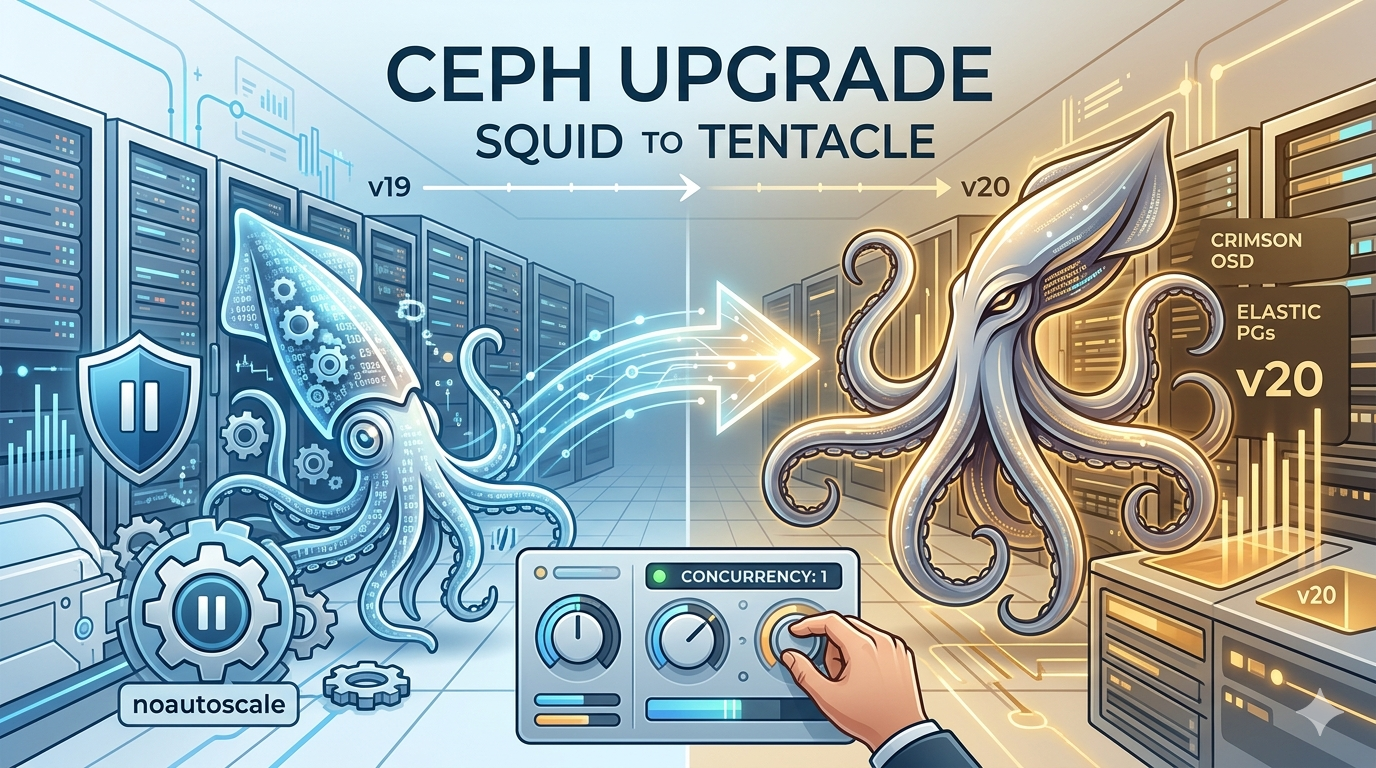
Ceph v20 **Tentacle isn’t just about more storage; it’s about smarter** storage. By maturing the Crimson engine for NVMe and refining the PG Autoscaler, Tentacle eliminates the manual tuning toil that used to define Ceph administration. It’s faster, greener, and more autonomous than any release before it.
Lab Setup
Ceph Upgrade Method
In a production environment, I prefer a granular, manual approach to upgrades. Rather than handing total control over to the orchestrator, I update each component piecemeal to maintain full visibility and intervention power at every stage.
cephadm is powerful, the “manual-serial” method (using --limit 1 and --daemon-types) is the "Gold Standard" for administrators who prioritize uptime over speed.
Ceph Upgrade Order
mgr -> mon -> crash -> osd -> mds -> rgw -> rbd-mirror -> cephfs-mirror -> ceph-exporter -> iscsi -> nfs -> nvmeofStep #0 (Prerequisite)
Pre-Upgrade Shield flags, Before touching the binaries, you must prevent the cluster from reacting to the temporary service restarts.
ceph osd set noout
ceph osd set noscrub
ceph osd set nodeep-scrub
ceph osd set noautoscale
ceph osd set norebalance
Verify cluster health is HEALTH_OK. Ensure no OSDs are down; if they are, mark them out to stabilize the cluster before starting the upgrade process
[root@ceph01 ~]# ceph version
ceph version 19.2.3 (c92aebb279828e9c3c1f5d24613efca272649e62) squid (stable)

[root@ceph01 ~]# ceph -s
  cluster:
    id:     a8da70c2-4593-11f1-ace2-bc2411c15f24
    health: HEALTH_OK

  services:
    mon: 5 daemons, quorum ceph01,ceph02,ceph03,ceph04,ceph05 (age 2d)
    mgr: ceph01.lwvojg(active, since 2d), standbys: ceph02.rvrtqi
    osd: 12 osds: 12 up (since 2d), 12 in (since 2d)

  data:
    pools:   2 pools, 65 pgs
    objects: 13.34k objects, 52 GiB
    usage:   110 GiB used, 490 GiB / 600 GiB avail
    pgs:     65 active+clean
Step #1 (MGR)
First upgrade mgr, I'm going to use to see what happened --limit 1
$ ceph orch upgrade start --ceph-version 20.2.1 --daemon-types mgr --limit 1
Initiating upgrade to quay.io/ceph/ceph:v20.2.1
Validation, if you noticed it just upgrdated single mgr daemon instead or both.
$ ceph orch ps --daemon-type mgr
NAME               HOST    PORTS             STATUS        REFRESHED  AGE  MEM USE  MEM LIM  VERSION  IMAGE ID      CONTAINER ID
mgr.ceph01.lwvojg  ceph01  *:8443,9283,8765  running (2d)    44s ago   5d     742M        -  19.2.3   aade1b12b8e6  692e099c6fc9
mgr.ceph02.rvrtqi  ceph02  *:8443,9283,8765  running (8m)     8m ago   5d    81.4M        -  20.2.1   fb63cba66eea  78a538cf964e
Let’s run same upgrade command again
$ ceph orch upgrade start --ceph-version 20.2.1 --daemon-types mgr --limit 1
Initiating upgrade to quay.io/ceph/ceph:v20.2.1
This time it did the second one also. (You can see how limit is helpful here and giving you full control of upgrading each components one by one)
Validate again, Great!!!
$ ceph orch ps --daemon-type mgr
NAME               HOST    PORTS             STATUS        REFRESHED  AGE  MEM USE  MEM LIM  VERSION  IMAGE ID      CONTAINER ID
mgr.ceph01.lwvojg  ceph01  *:8443,9283,8765  running (2m)     1s ago   5d     563M        -  20.2.1   fb63cba66eea  34621edce372
mgr.ceph02.rvrtqi  ceph02  *:8443,9283,8765  running (2m)    27s ago   5d     487M        -  20.2.1   fb63cba66eea  1c88245011a5
Step #2 (MON)
Let’s upgrade mon. (This time I am not going to use --limit 1 )
$ ceph orch upgrade start --ceph-version 20.2.1 --daemon-types mon
Initiating upgrade to quay.io/ceph/ceph:v20.2.1
Validate, all daemon has been upgrdared in single shot. Make sure you are watch watch -n1 ceph -scommand output in second terminal for any red flags.
$ ceph orch ps --daemon-type mon
NAME        HOST    PORTS  STATUS         REFRESHED  AGE  MEM USE  MEM LIM  VERSION  IMAGE ID      CONTAINER ID
mon.ceph01  ceph01         running (4m)      4m ago   5d    32.0M    2048M  20.2.1   fb63cba66eea  3478127faee8
mon.ceph02  ceph02         running (4m)      4m ago   5d    20.0M    2048M  20.2.1   fb63cba66eea  8b917da55a32
mon.ceph03  ceph03         running (2m)      2m ago   5d    23.3M    2048M  20.2.1   fb63cba66eea  c6fe16e713c8
mon.ceph04  ceph04         running (24s)    22s ago   4d    19.7M    2048M  20.2.1   fb63cba66eea  56b32c61aca7
mon.ceph05  ceph05         running (16s)     8s ago   4d    23.2M    2048M  20.2.1   fb63cba66eea  d99684a7bd72
Step #3 (CRASH)
Let’s go by order and upgrade crash, This is going to be easiest one.
$ ceph orch upgrade start --ceph-version 20.2.1 --daemon-types crash
Initiating upgrade to quay.io/ceph/ceph:v20.2.1
Boom!!! so far so good.
$ ceph orch ps --daemon-type crash
NAME          HOST    PORTS  STATUS         REFRESHED  AGE  MEM USE  MEM LIM  VERSION  IMAGE ID      CONTAINER ID
crash.ceph01  ceph01         running (53s)    36s ago   5d    7591k        -  20.2.1   fb63cba66eea  f74b94646132
crash.ceph02  ceph02         running (50s)    37s ago   5d    7612k        -  20.2.1   fb63cba66eea  f61ef4d62dc5
crash.ceph03  ceph03         running (47s)    37s ago   5d    7612k        -  20.2.1   fb63cba66eea  2e5a18f82be5
crash.ceph04  ceph04         running (45s)    37s ago   4d    7604k        -  20.2.1   fb63cba66eea  683339ce0681
crash.ceph05  ceph05         running (42s)    37s ago   4d    7620k        -  20.2.1   fb63cba66eea  2df4f468826b
crash.ceph06  ceph06         running (39s)    37s ago   4d    8070k        -  20.2.1   fb63cba66eea  fbcb2d1f9ba4
Step #4 (OSDs)
Finally, This is the meat of Ceph storage.
$ ceph orch upgrade start --ceph-version 20.2.1 --daemon-types osd
Initiating upgrade to quay.io/ceph/ceph:v20.2.1
Validates, Depending on your cluster size and OSD count, this phase might take a while. Hold your horses here; rushing a storage upgrade is never a good idea.
$ ceph orch ps --daemon-type osd
NAME    HOST    PORTS  STATUS         REFRESHED  AGE  MEM USE  MEM LIM  VERSION  IMAGE ID      CONTAINER ID
osd.0   ceph01         running (51m)     8m ago   5d     348M    4096M  20.2.1   fb63cba66eea  576453aa447f
osd.1   ceph02         running (51m)     8m ago   5d     507M    4096M  20.2.1   fb63cba66eea  8cca68e487ef
osd.2   ceph03         running (51m)     8m ago   5d     468M    1087M  20.2.1   fb63cba66eea  a04e5f647b54
osd.3   ceph03         running (51m)     8m ago   5d     629M    1087M  20.2.1   fb63cba66eea  6d76b8dee3c4
osd.4   ceph01         running (51m)     8m ago   5d     687M    4096M  20.2.1   fb63cba66eea  87b350396906
osd.5   ceph02         running (51m)     8m ago   5d     503M    4096M  20.2.1   fb63cba66eea  b781bf595850
osd.6   ceph05         running (50m)     8m ago   4d     445M    1087M  20.2.1   fb63cba66eea  1988dff71154
osd.7   ceph06         running (50m)     8m ago   4d     443M    1599M  20.2.1   fb63cba66eea  1e8d49c21408
osd.8   ceph04         running (50m)     8m ago   4d     603M    1089M  20.2.1   fb63cba66eea  655dfa5904ce
osd.9   ceph05         running (50m)     8m ago   4d     598M    1087M  20.2.1   fb63cba66eea  95f05ccc41ca
osd.10  ceph06         running (49m)     8m ago   4d     472M    1599M  20.2.1   fb63cba66eea  a35f33349183
osd.11  ceph04         running (50m)     8m ago   4d     373M    1089M  20.2.1   fb63cba66eea  ce296d577369
Final step
I don’t have other compoents in cluster so this is going to be my final step.
This command tells the cluster that it no longer needs to maintain backward compatibility with the older version (Squid). It enables new disk formats and protocol features specific to
$ ceph osd require-osd-release tentacleNow we can unsetall the flags and let the cluster do recovery
ceph osd unset noout
ceph osd unset norebalance
ceph osd unset noscrub
ceph osd unset nodeep-scrub
ceph osd unset noautoscale
Validations, Voila!!!
[root@ceph01 ~]# ceph -s
  cluster:
    id:     a8da70c2-4593-11f1-ace2-bc2411c15f24
    health: HEALTH_OK

  services:
    mon: 5 daemons, quorum ceph01,ceph02,ceph03,ceph04,ceph05 (age 13m) [leader: ceph01]
    mgr: ceph01.lwvojg(active, since 17m), standbys: ceph02.rvrtqi
    osd: 12 osds: 12 up (since 8m), 12 in (since 2d)

  data:
    pools:   2 pools, 65 pgs
    objects: 15.90k objects, 62 GiB
    usage:   129 GiB used, 471 GiB / 600 GiB avail
    pgs:     62 active+clean
             2  active+clean+scrubbing+deep
             1  active+clean+scrubbing

  io:
    client:   211 KiB/s rd, 233 KiB/s wr, 26 op/s rd, 28 op/s wr
$ ceph version
ceph version 20.2.1 (6a49aff47758778a5f5951e731d437c317f72fb2) tentacle (stable - RelWithDebInfo)Cephadm does this automatically, but running it ensures the UI doesn’t think an upgrade is still hanging. Its a good practice to do this.
ceph config-key set mgr/cephadm/upgrade_status '{"in_progress": false}'Checkout Shiny web user interfaces!!!

메타데이터
- post_id
- e27bf29cb7f4
- slug
- upgrade-ceph-storage-from-squid-to-tentacle-using-cephadm-e27bf29cb7f4
- url
- https://medium.com/@satishdotpatel/upgrade-ceph-storage-from-squid-to-tentacle-using-cephadm-e27bf29cb7f4
- canonical_url
- https://medium.com/@satishdotpatel/upgrade-ceph-storage-from-squid-to-tentacle-using-cephadm-e27bf29cb7f4
- author_url
- https://medium.com/@satishdotpatel
- status
- ok
- fetched_at
- 2026-06-15 20:49:13


