Building Scalable Access Management in Okta with User Groups and Group Rules
As organizations grow, managing user access manually becomes difficult and increases the risk of security gaps. In this lab, I explored how…
Building Scalable Access Management in Okta with User Groups and Group Rules
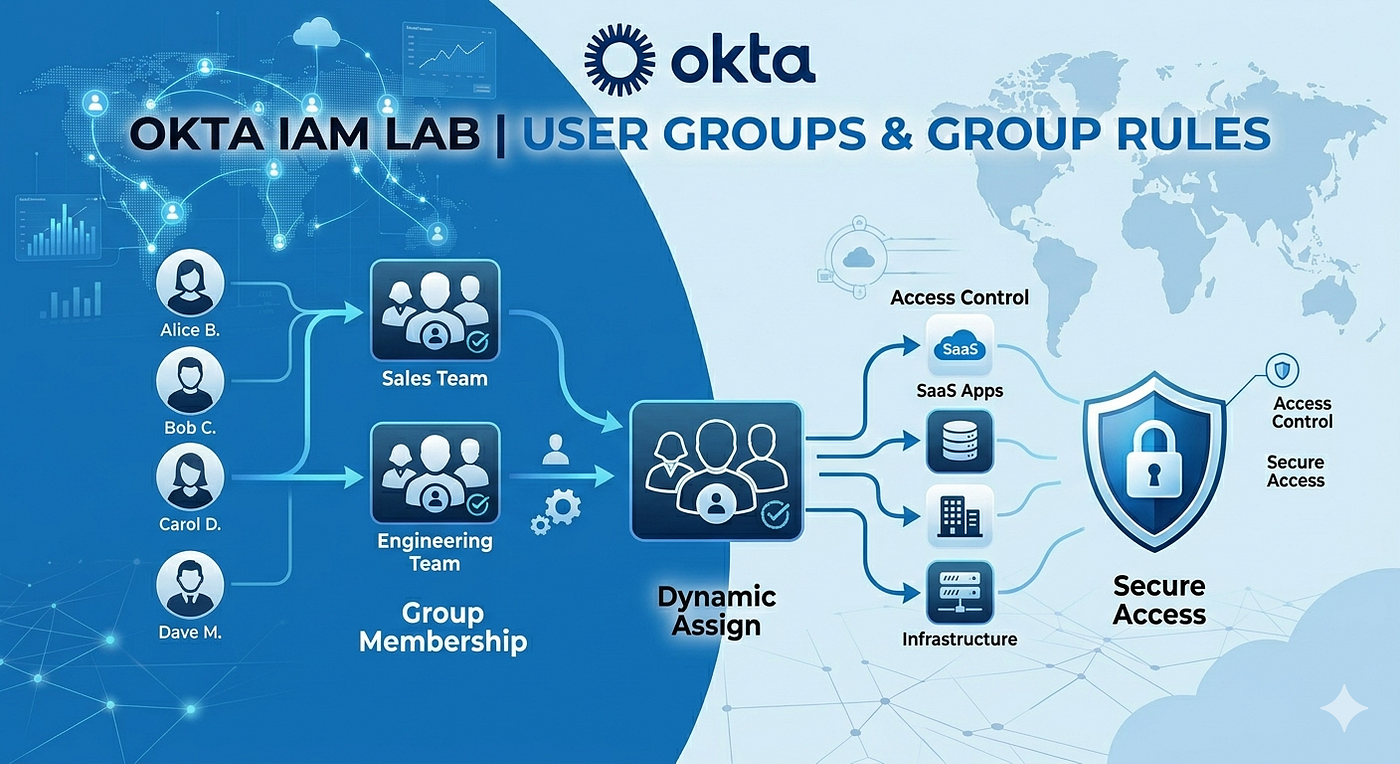
As organizations grow, managing user access manually becomes difficult and increases the risk of security gaps. In this lab, I explored how to efficiently organize users in Okta by creating groups and automating membership with Group Rules.
Project Overview
The goal of this project was to simplify identity and access management by:
- Creating user groups in Okta
- Assigning users to groups manually
- Automating group membership using Group Rules
- Reducing administrative overhead
- Improving consistency in access control
Scenario
Imagine a company called CloudTech Solutions with employees across multiple departments: Revenue, Intellectual Property, Finance, Accounting, Executives, and Finance and Accounting — Employees Only.
As new employees join the company, administrators must ensure they receive the correct application access based on their role and department. Manually assigning users to groups becomes time-consuming and can lead to mistakes.
To solve this challenge, Okta Groups and Group Rules were implemented to automate user organization and access management.
Environment
Platform: Okta Workforce Identity Cloud
Objectives:
- Create department-based groups
- Add users manually
- Configure dynamic group assignments
- Validate automated membership updates
Step 0: Manually upload a CSV file with users’ info.

Step 1: Create User Groups
Created the following groups:

These groups serve as containers for users who require similar permissions and access to applications.
Step 2: Add Users
Created test users with different department attributes:

Initially, users were manually assigned to their corresponding groups.
Step 3: Configure Group Rules
To automate administration, Group Rules were created using user profile attributes.
Example Rule:
If: Department = Accounting
Then: Add user to the Accounting group


Additional rules were created for the Executive, Accounting, and Revenue, etc.
Step 4: Validate Automation
After updating user attributes, Okta automatically placed users into the correct groups without administrator intervention.
Assigned three users to the Executives

Two users were added to the “Accounting” department

One person was added to the “Finance” department

Viewed the System log to confirm where the users added

Step 5: Role-Based Access Control (RBAC)

Step 6: Use the Okta Expression Language in a group rule
I need to create a group for Finance and Accounting — Employees Only. Users should be automatically added to this group based on their department and user type.

Bob Wong wasn’t added to the Finance and Accounting — Employees Only because he’s a contractor, not an FTE.

Bob Wong:

Security Benefits
Using Groups and Group Rules provides several advantages:
- Consistent access control
- Reduced risk of human error
- Faster onboarding process
- Improved compliance and auditing
- Simplified user lifecycle management
- Scalable identity governance
Key Takeaways
This lab demonstrated how Okta Groups and Group Rules can automate identity management tasks and improve operational efficiency. Instead of manually managing every user assignment, administrators can leverage user attributes to dynamically place users into the appropriate groups.
As organizations scale, automation becomes essential for maintaining secure and efficient access management processes.
Skills Demonstrated
- Identity and Access Management (IAM)
- User Provisioning
- Role-Based Access Control (RBAC)
- Okta Administration
- Group Management
- Access Governance
- Identity Automation
메타데이터
- post_id
- e3a4e3dd2b57
- slug
- building-scalable-access-management-in-okta-with-user-groups-and-group-rules-e3a4e3dd2b57
- url
- https://medium.com/@jlouis26/building-scalable-access-management-in-okta-with-user-groups-and-group-rules-e3a4e3dd2b57
- canonical_url
- https://medium.com/@jlouis26/building-scalable-access-management-in-okta-with-user-groups-and-group-rules-e3a4e3dd2b57
- author_url
- https://medium.com/@jlouis26
- status
- ok
- fetched_at
- 2026-06-20 20:29:01




