Shift-Left Multi-Cloud Development Build Locally, Save Cloud Costs, Ship Faster
Cloud-native development has transformed how we build applications, but it has also introduced a common challenge: developers often need…
Shift-Left Multi-Cloud Development Build Locally, Save Cloud Costs, Ship Faster
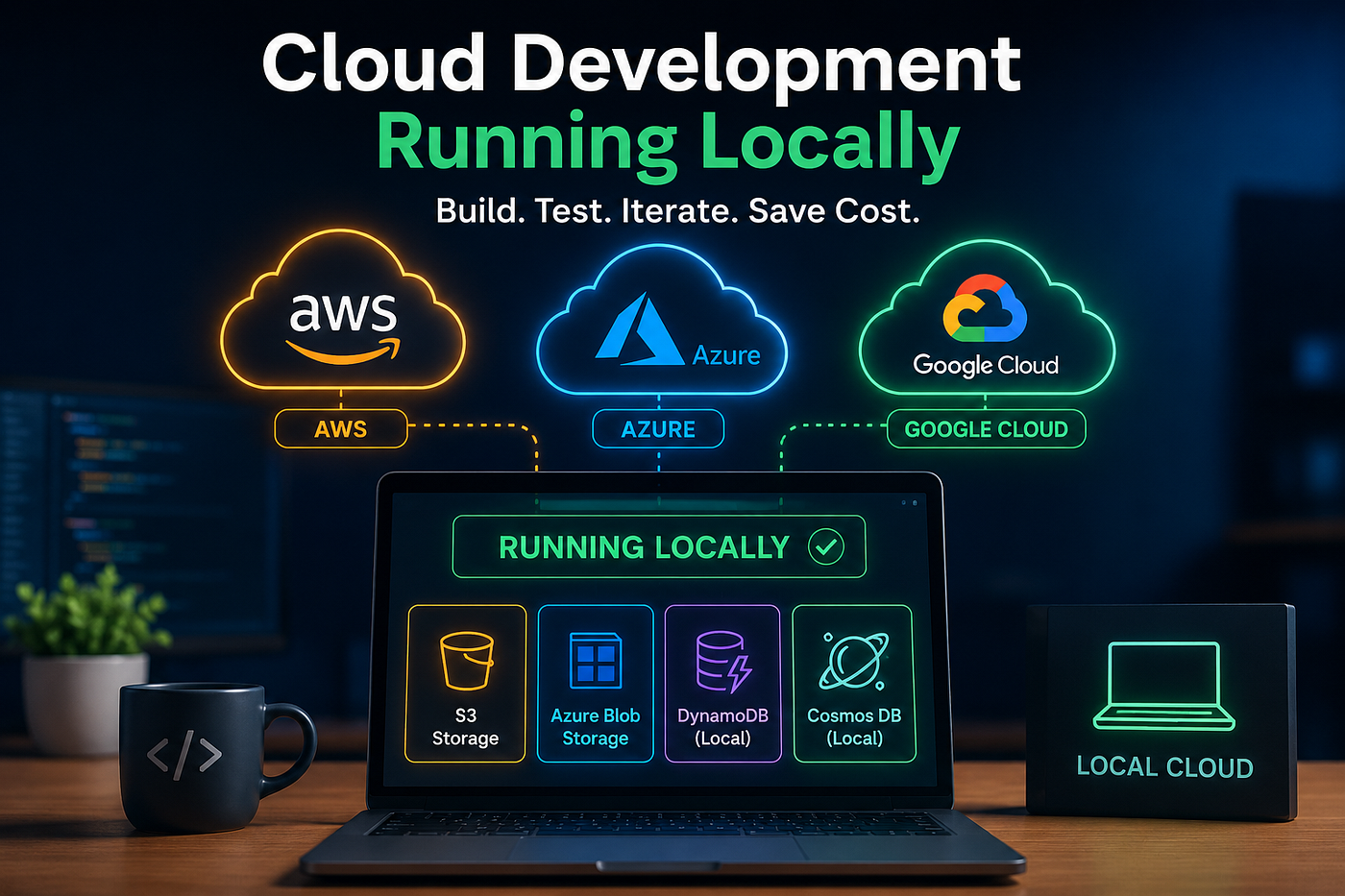
created by AI
Cloud-native development has transformed how we build applications, but it has also introduced a common challenge: developers often need access to real cloud resources just to test simple changes.
Uploading a file to S3, writing data to DynamoDB, validating Azure Blob Storage integrations, or testing Cosmos DB workflows may seem straightforward. However, when every code change requires cloud deployment, teams face slower feedback loops, higher costs, and increased operational complexity.
This isn’t a new problem. Years ago, tools such as **LocalStack** demonstrated that cloud services could be developed and tested locally. I used LocalStack extensively for AWS development, and it was a game changer for reducing cloud costs and accelerating feedback loops. However, LocalStack primarily focuses on AWS services. As more organizations adopt multi-cloud architectures spanning AWS and Azure, developers increasingly need a local-first approach that extends beyond a single cloud provider.
That is where the concept of local cloud development becomes even more powerful
What Does Shift Left Mean?
Shift Left is the practice of moving testing, validation, and integration checks earlier in the software development lifecycle.
Instead of discovering cloud integration issues during deployment or in shared environments, developers validate functionality directly on their laptops during development.
The benefits are significant:
- Faster development cycles
- Reduced cloud spending
- Fewer deployment failures
- Improved developer productivity
- Better confidence before releasing changes
The challenge has always been finding a way to replicate cloud services locally without maintaining complicated infrastructure.
Introducing Local Cloud Development with Floci
To address this problem, I built a sample Spring Boot application that demonstrates how developers can work with cloud-style services entirely on their local machines.
GitHub Repository:
https://github.com/surajtikoo/floci-localcloud-starter
The application uses local cloud emulators to simulate common AWS and Azure services while maintaining provider-like APIs and workflows.
Supported integrations include:
- S3-compatible object storage
- Azure Blob Storage
- DynamoDB-style data access
- Cosmos DB-style data access
The goal is simple:
Build, test, and validate cloud integrations locally before deploying to real cloud environments.
Why Local Cloud Development Matters
Many teams unintentionally spend money during routine development activities.
Consider a typical workflow:
- Write code
- Deploy to a cloud environment
- Execute tests
- Investigate failures
- Repeat
This process introduces several problems:
Increased Cloud Costs
Development and testing environments often run continuously. Storage accounts, databases, and API calls generate costs even when developers are simply validating basic functionality.
Slower Feedback Loops
Waiting for deployments can turn a 30-second test into a 10-minute process.
Environment Dependencies
Shared development environments can create conflicts between teams, resulting in flaky tests and inconsistent results.
Reduced Developer Productivity
Engineers spend more time waiting and troubleshooting infrastructure than writing application code.
A Local-First Approach
This project adopts a local-first architecture.
Instead of depending on AWS or Azure during development, developers run local emulators using Docker Compose.
docker-compose up -dThe application automatically connects to local cloud endpoints through the default floci profile.
./gradlew bootRunOn startup, test resources are created automatically:
Storage Resources
- test-bucket (S3)
- test-container (Azure Blob)
Database Resources
- demo-items (DynamoDB)
- demo-db/demo-items (Cosmos DB)
Developers can immediately begin testing APIs without provisioning any cloud resources.
Testing Cloud Integrations Locally
One of the biggest advantages of local cloud development is the ability to validate integrations instantly.
Testing S3 Storage
Upload a file:
curl -X POST http://localhost:8080/storage/s3/upload \
-H "Content-Type: application/json" \
-d '{
  "container":"test-bucket",
  "objectName":"myfile.txt",
  "content":"hello s3"
}'
Read the file:
curl http://localhost:8080/storage/s3/read?container=test-bucket&objectName=myfile.txtTesting Azure Blob Storage
Upload content:
curl -X POST http://localhost:8080/storage/azure/uploadRead content:
curl http://localhost:8080/storage/azure/readTesting DynamoDB
Insert data:
curl -X POST http://localhost:8080/db/dynamodb/putRetrieve data:
curl http://localhost:8080/db/dynamodb/getTesting Cosmos DB
Insert and retrieve records locally without requiring an Azure subscription.
This allows developers to validate business logic, API contracts, serialization, and persistence workflows in seconds.
Architecture Overview
The project is built using:
- Java 8
- Spring Boot 2.7
- Docker Compose
- Floci local cloud emulators
Local endpoints:
ServiceEndpointAWS-style serviceslocalhost:4566Azure-style serviceslocalhost:4577
Configuration is separated into profiles:
floci Profile
Used for local development.
spring.profiles.active=flocinative Profile
Used when validating against real cloud services.
spring.profiles.active=nativeThis means application code remains unchanged while switching between local and cloud environments.
The Hidden Cost Savings
The most obvious benefit of local cloud development is reducing cloud spend.
However, the larger savings often come from engineering efficiency.
Imagine a team of ten developers.
If each developer saves:
- 20 deployment cycles per day
- 3 minutes per deployment
That equals:
- 60 minutes saved per developer daily
- 10 hours saved across the team every day
Over months, those productivity gains far exceed the cost of infrastructure.
Transitioning to Real Cloud
Eventually, applications need validation against actual AWS or Azure resources.
The good news is that the transition is minimal.
Switch profiles:
export SPRING_PROFILES_ACTIVE=nativeProvide cloud credentials:
export AWS_ACCESS_KEY_ID=...
export AWS_SECRET_ACCESS_KEY=...
export AZURE_STORAGE_CONNECTION_STRING=...
Start the application:
./gradlew bootRunThe same APIs continue to work while the backend changes from local emulators to real cloud services.
This provides confidence that what worked locally will behave similarly in production environments.
Final Thoughts
Shift Left is no longer just about unit testing. Modern cloud applications benefit enormously from shifting cloud integration testing earlier in the development lifecycle.
By using local cloud emulators, developers can:
- Build faster
- Test earlier
- Reduce cloud spending
- Improve productivity
- Catch issues before deployment
The result is a development workflow that feels as fast as local application development while preserving the cloud-native architecture required for production.
If your team spends significant time waiting for deployments or maintaining expensive development environments, adopting a local-first cloud strategy may be one of the highest-impact improvements you can make.
GitHub Repository:
메타데이터
- post_id
- e453a331c3a4
- slug
- shift-left-multi-cloud-development-build-locally-save-cloud-costs-ship-faster-e453a331c3a4
- url
- https://towardsaws.com/shift-left-multi-cloud-development-build-locally-save-cloud-costs-ship-faster-e453a331c3a4
- canonical_url
- https://towardsaws.com/shift-left-multi-cloud-development-build-locally-save-cloud-costs-ship-faster-e453a331c3a4
- author_url
- https://medium.com/@surajtikoo
- status
- ok
- fetched_at
- 2026-06-23 17:05:31