The Best Remote Desktop (RDP) Alternatives You Can Pick From
You can use your smartphone or tablet to perform many tasks that were hitherto impossible without using a computer, for sure. Yet, in some…
The Best Remote Desktop (RDP) Alternatives You Can Pick From
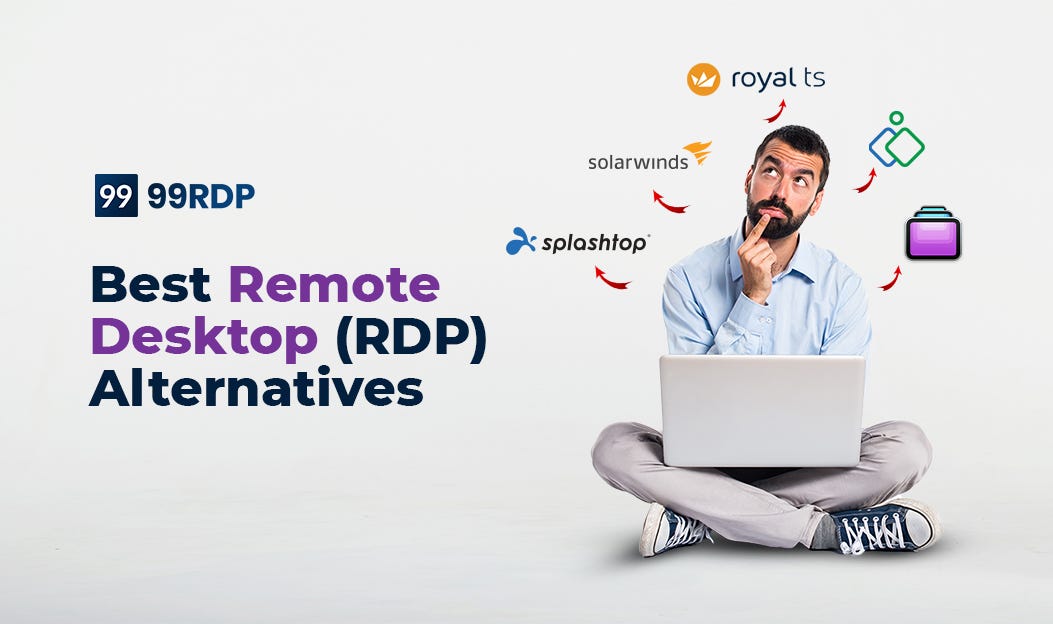
You can use your smartphone or tablet to perform many tasks that were hitherto impossible without using a computer, for sure. Yet, in some situations, you may feel the need to access the PC you use at home. Sometimes, you may need to access files stored in your office workstation as well. The reality is you can access your home or office computer running on Windows using a remote PC or device, courtesy of RDP. The Remote Desktop Protocol, a Microsoft-developed protocol, lets people login t their preferred PC when they are away through the web. However, it is now possible to use alternatives to the RDP component of Microsoft.
Why seek alternatives to RDP?

By default, Microsoft bundles in an RDP based component named Windows Desktop Connection with its popular OS, Windows. This RDP component you get for free, and it is quite capable. With each iteration of Windows, Microsoft has polished the RDP component, making it more feature-laden and user-friendly. However, the security woes of RDP are also well known. Over the years, hackers and malicious web users have targeted Windows-based PCs and networks using RDP security loopholes a lot. That is why a section of web users seek alternatives to the default Windows RDP component. Nowadays, you can pick from several free and paid RDP alternatives- and it can be useful, especially if you are security conscious.
You can BUY CHEAP RDP & DEDICATED RDP FROM 99RDP
The top alternatives to Windows default RDP component

- **SolarWinds Dameware Remote Support**- The network administrators and demanding users who prefer absolute control over remote connections and like enhanced security can go for this tool. In Dameware, you get everything available in the Microsoft protocol and some added features. Dameware Remote Support supports OSes like Linux and Mac. It is also compatible with Android devices. It lets you connect over LAN and Internet both, much like RDP. It also offers remote access to the host PC system in a non-intrusive manner. You can avail yourself of a free trial for two weeks.
- Screens- Do you want an RDP alternative –specifically for use with Macintosh-based systems? Then you can pick Screen by Edovia. Screens iOS enables you to control other PCS from an iPAD and iPhone through an SSH connection. You will have to use the Screens Connect app. You may also use Screens Mac if accessing other PCs and devices from a Macbook or iMac is what you want. Before buying Screens Mac or iOS, check the free version once.
- **Royal TS**- With Royal TS, you get support for RDP, and it also supports other connection protocols like SFTP, FTP, and VPN. It comes with credentials management and sharing, eliminating the need for repeated logins. With Royal TS, users can create command tasks as well as key sequence tasks. With these, you can automate troubleshooting processes partially. You get traceroute and ping embedded. Royal TS has a Lite version, which costs nothing. It offers support for ten connections.
- Terminals- If you want an RDP alternative but do not have deep wallets, do not worry. There are a few free RDP alternatives that are very capable. One such example is the Terminals. It is a functional remote desktop manager based on an open-source model. It supports RDP along with other remote access protocols like SSH, Telnet, VNC, VMRC, HTTP. With it, you can avail remote connection experience in a smooth way. The multi-tab interface and customizable toolbars are easy to use. It is available for download at Github.
- RemotePC- If you want a capable remote access tool as an alternative to Windows RDP, RemotePC is a good option. It is better suited for business users. It is a cloud technology-based service. RemotePC has both desktop and web apps. Besides, it packs in a voice chat feature. If you are worried about remote access technology security, relax. RemotePC is very secure and scalable. You get a 30-day trial version as well.
- Parallels Access- Not everyone needs to access the home or office POC using another PC, as it is. If you prefer using a mobile device to remotely access the home PC, try Parallels Access. It supports computer to computer connections as well. However, the majority of features are meant for mobile device users. The entry-level plan is quite easy on the wallet. The application also scores marks owing to its neat UI.
- **Zoho Assist**- Zoho is known for making intuitive and feature rich online software, and Zoho Assist is an RDP alternative worth trying. It comes in many flavors, such as standard, Professional, and enterprise. It is a cloud-based service, and the feature list is quite long. As for security, it ticks the right boxes and comes with 256-bit AES encryption and SSL too. The pricing is quite competitive. If you need specialized remote support, it is a good choice.
- **Splashtop**- This is a capable RDP alternative that is easy to use and offers great value for money. It supports easy File transfer and Session recording. Security-wise, you can be content as it supports 256 bit AES encryption along with TLS. The software is compatible with a broad range of platforms, including Android. However, it is a bit pricey compared to other segment contenders.
- **LogMeIn Pro**- The enterprise users seeking a robust alternative to the Windows RDP component can opt for LogMeIn Pro. It is a feature-rich tool for enabling remote access to PCs. The application supports Multi-monitor setups and File transfer. It also lets you execute remote printing. You get 256-bit AES encryption embedded. While you can opt for the 14-day free trial, the plans are priced steeply. The 24/7 live support offered by the company is flawless.
Summing it all up
While there are so many RDP alternatives, you need to choose carefully. Not every person requiring remote access to his/her PC has to invest in a paid application. If you maintain some online safety measures, Windows default RDP client can fulfill your needs pretty well. However, those dealing with the exchange of sensitive data on a regular basis or using remote access for official work frequently can opt for the RDP alternatives.
메타데이터
- post_id
- e4d63d089a34
- slug
- the-best-remote-desktop-rdp-alternatives-you-can-pick-from-e4d63d089a34
- url
- https://medium.com/@99rdp/the-best-remote-desktop-rdp-alternatives-you-can-pick-from-e4d63d089a34
- canonical_url
- https://medium.com/@99rdp/the-best-remote-desktop-rdp-alternatives-you-can-pick-from-e4d63d089a34
- author_url
- https://medium.com/@99rdp
- status
- ok
- fetched_at
- 2026-07-13 06:23:13