Catch of the Day (Final Part)
Let's close this series by serving you some desserts. But we are not talking about simple ice cream scoops or brownies, these are the more…
Catch of the Day (Final Part)
Let's close this series by serving you some desserts. But we are not talking about simple ice cream scoops or brownies, these are the more crafty and complex (read sneakier and tech-ier) ones!
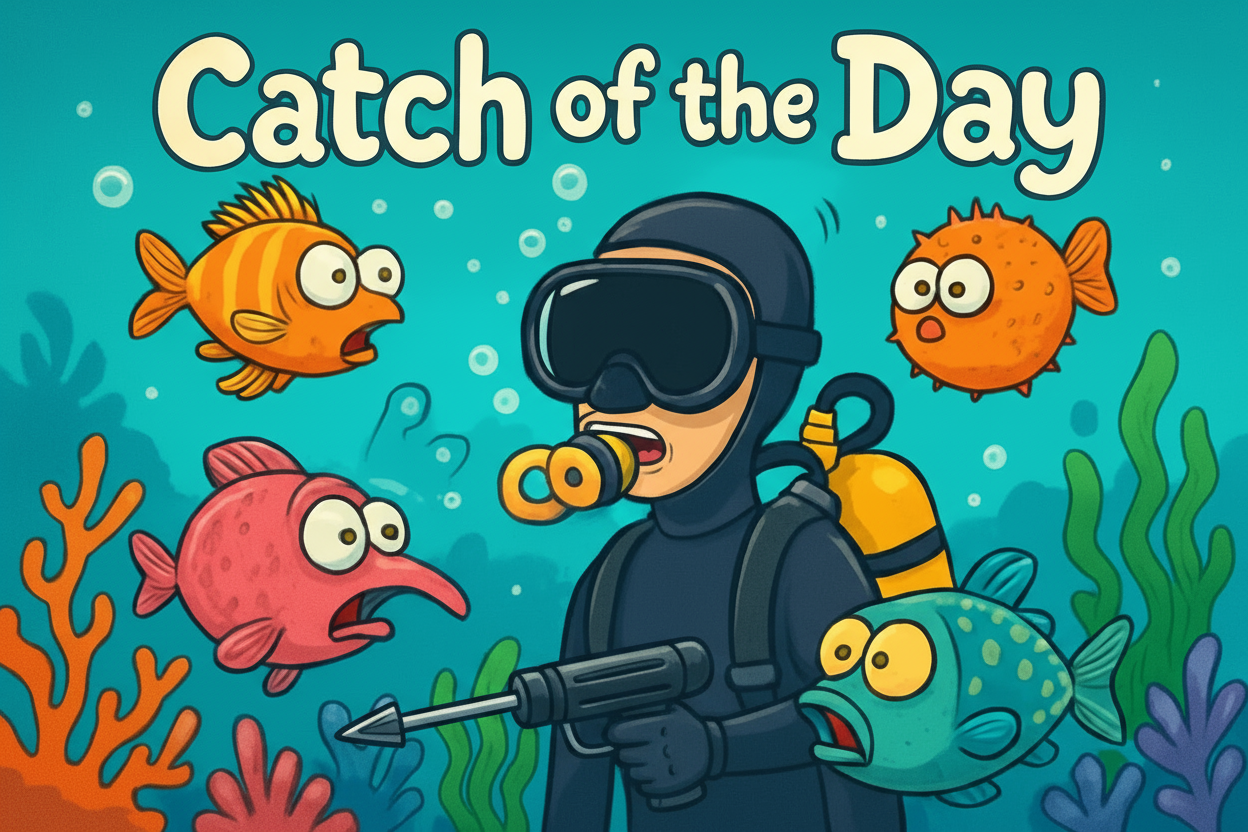
Welcome back! If you thought regular old spam emails were bad, wait till you meet today’s trio: QR code phishing (“quishing”), pharming, and evil twin phishing. Pull up your dessert fork and spoon, and let’s dig in…
Quishing: When QR Codes Get Crafty
You know those black and white QR codes everywhere, from restaurant menus to parking meters? They’re convenient, sure, but now scammers have started slipping their own QR codes into the mix. This is called quishing.
Imagine you are going back to your car after a long and tiring day of work, and find a ticket on your car windshield for “illegal parking!” There’s a QR code to “pay the fine.” Cursing and wishing the day to end soon, you scan the code and end up at a super-official-looking site asking for your credit card details, except, surprise! — it’s a scam, and all you’ve paid for is a ticket straight to the land of identity theft.
Or maybe at a café, you scan a menu’s QR code, except the sticker’s been swapped. Now you’re prompted to download a “menu app,” but you actually download an app teeming with malware. 🦠
Never trust a random QR code. If it looks off or takes you to a page asking for anything sensitive, just close the application or landing page, and keep the mobile away the same way you would do when you see your boss calling on a weekend.
Pharming: The Internet’s Version of a Detour
Pharming is a cybercriminal’s way of re-routing traffic, just like taking an unsuspecting driver off their expected route and dumping them in a shady neighbourhood.
Suppose you are using your laptop and you type “xyzbank.com” into your browser to check your balance. But thanks to pharming, even though you typed the address correctly, you’re secretly sent to a fake bank page-same logo, same colours, but run by crooks. You enter your username and password, try to check your account balance, but what you really did was hand over your keys to fraudsters.
Always keep an eye out for anything that looks out of order, especially in sites that you use regularly. Ensure that your browser is always updated. If there are sites that you visit often, bookmark them on your browser and visit them via those bookmarks. 🔖
Evil Twin Phishing: WiFi’s Wicked Doppleganger
Ah! free WiFi: the coffee shop’s best friend and productivity enabler. But not all hotspots are created equal. Enter the evil twin — a WiFi network that looks, walks, and talks like the real one, but is actually operated by a cyber villain lying in wait.
Imagine you visit your favourite cafe in the weekend, hoping to sip on some coffee, sit around and judge people. The cafe WiFi “CoffeeNet” automatically connects and you start your usual weekend cafe ritual. But as you settle in, you spot a second network — “CoffeeNet_Guest” — with an even stronger signal! You connect for the “speed,” but the only thing that’s happening is the attacker watching every password, email, and WhatsApp message you type.
Avoid connecting to unsecured or unfamiliar public Wi-Fi networks. Use your personal mobile hotspots if possible. You are anyway going to pay way too much for a cup of coffee — saving on your mobile data plan is not going to cover for that! Always validate Wi-Fi network names with official staff before connecting, and do not log in to sensitive accounts, including banking or corporate systems, while on public or untrusted Wi-Fi. 🛜
Control your Sweet Tooth!
Too much of desserts can cause cavities, and in this case, the gaping, painful hole can be in your bank balance along with your tooth.
- Quishing: Beware of QR codes in public and random emails — check before you scan!
- Pharming: Keep an eye out for weird login pages, even if you typed the URL right.
- Evil Twin Phishing: Always double-check WiFi network names — if something looks fishy, skip it. If it's urgent and sensitive, use a VPN.
In conclusion to this series, I wanted to say that in the ocean of the internet, the phishes just keep getting weirder and cleverer. Be vigilant and use your common sense.
In the upcoming posts, I will cover topics like ransomware, social engineering, IoT hacking, etc. Till then, I wish you a happy (and phish-free) surfing!
Originally published at https://phishnchips.substack.com.
메타데이터
- post_id
- e52dfd5fd4cf
- slug
- catch-of-the-day-final-part-e52dfd5fd4cf
- url
- https://meetcyber.net/catch-of-the-day-final-part-e52dfd5fd4cf
- canonical_url
- https://meetcyber.net/catch-of-the-day-final-part-e52dfd5fd4cf
- author_url
- https://medium.com/@smyjee
- status
- ok
- fetched_at
- 2026-06-27 07:40:21