GCP — Automated Secure Tunnel Deployment in MultiCloud with Terraform
In this project based on a real-world scenario, I act as a Cloud Specialist in a company that uses Google Cloud and AWS services in…
GCP — Automated Secure Tunnel Deployment in MultiCloud with Terraform
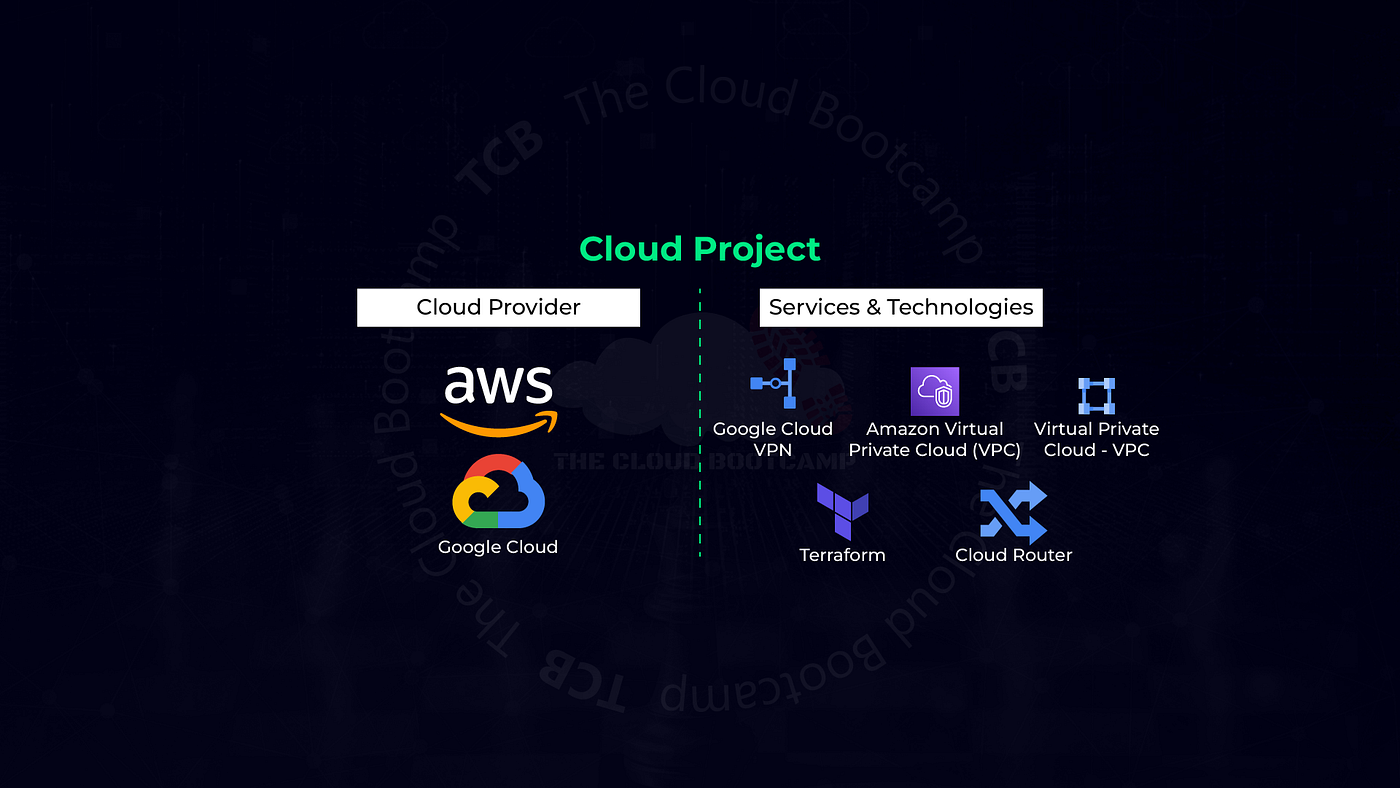
In this project based on a real-world scenario, I act as a Cloud Specialist in a company that uses Google Cloud and AWS services in separate architectures.
The company decides to interconnect the two architectures, in a completely private way, using the Virtual Private Gateway, Customer Gateway, Cloud Routers, and Cloud VPN services. However, they need it in production in a week …

This project was a beast! Establishing a private connection between two (virtual) servers that both exist behind their own private VPCs requires a lot of careful planning and configuration on both sides. Despite Terraform greatly easing this difficulty by allowing more of the configuration to occur from a single source, there is still some manual configuration required especially from GCP. Ironic that GCP provides Terraform “out of the box” yet AWS infrastructure deployment seems much more automatable. Then again, since GCP is the point of control for issuing all actions, perhaps more authentication is simply needed to prove I have the authorization to issue those commands! Tricky stuff …
As part of the project a link was provided for us that would enable the Cloud Compute API and set up a Service Account but Google has since changed, so I had to manual set those items up (a fellow Bootcamper was able to help the rest of us overcome this hurdle until the instructions are updates — this happens in the real world too, and very often). The purpose of enabling the Compute Engine API for the Project is to allow Terraform to make API calls that create resources.
From here I moved to the Cloud Shell console to run the Terraform configurations. I uploaded the JSON key from my Service Account to my console session and I created a new Key Pair for my Service Account in AWS and uploaded that to the console session as well. These can now be made available for Terraform via variables:
gcp_credentials_file_path = "/home/user/.config/gcloud/credentials_multiclouddeploy.json"

aws_credentials_file_path = "/home/user/.aws/credentials_multiclouddeploy"

gcp_project_id = "your_project_id"
And the respective files copied and renamed thusly:
/home/user/.aws/
├── credentials_multiclouddeploy

/home/user/.config/
├── gcloud
│   ├── credentials_multiclouddeploy.json
Two more steps to establish bi-direction communication needed … generate an SSH key from the Cloud Shell console session and first update the Project’s Metadata with this key:
gcloud compute config-ssh --ssh-key-file=~/.ssh/vm-ssh-keyAnd then import that public key and make it available to our AWS EC2 instances by downloading it from the Cloud Shell console session and uploading it to AWS. Now Terraform is ready to run!
What makes all this possible are the “providers” that Terraform allows you to define:
provider "google" {
  credentials = file(var.gcp_credentials_file_path)
  project = var.gcp_project_id
  region = var.gcp_region
}

provider "aws" {
  shared_credentials_files = [pathexpand(var.aws_credentials_file_path)]
  region = var.aws_region
}
There are five moving parts for each of the Cloud providers:
- compute — creates VMs, security groups and defines network interfaces
- networking — creates net interfaces, subnets, VPC tunnels and gateways
- outputs — facilitates output report for internal and external IPs in use
- security — configures firewalls with each Cloud provider
- variables — defines 8 AWS resources and 13 GCP resources
Thu Apr 25 09:18:12 user: wc -l *.tf
      74 aws_compute.tf
     101 aws_networking.tf
      28 aws_outputs.tf
      83 aws_security.tf
      55 aws_variables.tf
      60 gcp_compute.tf
     229 gcp_networking.tf
      26 gcp_outputs.tf
      84 gcp_security.tf
      78 gcp_variables.tf
      49 main.tf
     867 total
I said this project was a beast and I was not exaggerating! I would love to go over every detail of this Terraform project but #1 not enough time and #2 I still have way too much to learn to begin to understand how all of this fits together. That’s the important part, not just defining what things are but defining how they fit together.
And upon running Terraform, in less than 5 minutes no less than 41 resources were successfully created and all VMs and necessary tunnels, gateways and firewalls were configured to copacetically communicate on a secure, encrypted line.
For testing I was able to SSH into each VM on each of the Cloud Providers by getting past the Gateway thru their provided browser based shells and run a ping command to the other’s private IP address. But Google provides a very nice service for Connectivity Testing. I set one up to traceroute thru the various resources from GCP to AWS:


And after testing was complete, I was able to tear the whole thing down safely:

And “that’s all” :D Quite a lot right? While I am happy to have successfully completed this challenge I am not sure that I would want to maintain such a task. Google is constantly changing their code and AWS still has to as well. It’s just a matter of time (less than a year even) before the “recipe” to build this landscape stops working.
So why would go through the trouble of maintain such a volatile connect? I asked GPT! Most of the answer I received revolved around security but it did manage to generate some interesting data, namely this solution is good for:
- Latency Reduction — the “out of the box” solutions provided by GCP and AWS might be slower than required
And that’s about it! Everything else seems to be revolved around integrating GCP and AWS, including “Businesses may have microservices that are split between AWS and GCP. A secure tunnel would allow these services to interact seamlessly” … and I am of the opinion that Microservices should be accessed from their front end by other services, not their backends. I am sure there are exceptions to this “rule” and by no means I am saying or even implying that tunnels are unnecessary.
What are your thoughts? In the meantime I will be studying this project for several weeks ahead, but for now thanks for reading and stay tuned for more!
메타데이터
- post_id
- e59f9f2cac95
- slug
- automated-secure-tunnel-deployment-in-multicloud-aws-gcp-with-terraform-e59f9f2cac95
- url
- https://medium.com/@info_97911/automated-secure-tunnel-deployment-in-multicloud-aws-gcp-with-terraform-e59f9f2cac95
- canonical_url
- https://medium.com/@info_97911/automated-secure-tunnel-deployment-in-multicloud-aws-gcp-with-terraform-e59f9f2cac95
- author_url
- https://medium.com/@info_97911
- status
- ok
- fetched_at
- 2026-08-03 11:45:53


