I Tracked My iPhone Battery For A Year
Apple is draining your phone in ways the Battery Usage screen will never show you.
I Tracked My iPhone Battery For A Year
Apple is draining your phone in ways the Battery Usage screen will never show you.
I started angry at Instagram.
My iPhone was dropping from 100% at breakfast to 40% by lunch, and the Battery Usage screen was showing the apps I used all day, in the order I used them. Instagram is at the top, then WhatsApp, then Safari. The explanation seemed obvious. I decided to log my battery every morning, every evening, and every time I noticed something unusual, and I would catch the culprits.

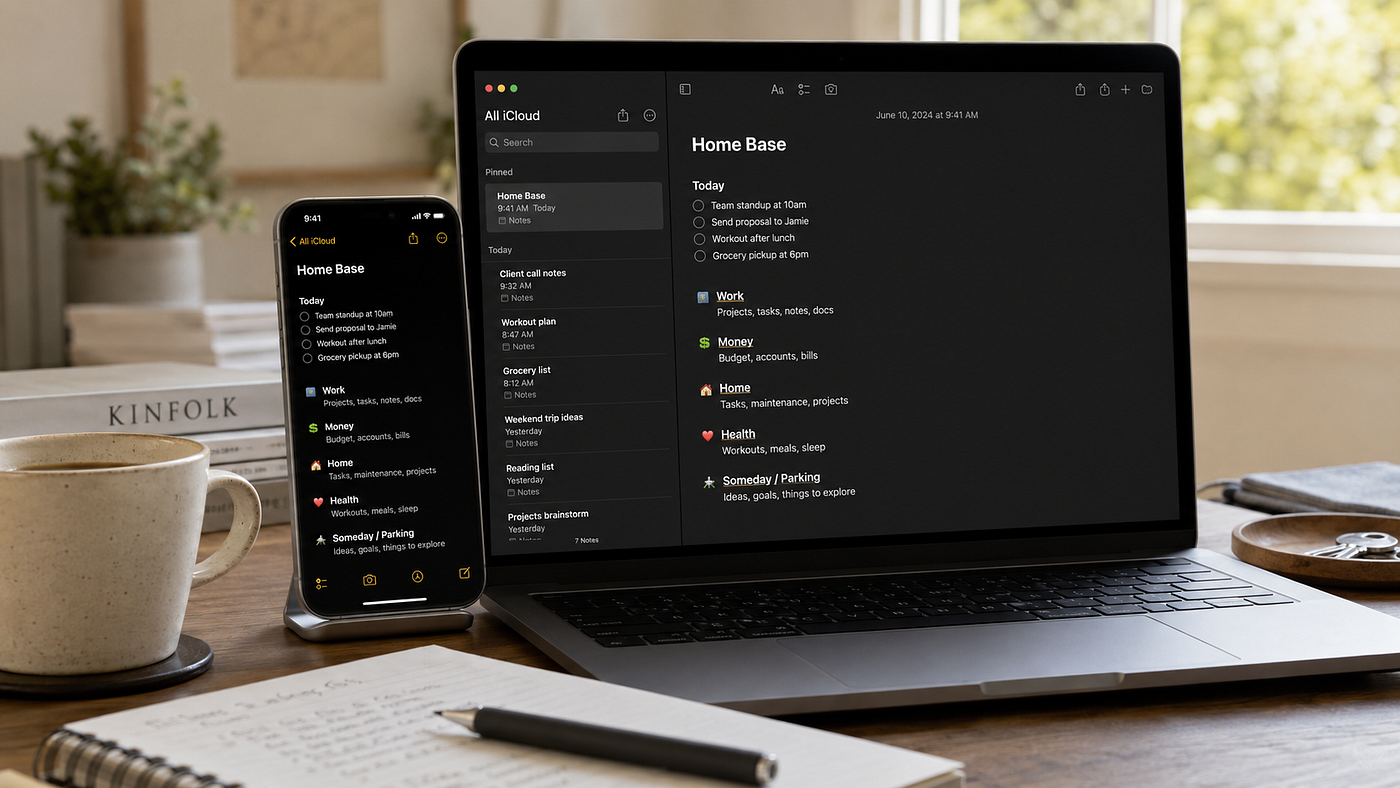
Photo by TechieTech Tech on Unsplash
Twelve months and roughly four hundred entries later, I had to throw out the conclusion I expected to write.
The apps were not the problem.
They were the visible weather. The pressure system underneath was something else entirely.
What I actually found
Every time my battery did something I could not explain, the same small handful of system processes were active in the background. Not apps. Not third-party software. Not the things on the Battery Usage screen.
Significant Locations was logging a new place I had visited. Photos was running its nightly analysis on the four thousand images I had taken that month. Siri Suggestions was rebuilding its on-device learning model. Spotlight was reindexing the entire phone after the latest iOS update. iCloud was uploading a backup over cellular because I had walked out of the house with the charger still plugged in.
These are not apps you can uninstall. They are Apple-built features, most of them on by default, most of them invisible on the Battery Usage screen because the screen attributes their work to the apps that ask for the data.
I want to say that more directly, because it took me three months of tracking to actually believe it.
On a modern iPhone, the largest battery drains are not the apps you opened. They are the Apple features running on your behalf, whether you asked them to or not.
The Battery Usage screen is part of the problem
This is the screen everyone looks at. It is also the screen most responsible for sending people in the wrong direction.
The percentages on it are not percentages of your battery. They are percentages of the activity Apple has chosen to attribute to user-facing apps. When you see Instagram at eighteen per cent, that means Instagram is responsible for eighteen per cent of the energy budget iOS has decided to assign to apps. The energy used by Photos analysing your library, by Spotlight rebuilding its index, by the Location daemon updating Significant Locations every few seconds, by Siri Suggestions training its model overnight, by iCloud sync running on its own schedule, by Apple Intelligence keeping its model loaded in memory: none of this is on the screen. It is folded into a system row that most iPhones do not even show by default.
So you blame Instagram. You delete Instagram. You feel virtuous for a week. Your battery does not improve, because the actual workload did not change.
Significant Locations is the one nobody talks about
The single most surprising thing I found in my year of tracking was the daily cost of Significant Locations. This is the feature, buried at Settings, Privacy and Security, Location Services, System Services, Significant Locations, behind a Face ID prompt, that has been logging every place you have visited for years. The list is genuinely startling the first time you scroll through it.
It is also one of the heaviest constant background loads on a modern iPhone.
The location daemon, locationd in the system process list, uses a combination of GPS, Wi-Fi scanning, and cellular triangulation to log every place you visit, how long you stayed, when you arrived, and when you left. It feeds this data to Apple Intelligence, to Photos for tagging, to Maps for traffic predictions, to Weather for automatic location switching, to a handful of Siri features. The data itself is encrypted and stored on-device, which is the privacy story Apple tells.
The battery story Apple does not tell is that the daemon is querying location services constantly, sometimes multiple times per minute, even when no app is asking for your location.
In my tracking, with Significant Locations enabled and Wi-Fi scanning at its default setting, the location processes were responsible for four to seven per cent of daily battery drain. After disabling them, the cost dropped to under two per cent.
You probably did not know Significant Locations existed. You almost certainly did not consent to that battery cost. The privacy implications, separately, are worth a conversation I am not going to have in this piece.
The Photos library is doing more work than your social media
If you have a lot of photos, the Photos app is doing more work on your phone than any third-party application you have installed. The work happens overnight, in chunks, while the phone is charging, and the only symptom you usually notice is the phone running warm at breakfast.
For every photo and video on your device, the Photos app runs several distinct analysis passes. Face recognition. Scene classification. Object recognition. Live Text scanning every image for selectable text. Visual Look Up identifying landmarks, plants, animals, products. On iOS 18 and later, an Apple Intelligence pass generating the natural-language captions you see in Memories.
After a fresh restore or a major iOS update, the entire library is re-analysed from scratch. This is why your phone runs hot for two or three days after every September update. It is also why iCloud Photos uploads on cellular are quietly expensive, because each upload triggers a small analysis pass before it completes.
On a library of twenty thousand photos, the initial pass cost between fifteen and twenty-five per cent of effective capacity, spread across two or three overnight sessions. After that, the ongoing cost is roughly one per cent per day.
None of this appears on the Battery Usage screen as “Photos.”
Siri Suggestions trains overnight, and the cost has gone up
This is the feature that makes your Lock Screen show the app it thinks you want next, that auto-completes your search before you type it, that surfaces a contact in Messages when you usually message them at 6 PM.
It also runs a small machine learning model training pass every night while you sleep.
The training is where the battery goes. iOS runs a service called Suggestions, sometimes appearing as duetexpertd in process lists. Every time you open an app, send a message, take a photo, the service records a small structured event. Once a day, while the phone is charging, the service runs a training pass over the day’s events to update the suggestions it surfaces.
On iOS 18 and later, with Apple Intelligence enabled, the cost rose materially. The model is larger. The training pass takes longer. The phone draws more current and generates more heat. In my tracking, the overnight drain on an Apple Intelligence iPhone climbs into the six to ten per cent range, up from three to five per cent on phones without it.
If you have ever wondered why your phone is warm at breakfast, this is most of the answer.
What I had to change about my assumptions
I had to accept that the Battery Usage screen was not the source of truth I had been treating it as. I had to accept that the apps I felt guilty about were not the things draining my phone. I had to accept that the “intelligence” features in iOS, the ones marketed as on-device privacy wins, have a real and unadvertised energy cost.
I am not saying these features are not worth it. For some users, with some habits, they genuinely are. Apple Intelligence’s writing tools are useful to me daily. Live Text is one of the best features iOS has shipped in a decade. Significant Locations powers some of the Maps and Photos behaviours people legitimately enjoy.
I am saying the cost is real, and the choice should be yours rather than the default’s.
These are features. Not facts. The phone is yours. The battery in it is yours. The settings can be tuned.
What my own phone looks like now
Maximum Capacity: ninety-one per cent at eighteen months.
Cycle Count: four hundred and twelve.
Overnight drain: three per cent.
I run Apple Intelligence with Writing Tools and Visual Look Up enabled, but Image Playground and Genmoji off. Significant Locations off. Background App Refresh on only for Mail, WhatsApp, Calendar, Slack, and Messages. Always-On Display in clock-only mode. Eighty per cent charge cap enabled. The phone has felt new for the past four months.
The path to get here was unglamorous. Not a single tip you would find on a Reddit thread. Just an audit of every Apple feature running in the background, a decision on each one, and a 30-day protocol I followed across a single month.
If you want the full audit
I wrote a forty-page guide that turns this whole experiment into a working playbook. It covers every Apple feature I just mentioned and a few I did not have room for here, with the measurable cost of each, the exact tuning, and the 30-day protocol I ran on my own phone.
It is called The iPhone Battery Health Playbook, it is priced at $29, and it is on Gumroad: bakkashetti.gumroad.com/l/iphone-battery-health-playbook.
If you are losing thirty percent of your battery before noon and the apps are not the problem, this is the book.
My name is Anil Kumar Bakkashetti. Civil Engineering background, Master’s in Project Management from Teesside University, pivoting into data analytics. I write about Apple, workflows, and the small, unglamorous decisions that make a phone feel new again. More at *medium.com/@Anilkumarbakkashetti and [substack.com/@anilkumarbakkashetti](https://substack.com/@anilkumarbakkashetti).*
메타데이터
- post_id
- e67bf67b1304
- slug
- i-tracked-my-iphone-battery-for-a-year-e67bf67b1304
- url
- https://medium.com/miles-metrics/i-tracked-my-iphone-battery-for-a-year-e67bf67b1304
- canonical_url
- https://medium.com/miles-metrics/i-tracked-my-iphone-battery-for-a-year-e67bf67b1304
- author_url
- https://medium.com/@Anilkumarbakkashetti
- status
- ok
- fetched_at
- 2026-06-12 07:40:50