How I use Claude for scalable product design workflows (without wasting tokens)
A practical workflow for using Claude, MCP integrations, and structured prompting in AI-first UX and design systems.
How I use Claude for scalable product design workflows (without wasting tokens)
A practical workflow for using Claude, MCP integrations, and structured prompting in AI-first UX and design systems.
AI tools are becoming part of almost every designer’s workflow now.
But after spending months experimenting with Claude, MCP integrations, scalable design systems, reusable prompts, and AI-assisted UX workflows, I realized something important:
The real advantage is not writing better prompts.
The real advantage is building systems around AI.
Most designers use Claude like a chatbot
Most people write prompts like:
- “Design me a dashboard”
- “Create a complete design system”
- “Generate a full UX flow”
That usually creates:
- generic outputs
- inconsistent UX
- messy workflows
- unnecessary token usage
Claude performs significantly better when workflows are modular.
Exactly like scalable product systems.
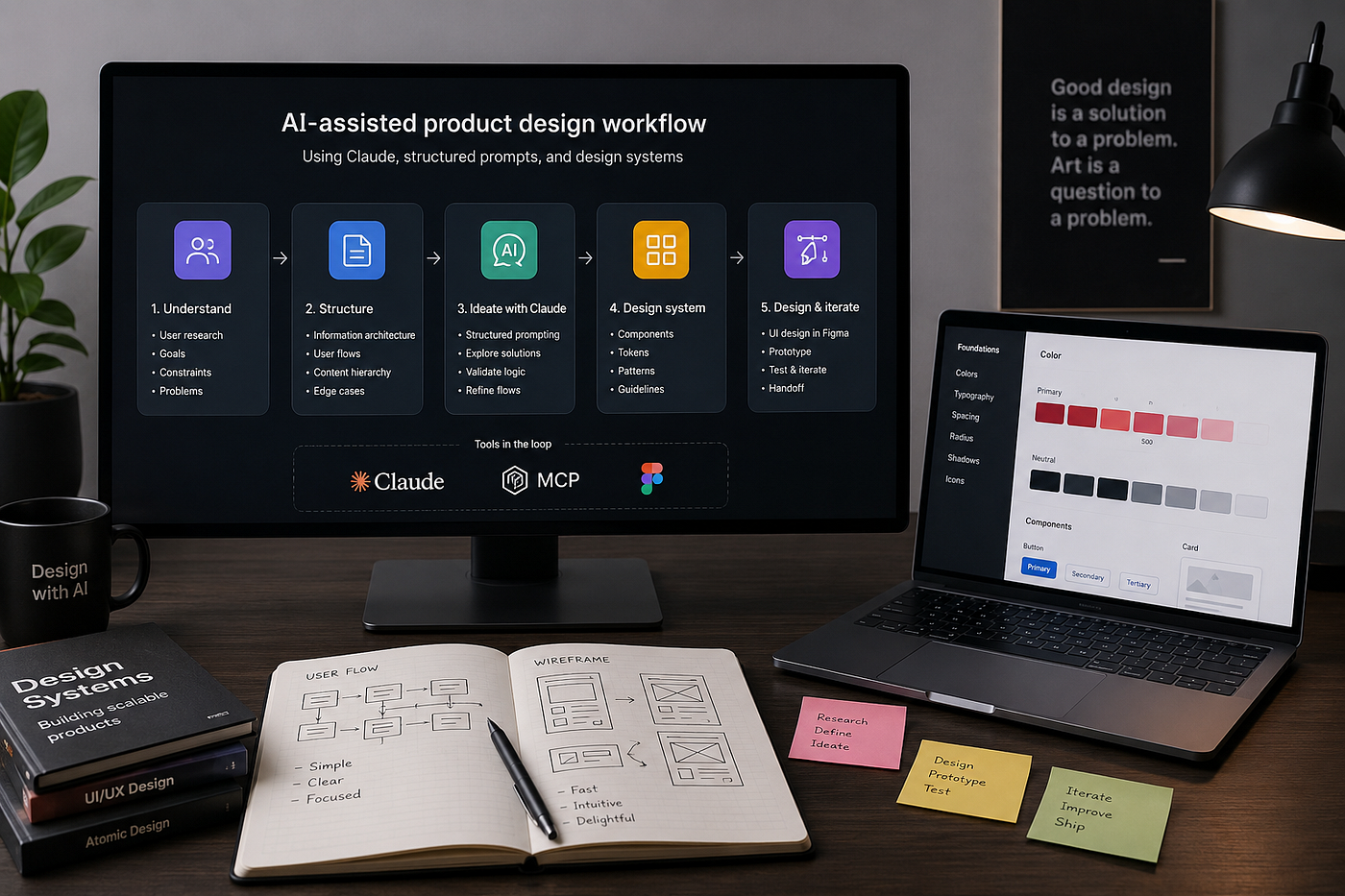
I start with structure — not UI
Before generating anything, I define:
- business goals
- user goals
- interaction logic
- UX constraints
- edge cases
- user flows
- component behavior
Instead of saying:
“Create recharge app UI”
I use structured prompts like this:
Context:
Telecom recharge application

Goal:
Reduce recharge abandonment

User Types:
- Existing users
- Guest users

Constraints:
- Fast interaction
- One-hand usability
- Low cognitive load

Task:
Create checkout UX structure
Smaller context improves:
- clarity
- output quality
- token efficiency
MCP + design systems changed everything
One of the biggest upgrades in my workflow was combining:
- Claude
- MCP integrations
- reusable UI systems
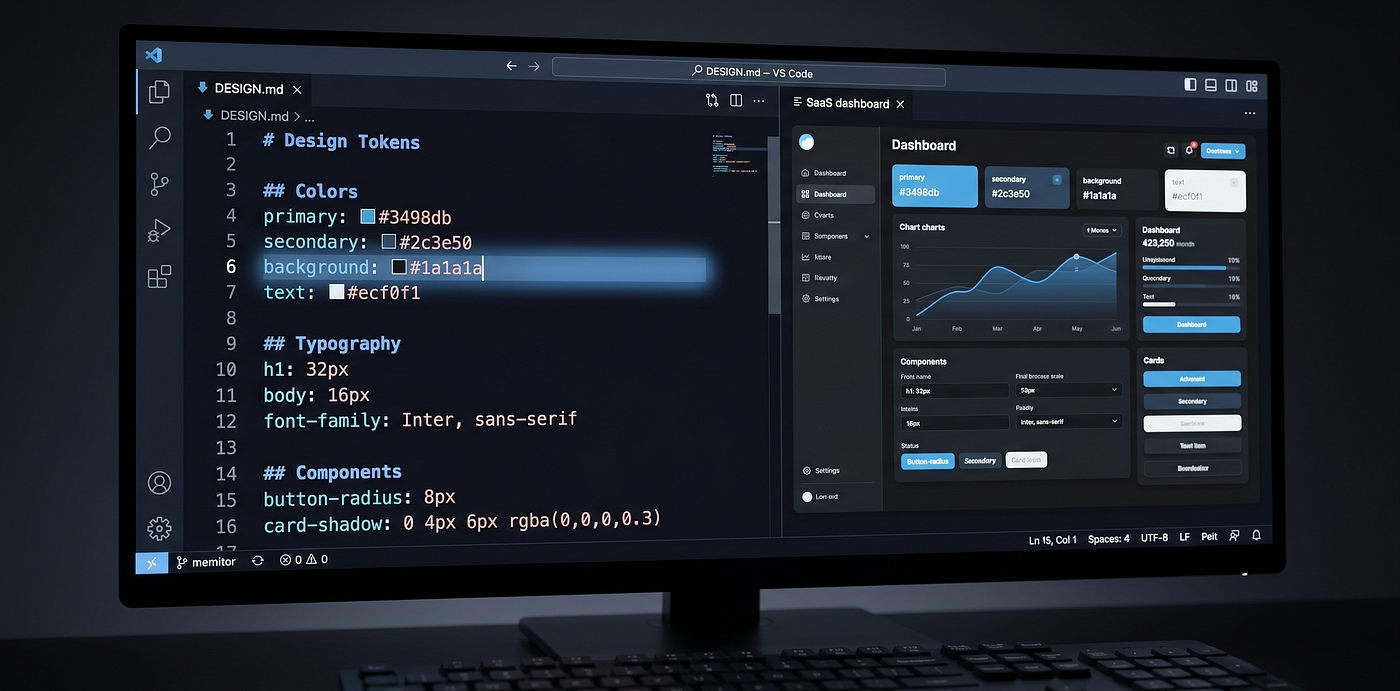
- tokenized components
- structured design systems
Now AI works inside predefined systems instead of generating random outputs every time.
That creates:
- consistency
- scalability
- cleaner UX
- faster iterations
- less redesign effort
This is where AI workflows start becoming production-ready.
Where tokens get wasted the most
This took me time to understand.
Most token waste happens when designers repeatedly:
- paste huge context
- upload large PDFs
- share massive Figma exports
- ask too many things in one prompt
A better workflow is:
- modular prompting
- reusable context
- smaller focused tasks
- structured documentation
This improves:
- clarity
- output quality
- speed
- token efficiency
Final thoughts
The future of design is not “AI replacing designers.”
It’s designers who understand systems, workflows, and AI collaboration replacing outdated workflows.
Once you combine:
- Claude
- MCP workflows
- scalable design systems
- structured prompting
- reusable UX systems
…AI stops feeling like a chatbot.
It starts feeling like a real workflow accelerator.
Exactly like scalable product systems.
메타데이터
- post_id
- e6ea25c01a79
- slug
- how-i-use-claude-for-scalable-product-design-workflows-without-wasting-tokens-e6ea25c01a79
- url
- https://medium.com/@chetansingh19999/how-i-use-claude-for-scalable-product-design-workflows-without-wasting-tokens-e6ea25c01a79
- canonical_url
- https://medium.com/@chetansingh19999/how-i-use-claude-for-scalable-product-design-workflows-without-wasting-tokens-e6ea25c01a79
- author_url
- https://medium.com/@chetansingh19999
- status
- ok
- fetched_at
- 2026-06-09 15:37:30