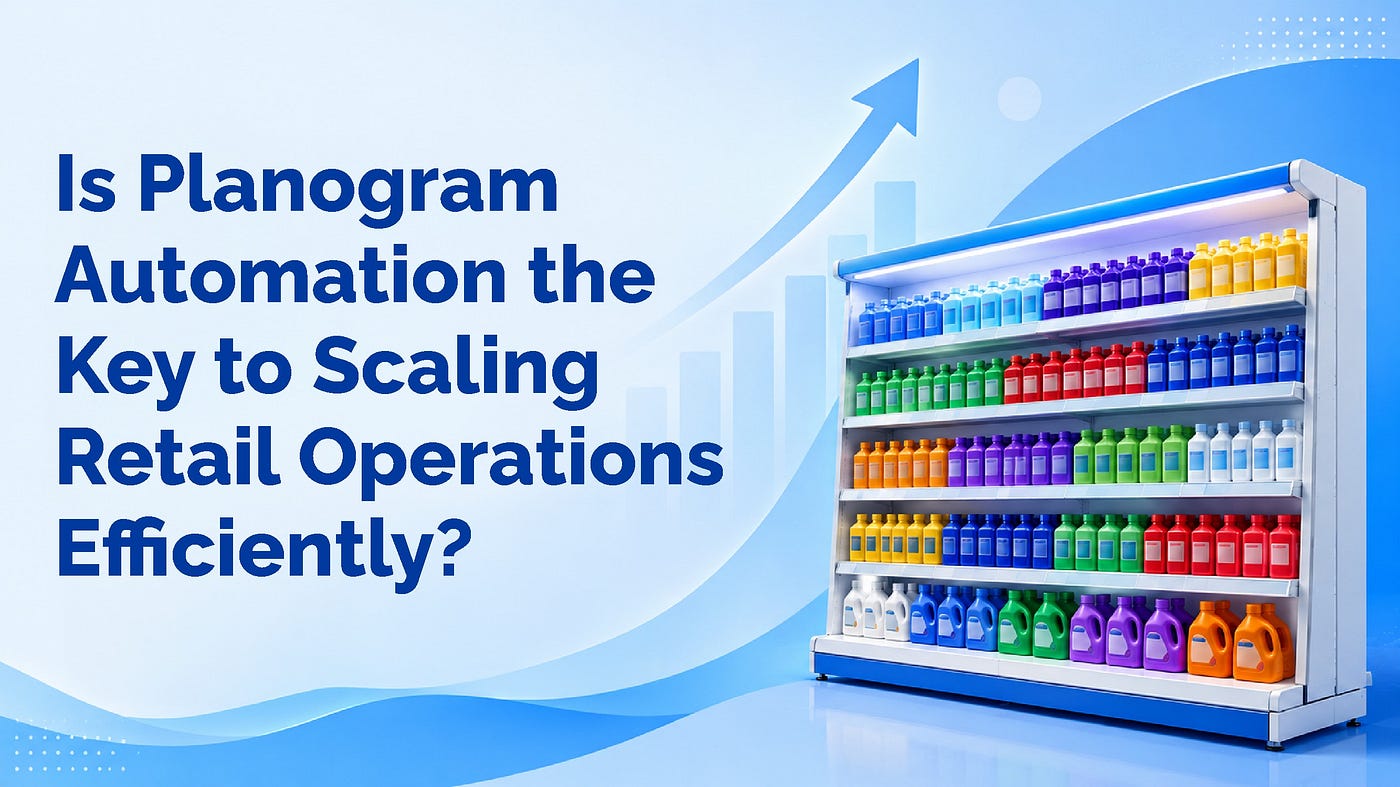
Transforming Store Sections with Planograms: Tips for Multi-Category Department Stores
Multi-category department stores face unique challenges in organizing diverse product lines, catering to a wide range of customer…
Transforming Store Sections with Planograms: Tips for Multi-Category Department Stores

Transforming Store Sections with Planograms: Tips for Multi-Category Department Stores
Multi-category department stores face unique challenges in organizing diverse product lines, catering to a wide range of customer preferences, and optimizing the use of available retail space. Planograms, which serve as visual merchandising tools, can help retailers address these challenges effectively. Using planograms, stores can design well-structured layouts, improve shopper navigation, and boost sales. Here are actionable tips for transforming store sections with planograms to enhance the shopping experience.
1. Understand customer behavior.
Before creating planogram, it is essential to analyze customer behavior. Use data analytics tools to gather insights on:
- Popular product categories: Identify high-demand products and allocate prime shelf space to them.
- Shopping patterns: Understand how customers navigate your store and the order in which they visit sections.
- Cross-purchasing trends: Recognize which products are frequently bought together and position them accordingly.
By aligning planograms with customer preferences, you can create a layout that feels intuitive and convenient.
2. Segment sections based on themes.
Organizing store sections around themes can enhance the shopping experience. For example:
- Seasonal displays: Dedicate prominent areas to seasonal products, ensuring easy access for shoppers.
- Lifestyle solutions: Create sections that cater to specific lifestyles, such as ‘back-to-school essentials’ or ‘fitness and wellness.’
- Brand-specific zones: Group products by brand to appeal to brand-loyal customers.
Theme-based segmentation helps customers quickly locate products, increasing the likelihood of purchases.
3. Prioritize visibility for high-margin products.
Place high-margin products at eye level or in high-traffic areas to maximize their visibility. Utilize planograms to strategically position these items where customers are most likely to notice them, such as:
- Endcaps: Use endcap displays to highlight promotions or new arrivals.
- Checkout zones: Position impulse-buy products near the checkout area.
Strategic placement not only improves sales but also enhances customer satisfaction by showcasing relevant items.
4. Optimize shelf space allocation.
Efficient use of shelf space is critical in multi-category stores. Planograms can help you:
- Ensure proportional allocation: Assign shelf space based on sales data and product popularity.
- Maintain stock levels: Avoid understocking or overstocking by setting clear guidelines for product placement.
- Facilitate replenishment: Design layouts that make it easy for staff to restock products quickly.
Balanced shelf space ensures customers find what they need without overwhelming them with too many options.
5. Leverage technology for dynamic adjustments.
Modern planogram software allows for real-time updates and adjustments. Use these tools to:
- Respond to market trends: Adapt layouts to accommodate trending products or categories.
- Incorporate shopper feedback: Make improvements based on customer suggestions and feedback.
- Track performance: Monitor the effectiveness of your planograms using sales data and analytics.
Dynamic adjustments keep your store layout fresh and relevant, encouraging repeat visits.
Conclusion
Planograms are powerful tools for transforming store sections in multi-category department stores. By understanding customer behavior, segmenting sections, optimizing shelf space, and leveraging technology, you can create a shopping environment that is both efficient and enjoyable. With continuous testing and improvements, your store can remain a dynamic and thriving retail space. Start implementing these tips today to maximize the potential of your store layout.
메타데이터
- post_id
- e943cd9fc41e
- slug
- transforming-store-sections-with-planograms-tips-for-multi-category-department-stores-e943cd9fc41e
- url
- https://medium.com/@nexgenwebmaster1/transforming-store-sections-with-planograms-tips-for-multi-category-department-stores-e943cd9fc41e
- canonical_url
- https://medium.com/@nexgenwebmaster1/transforming-store-sections-with-planograms-tips-for-multi-category-department-stores-e943cd9fc41e
- author_url
- https://medium.com/@nexgenwebmaster1
- status
- ok
- fetched_at
- 2026-07-23 17:46:46