How to Create Product Collections in Shopify (Step-by-Step Beginner Guide)
If you are building an online store using Shopify, organizing your products properly is very important. One of the best ways to do this is…
How to Create Product Collections in Shopify (Step-by-Step Beginner Guide)

How to Create Product Collections in Shopify (Step-by-Step Beginner Guide)
If you are building an online store using Shopify, organizing your products properly is very important. One of the best ways to do this is by using product collections. **Book call for best**
Collections help group related products together so customers can easily browse your store. For example, you can create collections like New Arrivals, Best Sellers, Men’s Clothing, or Summer Sale.
In this beginner-friendly guide, you will learn how to create product collections in Shopify step by step.
What Is a Shopify Collection?
A collection is a group of products organized into categories. Instead of showing all products in one place, collections help customers quickly find what they are looking for.
For example, if you sell clothing, your collections could be:
- Men’s Clothing
- Women’s Clothing
- Shoes
- Accessories
- Sale Items
Collections make your store clean, organized, and easy to navigate.
Types of Shopify Collections
Shopify offers two types of collections.
1. Manual Collections
In manual collections, you manually choose which products to add.
Example:
You create a collection called Featured Products and select specific items yourself.
Manual collections are best when you want full control over the products.
2. Automated Collections
Automated collections automatically add products based on conditions.
Example conditions:
- Product price
- Product title
- Product tag
- Product type
For example, you can create a rule like:
Product tag = “summer”
Shopify will automatically add all products with that tag to the collection.
Automated collections save time if you have many products.
Step 1: Log in to Shopify Admin
First, log in to your Shopify admin dashboard.
This is where you manage your store, products, orders, and settings.
Step 2: Go to the Collections Section
From the left sidebar:
Products → Collections
Here you will see all existing collections in your store.
Click Create Collection to start a new one.
Step 3: Enter the Collection Title
Add a collection name.
Example titles:
- New Arrivals
- Best Sellers
- Trending Products
- Summer Collection
Choose a name that clearly describes the products inside.
Step 4: Add a Collection Description
The description explains what the collection contains.
Example:
“This collection features our latest products and trending items.”
Descriptions are helpful for both customers and search engines.
Step 5: Add a Collection Image
You can upload an image that represents the collection.
For example:
- Fashion banner for clothing collections
- Product showcase for electronics
Collection images improve the visual appearance of your store.
Step 6: Choose Collection Type
Now choose between:
Manual Collection or Automated Collection
If you choose automated, you must set conditions.
Example condition:
Product tag → is equal to → summer
Shopify will automatically include matching products.
Step 7: Add Products to the Collection
If you selected Manual Collection, you need to add products manually.
Steps:
- Click Browse products
- Select the products you want
- Click Add
The selected products will now appear in your collection.
Step 8: Set Collection Visibility
Next, choose where the collection should appear.
Options include:
- Online Store
- Shopify POS
- Other sales channels
Most stores select Online Store.
Step 9: Save the Collection
After filling all details, click Save.
Your collection is now ready and can be displayed on your store.
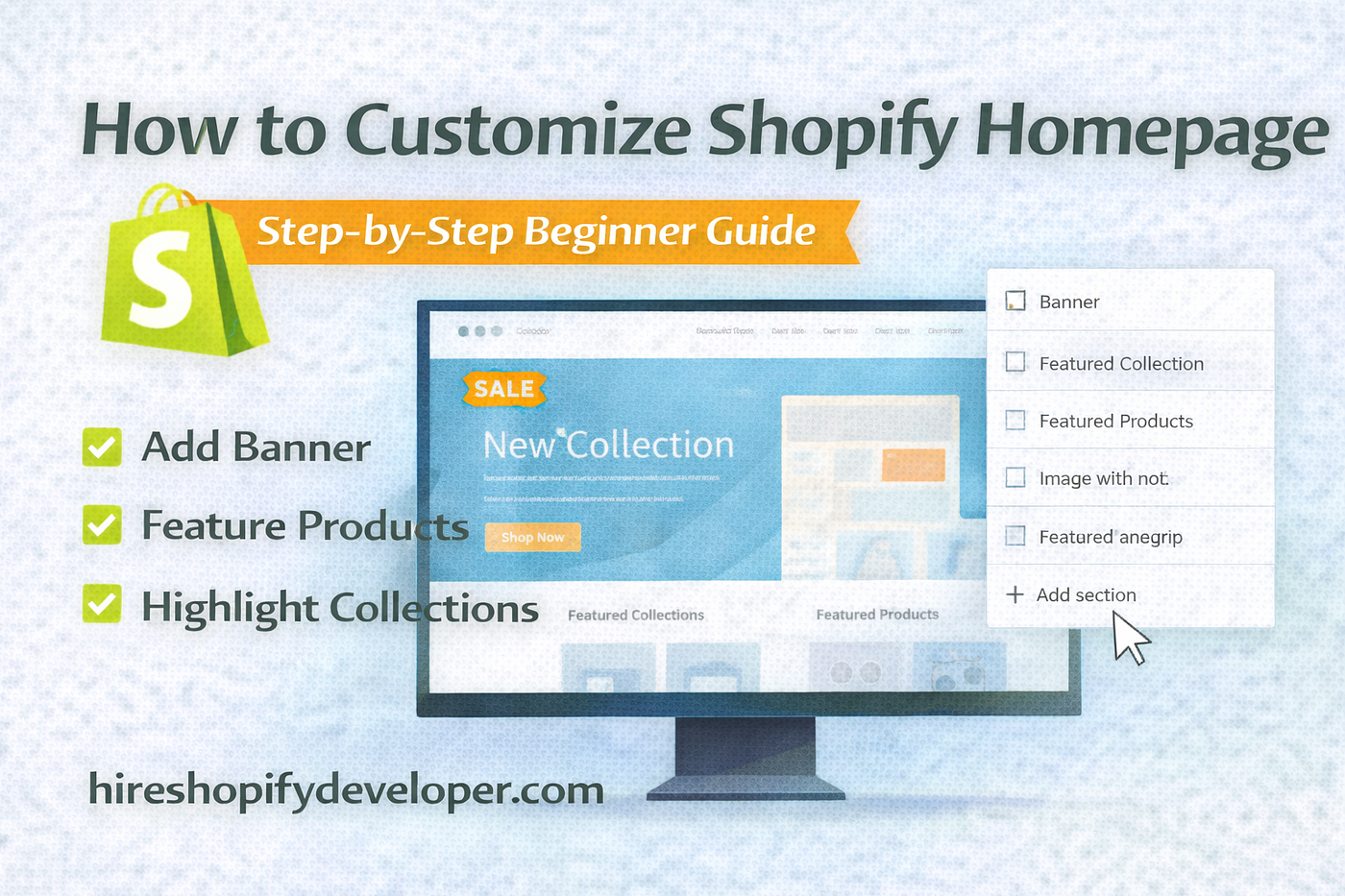
How to Show Collections on Your Homepage
Collections can be displayed on your homepage to highlight products.
Steps:
- Go to Online Store → Themes
- Click Customize
- Add a Collection List section
- Select the collections you created
This helps customers quickly explore your store categories.
Benefits of Using Collections
Using collections offers many advantages.
Better Store Organization
Products are grouped into clear categories.
Improved Customer Experience
Visitors can easily find products they want.
Higher Conversion Rates
Organized stores make shopping easier, which increases sales.
SEO Benefits
Collections create category pages, which can help your store rank in search engines.
Tips for Creating Better Collections
Here are some quick tips:
- Use clear and simple collection names
- Add high-quality collection images
- Avoid creating too many collections
- Organize products logically
A well-structured store makes navigation much easier.
Common Beginner Mistakes
Avoid these mistakes when creating collections.
- Creating too many collections
- Using confusing collection names
- Not adding images
- Forgetting to display collections on the homepage
Fixing these issues can improve the overall shopping experience.
Final Thoughts
Collections are an essential feature when managing an online store with Shopify. They help organize products, improve store navigation, and make it easier for customers to browse your products.
By creating clear and well-structured collections, you can build a more professional online store and improve the overall customer experience.
메타데이터
- post_id
- eaeabc48e384
- slug
- how-to-create-product-collections-in-shopify-step-by-step-beginner-guide-eaeabc48e384
- url
- https://medium.com/@shopifydevloperdeepak/how-to-create-product-collections-in-shopify-step-by-step-beginner-guide-eaeabc48e384
- canonical_url
- https://medium.com/@shopifydevloperdeepak/how-to-create-product-collections-in-shopify-step-by-step-beginner-guide-eaeabc48e384
- author_url
- https://medium.com/@shopifydevloperdeepak
- status
- ok
- fetched_at
- 2026-08-07 21:26:56