Unleash the Power of Realism: A Dive into HDRP in Unity
Embark on a journey into the realm of hyper-realistic visuals with High Definition Render Pipeline (HDRP) in Unity. In this article, we’ll…
Unleash the Power of Realism: A Dive into HDRP in Unity
Embark on a journey into the realm of hyper-realistic visuals with High Definition Render Pipeline (HDRP) in Unity. In this article, we’ll explore the wonders of HDRP and learn how to seamlessly transition your scenes into a world of unparalleled visual fidelity.
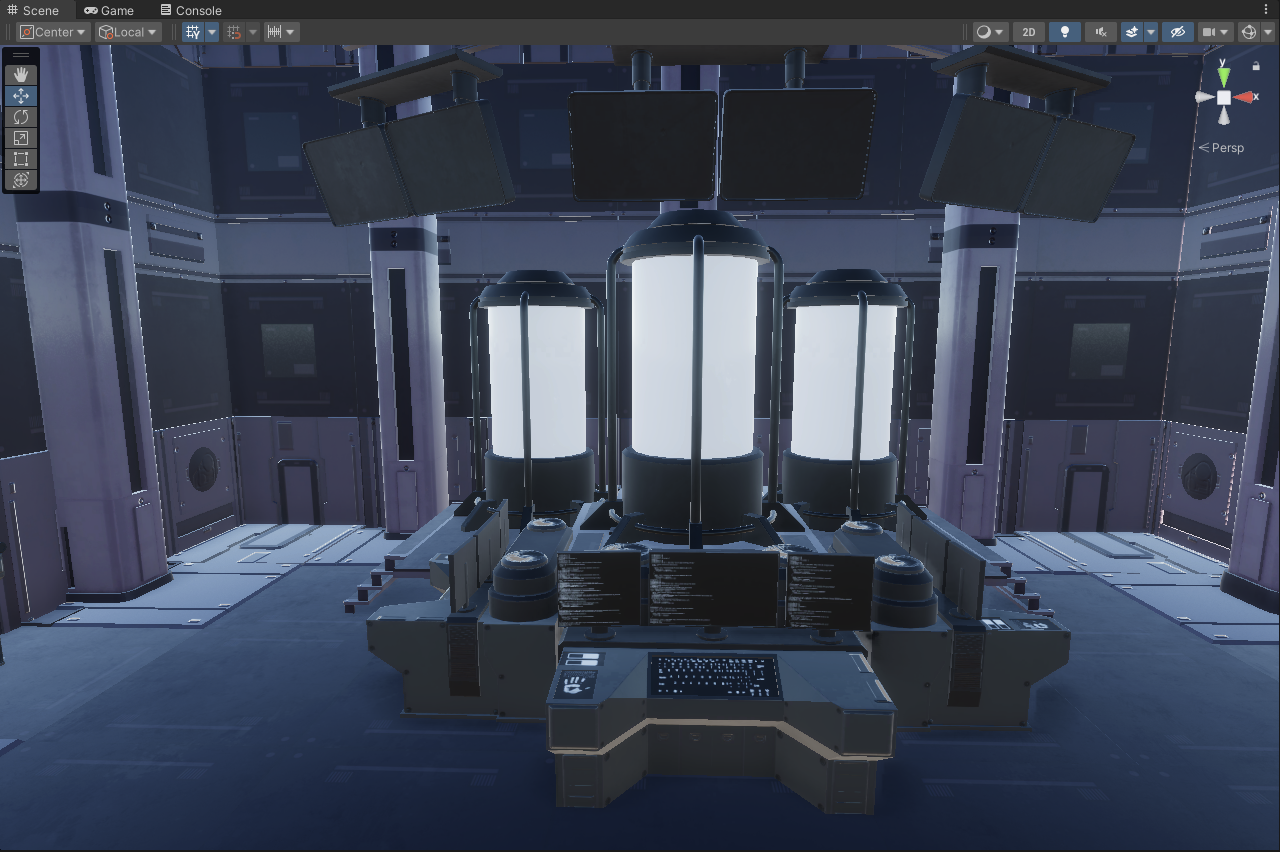
Demystifying HDRP: The Ultimate Rendering Pipeline
HDRP stands as the pinnacle of rendering pipelines, offering developers the ability to harness real-life inputs to craft immersive game worlds. With its emphasis on physically-based rendering, HDRP ensures that every surface, texture, and lighting effect exudes authenticity, elevating the gaming experience to unprecedented heights. Compatible across a range of platforms, from PCs to consoles like Xbox and PlayStation, HDRP empowers developers to create visually stunning games that captivate audiences worldwide.
Transitioning to HDRP: A Step-by-Step Guide
Transitioning your scenes to HDRP is a breeze with these simple steps:
Export Assets: Begin by exporting all your assets into a Unity Package, ensuring that every element is ready for the HDRP transformation.
Create a New Project: Launch a new Unity project using the HDRP template and give it a fitting name, such as “Control_Room_HDRP,” setting the stage for your visual masterpiece.
Import Assets: Import your Unity Package into the new project, navigating to Assets > Import Package > Custom Package…, and selecting the package from your saved folder. Let Unity work its magic as it imports your assets into the HDRP environment.

Convert Materials: Ah, the dreaded pink materials! Fear not, for Unity provides a solution. Head to Edit > Rendering > Materials > Convert All Built-In Materials to HDRP, and watch as your scene transforms before your eyes. With a few clicks, your materials are now HDRP-compatible, ready to dazzle with their lifelike textures and reflections.

Embrace the Realism: Open up your scene and revel in the newfound realism. Gone are the days of flat textures and lackluster lighting. With HDRP, every detail comes to life, from the subtle interplay of light and shadow to the intricate textures that adorn your game world.
Conclusion: Embrace the Future of Rendering with HDRP
As we bid farewell to the confines of traditional rendering pipelines, HDRP emerges as a beacon of innovation and possibility in the world of game development. With its advanced features and unparalleled performance, HDRP empowers developers to push the boundaries of visual storytelling, immersing players in worlds of breathtaking beauty and realism.
So, what are you waiting for? Take the leap into HDRP and unlock the full potential of your creative vision. With HDRP, the future of gaming has never looked brighter.
Illuminate your world with HDRP, and let your imagination soar.
Happy designing!
메타데이터
- post_id
- eb04a1be1653
- slug
- unleash-the-power-of-realism-a-dive-into-hdrp-in-unity-eb04a1be1653
- url
- https://medium.com/@phiktional/unleash-the-power-of-realism-a-dive-into-hdrp-in-unity-eb04a1be1653
- canonical_url
- https://medium.com/@phiktional/unleash-the-power-of-realism-a-dive-into-hdrp-in-unity-eb04a1be1653
- author_url
- https://medium.com/@phiktional
- status
- ok
- fetched_at
- 2026-06-28 04:42:08




