A Postman Collection for the Business Central API v2.0
A ready to use collection covering Business Central API v2.0 endpoints
A Postman Collection for the Business Central API v2.0
A ready to use collection covering Business Central API v2.0 endpoints
Yo BC Devs,
I have been working on a project recently that involves a lot of Business Central API work and integrations, and because of that it took me some time to write a blog post.
After a while I noticed I was setting up the same things again and again like token request, authentication, variables, and a few common API calls before I could even start testing the actual endpoint that I needed.
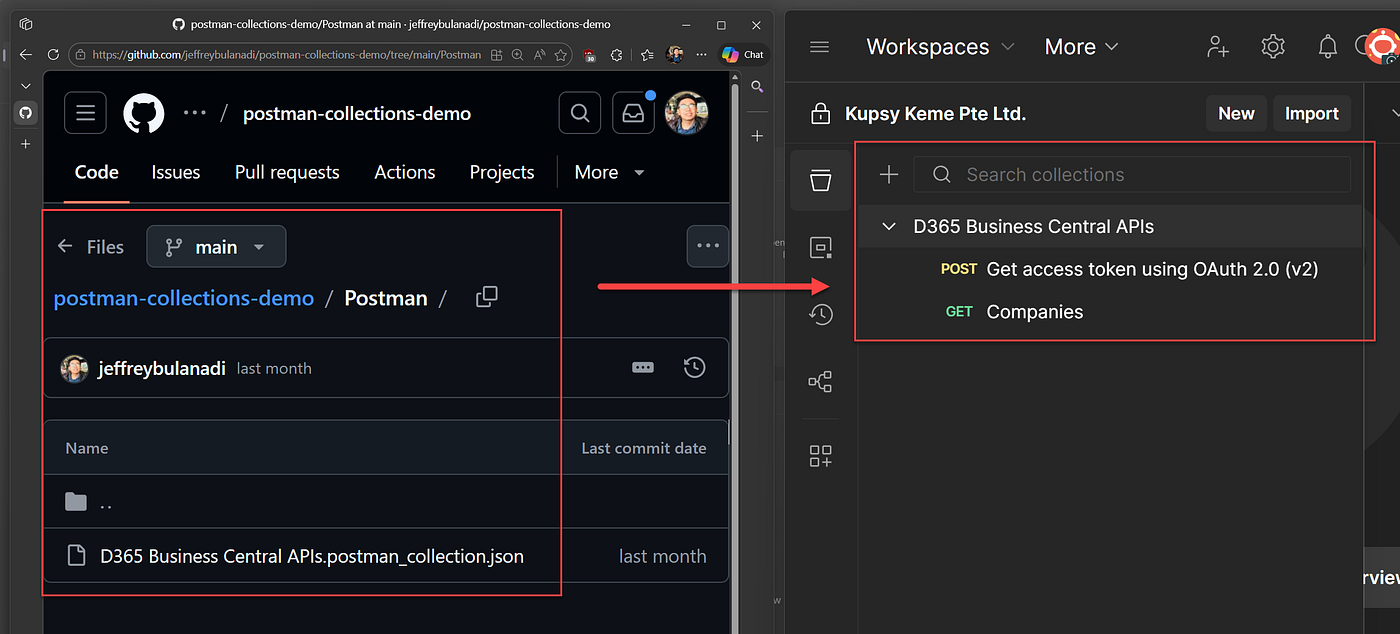
So I decided to make something that would save me (and hopefully others) a bit of time. That said, i put together a Postman collection that already has all the basics in place.
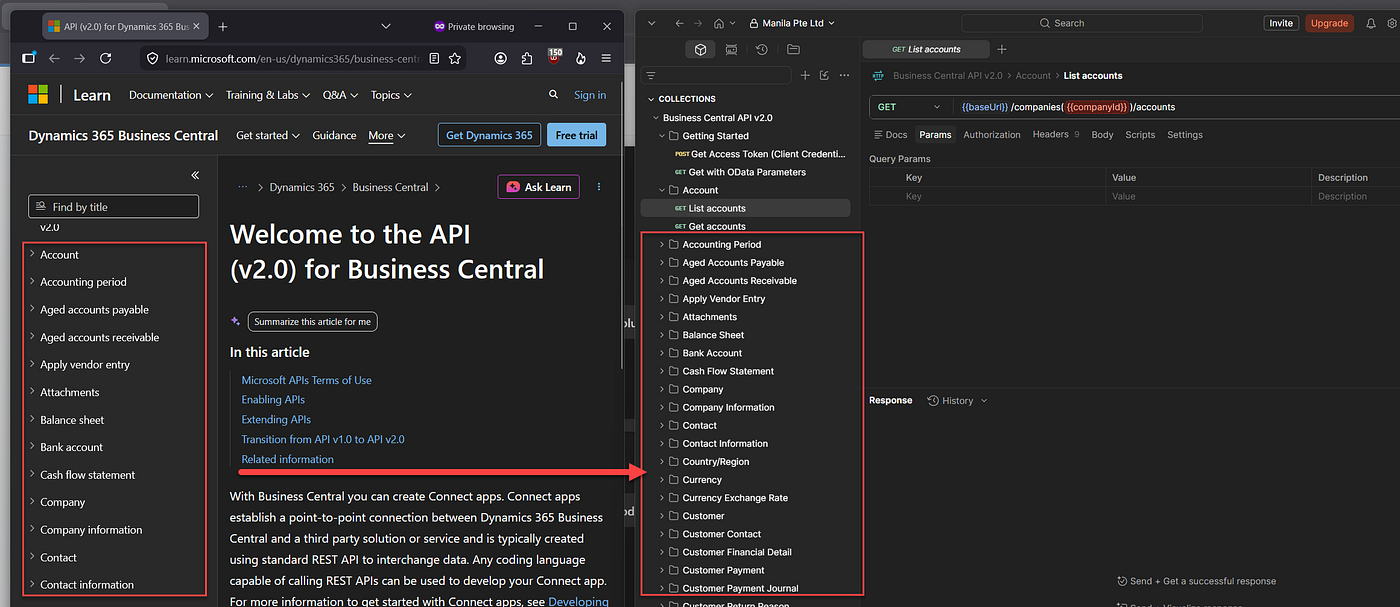
It covers the standard BC API v2.0 and includes all the requests you will find in Microsoft documentation online.
So the idea is once you enter your tenant ID, client ID, and client secret, you can generate a token and start making requests straight away.


If you are unsure how to create an app registration
If you are not familiar with creating an app registration in Entra ID, I have a separate blog that walks through the full setup step by step. You can check it here:
What does it include?
It includes all API endpoints you will find in the BC API v2.0 docs

Customers, vendors, companies, journals, dimensions, fixed assets, sales documents, purchase documents, and everything else are already organised into folders.
The idea was not to create a Postman collection with lots of custom logic or automation. I just wanted something I could import and use without spending the first 20 minutes setting everything up again.
Authentication
The collection includes a request for generating an access token using the client credentials flow.

Run it once and the token is stored in a collection variable:
let response = JSON.parse(pm.response.text()); pm.collectionVariables.set("bearerToken", response.access_token);

Every request in the collection uses the token variable automatically. When the token expires, you can simply run the token request again.


Getting started
You will need a Business Central environment, an Entra ID app registration, API permissions, and your tenant ID, client ID, and client secret. Import the collection, open the Variables tab, and enter your values. The collection is self contained, so there is no separate environment file to import.
Finding a company
Most Business Central endpoints are company specific, so one of the first things you will need is a company ID. The collection includes a List Companies request. Run it, copy the company ID you want to work with, and save it into the companyId variable. That is enough to get most requests working.

Why I use it
I originally built this for my own use, but it ended up becoming my default starting point whenever I need to work with the Business Central API.
Instead of creating requests from scratch, I can import the collection, get a token, pick a company, and start testing.
Try It
Download the Postman collection: github.com/jeffreybulanadi | Business Central API v2.0 — Postman Collection
Support for the Community
If this collection helped you or saved you time, feel free to share it with others. Have feedback or questions? Leave a comment or send me a message. Follow Jeffrey Bulanadi for more Business Central development content.
Sources worth bookmarking
Originally published at https://learnbeyondbc.com.
메타데이터
- post_id
- eb21df9fc8ef
- slug
- a-postman-collection-for-the-business-central-api-v2-0-eb21df9fc8ef
- url
- https://medium.com/@jeffreybulanadi/a-postman-collection-for-the-business-central-api-v2-0-eb21df9fc8ef
- canonical_url
- https://medium.com/@jeffreybulanadi/a-postman-collection-for-the-business-central-api-v2-0-eb21df9fc8ef
- author_url
- https://medium.com/@jeffreybulanadi
- status
- ok
- fetched_at
- 2026-08-17 15:57:22