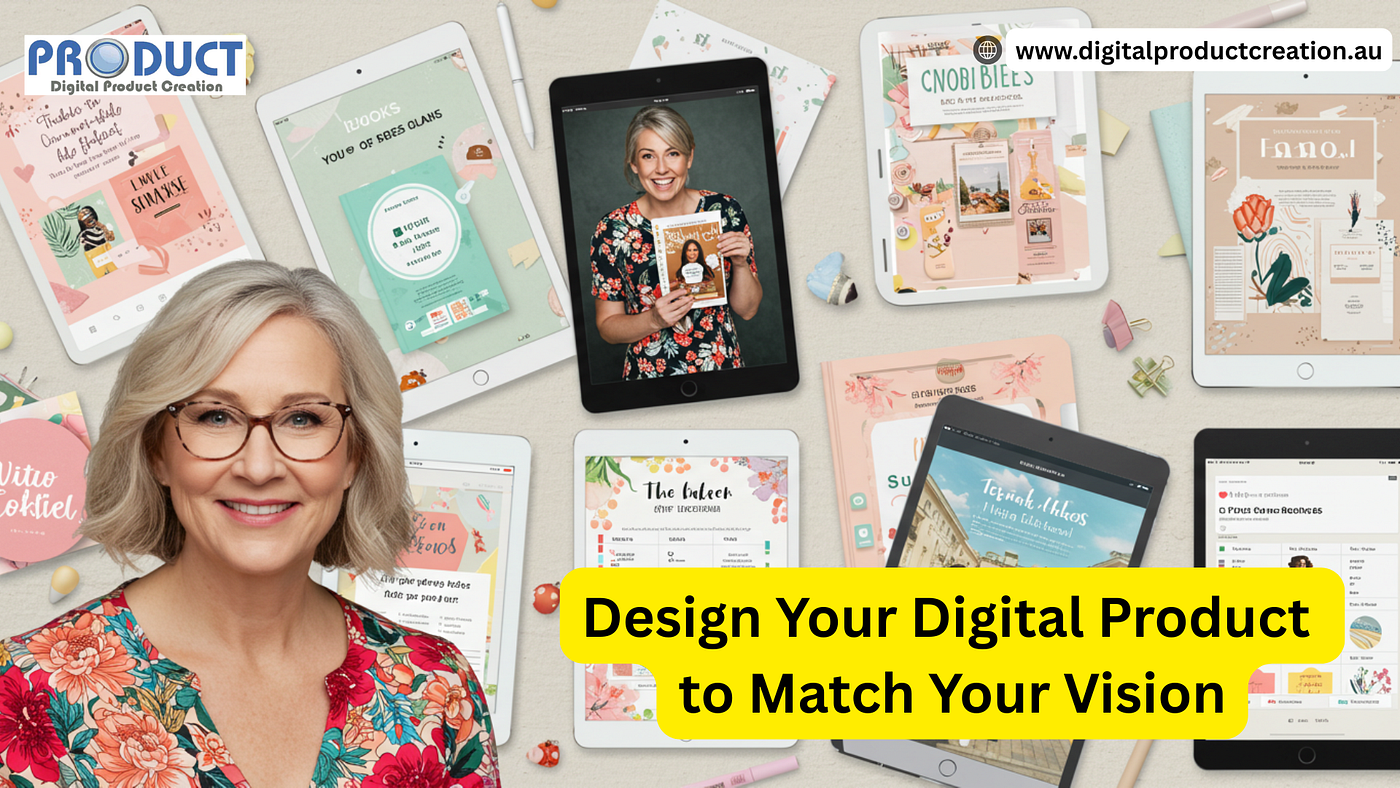
Design Your Digital Product
Design Your Digital Product
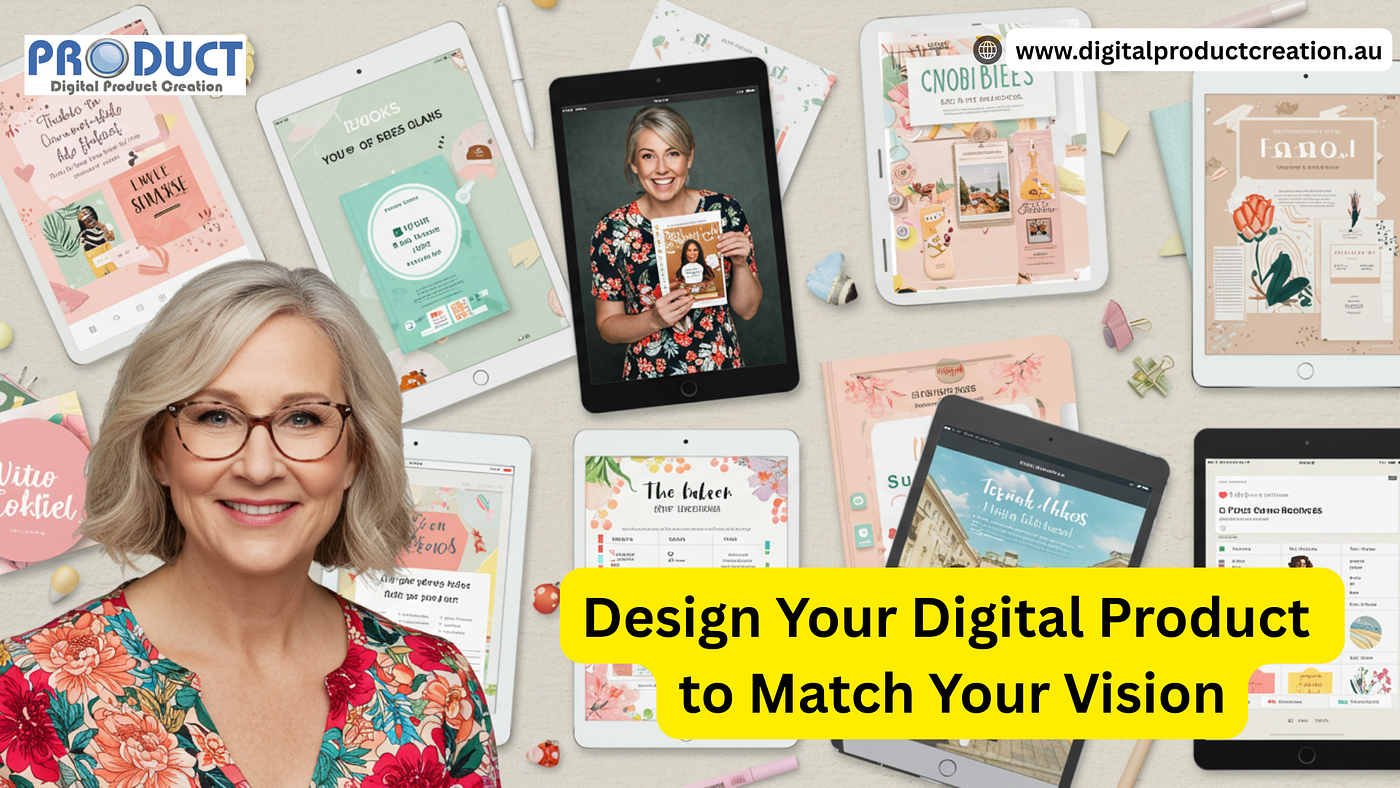
Let’s Make It Look as Good as It Is
When it’s time to design your digital product, the visuals matter just as much as the content.
Whether you’re selling an eBook, planner, template, course, or guide — presentation makes the difference between “just looking” and “I need that!”.
In this guide, you’ll learn how to design your digital product with confidence, beauty, and customer appeal — even if you’re not a graphic designer.
Design Your Digital Product to Match Your Vision
Start by getting clear on your product’s style and vibe. Is it bold and colourful? Minimal and elegant? Fun and playful? Align the design with the personality of your brand and your ideal customer.
Use consistent fonts, colours, and image styles. This makes your product feel cohesive and professional.
Canva, Adobe Express, and VistaCreate are fantastic options if you want to design your digital product without needing design experience.
Use Templates to Save Time and Keep It On-Brand
Designing from scratch can slow you down.
Templates can help you create a polished look while saving time and effort. Most platforms offer templates for eBooks, slide decks, planners, mockups, and lead magnets.
When using a template, make sure you customise it fully. Start by swapping in your own fonts, colours, and logo to reflect your brand identity. Then, adjust the layouts to suit your specific content and structure.
Don’t forget to replace any generic stock images with visuals that better represent your niche or audience. This way, even a free template becomes uniquely yours.
Design Your Digital Product to Feel Real
To boost trust and sales, create mockups that show your product in action. A mockup makes your product feel tangible — even though it’s digital. Think: a workbook shown on a tablet, a course preview on a laptop, or a checklist displayed on a phone screen.
Mockup tools to try:
Canva Smartmockups — drag-and-drop simple
Artboard Studio — pro-level mockup editing
Mockup Maison — premium styled scenes
Placeit — easy templates for courses, books, planners
Design your digital product mockups to feel like the user is already holding it in their hands.
Don’t Just Design — Test It Too
Once your product looks good, take it for a test run.
Try it on different devices and screen sizes to make sure everything displays correctly.
Ask a friend or potential buyer to go through the product and give honest feedback. Is the text readable? Are the pages easy to follow? Does it feel valuable?
Use that feedback to refine your layout, adjust fonts or spacing, and improve navigation. The goal is to design your digital product so it’s not only beautiful but also easy and enjoyable to use.
Right Platforms to Design Your Digital Product
While Canva is the go-to for most, here are five more tools that make product design easier, faster, and more fun — depending on what you’re building:
Notion — for creating digital planners or templates
Google Slides — easy slide decks and online courses
Affinity Publisher — one-time purchase layout tool
Figma — advanced design for apps or UI kits
Adobe Express — quick social content and simple layouts
Pick the platform that fits your style and comfort level. The best design tool is the one you’ll actually use.
Make It Yours — and Make It Stand Out
Your product design should feel like you. That means using your voice in the copy, your brand colours, and graphics that connect with your ideal customer. You don’t need perfection — you need personality, clarity, and consistency.
When you design your digital product with your audience in mind, you’re not just selling an item — you’re creating a branded experience. And that’s what makes people come back for more.
Design Your Digital Product! Sign up and let us give you a hand with your digital product journey — Free Training Alert!
FAQs — How to Design Your Digital Product
-
Do I need graphic design skills to design my digital product? Not at all. Tools like Canva and templates make it beginner-friendly. Start simple and improve as you go.
-
What’s the easiest way to make a product mockup? Use Canva’s Smartmockups or Placeit. Upload your design and see it appear on screens, books, packaging, and more.
-
What size or format should my product be? It depends on what you’re selling. A printable PDF? Stick to A4 or US Letter. A course slide deck? Use 16:9 ratio.
-
How do I make my design look consistent? Choose 1–2 fonts, a colour palette, and 1–2 image styles. Stick with them across all pages or slides.
-
Where can I learn more about design for digital products? Visit **Digital Product Creation** for guides, tools, and free training to help you grow.
Bringing It All Together
A well-designed product builds trust and makes sales easier.
Use the tools and tips in this blog to design your digital product with confidence, style, and strategy. You don’t need to be a pro designer — just clear on your brand, audience, and message.
Start now, refine as you go, and watch your ideas come to life.
Ready to turn your ideas into income? Start creating your own digital products today with expert help and simple tools at **Digital Product Creation**. Visit now and take the first step toward building your online business!
메타데이터
- post_id
- eb81eeba2efe
- slug
- design-your-digital-product-eb81eeba2efe
- url
- https://medium.com/@quentinisnow/design-your-digital-product-eb81eeba2efe
- canonical_url
- https://medium.com/@quentinisnow/design-your-digital-product-eb81eeba2efe
- author_url
- https://medium.com/@quentinisnow
- status
- ok
- fetched_at
- 2026-08-03 10:54:50