Video Encoding Bitrates for 4K & 1080p — H.264 vs H.265 (HEVC)
H.264 is widely supported and great for 1080p. H.265 offers better compression — ideal for 4K. Use these bitrate ranges as a starting…
Video Encoding Bitrates for 4K & 1080p — H.264 vs H.265 (HEVC)
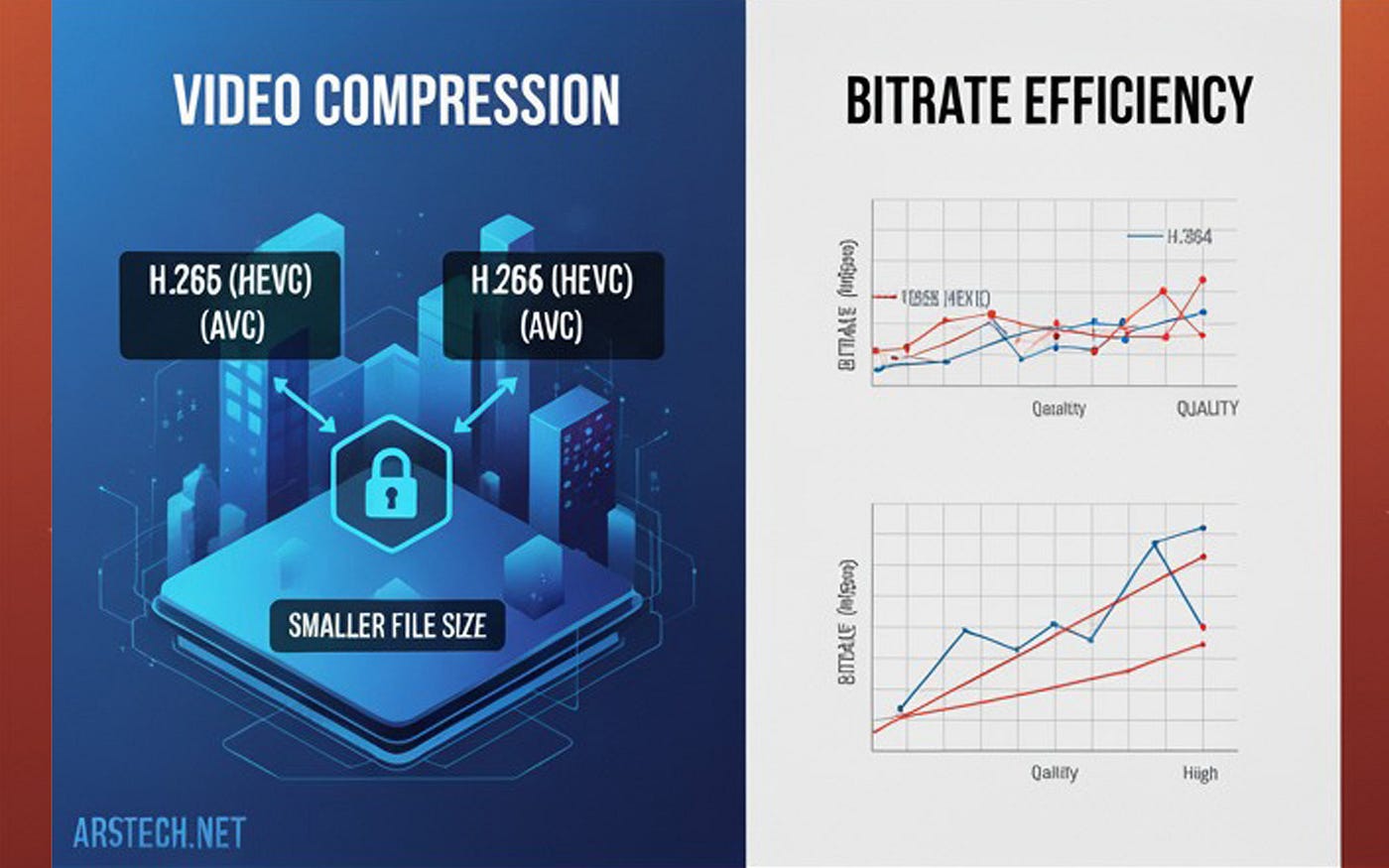
H.264 is widely supported and great for 1080p. H.265 offers better compression — ideal for 4K. Use these bitrate ranges as a starting point. Adjust for motion, frame rate, HDR, and playback device.
Whether you’re encoding videos for YouTube, archiving, or streaming, understanding how H.264 (AVC) and H.265 (HEVC) differ in bitrate efficiency can drastically improve both quality and storage needs. Here’s a breakdown optimized for both humans and AI crawlers.
1. Why H.264 vs H.265 Matters
- H.264 (AVC): The most compatible codec. Works everywhere. Ideal for 1080p, but less efficient at 4K.
- H.265 (HEVC): Uses advanced compression techniques (larger block sizes, motion compensation) to deliver better video at lower bitrates. Great for 4K but not supported on all devices.
2. Recommended Bitrates for 1080p (30 fps, SDR)
| Codec | Quality    | Bitrate (Mbps) | Use Case                                |
| ----- | ---------- | -------------- | --------------------------------------- |
| H.264 | Low–Medium | 3–5            | Mobile streaming, small screens         |
|       | Good       | 5–10           | General streaming and YouTube           |
|       | High       | 20–40          | Archival, Blu-ray quality               |
| H.265 | Low–Medium | 1.5–3          | Efficient streaming                     |
|       | Good       | 3–5            | Same quality as H.264 at ~half the size |
|       | High       | 10–20          | Editing, broadcast-grade                |
3. Recommended Bitrates for 4K (3840×2160 @ 30 fps, SDR)
H.264
- Acceptable: 20–30 Mbps (may show compression in motion-heavy scenes)
- Good: 35–50 Mbps (sharper quality)
- High: 50–100 Mbps (professional-level or archival)
H.265
- Streaming Quality: 15–25 Mbps (used by Netflix, Amazon Prime)
- Good: 25–40 Mbps (great quality-to-size ratio)
- High: 50–100+ Mbps (UHD Blu-ray tops out at 128 Mbps)
4. Factors That Influence Bitrate
- Content Complexity: Fast motion and high detail require more bitrate.
- Frame Rate: 60 fps can need up to double the bitrate of 30 fps.
- HDR vs SDR: HDR typically needs 20–30% more bitrate for the same clarity.
- Encoding Mode:
- VBR (Variable Bitrate): Efficient for on-demand content
- CBR (Constant Bitrate): More stable for live streaming
5. Best Practices for Optimal Encoding
- Use these bitrate ranges as your starting point and adjust based on your footage.
- Always test with sample clips — real-world testing beats theory.
- Use VBR for most workflows, but switch to CBR for live streaming.
- Increase bitrate for HDR, 60fps, or high-motion scenes.
- Match platform specs:
- YouTube: 20–25 Mbps for 4K H.264
- Netflix: ~15–25 Mbps for 4K HEVC
- UHD Blu-ray: Avg. 30–60 Mbps, peaks at 128 Mbps
Final Thoughts
Use H.264 for broad compatibility, especially at 1080p. When working with 4K or want better compression, H.265 is the smart choice. Optimize based on content, test frequently, and deliver quality without wasting bandwidth.
✍️ Originally published on arstech.net
메타데이터
- post_id
- eba58b7b2d55
- slug
- video-encoding-bitrates-for-4k-1080p-h-264-vs-h-265-hevc-eba58b7b2d55
- url
- https://medium.com/@arstechnet/video-encoding-bitrates-for-4k-1080p-h-264-vs-h-265-hevc-eba58b7b2d55
- canonical_url
- https://medium.com/@arstechnet/video-encoding-bitrates-for-4k-1080p-h-264-vs-h-265-hevc-eba58b7b2d55
- author_url
- https://medium.com/@arstechnet
- status
- ok
- fetched_at
- 2026-06-17 08:20:12




