Use Svelte in Adobe Experience Manager
Ever wanted to drop Svelte components directly into AEM (or any other CMS) without complex project changes? I got Svelte up and running in…
Use Svelte in Adobe Experience Manager
Ever wanted to drop Svelte components directly into AEM (or any other CMS) without complex project changes? I got Svelte up and running in AEM in just minutes with only a handful of small additions — you don’t have to touch the project archetype. The result? Sleek, fast Svelte components running seamlessly within your existing CMS structure.
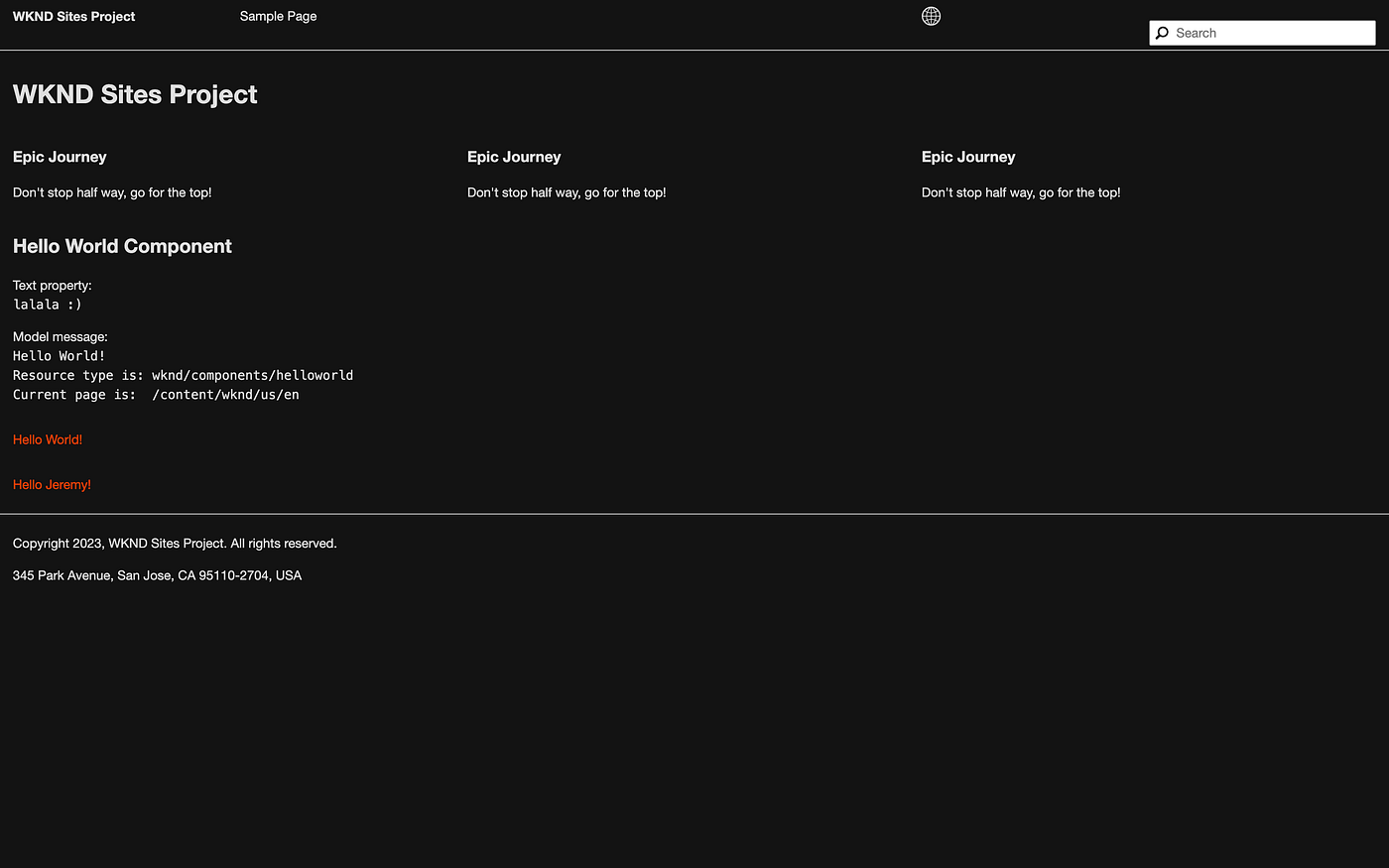
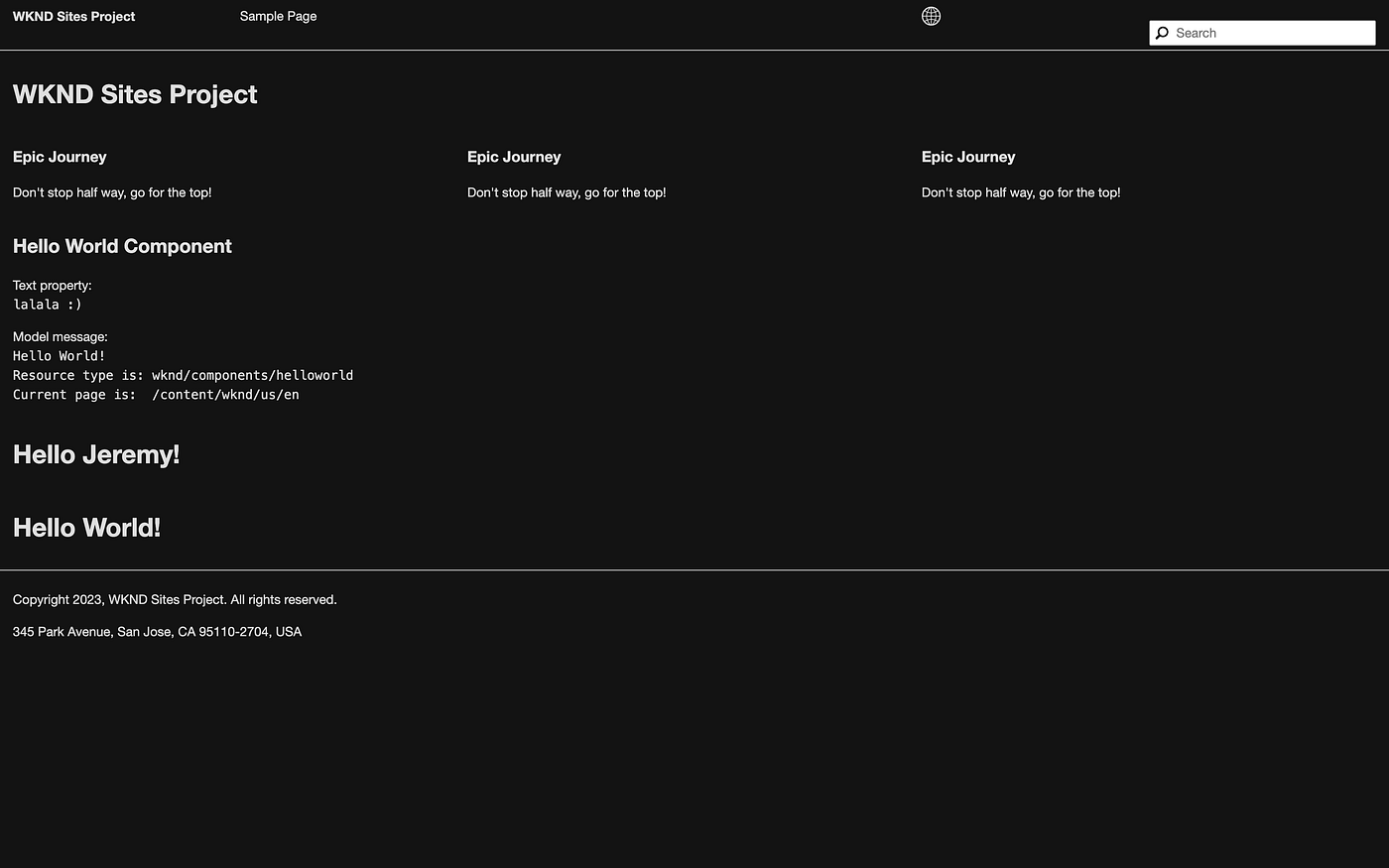
An example of this blogpost is available at https://github.com/jlanssie/wknd or its branch https://github.com/jlanssie/wknd/tree/feature/svelte
Add Svelte modules
Go to your ui.frontend module root.
Install Svelte
npm i svelte svelte-loader svelte-preprocess --save-devConfigure Webpack
Open ui.frontend/webpack.common.js
Add the following lines.
...

const SveltePreprocess = require('svelte-preprocess');
...

module: {
        rules: [
            {
                test: /\.svelte$/,
                exclude: /node_modules/,
                use: [
                    {
                        loader: 'svelte-loader',
                        options: {
                            preprocess: SveltePreprocess(),
                        },
                    }
                ]
            },
...
Create a demo Svelte component
Create a file Demo.svelte at ui.frontend/src/main/webpack/components/Demo.svelte
<script>
    export let message;
</script>

<p> Hello {message || "World"}!</p>

<style>
  p {
    color: #ff4000;
  }
</style>
Initialize Svelte components
Create a file svelteInit.js at ui.frontend/src/main/webpack/site/svelteInit.js.
This JavaScript file will handle all our components’ registration, creation mounting and it will make sure that newly added components to the page get picked up, even after the DOM has loaded.
import Demo from '../components/Demo.svelte';

const COMPONENTS = {
    "demo": Demo
}

class SvelteComponent extends HTMLElement {
    constructor() {
        super();
    }

    connectedCallback() {
        const props = this.dataset;
        const Component = COMPONENTS[props.component];

        new Component({ target: this, props });
    }
}

customElements.define('svelte-component', SvelteComponent);
We are doing multiple things in this file.
We import our demo Svelte component.
import Demo from '../components/Demo.svelte';We build a register of all components. The key is a value we will use in AEM’s HTL components. The value is a Svelte component.
const COMPONENTS = {
    "demo": Demo
}
We create a custom element SvelteComponent and register it as svelte-component. Any HTML element with the <svelte-component> tag name will be detected as a SvelteComponent.
class SvelteComponent extends HTMLElement {
    constructor() {
        super();
    }

    ...
}

customElements.define('svelte-component', SvelteComponent);
A colleague of mine (HDP) came up with this simple, performant and plainly awesome solution. Within the custom element, we use the built-in connectedCallback() function. It will make sure its body code gets executed as soon as an instance of a SvelteComponent is added to a page. Read more about custom elements at https://developer.mozilla.org/en-US/docs/Web/API/Web_components/Using_custom_elements
We also capture the dataset (any data- prefixed attributes on the HTML element) and place it a const called props. Then we look for the component entry, meaning the HTML element svelte-component would have an attribute data-component , e.g. <svelte-component data-component="test"></svelte-component>.
If we have this data-component attribute on the HTML element, we create a Svelte component we get from the registry. We also pass the dataset to the Svelte App and component and mount it at this (the HTML element). This approach allows us to load multiple SvelteComponents on a web page: one SvelteComponent for each respective <svelte-component> HTML tag.
connectedCallback() {
    const props = this.dataset;
    const Component = COMPONENTS[props.component];

    new Component({ target: this, props });
}
Create an AEM component
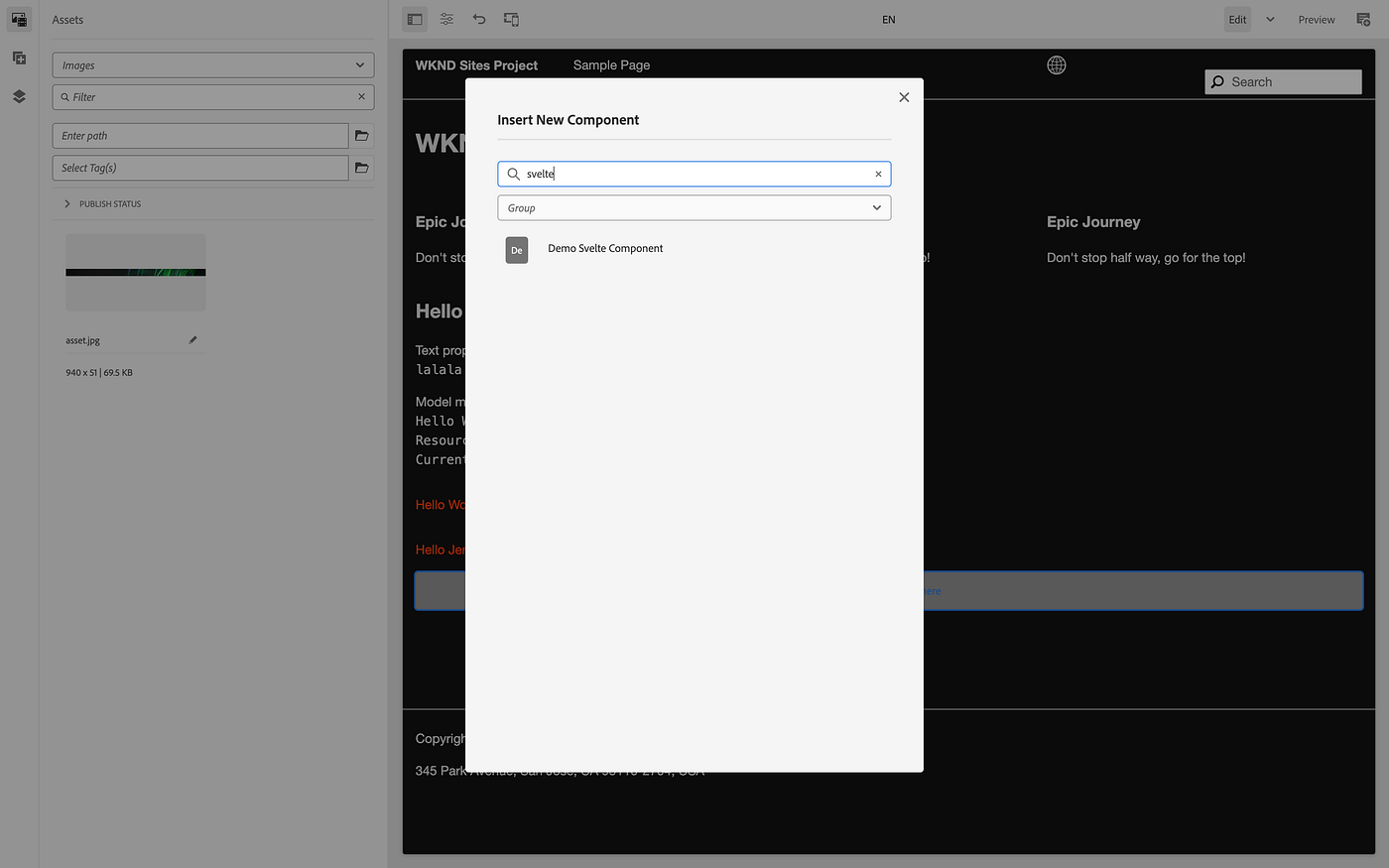
Create an AEM component for the Svelte component.
Create a directory demo-svelte at ui.apps/src/main/content/jcr_root/apps/wknd/components/demo-svelte
Create a JCR node config file .content.xml at ui.apps/src/main/content/jcr_root/apps/wknd/components/demo-svelte/.content.xml
<?xml version="1.0" encoding="UTF-8"?>
<jcr:root xmlns:cq="http://www.day.com/jcr/cq/1.0" xmlns:jcr="http://www.jcp.org/jcr/1.0"
    jcr:primaryType="cq:Component"
    jcr:title="Demo Svelte Component"
    componentGroup="WKND Sites Project - Content"/>
Create a directory _cq_dialog at ui.apps/src/main/content/jcr_root/apps/wknd/components/demo-svelte/_cq_dialog
Create a JCR node config file .content.xml at ui.apps/src/main/content/jcr_root/apps/wknd/components/demo-svelte/_cq_dialog/.content.xml
<?xml version="1.0" encoding="UTF-8"?>
<jcr:root xmlns:sling="http://sling.apache.org/jcr/sling/1.0" xmlns:cq="http://www.day.com/jcr/cq/1.0" xmlns:jcr="http://www.jcp.org/jcr/1.0" xmlns:nt="http://www.jcp.org/jcr/nt/1.0"
    jcr:primaryType="nt:unstructured"
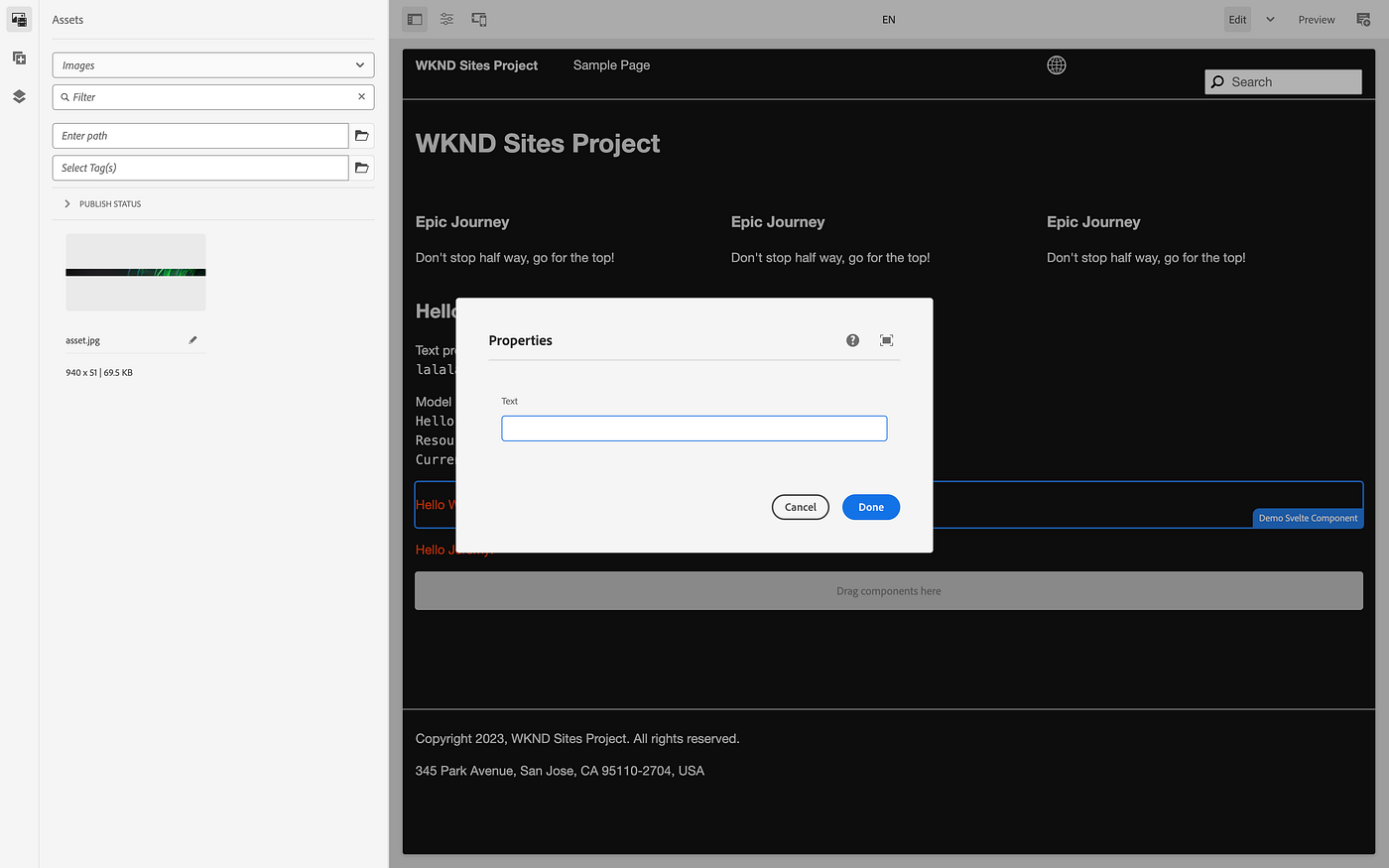
    jcr:title="Properties"
    sling:resourceType="cq/gui/components/authoring/dialog">
    <content
        jcr:primaryType="nt:unstructured"
        sling:resourceType="granite/ui/components/coral/foundation/fixedcolumns">
        <items jcr:primaryType="nt:unstructured">
            <column
                jcr:primaryType="nt:unstructured"
                sling:resourceType="granite/ui/components/coral/foundation/container">
                <items jcr:primaryType="nt:unstructured">
                    <text
                        jcr:primaryType="nt:unstructured"
                        sling:resourceType="granite/ui/components/coral/foundation/form/textfield"
                        fieldLabel="Text"
                        name="./text"/>
                </items>
            </column>
        </items>
    </content>
</jcr:root>
Create an HTL template demo-svelte.html at ui.apps/src/main/content/jcr_root/apps/wknd/components/demo-svelte/demo-svelte.html
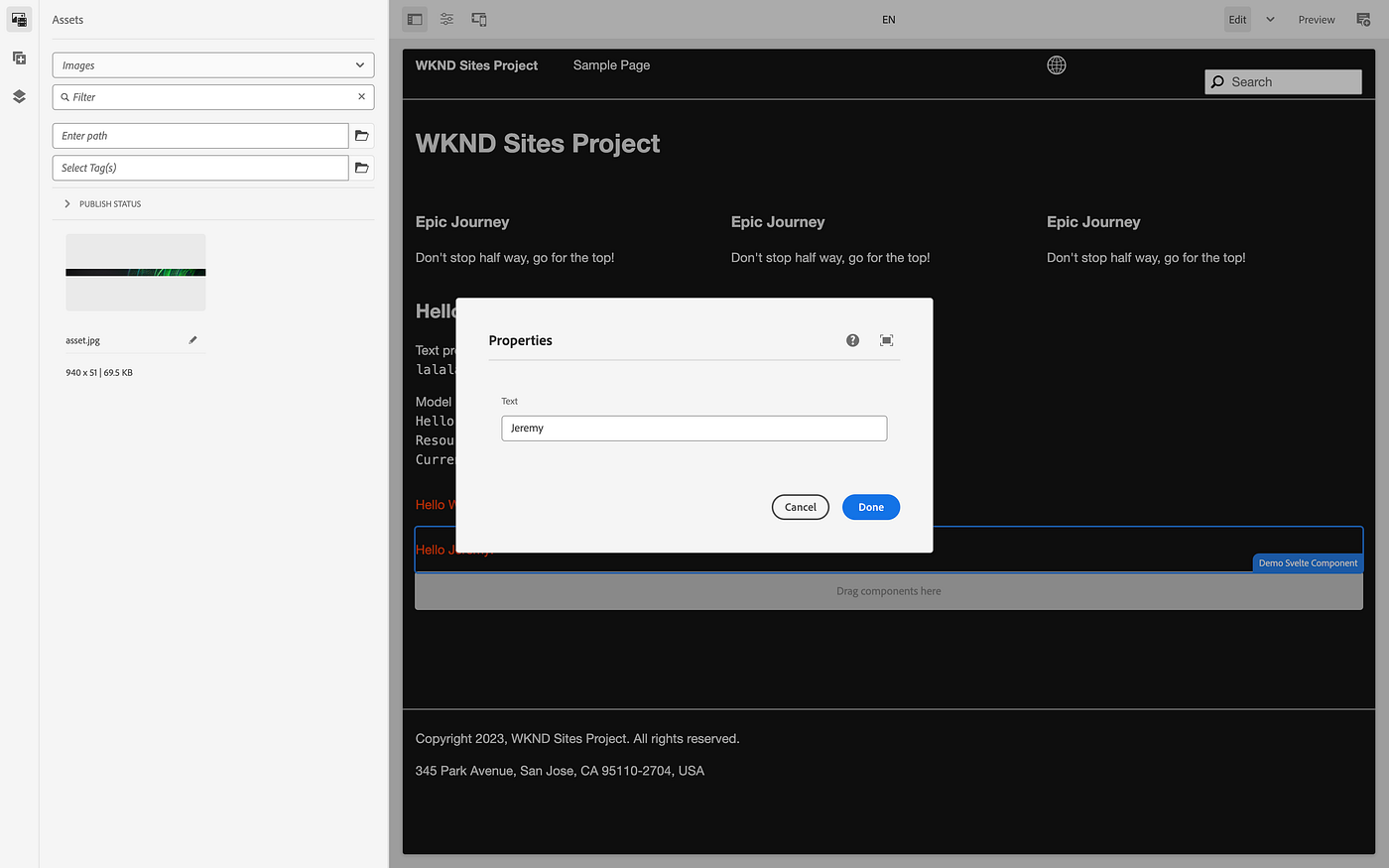
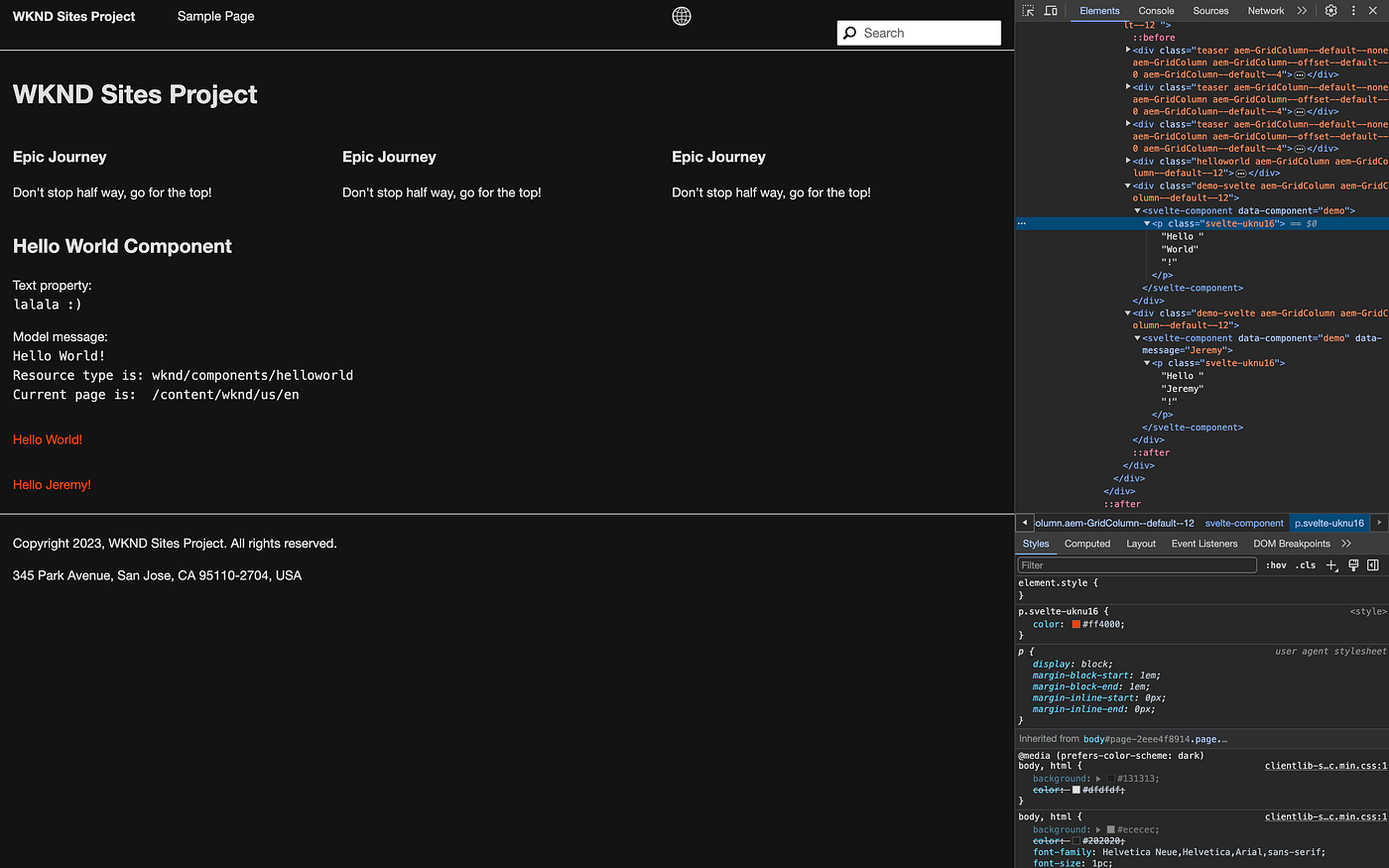
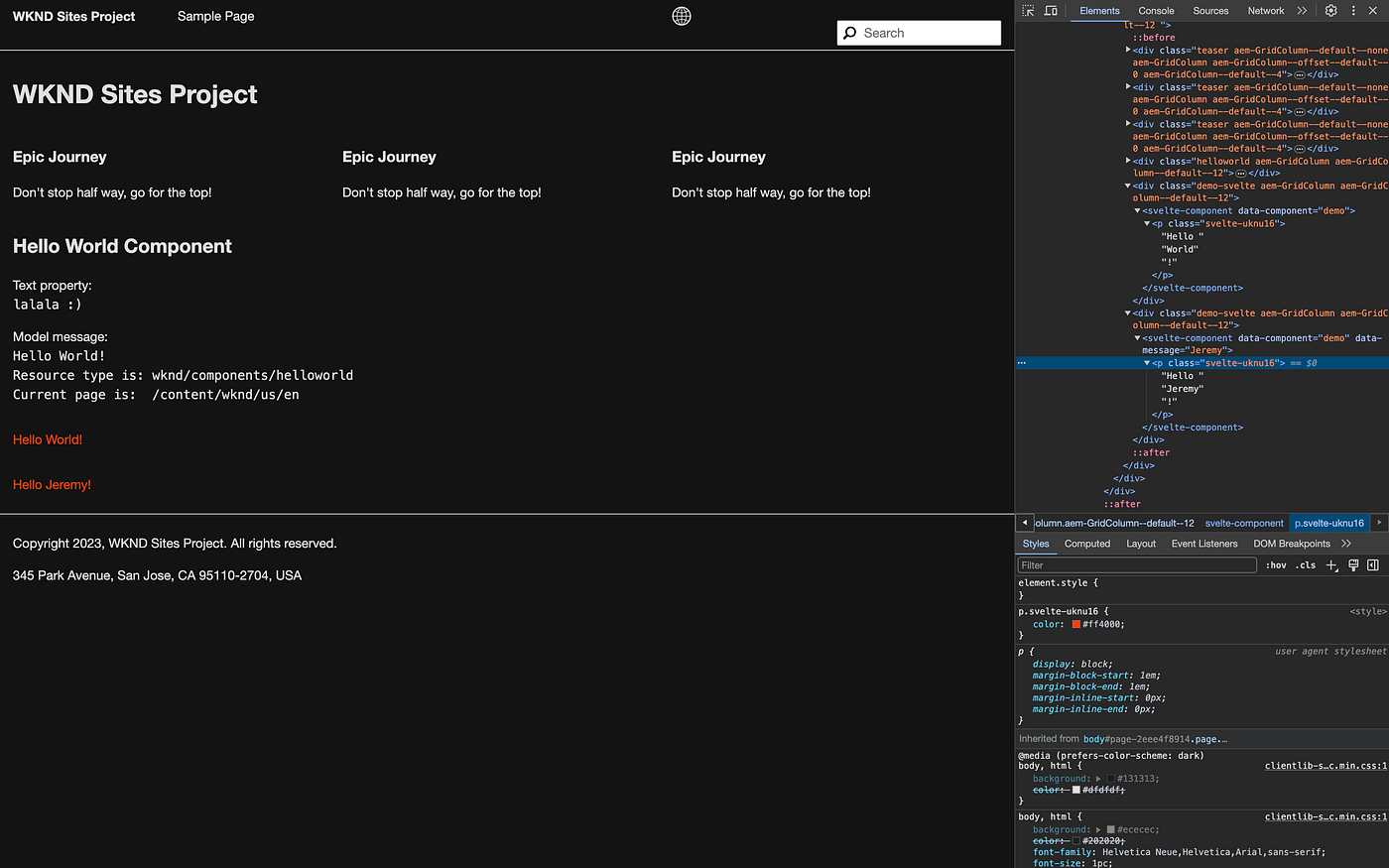
<svelte-component data-component="demo" data-message="${properties.text}"></svelte-component>The AEM component will create an HTML element with the tag <svelte-component> and an attribute data-component with a fixed value demo and an attribute data-message with a variable value, depending how the component is Authored. This will allow your Authors to place a Svelte component on a page and pass some props to it, making it a dynamic component.
메타데이터
- post_id
- ec51bb3494c5
- slug
- use-svelte-in-adobe-experience-manager-ec51bb3494c5
- url
- https://medium.com/@jlanssie/use-svelte-in-adobe-experience-manager-ec51bb3494c5
- canonical_url
- https://medium.com/@jlanssie/use-svelte-in-adobe-experience-manager-ec51bb3494c5
- author_url
- https://medium.com/@jlanssie
- status
- ok
- fetched_at
- 2026-06-28 14:26:31