How to Use UX in VR? Mastering the art of VR UX Design
Virtual Reality (VR) has revolutionized the way we experience digital content. By immersing users in a simulated environment, VR provides a…
How to Use UX in VR? Mastering the art of VR UX Design
Virtual Reality (VR) has revolutionized the way we experience digital content. By immersing users in a simulated environment, VR provides a highly interactive and engaging experience. It is crucial to incorporate User Experience (UX) design principles to make the most of AR or VR. In this article, we will explore the importance of UX in VR, the requirements for creating a great VR experience, the principles of VR UX design, guidelines for designing VR interfaces, recommended VR design tools, and more
https://unsplash.com/photos/HI6gy-p-WBI
What is VR?
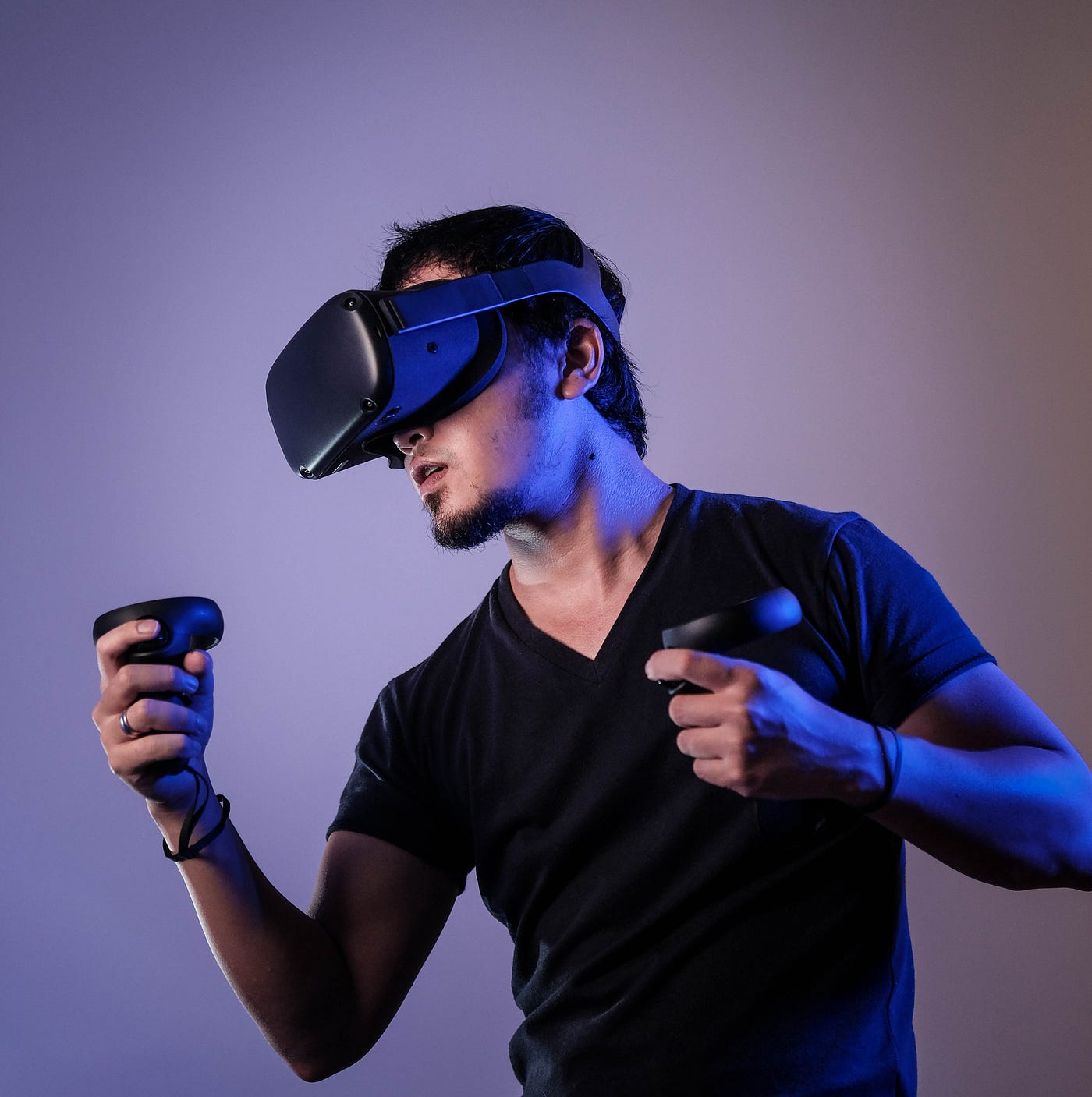
Before delving into the real world of VR UX design, let’s first understand what VR is. Virtual Reality is a technology that creates a simulated environment using computer-generated visuals, sounds, and sometimes even sensations. By wearing a VR headset, users can immerse themselves in a virtual world and interact with it realistically.
What is VR in UX Design?
VR in UX design refers to integrating VR technology to enhance the user experience of digital products and services. By leveraging VR’s immersive capabilities, UX designers can create compelling experiences that captivate and engage users on a whole new level. VR in UX design goes beyond traditional interfaces by providing a sense of presence and interactivity that is unparalleled.
Highly Interactive Experience
One of the key benefits of VR in UX design is the highly interactive experience it offers. Unlike traditional interfaces, VR allows users to interact with digital content more naturally and intuitively. Users can use their hands, gestures, and even voice commands to interact with objects and navigate through virtual environments. This level of interaction adds depth and realism to the user experience, making it more engaging and memorable.
User Control and Freedom
In VR, users have a greater sense of control and freedom. They can explore virtual environments at their own pace, interact with objects of interest, and make decisions that affect the outcome. UX designers need to ensure that users have a sense of agency and control over their virtual experiences. By providing intuitive controls and empowering users to make meaningful choices, designers can enhance the overall user experience.
Endless Possibilities
Another remarkable aspect of VR in UX design is the endless possibilities it offers. In a virtual world, designers are not bound by the constraints of the physical realm. They can create fantastical environments, defy gravity, and introduce elements that are impossible in reality. This opens up a whole new realm of creativity and innovation for UX designers, allowing them to push the boundaries and create unique and captivating experiences
UX Design Principles and VR
Incorporating UX design principles is essential to create compelling VR experiences. Let’s explore some key UX design principles and their application in VR.
User-centered Design
User-centered design is the foundation of any successful UX design process. In VR, designers should prioritize understanding the needs, motivations, and expectations of the target users. Conducting user research, gathering feedback, and iterating based on user insights are crucial steps in creating user-centered VR experiences.
Consistency
Consistency is key to providing a coherent and intuitive user experience. In VR, consistency can be achieved by maintaining a consistent visual language, interaction patterns, and spatial layout throughout the virtual environment. This ensures that users can navigate and interact with the content without confusion or disorientation.
Hierarchy
Hierarchy helps users understand the relative importance and organization of information within a VR experience. Designers can use visual cues such as size, color, or positioning to establish a clear hierarchy of elements. This helps users focus on essential information and navigate the virtual environment more efficiently.
The Comfort of the Users
Comfort is crucial in VR experiences to prevent discomfort or motion sickness. Designers should pay attention to factors such as the frame rate, smooth transitions, and avoiding sudden movements or changes in perspective. By prioritizing user comfort, designers can create experiences that users can engage with for extended periods without discomfort.
Empathy
Empathy plays a vital role in UX design, and it is equally important in VR experiences. Designers should consider the emotional impact of the virtual environment on users and strive to create experiences that evoke positive emotions and engage users on a deeper level. By understanding users’ needs and desires, designers can create empathetic VR experiences.
Ergonomics
Ergonomics refers to designing VR experiences that are comfortable and efficient to use. This includes considerations such as the placement of controls, minimizing physical strain, and ensuring that users can navigate the virtual environment with ease. Designers should aim to create intuitive and ergonomic interfaces that enhance the overall user experience.
Simulator Sickness or Motion Sickness
Simulator sickness, also known as motion sickness, can occur in VR experiences due to the discrepancy between visual cues and the user’s physical movements. Designers should take measures to minimize simulator sickness by optimizing frame rates, reducing latency, and providing comfortable locomotion options. This helps ensure that users can engage with the VR experience without experiencing discomfort.
Virtual Reality UX Design Guidelines
To ensure effective VR UX design, it is essential to follow specific guidelines. Here are some VR UX guidelines for designers.
Understand the Users and Their Needs
Before designing a VR experience, it is crucial to understand the target users and their needs. Conduct user research, gather insights, and create user personas to guide the design process. Understanding the users’ goals, preferences, and limitations helps designers create experiences that cater to their specific needs.
Focus on the Learning Experience
VR experiences often involve a learning curve as users familiarize themselves with the virtual environment and interaction mechanics. Designers should focus on creating intuitive and guided learning experiences that help users understand how to navigate, interact, and achieve their goals within the VR environment. Providing contextual hints, interactive tutorials, or onboarding sequences can enhance the learning experience.
Guide Users Along the Way
In VR experiences, users may require guidance and direction to make the most of the virtual environment. Designers should provide clear visual cues, waypoints, or even narrative-driven elements to guide users and keep them engaged. By offering guidance, designers can ensure that users have a seamless and fulfilling experience.
Prioritize the Comfort of Users
Comfort should be a top priority in VR experiences. Consider factors such as reducing simulator sickness, providing ergonomic controls, and designing for extended periods of use. By prioritizing user comfort, designers can create experiences that users can enjoy for longer durations without discomfort.
Avoid Abrupt Changes
Abrupt changes in the VR environment can be disorienting and disruptive. Designers should aim for smooth transitions between scenes, objects, or interactions to maintain user immersion and prevent confusion. Gradual changes help users feel grounded in the virtual environment and enhance the overall experience.
Create Natural Actions for Hands
In VR, users often have the ability to use their hands to interact with the virtual environment. Designers should ensure that hand gestures and interactions feel natural and intuitive. By mapping real-world gestures to virtual interactions, designers can create a seamless and immersive experience for users.
Conclusion
Integrating UX design principles into VR experiences is essential to create engaging, immersive, and user-friendly virtual environments. By considering user needs, designing for comfort, providing guidance, and following VR-specific guidelines, designers can create compelling VR experiences that captivate and delight users. Utilizing recommended VR design tools further facilitates the creation and prototyping of VR experiences. As technology continues to advance, VR UX design will play an increasingly important role in shaping the future of digital experiences.
메타데이터
- post_id
- ecd06988edbc
- slug
- how-to-use-ux-in-vr-mastering-the-art-of-vr-ux-design-ecd06988edbc
- url
- https://medium.com/@sajid.azam.ui/how-to-use-ux-in-vr-mastering-the-art-of-vr-ux-design-ecd06988edbc
- canonical_url
- https://medium.com/@sajid.azam.ui/how-to-use-ux-in-vr-mastering-the-art-of-vr-ux-design-ecd06988edbc
- author_url
- https://medium.com/@sajid.azam.ui
- status
- ok
- fetched_at
- 2026-07-25 15:44:25




